
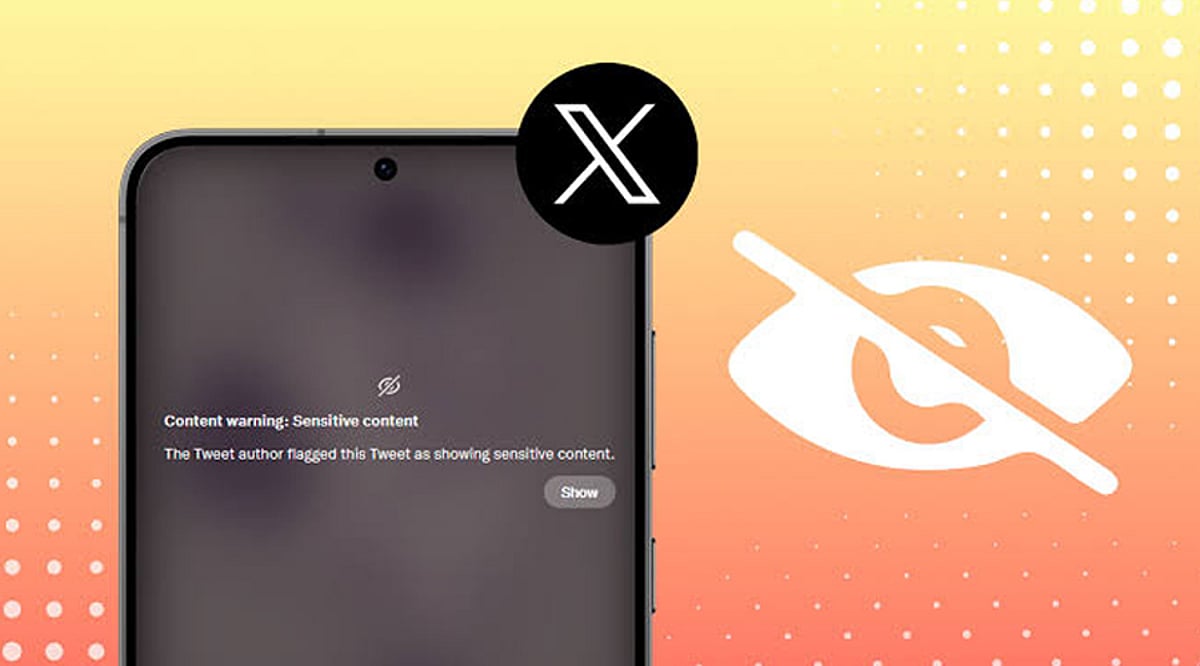
Enable Sensitive Media on the Web
Log in to your X account from a web browser and navigate to Settings and Privacy. Go to Privacy and Safety, then Content You See. Toggle on the option to display media that may contain sensitive content. Once activated, posts marked as sensitive will appear in your timeline without the usual warning overlay.
Update Search Settings
Under Privacy and Safety, open Search Settings and disable the option that hides sensitive content from search results. This allows eligible photos, videos, and posts labeled as sensitive to appear in searches. The change helps you view a wider range of content while still adhering to X’s platform policies.
Understand Mobile App Limitations
The availability of sensitive content settings depends on your device. Android users generally have access to these options, while iPhone and iPad users may not due to App Store restrictions. If the setting is unavailable, use the web version of X through your browser instead.
Refresh Your Account
After changing your settings, refresh the website or restart the X app to ensure the changes take effect. If sensitive media remains hidden, sign out of your account and log in again. This often synchronizes your updated preferences across different devices and sessions.
Check Account Eligibility
Some users cannot access sensitive content due to age restrictions, incomplete profile information, or regional regulations. Verify that your birth date is correct and that your account meets the platform’s eligibility requirements. Certain countries may also impose additional restrictions based on local laws.
Know What the Setting Changes
Disabling sensitive content warnings only affects how media is displayed on your account. It does not bypass X’s moderation policies or allow access to illegal or restricted content. Posts removed for policy violations or blocked due to local regulations will remain inaccessible regardless of your settings.
Troubleshoot Missing Options
If the sensitive content option is missing, update the X app, clear your browser cache, or try accessing your account from another browser. Some settings are rolled out gradually and may not be available to every user at the same time. Checking X’s Help Center can also provide updated guidance.