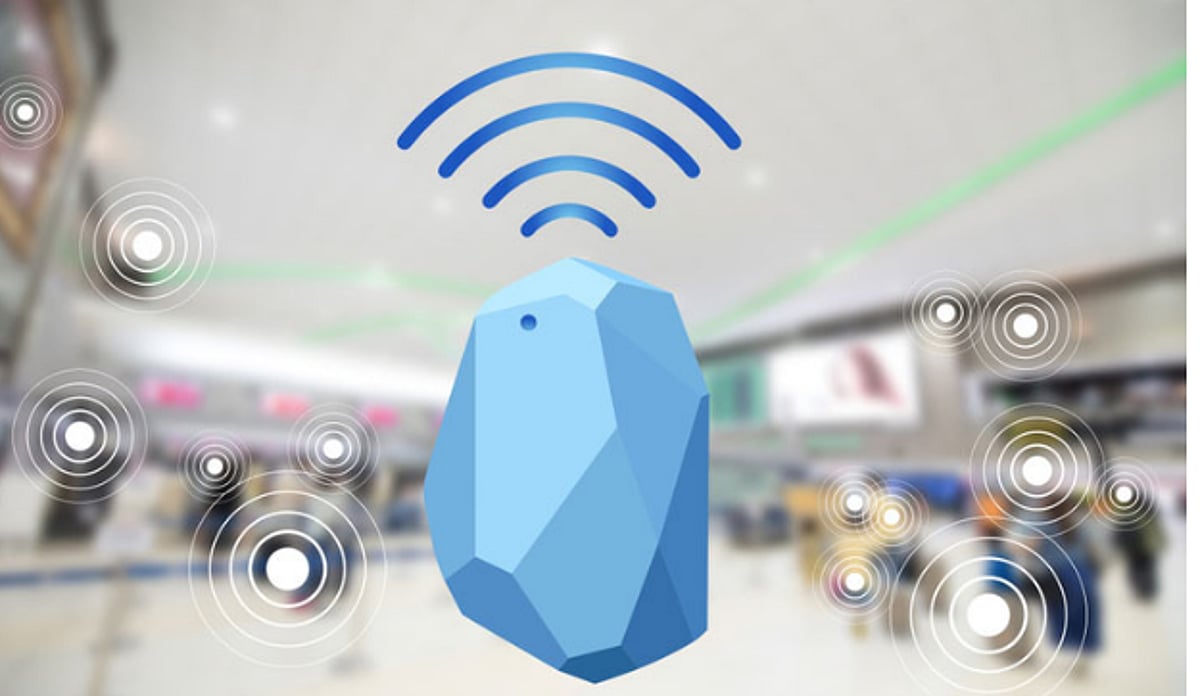
Finding a specific item in a large facility sounds simple, but it becomes challenging when that item is constantly moving. A hospital cart may shift floors, a warehouse tool may transfer between stations, or a visitor may struggle to navigate a sprawling venue. Bluetooth beacons offer a practical solution, making spaces easier to navigate and track.
This technology uses Bluetooth Low Energy (BLE) transceivers to send and receive small data packets to and from enabled devices like smartphones or gateways. The system doesn’t require constant communication with every receiver; beacons simply broadcast information at regular intervals. A device within range picks up the signal and forwards it to a program or management system, which then makes decisions and performs actions.
What Makes a Bluetooth Beacon Useful?
The primary advantage is simplicity. Beacons don’t need to stay connected to every receiver—they only broadcast packets periodically. A warehouse management system can detect a tagged trolley entering a loading bay, a museum app can recognize a visitor near an exhibit, or an office system can track equipment moving between rooms. All this is possible without attaching complex, power-hungry computers to every object.
Bluetooth Low Energy Helps Save Power
Battery life is critical when deploying dozens or hundreds of wireless devices. BLE was designed for short message exchanges, allowing transmitters to enter sleep mode after sending a signal and wake up only when needed. Battery longevity depends on transmitter power, broadcast frequency, battery size, temperature, and other factors. Striking a balance between update frequency and power conservation is essential.
Why Indoor Tracking Needs Different Technology
GPS works well outdoors but fails indoors due to signal blockage by walls and ceilings. Bluetooth beacons circumvent this by using a network of receivers inside buildings that pick up signals from wireless devices and relay them to software. The software processes data to determine an object’s location—often down to the floor or department rather than centimeter-level precision, which is sufficient for many business needs.
Practical Uses Across Different Industries
- Asset tracking: In large warehouses, wireless tags help workers quickly locate tools, containers, and vehicles.
- Healthcare: Portable medical equipment can be found faster, saving critical time for hospital staff.
- Retail: Apps recognize when a customer enters a section and provide relevant information or directions.
- Indoor positioning: Airports, museums, universities, and conferences use beacon-based systems to replace physical signs with digital guidance.
- Manufacturing: Production chains can be monitored automatically, reducing manual checks.
Understanding Range and Location Accuracy
Signal strength can indicate proximity, but real-world obstacles like walls, metal shelves, people, and other wireless devices distort signals. Therefore, signal strength should not be relied upon for precise distance measurement. For higher accuracy, advanced methods like direction finding using multiple antennas are available. Businesses should choose the approach that fits their needs.
Choosing Hardware for the Real Environment
Specifications alone don’t tell the full story. Installation environment greatly affects performance. Key questions include: How far must the signal travel? Is the device indoors or outdoors? What are the temperature extremes? How long should the battery last, and how often can it be changed? Mounting method matters too—a device on a moving vehicle differs from one on a fixed structure. Hardware should be appropriate to the task, not necessarily the toughest option.
Software Matters as Much as the Device
Wireless hardware is just a transmitter; real value comes from analytics, location history, alerts, and integrations. For example, an asset management system might alert when inventory leaves a location, or a warehouse dashboard shows which aisle a container is in. Systems must integrate seamlessly with gateways, apps, APIs, cloud platforms, and existing infrastructure. Compatibility issues can derail an otherwise excellent solution.
Security Should Be Part of the Design
Wireless broadcasts can be intercepted by any compatible receiver. Never transmit sensitive information in open packets. Instead, send only an identifier and store data in a protected application or database. Protect device configuration with passwords, authentication, and secure firmware to prevent unauthorized changes that could affect coverage, battery life, or system integrity. When personal devices are involved, define what data can be collected and why.
Test Before Installing at Scale
A pilot project is crucial to avoid costly mistakes. Test devices in real environments—especially busy areas, doorways, and challenging spots like thick-walled rooms or near heavy machinery. Experiment with receiver placement; moving a gateway a few feet can improve coverage. Document factors like advertising intervals, transmit power, mounting location, battery characteristics, and firmware version. This data helps quickly resolve issues during testing.
Building a System That Solves a Real Problem
Start with a clear goal: locate equipment faster, enable indoor positioning, track materials, etc. Choose technologies based on the need. Systems should be built around a purpose, not complicated by unnecessary features. A Bluetooth beacon provides a simple signal, but receivers, software, network infrastructure, and planning turn that signal into something useful. Plan for maintenance—battery changes, firmware updates, and coverage checks. Realistic expectations and thorough testing make Bluetooth-based location systems practical and valuable. Successful implementations often start modestly and expand based on actual performance.