
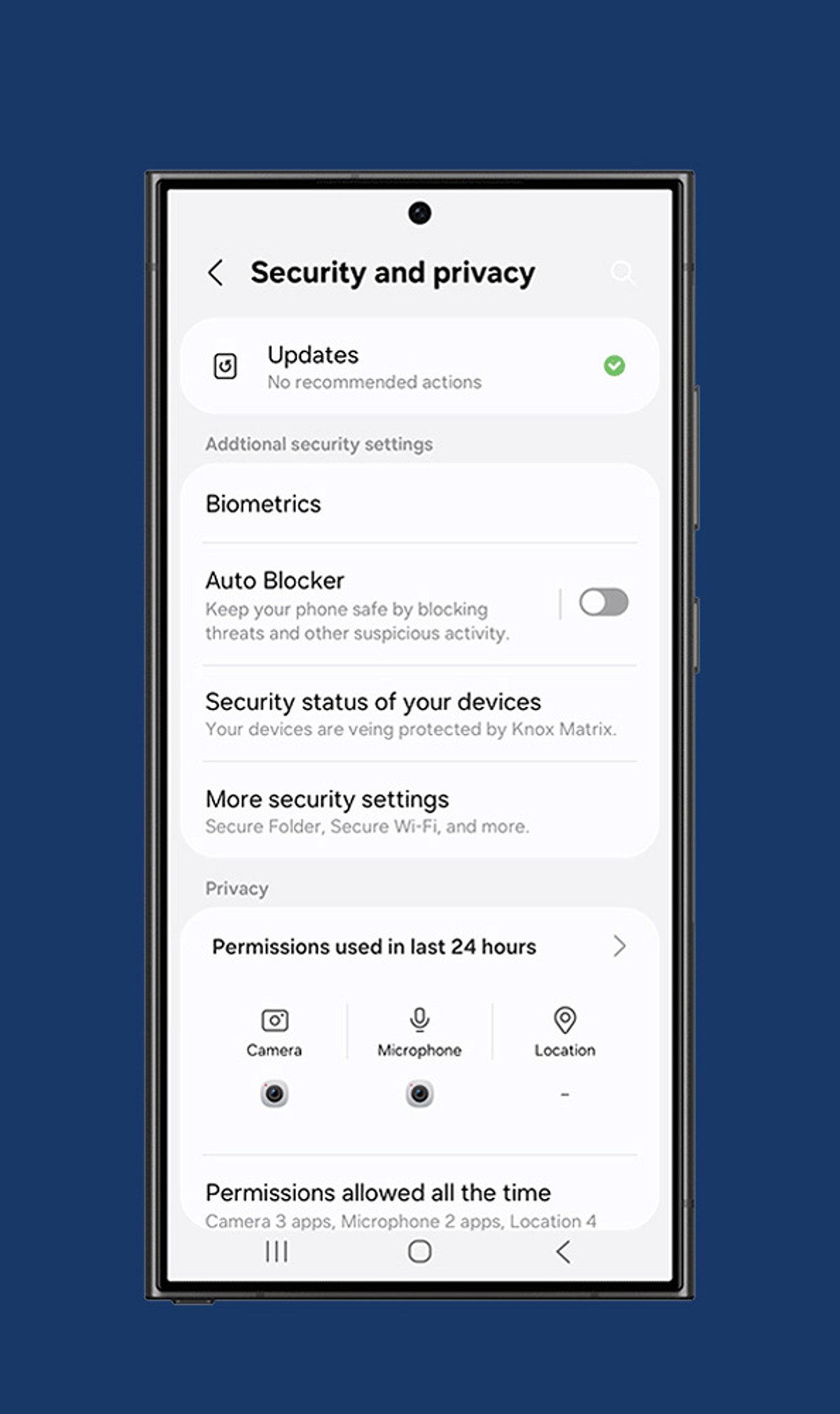
When you unbox a new phone, protecting your privacy should be a top priority. By adjusting a few key settings, you can significantly reduce the risk of unauthorized access and data leaks. Here are seven essential steps to secure your device right away.
- Enable Screen Lock: Use a strong PIN, password, fingerprint, or facial recognition to prevent unauthorized access if your phone is lost or stolen.
- Review App Permissions: Only grant apps access to camera, microphone, contacts, and location when absolutely necessary. Revoke permissions for any app that doesn’t need them.
- Turn On Two-Factor Authentication: Add an extra layer of security to your important accounts by requiring a second verification step beyond your password.
- Disable Ad Personalization: Limit targeted advertising and reduce tracking by restricting your phone’s advertising identifier.
- Manage Location Sharing: Set location access to “While Using the App” instead of “Always” to prevent apps from tracking you in the background.
- Activate Device Encryption: Ensure that all sensitive files, messages, and personal information remain encrypted and unreadable even if someone gains physical access to your phone.
- Configure Find My Device: Enable remote tracking, locking, and data wiping features before your phone is ever misplaced or stolen.
Additionally, regularly review your cloud backup settings, install software updates promptly, and keep your operating system patched against the latest security threats.