
Tag: smartphone tips

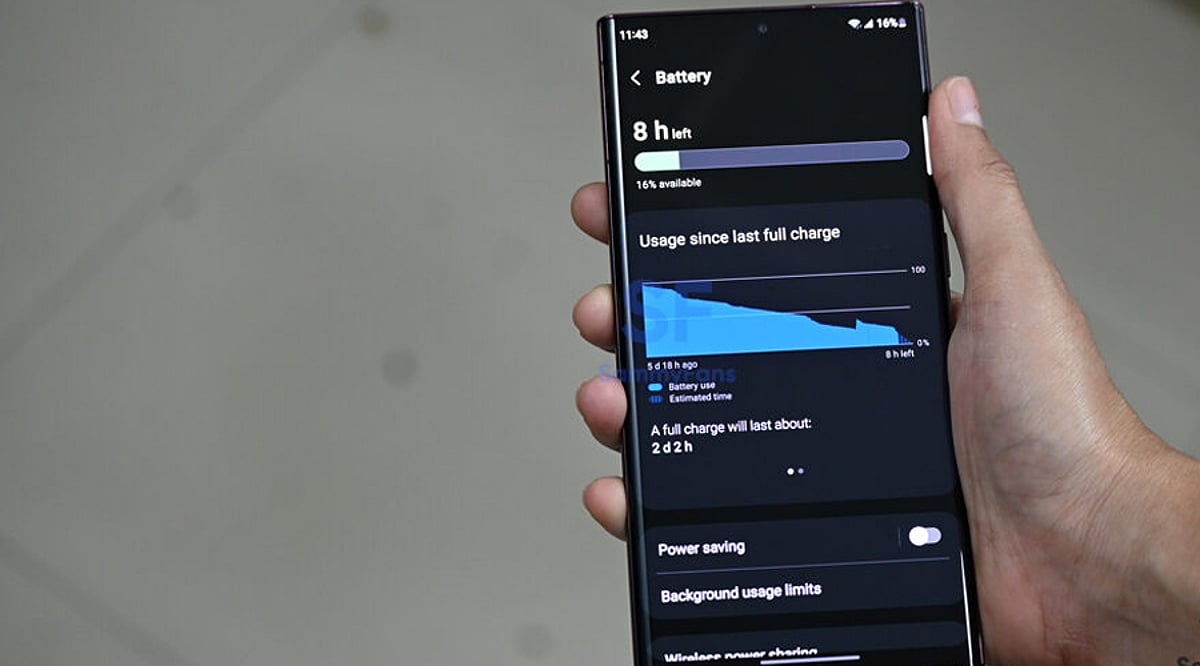
  • Essential Samsung Galaxy Battery Settings to Extend Charging Life

    Essential Samsung Galaxy Battery Settings to Extend Charging Life

    Samsung Galaxy users can optimize battery performance with a few key settings that reduce power consumption and extend battery health. Here are the most effective adjustments you can make right now.

    Adaptive Battery

    Samsung’s Adaptive Battery uses AI to learn your daily usage patterns and limits power consumption for apps you rarely open. By automatically prioritizing frequently used applications while restricting background activity for others, it helps reduce unnecessary battery drain. Keeping this feature enabled is one of the easiest ways to improve battery life throughout the day without affecting normal smartphone performance.

    Enable Light Performance Mode

    Light Performance Mode reduces processor power during everyday tasks such as messaging, browsing, and streaming while maintaining a smooth user experience. The setting lowers energy consumption without noticeably impacting daily performance. It is especially useful for users who want longer battery life and don’t regularly run demanding games or heavy productivity applications on their Galaxy smartphone.

    Turn On Adaptive Power Saving

    Adaptive Power Saving intelligently switches Battery Saver on or off depending on your phone’s usage and remaining battery level. Instead of staying active all the time, it adjusts automatically to maximize efficiency when needed. This smart automation helps extend battery life while minimizing interruptions, making it one of the most practical battery-saving features available in One UI.

    Optimize Display Settings

    The display is one of the biggest battery consumers on any smartphone. Reducing screen brightness, enabling Adaptive Brightness, using Dark Mode, and selecting a lower refresh rate when high refresh isn’t necessary can noticeably improve battery life. Samsung’s AMOLED displays are especially efficient in Dark Mode, making these adjustments effective without compromising the overall viewing experience.

    Manage Background Apps

    Many applications continue running in the background even after being closed, consuming battery and system resources. Samsung’s battery settings allow users to place unused apps into Sleep or Deep Sleep mode, preventing unnecessary background activity. Reviewing these settings regularly helps improve battery performance while ensuring essential apps continue functioning normally when required.

    Use Battery Protection Features

    Samsung’s Battery Protection feature limits charging to around 80–85% (depending on the device and One UI version) to reduce long-term battery wear. Combined with optimized overnight charging, this helps maintain battery health over several years. While it may slightly reduce a single charge’s maximum capacity, it can significantly extend the overall lifespan of the battery.

    Keep Software Updated

    Samsung frequently releases One UI and security updates that include battery optimization improvements, performance enhancements, and bug fixes. Installing the latest software ensures your Galaxy device benefits from the newest power management features and efficiency improvements. Keeping both the operating system and installed apps updated helps deliver better battery life, smoother performance, and improved overall device stability.
  • Unlock These 10 Under-the-Radar AI Features on Samsung Galaxy Phones

    Unlock These 10 Under-the-Radar AI Features on Samsung Galaxy Phones

    Samsung Galaxy phones are packed with artificial intelligence capabilities that many users never discover. From real-time language translation to intelligent photo editing, these hidden tools can transform how you work, communicate, and capture memories. Here’s a rundown of the most useful AI features you might be missing.

    Circle to Search

    Search for text, products, landmarks, or images directly from your screen by simply circling them. No need to leave the current app — just gesture and get instant results.

    Live Translate

    Translate phone calls in real time, enabling natural conversations across different languages. On-device AI processing keeps your conversations private and secure.

    Interpreter Mode

    Display instant two-way translations on a split screen, making face-to-face conversations seamless during travel, meetings, or interactions with foreign speakers.

    Note Assist

    Automatically summarize lengthy notes, create structured formats, generate titles, and improve readability. Perfect for saving time during study sessions or work.

    Browsing Assist

    Summarize lengthy web pages, translate articles, and simplify complex content directly within Samsung Internet for faster information consumption.

    Transcript Assist

    Convert voice recordings into accurate text transcripts, identify speakers, and generate concise summaries for interviews, lectures, or business meetings.

    Generative Edit

    Remove unwanted objects, reposition subjects, fill missing backgrounds intelligently, and enhance photos using Samsung’s AI-powered editing capabilities.

    Writing Assist

    Rewrite messages, adjust writing tone, correct grammar, and generate polished responses directly from the Samsung Keyboard across supported apps.

    Audio Eraser

    Reduce distracting background noises like wind, traffic, or crowds in recorded videos, making voices clearer without requiring third-party editing software.

  • Proven Tips to Stop Your Phone Battery From Draining Fast

    Proven Tips to Stop Your Phone Battery From Draining Fast

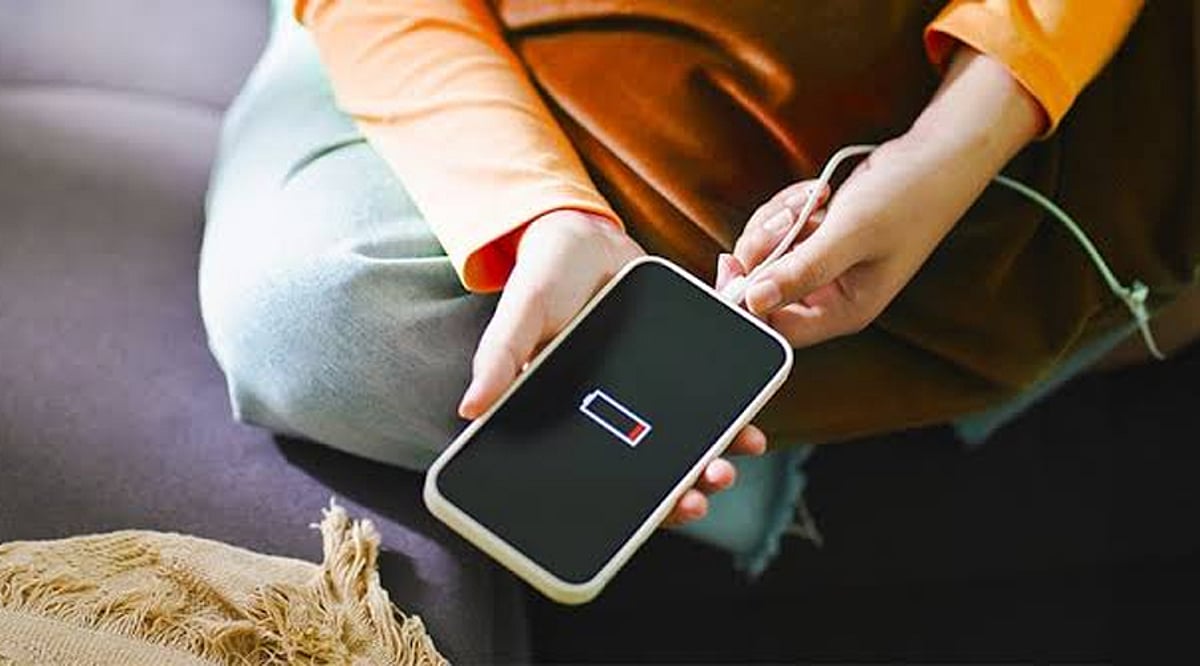
    A rapidly draining battery can interrupt your day and reduce productivity. While aging batteries are one cause, screen brightness, background apps, location services, and constant notifications often consume the most power. Fortunately, a few practical adjustments can significantly improve battery life without affecting your everyday smartphone experience.

    Lower Screen Brightness

    The display is one of the largest battery consumers. Reducing brightness to a comfortable level or enabling Adaptive Brightness helps save energy. Using shorter screen timeout settings also prevents unnecessary battery drain. These simple display tweaks can noticeably extend your phone’s battery throughout the day.

    Control Background Apps

    Many apps continue running and refreshing data even when you’re not using them. Checking battery usage settings helps identify power-hungry apps. Restricting background activity, disabling unnecessary background refresh, or uninstalling rarely used apps reduces battery consumption while improving your phone’s overall performance and responsiveness.

    Enable Battery Saver Features

    Battery Saver on Android and Low Power Mode on iPhone automatically reduce background processes, animations, and unnecessary system activities. Turning these features on during heavy usage or when the battery level drops helps maximize remaining power and ensures your phone lasts much longer between charges.

    Turn Off Unused Connectivity

    Wireless features like Bluetooth, GPS, NFC, and Wi-Fi consume power when left active unnecessarily. Switching them off when not in use reduces background battery drain. Limiting notifications also prevents the screen from waking frequently, further conserving battery throughout the day without affecting essential phone functions.

    Keep Software Updated

    Software updates often include battery optimization improvements and bug fixes that reduce unnecessary power consumption. Enabling Dark Mode on OLED display phones also helps save energy by reducing power used to display bright pixels. Together, these settings contribute to better battery efficiency every day.

    Build Better Charging Habits

    Healthy charging habits help preserve battery performance over time. Avoid regularly draining the battery to 0% and try maintaining charge between 20% and 80% whenever possible. Protecting your phone from excessive heat also slows battery degradation, ensuring longer-lasting battery health and reliable all-day performance.