
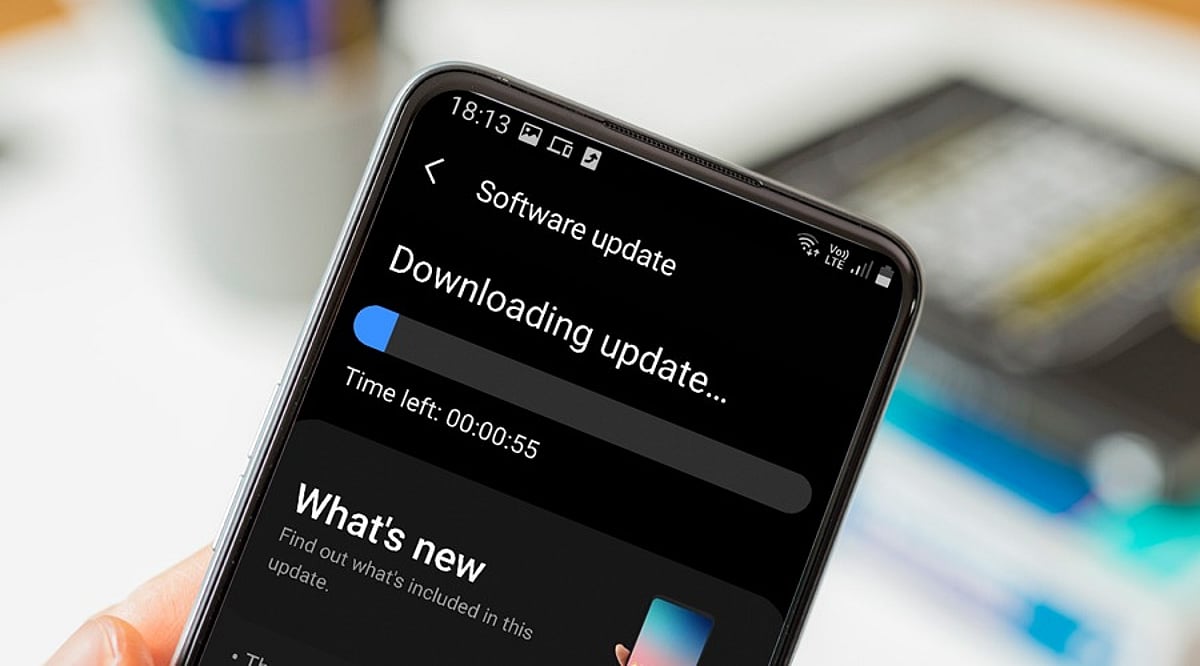
When you tap ‘Download and Install’ on a mobile OS update, you’re triggering a process that began months earlier with software developers writing code. This article explains the entire journey of a mobile operating system update, from initial development to the moment it lands on your device.
Development: Where Updates Begin
Mobile OS updates start with software engineers creating new features, security patches, and system improvements. Individual components are tested before being integrated into larger builds. Major releases may introduce redesigned interfaces, new privacy controls, or updated system applications, while security updates focus on vulnerabilities and stability.
Hardware Integration: Adapting to the Device
An operating system cannot work without compatible hardware. Processors, cameras, modems, and displays require drivers and firmware to communicate with the OS. Chipset manufacturers play a key role, which is why Android updates often reach different models at different times. Manufacturers must adapt the OS to their specific hardware configurations, including user interface modifications and device-specific functions.
Testing: Multiple Stages of Quality Assurance
Before release, updates undergo extensive testing. Engineers check core functions like calling, messaging, Wi-Fi, Bluetooth, cameras, and battery management. Beta programs provide additional feedback from real users, helping developers catch issues that internal testing might miss.
Certification and Carrier Approval
For some devices, mobile operators test updates to ensure network compatibility. This stage can cause variations in update timing between countries and carriers.
Distribution: OTA and Staged Rollouts
Once testing is complete, the update is packaged for over-the-air (OTA) delivery. Companies often use staged rollouts, releasing the update to a small percentage of users first. If serious problems are found, distribution can be paused.
Installation: What Happens on Your Phone
Your smartphone periodically checks for updates. When available, it verifies the package’s authenticity, then replaces or updates system components. The device may restart several times. Modern recovery mechanisms help prevent bricking if the installation fails.
Why Updates Arrive at Different Times
Timing depends on device model, region, manufacturer, chipset, carrier requirements, and testing status. Older devices may follow different schedules. For Android, the many hardware configurations mean additional adaptation stages.
Post-Installation
After installation, the phone performs background tasks like app optimization and file reorganization. Users may notice new features, interface changes, or performance differences. Follow-up patches can address bugs discovered after wider deployment.
Frequently Asked Questions
- Why do smartphones receive OS updates at different times? Timing varies due to hardware adaptation, testing, carrier requirements, and regional distribution schedules.
- What does OTA mean? OTA stands for Over-The-Air, allowing updates to be downloaded and installed directly without cables or service center visits.
- How does hardware affect updates? Components like processors and cameras require compatible drivers, necessitating hardware-specific testing and adaptation.
- Can a failed update brick my phone? Modern smartphones have recovery mechanisms to protect system integrity and recover from installation failures.
- Why are staged rollouts used? They allow manufacturers to monitor updates on a small group and pause distribution if serious issues arise.