Tag: software update

  • Apple iOS 27.0.1 Update Fixes Face ID Restarts, Camera Artifacts, and Touchscreen Glitches on iPhone 18 Pro

    Apple iOS 27.0.1 Update Fixes Face ID Restarts, Camera Artifacts, and Touchscreen Glitches on iPhone 18 Pro

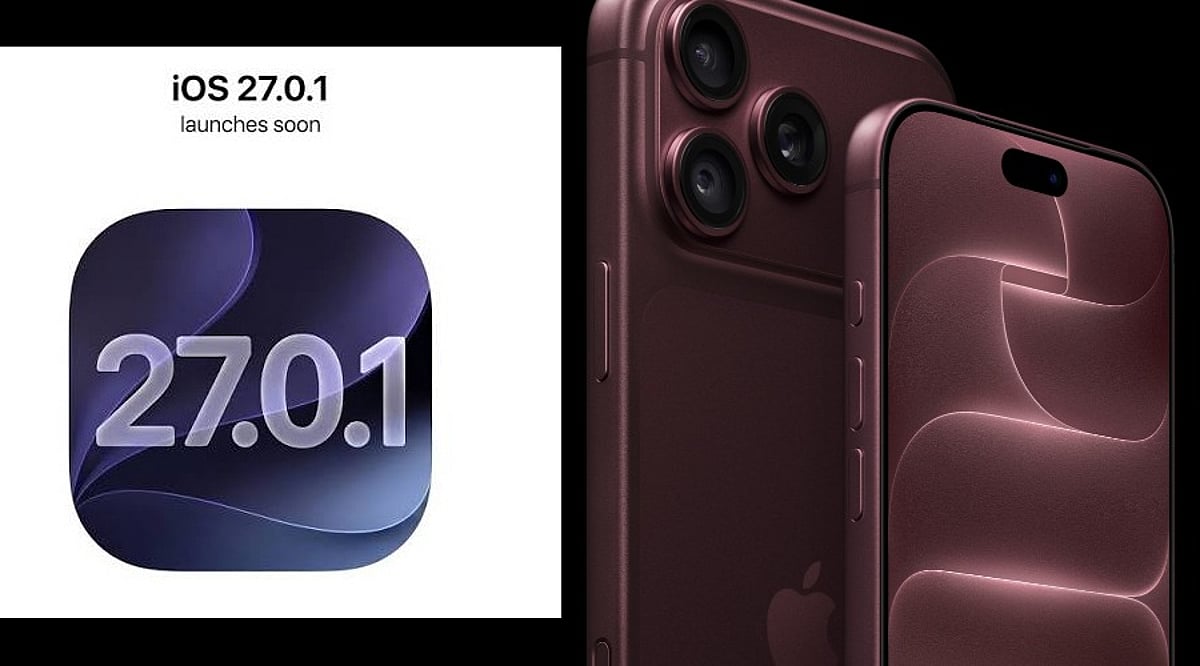
    Apple has released iOS 27.0.1, a minor but important update for iPhone users, particularly those with the iPhone 18 Pro and iPhone 18 Pro Max. Rolling out on Monday, September 28, the update addresses three significant issues that emerged after the iOS 27 launch. Users can install the patch by navigating to Settings > General > Software Update, and Apple recommends connecting to Wi-Fi and powering the device during installation.

    Key Fixes in iOS 27.0.1

    The first fix targets a Face ID-related problem that could cause unexpected restarts. According to Apple, the iPhone 18 Pro models “may unexpectedly restart when Face ID fails to authenticate.” This issue left devices frozen before returning users to the lock screen, particularly after failed biometric checks within protected apps and secure areas. The redesigned Face ID system on the iPhone 18 Pro, which places the infrared camera behind the display to enable a shorter Dynamic Island, may have contributed to the glitch.

    The second correction addresses a camera bug that produced color artifacts in 2x photos under specific lighting conditions. Apple notes that a small number of iPhone 18 Pro and Pro Max devices could show unwanted color shifts when capturing at 2x zoom with an f/1.48 aperture. The update resolves this artifact, improving photo quality for users who rely on the telephoto lens.

    The third fix resolves a touchscreen failure that occurred when Notification Center and Control Center were opened simultaneously. This interaction glitch made touch input unresponsive, disrupting normal device use. iOS 27.0.1 corrects this behavior without introducing major new features.

    Additional Improvements

    While Apple’s release notes focus on these three issues, older iPhone models may also benefit from smaller bug fixes and background performance enhancements. The company often includes undocumented improvements in incremental updates, so users across compatible devices are encouraged to install the update.

    How to Install

    To download iOS 27.0.1, go to Settings > General > Software Update on your iPhone. Ensure you are connected to Wi-Fi and have a power source available to avoid interruptions. The update is free and available for all compatible models.

    For more tech news and updates, follow our coverage of the latest Apple releases and industry developments.
  • Apple macOS 27.2 Beta 2 Adds Multi-Language Siri AI Support and Developer Fixes

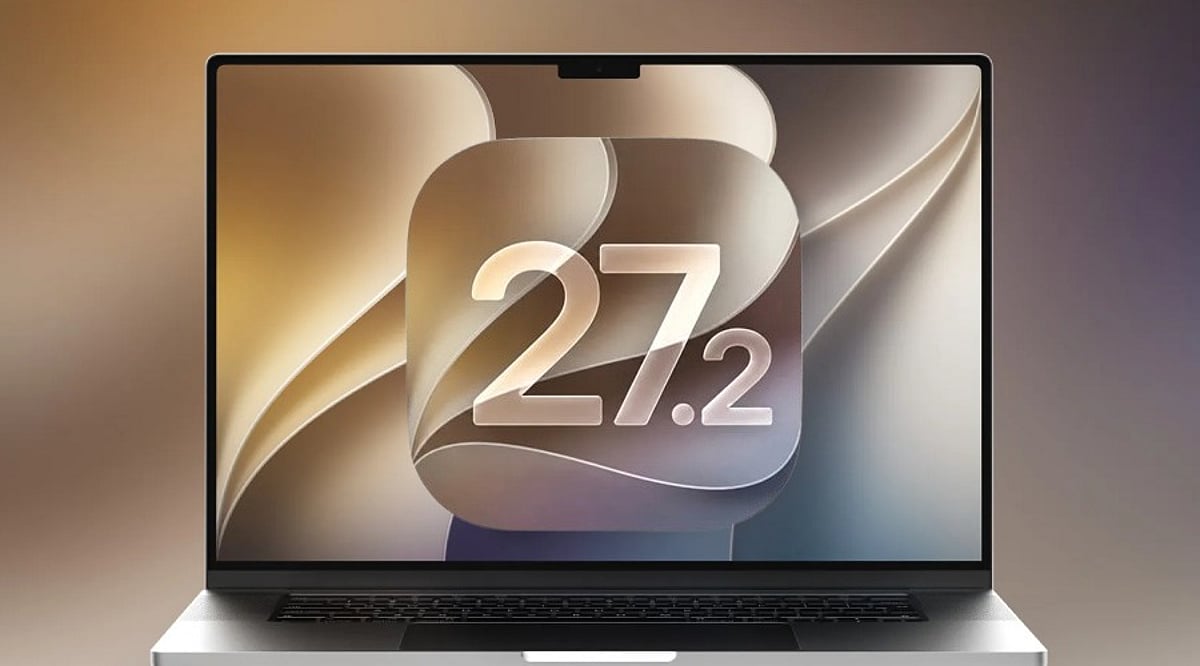
    Apple macOS 27.2 Beta 2 Adds Multi-Language Siri AI Support and Developer Fixes

    Apple has released the second developer beta of macOS 27.2, build 26B5091g, arriving one week after the first beta and following the initial launch of macOS 27 earlier this month. This preview continues testing for the upcoming Golden Gate update, with a strong focus on refinements, bug fixes, and ongoing evaluation of known issues.

    Expanded Siri AI Language Support

    The most significant addition in macOS 27.2 is the expansion of Siri AI to multiple languages beyond English. The first beta introduced support for French, Japanese, Korean, Portuguese, and Spanish, and Beta 2 continues that effort. This marks a major step in Apple’s push to bring advanced on-device intelligence and natural-language capabilities to users worldwide through the Foundation Models framework and App Intents APIs.

    Beta 2 Focus on Testing and Stability

    Apple has not unveiled any major new user-facing features specifically for Beta 2. Instead, the release emphasizes continued testing and resolution of issues flagged in the first beta. The official release notes list several known problems under investigation, including potential Xcode crashes during code completion ranking, notification failures after a clean installation, and a glitch affecting the Shortcuts ‘Describe a Shortcut’ function. Apple advises developers to review the release notes carefully before installing.

    How to Install macOS 27.2 Beta 2

    Registered developers can download the beta via System Settings > General > Software Update, then select the macOS developer beta under Beta Updates. Apple strongly recommends backing up your Mac before installing any beta software, as preview builds may contain bugs, compatibility issues, or other problems. The stable release is expected later in October after additional beta iterations.

  • Apple iOS 27: Smarter Siri, AI Features, and a Fresh iPhone Experience

    Apple iOS 27: Smarter Siri, AI Features, and a Fresh iPhone Experience

    Apple has begun rolling out iOS 27 to supported iPhones, starting September 14, 2026. The Cupertino-based tech giant warns that not all eligible devices will receive the update simultaneously, so users should first confirm their iPhone is supported and the update is available in their region.

    iOS 27 introduces a redesigned look, a stronger emphasis on artificial intelligence, and several practical enhancements. Key updates include a smarter Siri capable of handling more natural conversations and understanding context across apps, new Apple Intelligence features, improved call tools, and updates to Messages, Photos, Maps, and the Phone app.

    Apple Maps now offers the Flyover experience, using aerial imagery and Visual Intelligence to deliver detailed route views. Siri can also work across supported apps, making it a more integrated assistant.

    Eligible devices range from iPhone SE (2nd Generation) to iPhone 17 Pro Max, with iPhone 18 Pro, iPhone 18 Pro Max, and iPhone Duo also included. Rollout timing may vary by region.

    To install iOS 27, go to Settings > General > Software Update, select iOS 27, and follow on-screen instructions. Apple recommends backing up your device, using a stable Wi-Fi connection, and ensuring sufficient free storage.

    The real test will be daily use. If Siri can understand on-screen content and help across apps, AI may shift from an extra feature to a natural part of the iPhone experience. Apple demonstrates that a major phone upgrade doesn’t always require new hardware. For supported iPhone users, iOS 27 offers a fresh experience without purchasing a new device.

  • iOS 27: Release Date, New Features, and Compatible iPhone Models

    iOS 27: Release Date, New Features, and Compatible iPhone Models

    Apple’s iOS 27 update is set to arrive on September 14, bringing a redesigned Liquid Glass interface, a revamped Siri AI, performance boosts, and new features across core apps. The update supports iPhone 11 and newer models, including the iPhone SE (2nd generation and later).

    iOS 27 Release Date and Installation

    iOS 27 will be publicly available on September 14. Users can install it over the air by going to Settings > General > Software Update on compatible iPhones. The update was previewed at WWDC 2026 and introduces several improvements to enhance everyday iPhone use.

    Siri AI Gets a Major Upgrade

    One of the biggest additions is the next-generation Apple Intelligence and revamped Siri AI. The new assistant understands natural requests better, maintains context across interactions, and can perform tasks across supported apps. Siri AI also arrives as a standalone app, letting users access previous conversations. It combines Apple’s Foundation Models with Google’s Gemini AI models.

    Apple also introduced new parental controls, including Time Allowances and Schedules, plus an Ask to Browser feature that lets children request access to new websites.

    Faster Performance and Liquid Glass Changes

    iOS 27 refines Apple’s Liquid Glass design language, adding a slider to control opacity. Performance sees notable gains: apps launch up to 30% faster, photos load up to 70% faster, and AirDrop transfers complete up to 80% faster. The update includes an optimized CPU scheduler to improve performance across supported devices.

    More Changes Across iPhone Apps

    The Phone app gets a redesign and can display important information from Mail. Messages and Mail offer suggestions under certain messages. Safari can group tabs by topic and notify users when websites update, including price or product availability changes.

    iOS 27 Compatible iPhones

    iOS 27 supports iPhone 11 and newer models, along with iPhone SE (2nd generation and later). The lineup includes:

    • iPhone 11 series
    • iPhone 12 series
    • iPhone 13 series
    • iPhone 14 series
    • iPhone 15 series
    • iPhone 16 series
    • iPhone 17 series
    • iPhone Air
    • iPhone 17e
    • iPhone SE (2nd gen and later)

    Apple Intelligence features remain limited to iPhone 15 Pro models and later devices.

  • iOS 27 Set for September 2026 Launch: Key Features and Improvements

    iOS 27 Set for September 2026 Launch: Key Features and Improvements

    Apple is expected to unveil iOS 27 alongside its new iPhone lineup in September 2026, following the company’s annual release cycle. While the exact rollout date will be confirmed during Apple’s official announcement, users can anticipate the update to be made available for compatible iPhone models shortly after the event.

    Updated Interface

    iOS updates typically bring visual refinements, and iOS 27 is no exception. Users can expect changes to system apps, menus, and navigation, all designed to create a more cohesive and user-friendly experience without overhauling the familiar iPhone look.

    Apple Intelligence and AI Advancements

    Artificial intelligence remains a core focus for Apple. iOS 27 is likely to expand Apple Intelligence with smarter automation and improved on-device capabilities. Availability of specific AI features may depend on the iPhone model, processing power, language support, and regional rollout.

    Enhanced Siri

    Siri is undergoing significant upgrades as part of Apple’s broader AI strategy. iOS 27 could bring better contextual understanding, deeper app integration, and the ability to handle more complex requests, making voice interactions more practical for everyday tasks.

    Privacy and Security

    Privacy continues to be a cornerstone of iOS. iOS 27 is expected to introduce stronger protections against emerging digital threats, along with more granular controls over app permissions and personal data. Users are advised to install the update promptly once available.

    Health and Accessibility

    Apple regularly enhances health, wellness, and accessibility features with each iOS iteration. iOS 27 may include updates to existing tools and new capabilities aimed at making iPhones more useful for tracking personal health and supporting users with diverse accessibility needs.

    Compatible iPhones

    Not every iPhone will support all iOS 27 features. Hardware constraints—especially those tied to AI processing and newer chips—may restrict advanced functions. Before upgrading, users should consult Apple’s official compatibility list to see which features work on their specific device.

    Stay tuned for official announcements from Apple regarding the exact release date, supported models, and regional availability.

  • Apple iOS 27: September 2026 Release, AI-Powered Features, and Compatible iPhone Models

    Apple iOS 27: September 2026 Release, AI-Powered Features, and Compatible iPhone Models

    Apple is set to release iOS 27 in September 2026, bringing a wave of artificial intelligence enhancements, a smarter Siri, upgraded Photos capabilities, and new child safety tools. The update was first previewed at WWDC 2026 on June 8 and has since undergone developer and public beta testing. Here’s everything you need to know about the release timeline, standout features, and which iPhones will support the new operating system.

    When Will iOS 27 Be Released?

    Apple plans to roll out iOS 27 sometime in September 2026, following its traditional release schedule alongside new iPhone launches. While an exact date hasn’t been confirmed, the company is expected to unveil the iPhone 18 Pro, iPhone 18 Pro Max, and its first foldable smartphone at a September 9 event. The iOS 27 update will likely become available to the public shortly after that event.

    Key Features in iOS 27

    Artificial intelligence is the centerpiece of iOS 27. The update introduces a more capable Siri that understands natural language better and delivers more helpful assistance. AI-powered tools are also coming to the Photos app, allowing users to edit and manipulate images with ease. Additionally, Siri will integrate with the Camera app to recognize objects and provide real-time information about what the iPhone is viewing.

    Apple is also adding new child safety features, alongside broader improvements to performance, Search, design, and the Liquid Glass interface.

    Which iPhones Are Compatible with iOS 27?

    iOS 27 will support iPhone models starting from the iPhone 11 and iPhone SE (2nd generation) onward. However, Apple has noted that not all supported devices will receive every AI feature. The full list of compatible models includes:

    • iPhone 17 series
    • iPhone 16 series
    • iPhone 15 series
    • iPhone 14 series
    • iPhone 13 series
    • iPhone 12 series
    • iPhone 11 series
    • iPhone SE (2nd generation and later)

    What to Expect

    As September approaches, iOS 27 promises to deliver a range of AI-based features, security enhancements, and system-level changes that will redefine the iPhone experience. Stay tuned for more details as the official launch draws near.

  • iOS 27 Public Beta Now Available: Siri AI Leads New Features—Check iPhone Compatibility

    iOS 27 Public Beta Now Available: Siri AI Leads New Features—Check iPhone Compatibility

    Apple has officially released the iOS 27 public beta, giving users an early look at the next-generation operating system ahead of its stable launch later this year. The headline feature is Siri AI, a redesigned, more intelligent assistant that brings deeper on-device processing, improved contextual understanding, and more natural conversations. The update also includes Apple Intelligence enhancements, performance improvements, and several interface upgrades.

    Siri AI: The Core of iOS 27

    The most exciting addition in iOS 27 is the new Siri AI. Unlike previous versions, this assistant can understand context, identify on-screen information, and perform complex multi-step tasks across Apple’s native apps. Users can ask Siri to locate a specific email, find a particular photo, create notes from messages, summarize content, or complete other multi-stage requests without switching apps. Natural language understanding has also been significantly improved. While the feature is available in the beta, compatibility with third-party apps will expand over time.

    This public beta offers the first opportunity for non-developers to experience Apple’s latest AI capabilities. Experts recommend backing up your device before installing the beta software.

    Other Features Coming in iOS 27

    Beyond Siri AI, iOS 27 introduces AI-powered photo editing, faster search in Photos, improvements to Camera and Messages, overall system performance optimizations, and security enhancements. Apple is clearly focused on delivering AI-driven experiences and refining performance.

    How to Download iOS 27 Public Beta

    To install the beta, sign in to Apple’s Beta Software Program with your Apple ID. Then go to Settings > General > Software Update > Beta Updates, select iOS 27 Public Beta, and begin the installation. Apple advises making a full device backup before upgrading, as beta versions may contain bugs and are incomplete.

    iPhone Compatibility

    iOS 27 supports many iPhone models, but Apple Intelligence and Siri AI require newer hardware. Older iPhones that support iOS 27 may not have access to all of Apple Intelligence’s capabilities. Check Apple’s official list to see if your device is eligible for the full experience.

  • Fable 5 Returns with Enhanced AI: A Step-by-Step Guide to Getting Started

    Fable 5 Returns with Enhanced AI: A Step-by-Step Guide to Getting Started

    Fable 5 is back, bringing a suite of smarter AI features and improved safety systems. Whether you’re a returning user or new to the platform, this guide will help you install the latest version, set up your profile, and make the most of its intelligent capabilities.

    Install the Latest Version

    Download or update Fable 5 from the official platform to access the newest features and security improvements. Always ensure you’re using the most recent release for optimal performance.

    Create Your Profile

    Sign in with your account and complete the setup process. Personalizing your experience from the start helps the AI tailor suggestions to your preferences.

    Explore the Dashboard

    The redesigned interface makes it easier to find tools, settings, notifications, and personalized recommendations. Spend a few minutes familiarizing yourself with the layout.

    Enable Smart Safety Features

    Turn on AI-powered safety options to help filter harmful content and improve your overall experience. These features are designed to protect you while you use the platform.

    Customize Your Preferences

    Adjust notifications, privacy controls, accessibility options, and personalization settings to suit your needs. A tailored setup enhances both usability and security.

    Use AI-Powered Assistance

    Take advantage of intelligent suggestions, automation, and contextual recommendations while using the platform. The AI learns from your behavior to provide relevant help.

    Stay Updated

    Regular software updates introduce new features, bug fixes, and stronger security protections. Enable automatic updates to always have the latest improvements.

    Follow Best Practices

    Use strong passwords, enable two-factor authentication, and review your privacy settings regularly. These habits ensure a safer experience with Fable 5.

  • CERT-In Flags Critical Security Flaws in Apple Devices: Update Your iPhone, iPad, and Mac Now

    CERT-In Flags Critical Security Flaws in Apple Devices: Update Your iPhone, iPad, and Mac Now

    Apple users in India are being urged to update their devices immediately after the Indian Computer Emergency Response Team (CERT-In) issued a warning about multiple serious security vulnerabilities. The flaws affect iPhones, iPads, Macs, Apple Watches, Apple TVs, and the Safari browser, potentially allowing hackers to access devices, execute malicious code, or cause apps to crash.

    According to CERT-In, the risk is highest for devices running older software versions. The warning covers iOS versions before 26.5.2, iPadOS versions prior to 26.5.2, macOS Tahoe versions before 26.5.2, and Safari versions prior to 26.5.2. If left unpatched, these vulnerabilities could lead to sensitive information disclosure, privilege escalation, security restriction bypass, arbitrary code execution, cross-origin data exfiltration, and denial-of-service attacks.

    Apple has already released security updates. Users should check for updates in the Settings menu on iPhones and iPads or in System Settings on Macs. Owners of older Apple devices should verify whether their model still receives official software support and install updates as soon as they are available.

    Apple typically releases fixes simultaneously across supported devices, allowing most users to update the same day a patch is issued. In contrast, Android devices often receive security updates later due to carrier and manufacturer testing. While no platform is immune to threats, prompt updates remain the simplest way to stay protected.

    Security experts also warn buyers of refurbished iPhones to confirm that the model still receives Apple’s latest security updates. Although refurbished devices are more affordable, continued security support is critical for daily use.

  • Samsung One UI 9: Galaxy AI Features, Eligible Devices, and July 2026 Release Window

    Samsung One UI 9: Galaxy AI Features, Eligible Devices, and July 2026 Release Window

    Samsung is preparing to launch One UI 9, its next major software update, which is currently in testing and reportedly built on Android 17. Rather than overhauling the design, the update focuses on refining the user experience with smoother animations, improved battery life, and stronger privacy controls. Enhanced Galaxy AI capabilities will help users streamline everyday tasks.

    Galaxy AI Upgrades in One UI 9

    Leaks suggest One UI 9 will introduce an “Ask AI” feature for the Samsung Internet browser, allowing users to quickly summarize web pages. A “Tap to Share” option is also expected, enabling seamless file transfers between devices. The update will emphasize system stability with a cleaner interface, better blur effects, and improved floating window and app scaling functionality. The Quick Panel is anticipated to become more customizable, with resizable brightness and volume sliders. Security enhancements will include stricter controls over private contacts, files, and app access.

    Eligible Samsung Galaxy Phones

    The following Samsung devices are expected to receive the One UI 9 update:

    • Galaxy S Series: S26, S25, S24, S23 series, including FE and Ultra models.
    • Galaxy Z Series: Fold 8, Flip 8, and earlier models starting from Fold 5 and Flip 5.
    • Galaxy A Series: A57, A56, A37, A36, A26, and A17.

    Release Timeline

    The beta version of One UI 9 is already available, with the stable release expected in July 2026. Samsung has not officially confirmed the date, but the update is likely to debut alongside the company’s next foldable smartphone lineup. Older devices will receive the upgrade gradually throughout the remainder of 2026.