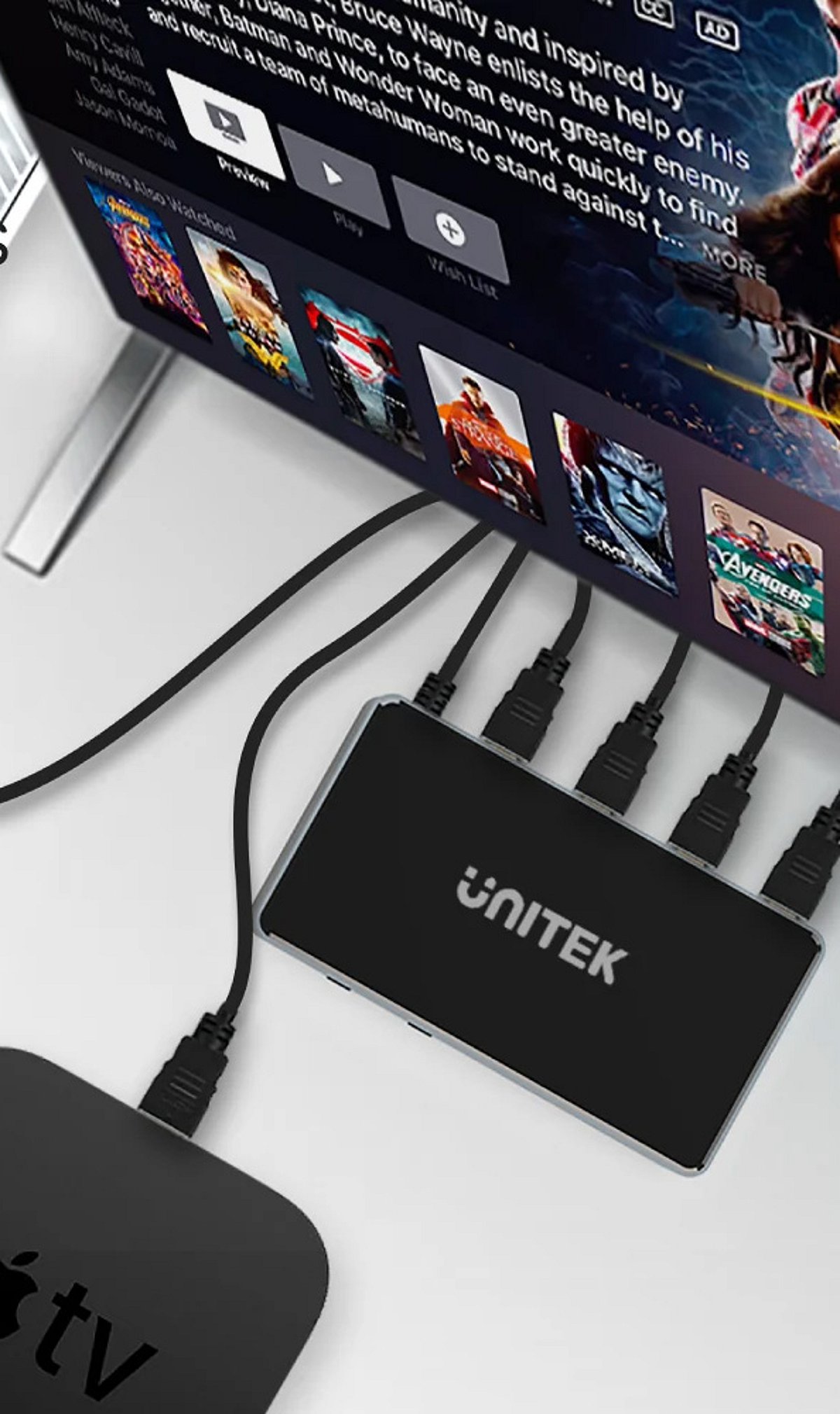
Home entertainment hardware has evolved dramatically over the past few years. A television is no longer an isolated screen; it now serves as the center of a broader digital ecosystem that includes streaming services, apps, wireless connectivity, voice controls, and high-resolution video. As a result, modern buyers look beyond a single feature and consider the entire package—performance, connectivity, storage, interface design, software support, and even after-sales service. This article explores what consumers expect from today’s home entertainment hardware and how products like the SuperBox S7 series are designed to meet those expectations.
Performance Goes Beyond Basic Playback
Consumers expect connected entertainment devices to respond quickly when opening apps, navigating menus, or switching between functions. A device that technically supports modern content but feels sluggish during everyday use quickly becomes frustrating. Processing power is now a major consideration when comparing consumer electronics.
However, performance should be matched to actual usage. A casual viewer may not need the same processing muscle as a family that regularly uses multiple applications and connected features. The best choice is one that provides enough capability for current habits without adding unnecessary complexity.
Better Connectivity Is a Core Requirement
A modern entertainment device needs a dependable way to communicate with the home network. Wireless connectivity is especially important because many TVs and media players are located away from the main router. Wi-Fi improvements—such as Wi-Fi 6 support—make placement more flexible, while Gigabit Ethernet remains valuable when a wired connection is practical.
Consumers are also paying more attention to the stability of their home networks. Even capable hardware cannot compensate for an unreliable internet connection or poor router placement. Buyers now evaluate the device and the network as parts of the same system rather than treating hardware specs as the only measure of performance.
Connectivity also influences where a device can be installed. A living-room setup might have easy access to Ethernet, while a bedroom TV might depend entirely on wireless. Considering these conditions before purchasing helps consumers choose hardware that fits their existing environment without requiring a network redesign.
Higher Resolution Is Part of the Buying Decision
Display technology has raised expectations. As TVs become capable of showing increasingly detailed images, consumers naturally want connected devices that can work with modern video standards, including 4K and beyond. Support for higher-resolution content is becoming an important purchase factor, particularly for people upgrading several components at once.
But resolution should not be viewed in isolation. The TV, content source, connection, and media device all contribute to the final viewing experience. A capable TV box can provide useful support for higher-resolution playback, but the result still depends on compatible content and the rest of the home setup.
Storage Has Become More Useful
Storage was once a secondary specification, but today it has a greater practical role. Connected TV hardware may need space for applications, system data, updates, and other functions. More storage reduces the need to constantly remove apps or manage space.
This doesn’t mean every consumer needs the largest capacity available. A simple setup might be fine with less storage, while a household using many apps may appreciate more. The key is matching storage capacity with expected usage and the device’s lifespan.
User Interfaces Need to Feel Simple and Responsive
Consumers are accustomed to interfaces that are easy to understand. Complicated menus and unclear navigation can make even powerful hardware feel inconvenient. A connected TV device should make common actions straightforward, especially when multiple household members use the same equipment.
Interface design also affects feature discovery. Search functions, organized applications, clear settings, and responsive navigation all contribute to a more comfortable experience. Software presentation is now nearly as noticeable as hardware specifications when consumers compare devices.
Software Support Influences Long-Term Value
Hardware specs attract attention at purchase, but software determines how useful a device remains over time. Consumers want access to applications and features that fit their viewing habits, and updates and compatibility can influence how practical the hardware feels later.
This is especially relevant in the connected TV category because entertainment services and applications continue to evolve. Buyers should consider the software environment alongside processor speed, storage, and display support. Content and application availability can vary by region, so it’s wise to confirm that the services you intend to use are officially supported.
Software also affects comfort months after installation. If applications are easy to manage and the interface remains familiar, users are more likely to get full value from the hardware.
Brand Support Adds Confidence After Purchase
The buying experience doesn’t end when the device arrives. Consumers want clear product information, reasonable return policies, warranty coverage, and access to support when something goes wrong. These factors are particularly important with connected electronics because setup questions and compatibility issues may arise after installation.
Choosing an established source provides additional confidence. SuperBoxSmart, for example, presents itself as an authorized U.S. SuperBox dealer and offers product support, a one-year hardware warranty, and a 30-day return policy. Consumers should still review current terms before purchasing, but clear after-sales information makes the decision more comfortable.
Consumers Want Technology That Fits Real Homes
One of the strongest trends is the movement toward technology that works naturally within existing routines. People don’t want more features for the sake of having them; they want capabilities that solve practical problems—whether that means better connectivity, easier navigation, more storage, or support for modern displays.
This changes how consumers should compare products. Instead of asking which device has the longest spec sheet, it’s more useful to ask which features will actually improve the household’s experience. A balanced combination of performance, connectivity, software, storage, and usability often provides more practical value than a single impressive specification.
Different households have different priorities. A small apartment may value compact design and wireless connectivity, while a larger family may care more about storage and flexible application use. Looking at the intended environment first allows consumers to judge specifications in context.
Future-Proofing Is About Flexibility Rather Than Hype
No consumer electronic device can remain at the cutting edge forever. New apps, display technologies, network standards, and entertainment habits will continue to develop. Rather than trying to predict every future change, buyers can look for hardware with enough flexibility to support reasonable upgrades and evolving usage.
This means considering factors like storage capacity, connectivity standards, processing capability, software environment, and available ports. A device with balanced specs may remain useful longer because it can adapt to more situations. Future-proofing is less about buying the most expensive model and more about avoiding obvious limitations that could become inconvenient later.
Final Thoughts
Modern home entertainment hardware is increasingly judged by the complete experience it provides. Consumers want responsive performance, dependable connectivity, useful storage, modern video support, straightforward software, and accessories that make everyday control easier. They also pay close attention to build quality, warranty coverage, and after-purchase support.
The SuperBox S7 series illustrates how these expectations are shaping connected TV devices, offering multiple configurations with different storage capacities, Wi-Fi 6, Gigabit Ethernet, Bluetooth, modern Android software, and high-resolution video decoding. The right model depends on the user’s television, network, applications, storage needs, and viewing habits. By focusing on practical requirements instead of chasing specifications alone, consumers can make a more informed choice and build a home entertainment setup that remains convenient well beyond the initial purchase.