
Tag: Trello

  • Boost Team Productivity: Top Project Management Software Solutions for 2025

    Boost Team Productivity: Top Project Management Software Solutions for 2025

    Choosing the right project management software can transform how your team collaborates, tracks progress, and meets deadlines. Below is a curated list of leading platforms that boost productivity across different workflows and team sizes.

    Asana: Streamlined Task Management

    Asana helps teams organize projects, assign tasks, track deadlines, and manage workflows through intuitive dashboards and collaborative project views.

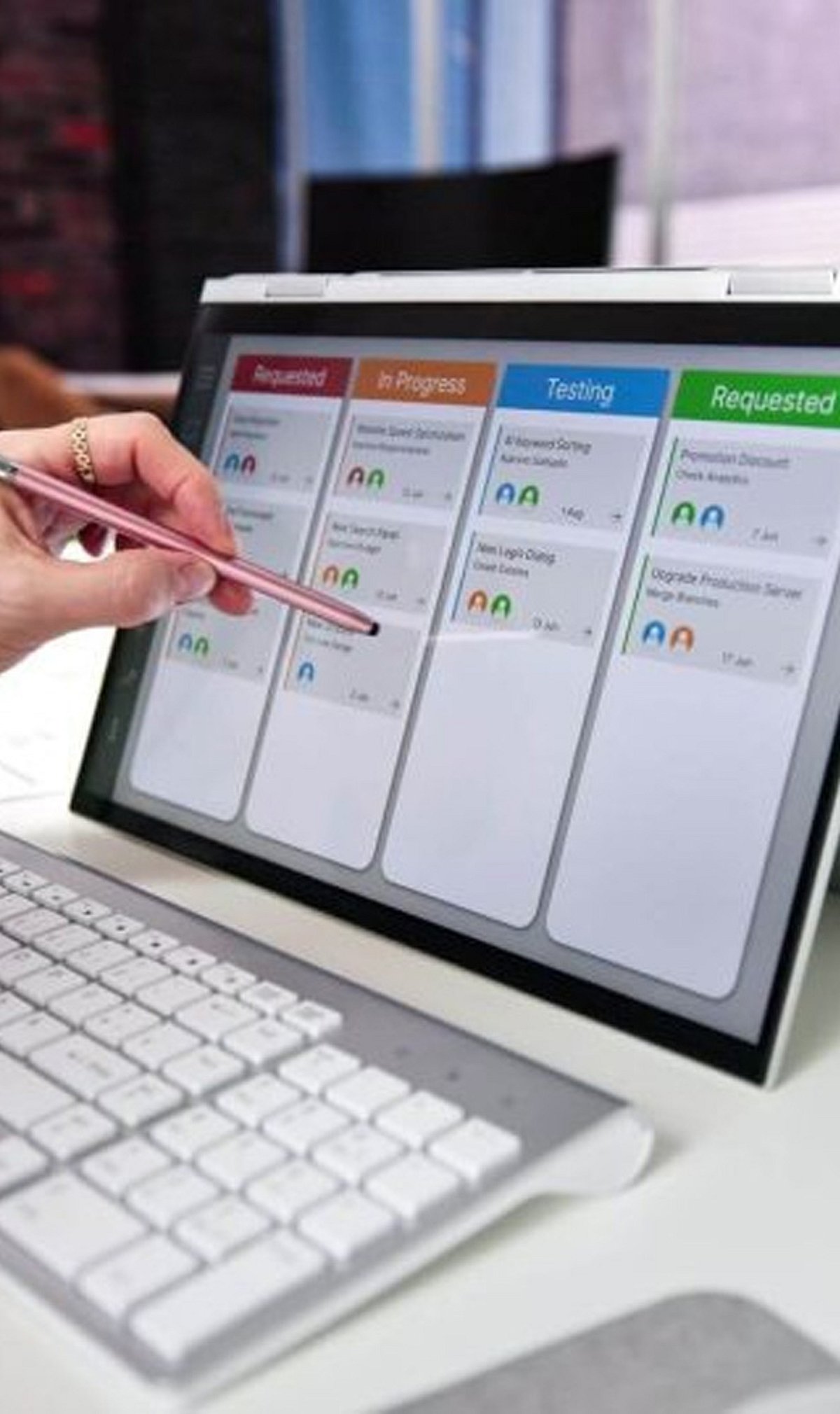
    Trello: Simple Visual Workflows

    Trello uses flexible boards, lists, and cards to help teams organize tasks, monitor progress, and manage projects efficiently.

    Monday.com: Customizable Team Workflows

    Monday.com offers visual project tracking, automation, dashboards, and custom workflows that support teams across multiple business functions.

    ClickUp: All-In-One Productivity Platform

    ClickUp combines task management, documents, goals, chat, time tracking, and dashboards within a unified productivity platform for teams.

    Microsoft Planner: Microsoft 365 Integration

    Microsoft Planner integrates with Microsoft 365 tools, helping businesses manage tasks, collaborate, track progress, and streamline workplace productivity.

    Jira: Agile Software Development

    Jira supports software teams with sprint planning, issue tracking, product roadmaps, and agile workflows designed for complex development projects.

    Notion: Flexible Workspace Collaboration

    Notion combines project management, documentation, databases, and team collaboration, enabling teams to centralize knowledge and daily workflows.

    Wrike: Enterprise Project Visibility

    Wrike provides advanced project planning, resource management, reporting, and workflow automation for growing teams and enterprise organizations.

    Smartsheet: Spreadsheet-Style Project Planning

    Smartsheet blends familiar spreadsheet functionality with project tracking, automation, reporting, and collaboration for structured business workflows.

  • Streamline Your Workflow: AI Tools That Eliminate Repetitive Office Work

    Streamline Your Workflow: AI Tools That Eliminate Repetitive Office Work

    Repetitive office tasks—like drafting emails, scheduling meetings, entering data, and summarizing documents—consume valuable time that could be spent on higher-level strategic work. Fortunately, a wave of artificial intelligence tools now automates these mundane activities, freeing teams to focus on creativity and decision-making. Below is a curated list of the most effective AI solutions for eliminating repetitive office tasks, each with a specific use case.

    ChatGPT

    OpenAI’s ChatGPT automates writing, summarizing, brainstorming, email drafting, meeting notes, and document creation. It reduces repetitive communication tasks across teams efficiently by generating coherent text based on simple prompts, making it a versatile assistant for any office environment.

    Microsoft Copilot

    Deeply integrated into Microsoft 365, Copilot automates spreadsheet formulas, presentation design, email replies, meeting summaries, and document editing. It leverages data from your organization to provide contextually relevant suggestions, boosting everyday office productivity without requiring manual formatting.

    Google Gemini

    Google’s Gemini assists with Gmail, Docs, Sheets, and other Workspace tasks. It generates content, organizes information, summarizes long files, and answers workplace queries. Its seamless integration with Google’s ecosystem makes it ideal for teams already using Google Workspace.

    Zapier

    Zapier connects thousands of apps to automate repetitive workflows, data transfers, notifications, approvals, and administrative processes—all without coding. By setting up “Zaps,” users can trigger actions across platforms, eliminating manual handoffs and reducing errors.

    Notion AI

    Notion AI speeds up note-taking, document drafting, meeting summaries, project updates, and knowledge management. It keeps workplace information organized automatically, surfacing relevant content and generating action items from meeting notes, which saves hours of manual documentation.

    Grammarly

    Grammarly improves workplace communication by correcting grammar, refining tone, rewriting sentences, and ensuring professional writing across emails, reports, and documents. Its AI-powered suggestions help maintain consistency and clarity, reducing the need for back-and-forth edits.

    Otter.ai

    Otter.ai automatically records meetings, transcribes conversations, creates searchable notes, and highlights action items. It saves employees from manual note-taking and ensures that no important detail is lost, making post-meeting documentation effortless.

    Trello with Butler Automation

    Trello’s built-in Butler feature automates task assignments, due date reminders, workflow rules, card movements, and repetitive project management activities. It allows teams to set up automation without any coding, keeping boards updated and deadlines tracked automatically.

    UiPath

    UiPath uses robotic process automation (RPA) to handle repetitive data entry, invoice processing, report generation, and enterprise workflows with minimal human involvement. It is ideal for large organizations that need to automate complex, rule-based processes across multiple systems.

    By integrating these AI tools into daily operations, businesses can significantly reduce the time spent on repetitive tasks, increase accuracy, and allow employees to focus on innovation and growth. Whether you’re a solo entrepreneur or part of a large enterprise, there is an AI solution ready to streamline your workflow.