
Tag: Two-Step Verification

  • How Telegram Accounts Can Be Hacked Without an OTP: Risks and Prevention Strategies

    How Telegram Accounts Can Be Hacked Without an OTP: Risks and Prevention Strategies

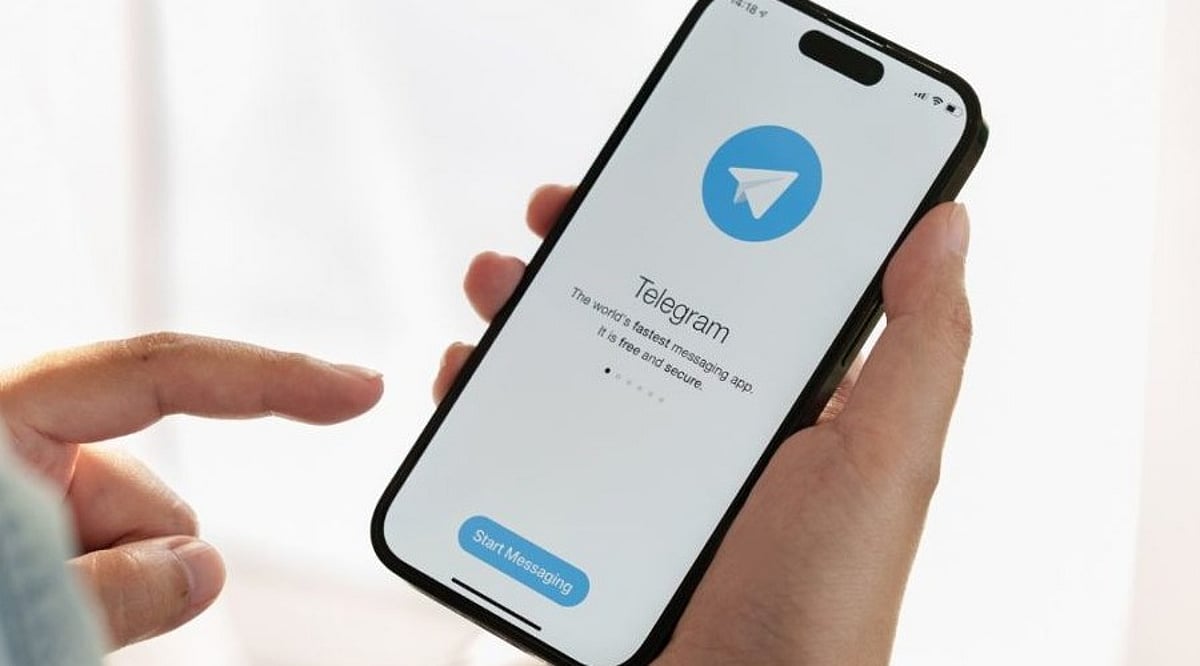
    Telegram sends a one-time password (OTP) to verify new logins, but that alone does not guarantee account safety. Hackers, scammers, and even someone with brief physical access to your phone can still compromise a Telegram account without ever requesting that OTP. This risk affects everyone—casual users, business owners, and community channel managers alike. The methods typically exploit stolen sessions, malware, or lingering login sessions rather than breaking Telegram’s own systems.

    Understanding Telegram Account Security Risks

    Telegram allows a single account to remain logged in on multiple devices simultaneously, and each active session works without re-entering the OTP. If a hacker steals an active session—via malware on the device or a fake app that copies login credentials—they can instantly access the account. Security researchers warn that malicious files, often disguised as APKs on Android, can silently extract session data stored on the device. Once that data reaches an attacker, they can open Telegram as if they were the legitimate user, with no password or code required.

    Public Wi-Fi networks add another layer of vulnerability. Experts note that unsecured networks make it easier for attackers to intercept data flowing between a phone and Telegram’s servers, especially when using Telegram Web on a shared or public computer.

    Phishing remains a common threat on Telegram. A fake login page that looks identical to Telegram’s real site can trick users into entering their credentials directly, handing over access without any OTP involved.

    Steps to Keep Your Telegram Account Safe

    Adopting a few simple habits can significantly reduce the risk of such hacks:

    • Turn on Two-Step Verification in Telegram’s settings to add an extra password layer.
    • Add a passcode lock inside the app so it cannot be opened even on an unlocked phone.
    • Regularly check the Devices section and log out of any sessions you do not recognize.
    • Avoid downloading APK files or clicking links from unknown senders.
    • Keep the app updated, as Telegram regularly releases security patches.

    These measures together make it much harder for anyone to slip into your account unnoticed.

  • How to Protect Your Phone Number by Securing a WhatsApp Username: Essential Tips

    How to Protect Your Phone Number by Securing a WhatsApp Username: Essential Tips

    WhatsApp is rolling out usernames, offering a new way to protect your phone number when messaging. By reserving a unique username, you can keep your number private from new contacts. Here’s how to get started and secure your handle before someone else does.

    Reserve Your WhatsApp Username

    First, update WhatsApp to the latest version. Then go to Settings > Account > Username and create a unique username between 3 and 35 characters. If your preferred handle is taken, WhatsApp may suggest similar alternatives. The feature is rolling out gradually, so it may not appear for everyone yet.

    Lock In Your Preferred Handle

    Choose a username that is easy to remember but difficult to impersonate. You can also claim the same username you already use on Instagram or Facebook if it’s eligible. Tap Save to reserve your handle before someone else takes it.

    Keep Your Phone Number Private

    Once usernames become active, people who contact you through your username won’t see your phone number unless they already have it saved. Existing contacts and users who already know your number will continue to see it, but new conversations become much more private.

    Turn On Username Key for Extra Security

    Enable the optional Username Key from the username settings. Anyone trying to contact you for the first time will need both your username and this unique key. It adds another layer of protection against spam and unwanted messages.

    Understand What Usernames Can and Can’t Do

    WhatsApp does not have a public username directory, so strangers cannot search for your account. People need to know your exact username to start a conversation. However, admins, existing contacts, and users who already know your phone number may still be able to see it where applicable.

    Strengthen Your WhatsApp Privacy

    Use a unique username instead of your full real name, enable Two-Step Verification, and regularly review your privacy settings. These small steps help protect your account from impersonation attempts and unauthorized access.

    Secure Your Identity Before It’s Taken

    Reserving your WhatsApp username early helps secure your online identity before your preferred handle is claimed. Combined with Username Key and Two-Step Verification, you can chat with new people and businesses while keeping your personal phone number private and your account more secure.