
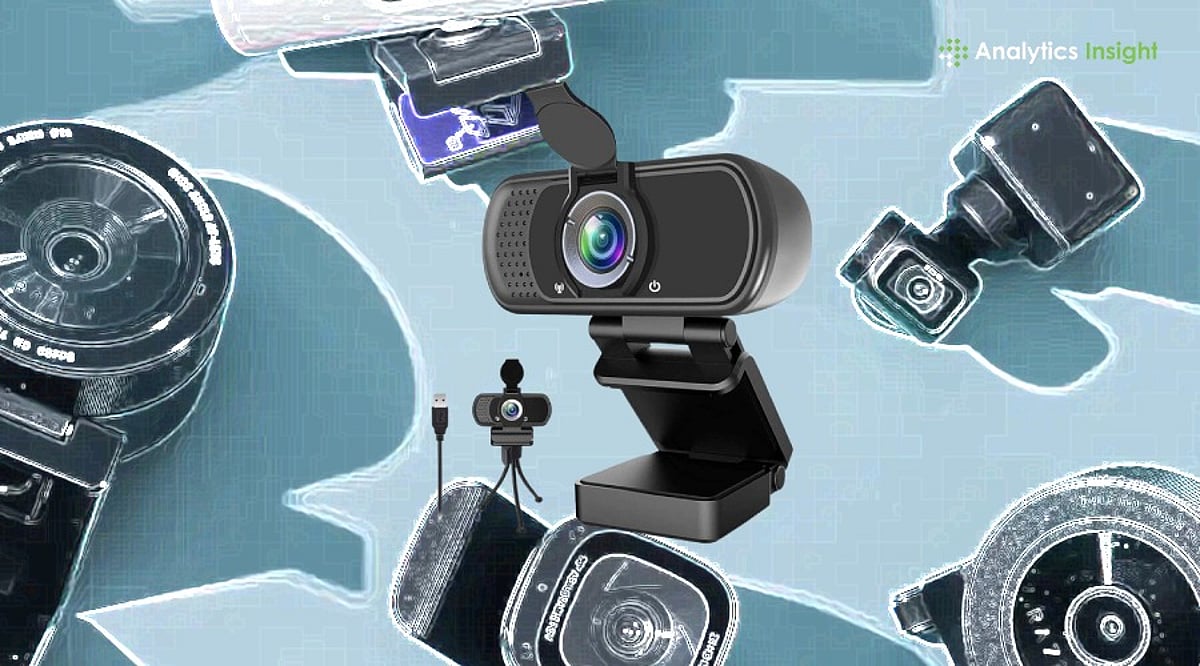
A quality webcam can make you look more confident on screen. Whether you’re joining a work meeting, attending an online class, talking to family, or streaming live, clear video always leaves a better impression. The right webcam doesn’t just improve picture quality—it also makes conversations feel more natural and helps people see you the way you should be seen.
Screen time has changed dramatically in recent years. Office meetings, college classes, job interviews, and even family catch-ups now happen through a camera. This shift has made a good webcam far more useful than ever. It keeps your picture clear, holds the video steady, and makes conversations feel natural rather than distant.
You don’t need expensive gear to get sharp photos or videos anymore. Brands like Logitech, HP, Lenovo, eMeet, Kreo, and Zebronics now offer webcams across almost every budget. Some suit everyday meetings well, while others are built for streamers, content creators, and anyone who records videos regularly.
Top-Rated Webcams Compared
Webcams are now a staple of modern office and gaming setups. If the video is blurry, it defeats the purpose. After testing several popular models, our team found that paying more doesn’t always mean getting the best output. For daily meetings or classes, a Full HD webcam is usually enough. Streamers and creators, however, will benefit from investing in a 4K option.
Ease of use is another crucial factor. Most of these webcams work as soon as you plug them in, with no extra software required for the first call.
Our Top Picks
Logitech Brio 100 – Best for Everyday Use
The Logitech Brio 100 has almost everything you need for daily video calls. The picture is clear, colors are natural, and setup takes only a few minutes. It’s one of the easiest recommendations for work, online meetings, and regular video calls.
eMeet S600 4K PC Camera – Best for Creators
If you’re doing YouTube videos or streaming games, the eMeet S600 is an excellent choice. The 4K picture is noticeably sharper than Full HD, and the built-in microphones pick up voices clearly. It costs more but delivers great value for money.
HP 430 FHD Webcam – Best for Low-Light Conditions
The HP 430 FHD impressed us with its ability to handle challenging lighting. Even in a dim room, the picture remained clear. This makes it a fantastic option for people who work from home and don’t have perfect lighting setups.
If you’re on a tight budget, the Zebronics FHD USB Webcam covers the basics well and offers solid value.
Final Thoughts
A webcam may seem like a small accessory, but it makes a big difference every time you’re on screen. Better picture quality boosts your confidence whether you’re talking to clients, attending classes, or creating videos.
Don’t fall into the trap of buying the most expensive model you can afford. Instead, consider how you’ll use it. For regular use, a decent Full HD webcam is more than sufficient. Creators and streamers, however, should consider 4K options. Ultimately, a good webcam combines picture quality, useful features, and dependable performance—regardless of price.
FAQs
Which webcam is best for office meetings?
The Logitech Brio 100 is a top choice. It offers clear Full HD video, natural colors, and quick setup, making it ideal for everyday use.
Is a 4K webcam necessary for video calls?
Not really. Full HD is enough for most meetings and classes. 4K is more useful for streamers, creators, and regular video recording.
What features should I check before buying a webcam?
Look for Full HD or 4K resolution, autofocus, a built-in microphone, good low-light performance, and a privacy shutter. These features improve video quality and everyday convenience.
Do I need a separate microphone with a webcam?
Most webcams have built-in mics that work fine for regular calls. For video creation or frequent streaming, a dedicated microphone will provide better sound.
Which webcam offers the best value for money?
The HP 430 FHD and Logitech Brio 100 offer an excellent mix of picture quality, features, and price. Both are suitable for work, study, and regular video calls.