Tag: video creation

  • Master AI Video Creation: A Complete Step-by-Step Guide

    Master AI Video Creation: A Complete Step-by-Step Guide

    Key Takeaways

    • A clear script and short scene plan give AI video creation better structure and control.
    • Tools such as Veo, Kling, and Runway offer different options for visual quality and creative control.
    • Human editing and final checks remain essential for strong visuals, sound, continuity, and captions.

    Artificial intelligence video tools can turn a short script into cinematic scenes, product clips, social media videos, tutorials, and short films. The process now goes far beyond a single text prompt. A strong result starts with a clear idea, moves through a shot plan, uses suitable AI models, and ends with careful editing, sound, captions, and quality checks. The AI video market has also changed fast, with Google Veo, Kling, Runway, and other platforms taking major roles in modern video production.

    Start with a Clear Video Idea

    Every AI video needs a clear purpose before the first prompt. A YouTube video may need a wider frame and longer story, while a TikTok, Instagram Reel, or YouTube Short usually needs a vertical 9:16 frame. A product advert may need sharp product detail, while a short film may need stronger character and scene control.

    A simple plan should define the subject, audience, length, visual style, voice style, and final platform. A 60-second video, for example, can have a five-second hook, a main section, a short payoff, and a final call to action. A clear plan also reduces wasted AI credits.

    Turn the Script into Short Scenes

    A complete video should not depend on one large prompt. A better method splits the script into short scenes. Each scene can have a clear subject, action, location, camera view, light style, and mood.

    For example, a video about AI video tools could open with a creator at a desk, move to an AI video interface, show a cinematic generated scene, and then return to the creator. Short clips give better control and make weak shots easier to replace.

    Character consistency also matters. A reference image can establish the same face, clothes, location, product, or visual style across several scenes. Current AI video workflows place more focus on reference control and shot consistency than older text-to-video methods.

    Pick the Right AI Video Tool

    Google Veo 3.1, Kling 3.0, and Runway now sit among the main choices for AI video work. Each platform suits different production needs. Veo 3.1 stands out for high visual quality and native audio. Kling 3.0 supports multi-shot story work and synced audio. Runway offers strong creative control and a broad production workflow. These strengths can change as new model versions arrive, so model names and versions need a date check before publication.

    Sora no longer serves as a current general option. OpenAI ended the Sora web and app experience on April 26, 2026. The Sora API also has a scheduled shutdown date of September 24, 2026.

    Write Better Video Prompts

    A useful prompt should describe the subject, action, setting, camera, light, movement, and visual style. A prompt such as ‘a person at a computer’ gives limited control. A stronger version can describe a filmmaker at a modern desk, a cinematic studio, warm practical lights, shallow depth of field, a slow camera push, realistic skin texture, and natural movement.

    Specific details help an AI model understand the intended shot. Camera direction also matters. Terms such as close-up, wide shot, tracking shot, slow push, overhead view, and shallow depth of field can shape the result.

    Add Voice, Music, and Sound

    A strong video needs more than attractive visuals. Voiceover can explain the subject, while music can set the mood. Sound effects can add realism to footsteps, machines, doors, vehicles, weather, and other actions.

    Current AI video systems increasingly support audio as part of video production. Adobe also added tools that can create video, sound effects, music, and soundscapes inside Premiere. Premiere can use Adobe Firefly as well as partner models such as Google Veo, Kling, Runway, and Luma.

    Edit the Final Video with Care

    AI output still needs human judgment. The best clips should form a clear sequence with a natural pace. Voiceover should match the correct scene, music should remain below speech, and sound effects should fit the action.

    Adobe Premiere now lets editors generate video and sound directly inside the timeline. The Generative Media Tool can use reference frames from nearby footage, which helps a new clip match the existing edit.

    Check Every Scene Before Publication

    A final review should catch distorted hands, odd faces, changing clothes, shifting objects, poor lip sync, strange physics, incorrect text, and sudden changes in location. Logos and important text deserve extra care, since AI models may still produce errors in small written details.

    Captions also need a manual check. Clear captions improve access and help short-form videos work without sound. The final export should match the target platform, with 16:9 for standard YouTube video and 9:16 for most vertical short-form content.

    AI video now works best as a complete production process rather than a single prompt. The strongest results come from a clear script, short scene plans, suitable AI models, controlled references, good sound, careful edits, and a final human review. The technology can supply the raw material, but strong creative direction still shapes the finished video.

    Frequently Asked Questions

    1. What is an AI video? An AI video uses artificial intelligence tools to create or modify video content from text prompts, images, scripts, or other references.
    2. How does AI create a video? AI can turn a written prompt or reference image into short video scenes, which can later form part of a complete edited video.
    3. Which AI tools can create videos? Google Veo, Kling, and Runway are among the major AI video tools available for different creative needs.
    4. Can AI create the whole video? AI can create many parts of a video, but editing, sound, captions, continuity checks, and quality control still need careful attention.
    5. What makes an AI video look better? A clear script, detailed prompts, consistent references, suitable scene plans, good sound, careful editing, and a final quality check can improve the result.
  • Google Gemini Desktop App Launches for Windows: Download Guide and Key Features

    Google Gemini Desktop App Launches for Windows: Download Guide and Key Features

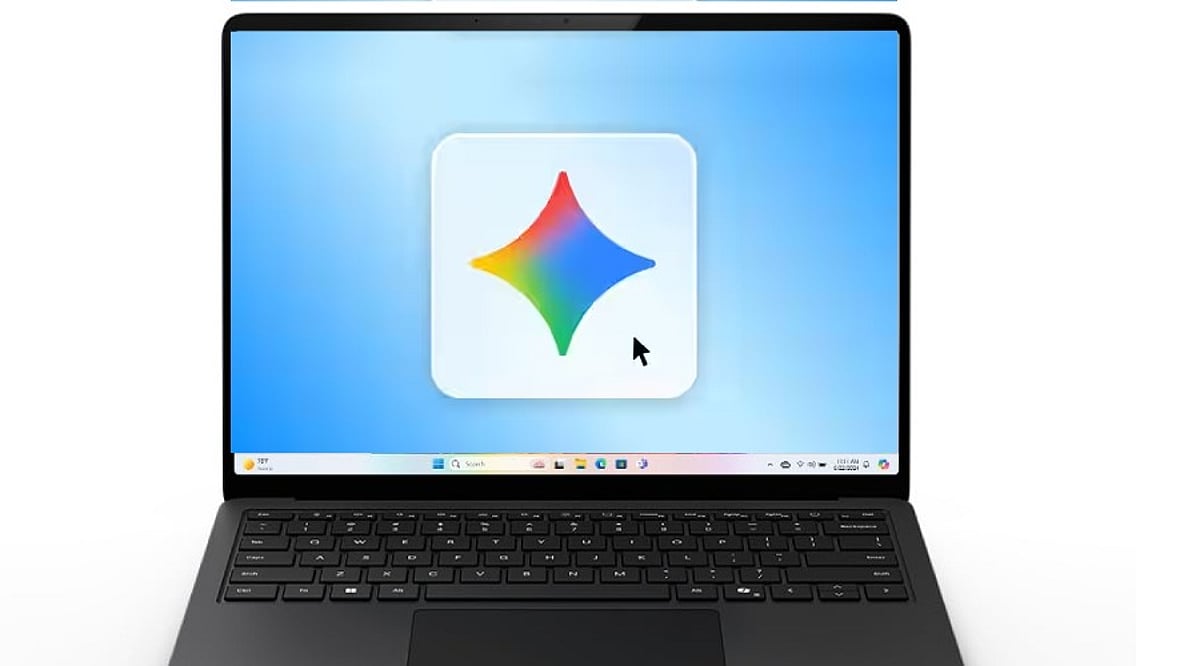
    Google has officially launched a dedicated Gemini app for Windows, bringing its AI assistant directly to the desktop. The new application allows users to access Gemini without opening a browser, offering instant AI-powered assistance for everyday tasks.

    Availability and System Requirements

    The Gemini Windows app is available globally for Windows 10 and Windows 11. To run the app, your PC must meet the following minimum requirements:

    • Windows 10 or later
    • At least 8GB of RAM
    • 200MB of available storage
    • A stable internet connection
    • A Google Account

    How to Download and Install Gemini for Windows

    Installing the app is straightforward. Follow these steps:

    1. Visit gemini.google/desktop.
    2. Download the GeminiSetup.exe file.
    3. Run the installer and follow the on-screen instructions.
    4. Once installation is complete, open Gemini from the Start menu.
    5. Sign in with your Google Account.
    6. Press Alt + Space to open Gemini over your active work.

    Key Features and Productivity Boost

    The desktop app lets you fact-check information, generate ideas, draft content, or solve problems without switching between applications. The keyboard shortcut (Alt+Space) makes Gemini easily accessible during routine desktop tasks, significantly improving workflow efficiency.

    Image and Video Creation Capabilities

    Gemini’s creative features are also available on Windows. Users can generate custom images using Nano Banana and create videos using Gemini Omni. This makes the application ideal for presentations, content creation, and visual projects, reducing the need to juggle multiple separate AI tools.

    With this launch, Google brings its AI assistant closer to the Windows desktop experience, offering seamless integration and powerful productivity tools.

  • HeyGen Review: AI-Powered Video Creation with Avatars and Voice Cloning

    HeyGen Review: AI-Powered Video Creation with Avatars and Voice Cloning

    Overview

    HeyGen is an AI-driven video generation platform that enables users to create professional videos using lifelike AI avatars, voice cloning, and text-to-video technology. It supports multiple languages and is ideal for marketing materials, training content, and product demos—no recording equipment required.

    General Information

    • Founded: 2020
    • Platform Support: Web, Windows, macOS, Linux
    • Download: Available on the official website

    Key Features

    • Generates lifelike avatars using permission-based video samples and real-time verification.
    • Clones voiceovers for consistent narration across multiple projects.
    • AI Studio integrates scripts, avatars, voice, and screen recording into a single workflow.
    • Provides translation and dubbing for videos in different languages.
    • Enables scalable video creation for product demos, marketing, and helpdesk support.

    Benefits

    • Eliminates repetitive live recording once the avatar and voice are configured.
    • Accelerates video production through efficient AI-driven generation.
    • Maintains consistent branding with cloned voices and realistic avatars.
    • User-friendly dashboard simplifies onboarding for beginners.
    • Highly efficient for businesses that produce videos frequently.

    Challenges

    • Free plan limits users to one custom AI avatar.
    • Requires manual synchronization of narration and screen recordings.
    • AI may mispronounce product names or technical terms.
    • Careful script timing is necessary.
    • Avatar hand gestures can become repetitive.

    Subscription Plans

    HeyGen offers a free plan with limited AI videos and one avatar for testing. Paid subscriptions (Creator, Business, Enterprise) include additional video credits, extra avatars, collaboration tools, API access, advanced administration, and enterprise features.

    Support Options

    • Help Center: Documentation, tutorials, FAQs, product guides, community discussions, and learning resources.
    • Customer Support: Email support, enterprise customer success, technical assistance, onboarding support, and billing support.

    Conclusion

    HeyGen is a dependable AI-based video generation tool that offers features like AI avatars, voice cloning, script-to-video generation, and multilingual localization. It simplifies professional video creation for companies, marketers, educators, and content creators without the need for traditional recordings. While synchronization, meticulous script editing, and paid subscriptions for advanced features are considerations, HeyGen effectively meets its purpose.

  • Adobe Express Review: Features, Pricing, and Benefits for Graphic Design

    Adobe Express Review: Features, Pricing, and Benefits for Graphic Design

    Adobe Express is an online and mobile graphic design platform that enables users to quickly create social media posts, videos, presentations, web pages, marketing content, and other visual media. It combines templates, stock images and videos, editing features, and AI powered by Adobe Firefly.

    General Information

    • Founded: 2016
    • Platform Support: Web, Android, iOS, Windows, macOS, ChromeOS
    • Download: Available via official Adobe website

    Main Features

    • Abundant templates and stock resources for social media, business graphics, presentations, and marketing materials.
    • AI-based generation for images, text, videos, and templates using Adobe Firefly.
    • Image editing tools: brightness, contrast, saturation, shadows, warmth, sharpening, blurring, masking, and filters.
    • Video creation services: AI-based video generation, Clip Maker, animations, captions, and optimization.
    • Brand management, content scheduling, website design, file conversion, collaboration, and integration with ChatGPT and TikTok.

    Benefits

    • Makes graphic design accessible to novices with templates and simple tools.
    • Helps users create visually appealing designs without expertise.
    • AI-powered tools for images, texts, templates, and videos.
    • Assists in planning, scheduling, and publishing on social media.
    • Combines graphic design, photo editing, video making, web publishing, and collaboration in one platform.

    Challenges

    • Certain AI-driven applications may produce inconsistent or poor output.
    • AI credits required for AI content creation, limiting heavy users.
    • Free version has limited access to premium fonts and resources.
    • Charts and graphs cannot use live data, reducing effectiveness for business reporting.
    • Advanced designers may find professional typographic options lacking.

    Subscription Information

    The free version includes standard editing features, templates, Adobe fonts, AI generation, stock content, 5 GB cloud storage, and version history. The premium version adds more fonts, templates, stock content, brand management, 100 GB storage, scheduling, and 250 AI credits monthly. Team plans offer more storage and 24/7 technical support. Adobe Creative Cloud Pro and Adobe Firefly Premium versions provide additional AI credits.

    Support Options

    • Help Center and Learning Resources: Tutorials, demonstrations, guides, and editing resources.
    • Customer Support: Premium and Teams users receive additional support; Teams accounts have 24/7 technical support.

    Conclusion

    Adobe Express is an accessible graphic design platform that combines templates, stock assets, photo editing, video creation, web publishing, social media scheduling, and generative AI. Its integration with Adobe Firefly makes it useful for quickly generating images, text effects, templates, and videos. Although some AI tools can be inconsistent and advanced designers may find certain controls limited, Adobe Express remains a capable solution for beginners, social media creators, marketers, and users who need to produce visual content efficiently.

  • Best AI UGC Video Generators for Brands and Marketers in 2026: Top Platforms Compared

    Best AI UGC Video Generators for Brands and Marketers in 2026: Top Platforms Compared

    AI-powered user-generated content (UGC) video generators have become indispensable tools for modern marketing teams. These platforms automate video creation from scripts, images, and text prompts, enabling brands to increase content output without requiring large production crews. Here are ten tools reshaping how marketers produce authentic video content at scale.

    What Brands and Marketers Actually Need in AI UGC Generators

    The shift toward UGC-style content has created specific demands. Marketing teams need platforms that produce videos that feel authentic rather than robotic, maintain consistent branding across dozens of assets, support multiple languages for global campaigns, and integrate smoothly into existing workflows without requiring advanced editing skills.

    Speed matters as well. Brands managing multiple campaigns simultaneously need tools that deliver finished videos in hours, not days. Cost control has become equally critical, especially for teams operating under tight budget constraints who need predictable pricing models. Perhaps most importantly, quality can’t suffer. Whether producing testimonial videos for social proof or product demonstrations for conversion, output quality directly impacts campaign performance.

    Platform quality and ease of use factor heavily into decisions too. Teams rarely have dedicated video production staff anymore, so interfaces need to accommodate users without technical training. Finally, the ability to iterate and adjust without starting from scratch helps teams refine content until it performs.

    Authentic UGC at Scale: Top 10 Platforms

    Here are ten AI UGC video generator tools reshaping brand content production this year.

    1. Intellemo AI

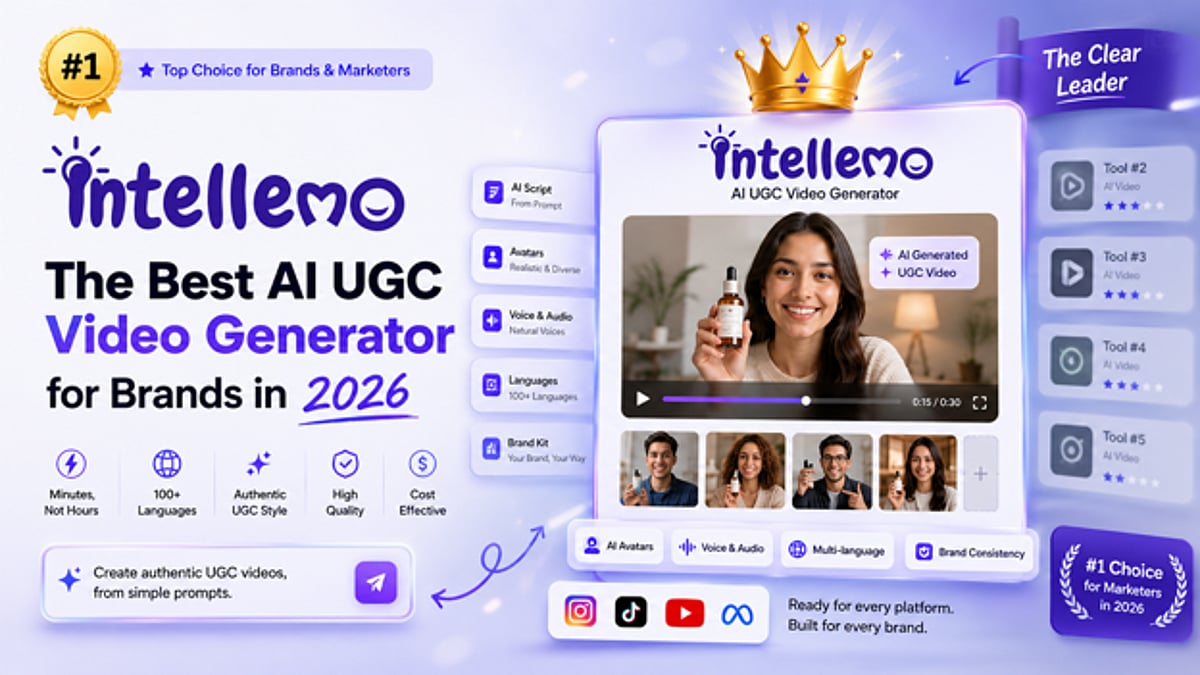
    Intellemo AI stands out for brands seeking authentic-feeling UGC videos without overproduction. It generates videos from simple text prompts, delivering finished videos within minutes without requiring technical expertise or complex configuration. The platform excels at realistic avatar-driven videos, product demonstrations, and testimonial-style content that feels like genuine user experiences rather than corporate polish.

    What differentiates Intellemo AI for marketing teams is its cinematic video quality with character and audio consistency throughout. Its multilingual approach helps brands and marketers scale through different regions and markets by generating videos in different languages in minutes. Billing charges only on final video generation, with no separate charges for intermediate production assets.

    • Best for: Authentic UGC-style testimonials, product demonstration videos, social proof campaigns, brands with tight content budgets

    2. HeyGen

    HeyGen specializes in avatar-based content for brands needing professional presenter videos. The platform generates videos featuring AI avatars that deliver scripts in multiple languages, making global campaigns faster to produce. Marketing teams appreciate the quick localization and template-based workflows that don’t require advanced editing skills. The avatar library and customization options work well for corporate training, educational content, and customer testimonials. HeyGen’s voice cloning and lip-sync technology has improved significantly, making avatar videos appear more natural than earlier versions.

    • Best for: Corporate training videos, multilingual marketing campaigns, testimonials, sales presentation videos

    3. Synthesia

    Synthesia transforms written content into video format efficiently. The platform appeals to content-heavy businesses that maintain extensive libraries of blogs, scripts, and written material. Brands can repurpose existing content without starting from scratch. Enterprise features like custom branding, bulk processing, and API integration work for teams embedding video generation into larger workflows and automation systems. The platform continues to dominate the avatar video category for corporate communication and employee training at scale.

    • Best for: Text-to-video conversion, blog and article repurposing, bulk video production, enterprise marketing teams

    4. D-ID

    D-ID brings advanced facial animation technology that creates AI-generated faces with genuine emotional expressions and natural movements. This matters for brands producing testimonial videos and customer success stories where authenticity impacts credibility. The platform supports multiple languages and diverse representation, addressing inclusivity that modern marketing teams now prioritize. D-ID’s personalization allows marketers to create diverse cast representations without maintaining talent networks. The technology works particularly well for high-stakes content where realistic emotion and presentation matter.

    • Best for: High-quality testimonial videos, customer success stories, inclusive marketing content, product explainer videos

    5. Opus Clip

    Opus Clip focuses specifically on short-form video generation for social media. The platform automates converting longer content like podcasts, webinars, and full-length videos into platform-optimized clips for TikTok, Instagram Reels, and YouTube Shorts. Brands get dozens of ready-to-post clips from single source content. This approach significantly cuts production time for social media managers handling multiple accounts and posting schedules. Creators appreciate the automatic pacing and transitions optimized for each platform’s algorithm and viewing patterns.

    • Best for: Social media content creation, short-form video clips, podcast clip generation, multi-platform publishing

    6. Pictory AI

    Pictory AI specializes in content repurposing from existing video libraries and written content. The platform automatically identifies key moments, adds captions, and generates highlight reels from full-length videos. Brands with extensive YouTube channels or internal video archives can maximize content value without new production costs. The blog-to-video conversion feature multiplies reach by creating accompanying video assets simultaneously.

    • Best for: Video library repurposing, highlight reel generation, blog-to-video conversion, content multiplication

    7. Raw Shorts

    Raw Shorts emphasizes speed and automation in video creation workflows. The platform generates videos from simple text prompts, handling storyboarding, animation, and voiceover generation in minutes. For brands in fast-moving industries like news, finance, or social media marketing, Raw Shorts compresses production timelines dramatically. CMS integration allows automation of video generation as part of larger content publishing workflows. The platform’s strength lies in speed without requiring creative input from users.

    • Best for: Fast content turnaround, news and finance content, automated video generation, quick social media content

    8. Invideo AI

    Invideo AI functions as a comprehensive video creation suite beyond basic UGC generation. The platform supports full-length video production with extensive editing, plus script writing and asset selection automation. Marketing teams appreciate the flexibility to adjust output after generation, providing creative control without requiring professional editing skills. The balance between automation and customization appeals to agencies and growing brands handling diverse content needs.

    • Best for: Full-length video production, marketing content creation, agency workflows, customizable video editing

    9. Movavi

    Movavi brings user-friendly interfaces to AI video creation, emphasizing accessibility over complex features. The platform appeals to smaller marketing teams and solopreneurs wanting AI-generated video capabilities without steep learning curves. Template libraries provide starting points for promotional videos, product demos, and social media content. The affordability relative to enterprise solutions makes it accessible to smaller brands building their UGC strategies from scratch.

    • Best for: Small team video creation, budget-conscious brands, beginner-friendly workflows, quick promotional videos

    10. FlexClip

    FlexClip uses template-driven design to accelerate video creation. The platform offers thousands of customizable templates covering different industries and content types. Teams needing consistent visual identity across numerous videos benefit from branding tools and template systems. The platform supports both AI-generated elements and manual customization, serving teams wanting flexibility between automated and hands-on production approaches.

    • Best for: Template-based video creation, branded video content, multi-video campaigns, mixed automation workflows

    Final Thoughts

    The AI UGC video generation landscape in 2026 offers genuine flexibility for how brands approach content creation. Intellemo AI leads with its comprehensive approach and authentic cinematic output that performs well for social proof campaigns. Synthesia dominates text-to-video conversion for enterprise needs. Opus Clip and InVideo prioritize speed for social media managers. FlexClip emphasizes template-driven workflows for teams wanting quick results.

    The selection ultimately depends on whether you prioritize speed, quality, language support, budget constraints, or specific content types. Testing platforms directly with your actual content helps identify which tool’s workflow and output quality fit best. Free trials and limited free tiers available from most platforms let you evaluate options before committing a budget.

    The larger trend is unmistakable: video production has become faster, cheaper, and far more accessible than before. Brands that master UGC video workflows gain meaningful competitive advantages in 2026. Whether you are a solopreneur producing YouTube content or an enterprise managing thousands of marketing videos, the right AI UGC platform exists for your workflow.

    Frequently Asked Questions

    What’s the difference between UGC video generators and traditional video editing software?

    UGC generators focus on producing user-generated-content-style videos quickly and at scale. Traditional editing software requires manual work at every stage. These AI platforms automate scripting, asset creation, and assembly so brands produce dozens of variations without proportional cost increases. The key difference is speed and scale over creative customization. Most UGC tools handle the entire production pipeline while traditional editors work on finished footage.

    How should brands choose between these platforms?

    Selection depends on content type, team skill level, and budget. Brands needing avatar testimonials should test Intellemo AI or HeyGen. Those repurposing existing content work better with Synthesia or Pictory. Consider whether you need global localization, API integration, or specific customization before committing resources. The best approach involves testing two or three platforms with actual campaign content before scaling.

    Are pricing models transparent across these platforms?

    Most operate on subscriptions or per-video models with tiered pricing. Platforms like Intellemo AI stand out by excluding intermediate generation steps from charges, preventing unexpected costs during production. Compare what is included in each tier and what triggers additional fees before selecting a platform. Reading customer reviews about hidden costs helps avoid surprises later.