
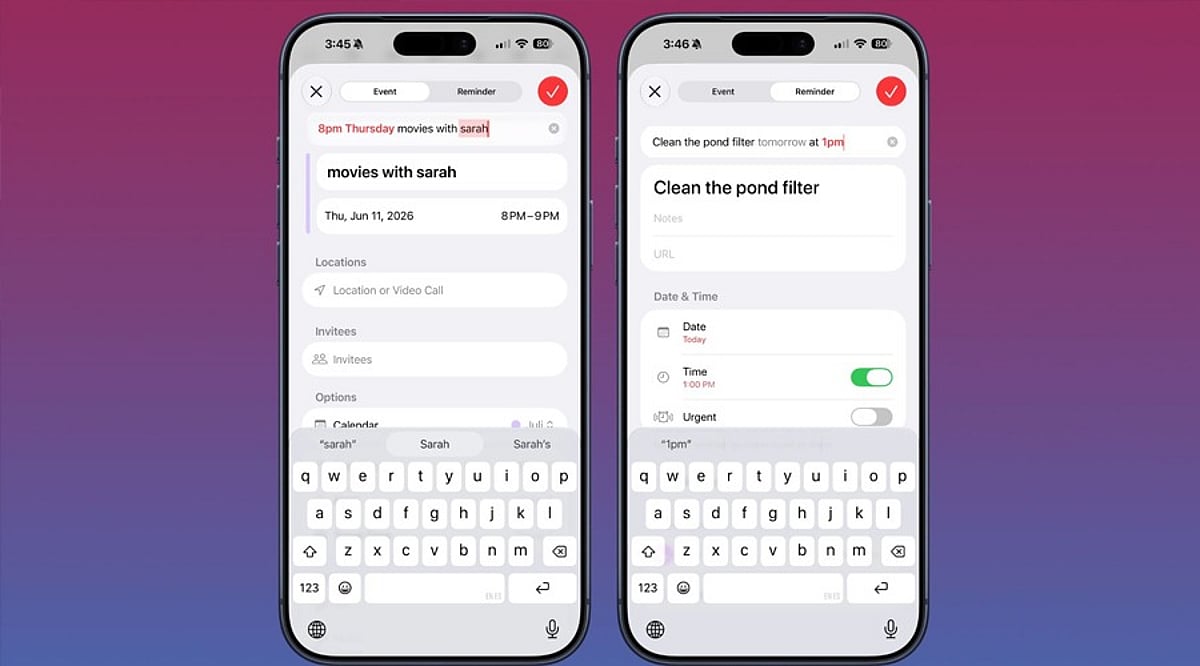
Apple’s Siri makes it easy to create and manage calendar events on your iPhone without ever opening the Calendar app. Whether you’re driving, cooking, or juggling multiple tasks, voice commands let you schedule meetings, set recurring appointments, and check your availability hands-free.
Granting Siri Access to Your Calendar
Before Siri can create events, you need to give it permission to access the Calendar app. Follow these steps:
- Open Settings and tap Siri & Search.
- Scroll to the Before Asking section and ensure Learn from this App is enabled for Calendar.
- Return to the main Settings menu, tap Calendar, then Siri & Search.
- Turn on Use Siri with this App and Show App in Search.
If you use third-party calendars like Google Calendar or Outlook, repeat the same process for those apps.
What to Say to Siri
Activate Siri by saying “Hey Siri” or holding the side button. The wording matters—phrases like “Remind me to call John” create a reminder, not a calendar event. To add a calendar entry, use keywords such as event or meeting.
Try these examples:
- “Create a calendar event for a dentist appointment tomorrow at 10 AM.”
- “Schedule a meeting with Sarah on Friday at 2 PM.”
- “Set a team sync every weekday at 9 AM.” (recurring event)
- “Create a flight event with a reminder two hours before departure.”
- “Check tomorrow’s calendar.”
Fixing Common Siri Mistakes
If Siri checks the wrong calendar, go to Settings > Calendar > Default Calendar and select the one you use most often.
When Siri creates a reminder instead of a calendar event, simply say “Actually, put that in my calendar.” Siri will move it to Calendar.
Using Siri with Google Calendar and Outlook
Siri works with Google Calendar when you add your Google account to the iOS Calendar app and grant the necessary permissions. Similarly, Outlook calendars sync with the native iOS Calendar app to enable Siri voice commands.