
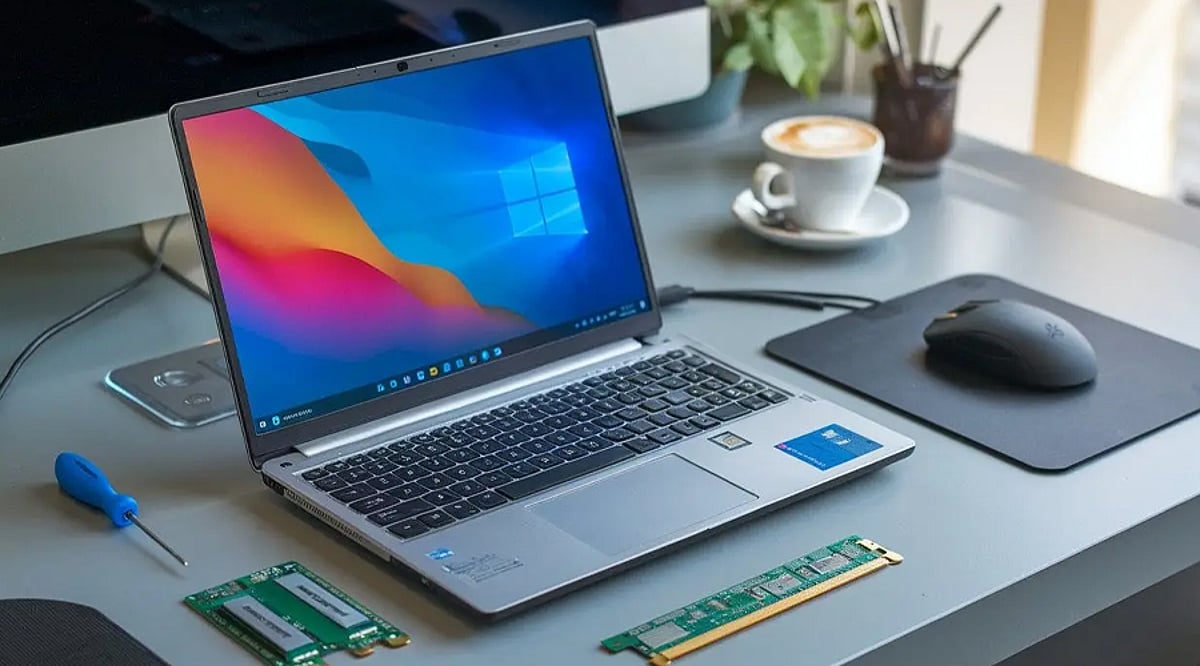
Does your old laptop feel painfully slow? You’re not alone. Boot times stretch into minutes, applications crash, and multitasking becomes a distant memory. Before you give up and buy a new machine, consider this: with a few practical upgrades, you can transform that sluggish laptop into a reliable productivity hub—without breaking the bank.
Step 1: Clean Out the Clutter
The easiest fix is often the most overlooked. Remove unnecessary files and programs that have accumulated over the years. Delete unused applications, clear temporary files, and organize important documents into folders. Freeing up storage reduces system load and noticeably improves startup and application launch times.
Step 2: Upgrade the Hardware
The single biggest performance boost comes from replacing your old hard drive with a solid-state drive (SSD). This simple swap dramatically reduces boot times and makes applications feel snappier. If your laptop allows it, upgrading the RAM is another affordable improvement that lets you run multiple applications smoothly. Together, these hardware upgrades can make an aging system feel almost as responsive as a much newer computer.
Step 3: Choose Lightweight Software
Not all software is created equal. Switch to lightweight browsers and productivity apps that demand fewer system resources. Disable unnecessary startup programs to cut boot time, and keep your operating system and applications updated for better stability and security. These changes cost nothing but can make your laptop run significantly faster.
Step 4: Create a Comfortable Workspace
Productivity isn’t just about speed—it’s also about comfort. Add an external monitor for a bigger screen, a wireless keyboard, and a comfortable mouse. A laptop stand improves airflow and reduces neck strain during long work sessions. A well-designed workspace helps you stay focused and efficient for hours.
Better Performance Every Day
With these upgrades, your old laptop can easily handle writing, online research, spreadsheets, presentations, and video meetings. It will run much faster than before, and everyday tasks will be completed without frustrating delays. These improvements save both time and money while extending your laptop’s useful life.
A Smart Investment That Paid Off
Instead of spending a large amount on a new computer, invest in a few practical upgrades. The experience proves that older devices still have plenty of potential when properly maintained. With a little effort, an aging laptop can become a reliable productivity powerhouse once again.