
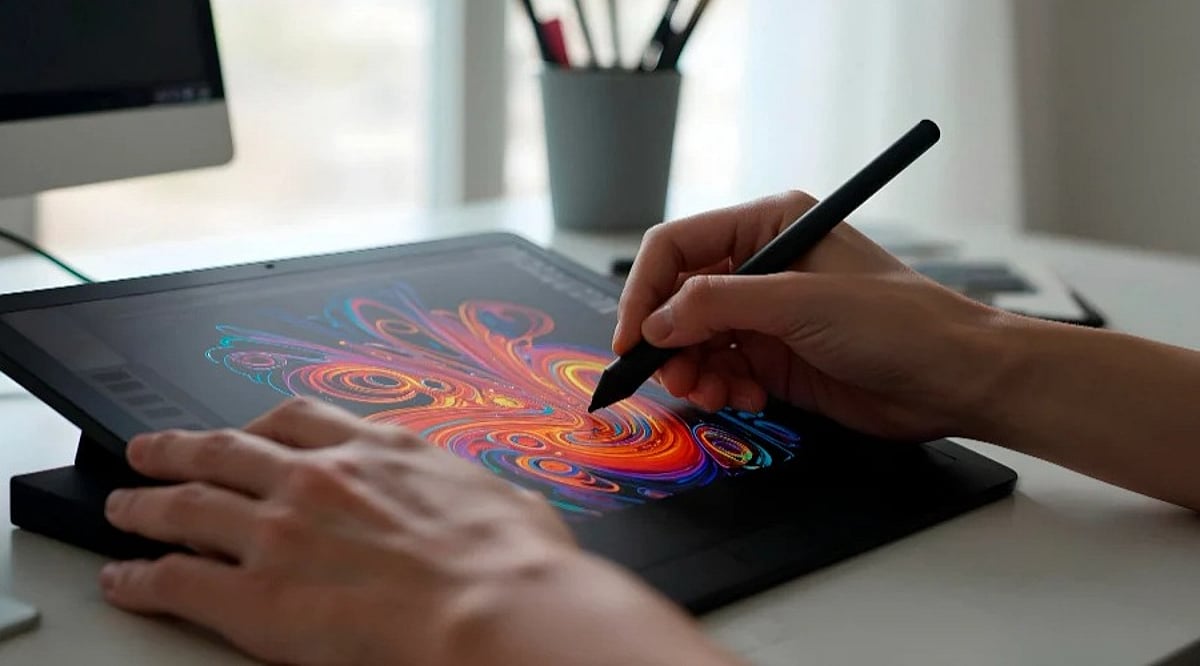
Choosing the right pen display tablet depends on workflow, budget, and creative needs. From premium studio displays to portable models, buyers should compare display quality, pressure sensitivity, accessories, and overall value before making a purchase.
What to Look for Before Buying
- Resolution and color gamut: 4K panels with wide sRGB, Adobe RGB, and DCI-P3 coverage produce accurate artwork.
- Pressure sensitivity: 8,192 levels is standard; newer pens push past 16,000.
- Connectivity: Single USB-C for video and power reduces cable clutter.
- Bundled accessories: Stands, spare nibs, key dials and cases may be extra.
- OS support: Cross-platform compatibility with Windows, macOS, Android, and Linux.
Premium Studio Displays
Wacom Cintiq Pro 27
27-inch 4K LCD, 120Hz refresh, 99% Adobe RGB, 98% DCI-P3, HDR support. Bundled Wacom Pro Pen 3 with 8,192 pressure levels. Stand sold separately.
Xencelabs Pen Display 24
4K OLED, Super AG etched surface, 44 customisable quick keys. Includes two pens and all accessories.
Huion Kamvas Pro 27
PenTech 4.0 with 0.35mm nib, 16,384 pressure levels. Keydial Mini controller with 18 programmable keys.
Mid-Range and Portable Displays
Wacom Cintiq 16 (2025)
2.5K display, battery-free Pro Pen 3, weighs 2kg with foldable legs.
Xencelabs Pen Display 16
16-inch 4K OLED, factory calibrated colors.
XP-Pen Artist Pro 16 (Gen 2)
16-inch 2.5K display, 99% sRGB, Delta E <2.2. Bundled X3 Pro Smart Chip Stylus with 16,384 pressure levels, Mini Keydial controller, dual reversible ports, 1.79kg.
Crossover and Budget Options
Apple iPad Pro 11-inch
Ultra Retina XDR tandem OLED, M5 chip. Apple Pencil Pro sold separately (£129).
Gaomon M10K Pro
Affordable, pairs with Android smartphones.
Remarkable Paper Pro Move
Handwriting-to-text, cloud sync, made from 50% recycled materials.
Wacom Movinkpad 11
Standalone Android OS, preloaded with Wacom Canvas and two-year Clip Studio Paint licence.
Comparison at a Glance
| Model | Screen Size | Resolution | Pressure Levels | Price Point |
|---|---|---|---|---|
| Wacom Cintiq Pro 27 | 27″ | 4K | 8,192 | Premium |
| Xencelabs Pen Display 24 | 24″ | 4K OLED | 8,192 | Premium |
| Huion Kamvas Pro 27 | 27″ | 4K | 16,384 | Premium |
| Wacom Cintiq 16 | 16″ | 2.5K | 8,192 | Mid-range |
| Xencelabs Pen Display 16 | 16″ | 4K OLED | 8,192 | Mid-range |
| XP-Pen Artist Pro 16 Gen 2 | 16″ | 2.5K | 16,384 | Mid-range |
| Apple iPad Pro 11 | 11″ | Tandem OLED | N/A (Pencil) | Premium |
| Gaomon M10K Pro | 10″ | HD | 8,192 | Budget |
| Remarkable Paper Pro Move | 10.3″ | E Ink | N/A | Budget |
| Wacom Movinkpad 11 | 11″ | HD | 8,192 | Budget |
Final Word
There is no one-size-fits-all pen display tablet. Professionals should consider the Wacom Cintiq Pro 27 or Huion Kamvas Pro 27. Students and beginners may prefer the XP-Pen Artist Pro 16 (Gen 2) or Wacom Cintiq 16. For portability, the Remarkable Paper Pro Move or Gaomon M10K Pro are solid choices. Always check the total cost of accessories before buying.
Frequently Asked Questions
Which is the best pen display tablet?
It depends on your needs. Wacom Cintiq Pro 27 is top for professionals; XP-Pen Artist Pro 16 (Gen 2) offers great value.
What should I check before buying?
Display resolution, color accuracy, pressure sensitivity, OS compatibility, connectivity, and included accessories.
Are expensive tablets worth it?
Premium tablets offer better accuracy and build quality. Mid-range models provide excellent features at lower prices.
Which tablet is best for beginners?
XP-Pen Artist Pro 16 (Gen 2), Wacom Cintiq 16, or Gaomon M10K Pro are good choices.
Do tablets include all accessories?
Not always. Check if stand, stylus, or keydial are included to avoid extra costs.