
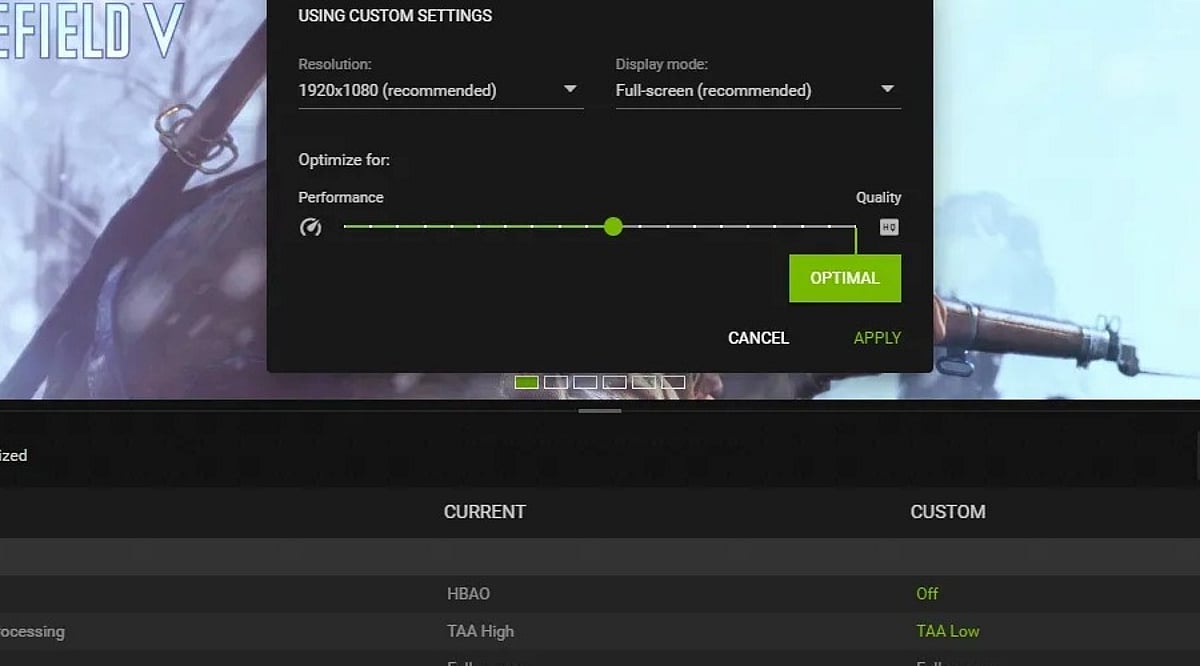
Mobile games now deliver console-quality graphics, expansive worlds, and advanced features. But cranking every setting to maximum often leads to overheating, battery drain, and frustrating frame drops. The secret to a great gaming experience lies in finding the right balance between visuals and performance.
How Mobile Gaming Has Evolved
The mobile gaming landscape has transformed dramatically, driven by powerful new smartphones with faster processors, better GPUs, and high-refresh-rate displays. Titles like PUBG Mobile, Call of Duty Mobile, and Genshin Impact have set new standards, offering competitive multiplayer and vast open worlds that once required a PC or console. However, pushing all graphics options to their highest level doesn’t guarantee smooth gameplay. Heat buildup can throttle performance, causing stutters and sudden FPS drops — even on flagship devices.
Best Graphics Settings for Smoother Gameplay
The ideal settings vary by phone and game, but the following approach works as a solid starting point for most players:
- Prioritize frame rate: A stable 60 FPS feels much better than an unstable 90 or 120 FPS that frequently dips. If your phone supports higher refresh rates, try them but monitor heat and battery use.
- Adjust graphics quality: Medium to High settings are often a sweet spot. Lower shadows, reflections, and effects if the game struggles.
- Turn off motion blur: This is especially helpful in shooters and racing games — it makes quick movements easier to track.
- Manage heat: Take short breaks, avoid direct sunlight, and consider removing a thick case during long sessions.
Finding the Right Balance for Your Phone
There’s no universal graphics preset that works for everyone. Competitive players should focus on stable FPS and clear visuals, while those who enjoy story-driven games may prefer richer textures and lighting. The goal isn’t to make the game look as impressive as possible — it’s to keep it smooth, responsive, and enjoyable without lag. Sometimes, the best experience comes from lowering a few settings to maintain stability.
Frequently Asked Questions
- What are the best graphics settings for mobile gaming? Medium to High graphics with a stable high frame rate is a good starting point. Lower shadows and effects if the phone struggles.
- Is 60 FPS better than higher graphics? For fast-paced games, a stable 60 FPS often feels better than higher graphics settings that cause frame drops.
- Should I turn off motion blur? Yes, especially for shooting and racing games. It makes quick movements easier to follow.
- Do high graphics make a phone hotter? Yes, high graphics increase the workload on the phone, leading to more heat and battery drain during extended sessions.
- Should I use 90 FPS or 120 FPS? If your phone and game support it smoothly, higher FPS can improve gameplay — but watch for excessive heat and battery consumption.
Leave a Reply