
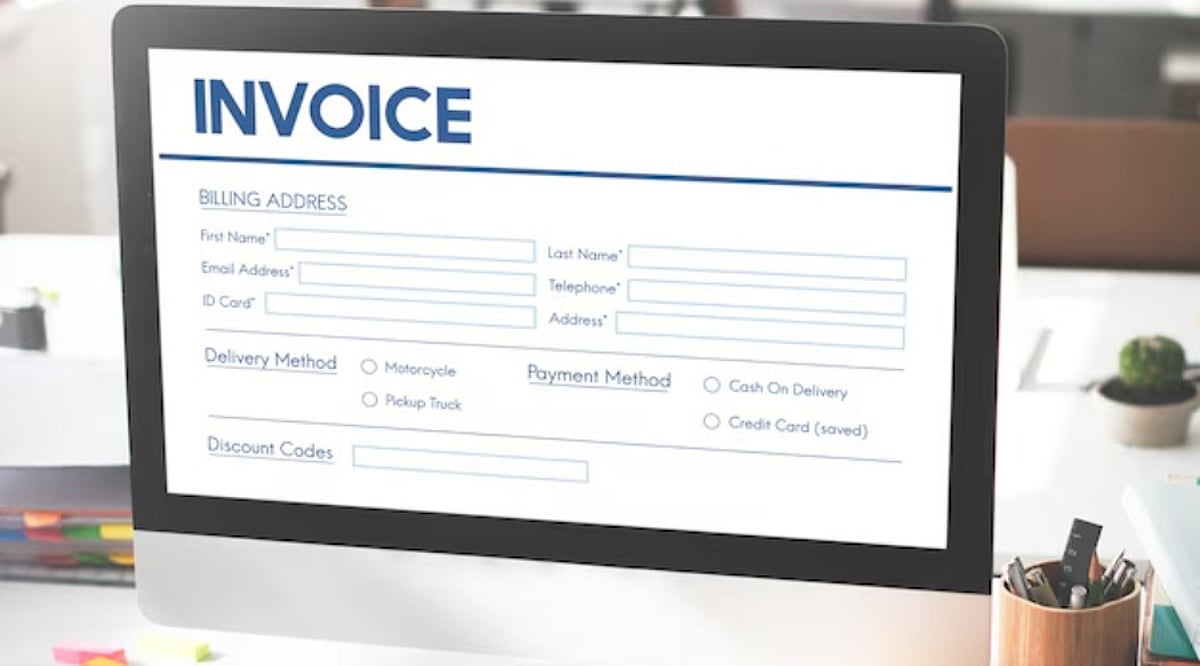
In today’s fast-paced business environment, efficiency and accuracy in financial operations are more critical than ever. Companies of all sizes—from freelancers to large enterprises—depend on structured invoicing systems to maintain steady cash flow and professional client relationships. Invoicing is not just a billing procedure; it reflects a business’s credibility and organizational strength.
With the rise of digital tools and automation, paper-based invoicing has largely given way to digital solutions. These tools enable businesses to generate, customize, and send invoices rapidly while minimizing human error. Among these, invoice templates have become especially popular for providing a simple, efficient way to manage billing without requiring advanced accounting knowledge.
The Evolution of Invoicing Systems
Invoicing has come a long way from handwritten or manually typed documents, which were time-consuming and error-prone. The advent of spreadsheet software and word processors marked a major leap in accuracy and efficiency. Today, digital invoice templates and automated systems let users create professional invoices in just a few clicks. The shift to digital invoicing has also been accelerated by globalization and remote work, as businesses need standardized, shareable financial documents for cross-border operations.
Why Invoice Templates Are Essential
Invoice templates provide a predefined format covering all essential sections: client details, descriptions of goods or services, pricing, taxes, and payment terms. Their primary advantage is time savings—no need to design invoices from scratch, just fill in the data for a polished invoice in minutes. This is especially valuable for small businesses and freelancers managing multiple clients. Consistency is another key benefit: templates ensure every invoice meets the same professional standard.
The Role of Excel in Modern Invoice Management
Spreadsheet applications like Excel remain popular for invoicing due to their flexibility. Customizable templates allow businesses to adapt formats to their specific needs. Automatic calculations reduce manual errors in pricing and totals. Excel-based invoice templates are particularly useful for small to medium-sized companies seeking a straightforward invoicing method. These templates can be customized, duplicated, and saved for future use, and they are compatible with other financial tools and accounting systems.
Digital Invoice Solutions and Business Efficiency
Digital invoice solutions have transformed billing processes by eliminating manual data entry and reducing administrative workload. Many modern platforms offer customizable templates with features like automatic tax calculations, currency conversion, and payment tracking. This automation boosts efficiency and accuracy. For example, solutions such as Luzenta provide user-friendly invoice templates tailored for startups and freelancers who need reliable yet simple invoicing.
Benefits of Using Digital Invoice Templates
- Speed: No time wasted on formatting or designing invoices.
- Accuracy: Automatic calculations prevent common mistakes.
- Record-keeping: Easier storage and retrieval of transaction data for audits or reviews.
- Eco-friendliness: Reduces paper usage, supporting sustainability.
Improving Cash Flow Through Better Invoicing Practices
Timely and accurate invoicing directly supports cash flow by ensuring payments arrive without unnecessary delays. Clear payment terms and well-structured invoices help clients understand their obligations, making payments smoother. Automated reminders further streamline cash management.
Frequently Asked Questions
What is an invoice template?
An invoice template is a pre-designed document with standard billing fields like client info, item descriptions, prices, and payment terms.
Why should businesses use digital invoice templates?
They save time, reduce errors, improve consistency, and simplify financial record-keeping.
Is Excel good for creating invoices?
Yes—Excel allows customization, automated calculations, and easy data management.
How do invoice templates improve cash flow?
They ensure timely, accurate billing, leading to faster payments and stable cash flow.
Can invoice templates be customized?
Yes, most digital templates can be tailored to match branding, structure, and specific requirements.
Conclusion
Invoice templates are essential tools for any business aiming to handle finances efficiently and professionally. The digital revolution has made powerful invoicing tools accessible to all. Structured, automated invoicing improves financial health, reduces administrative burden, and fosters positive client relationships. Platforms like luzenta.com offer a variety of templates to simplify financial management. Effective invoicing is a cornerstone of modern business success.
Leave a Reply