
Category: Art & Design Apps

  • Top AI Video Generators to Explore in 2026: From Pika to Adobe Firefly

    Top AI Video Generators to Explore in 2026: From Pika to Adobe Firefly

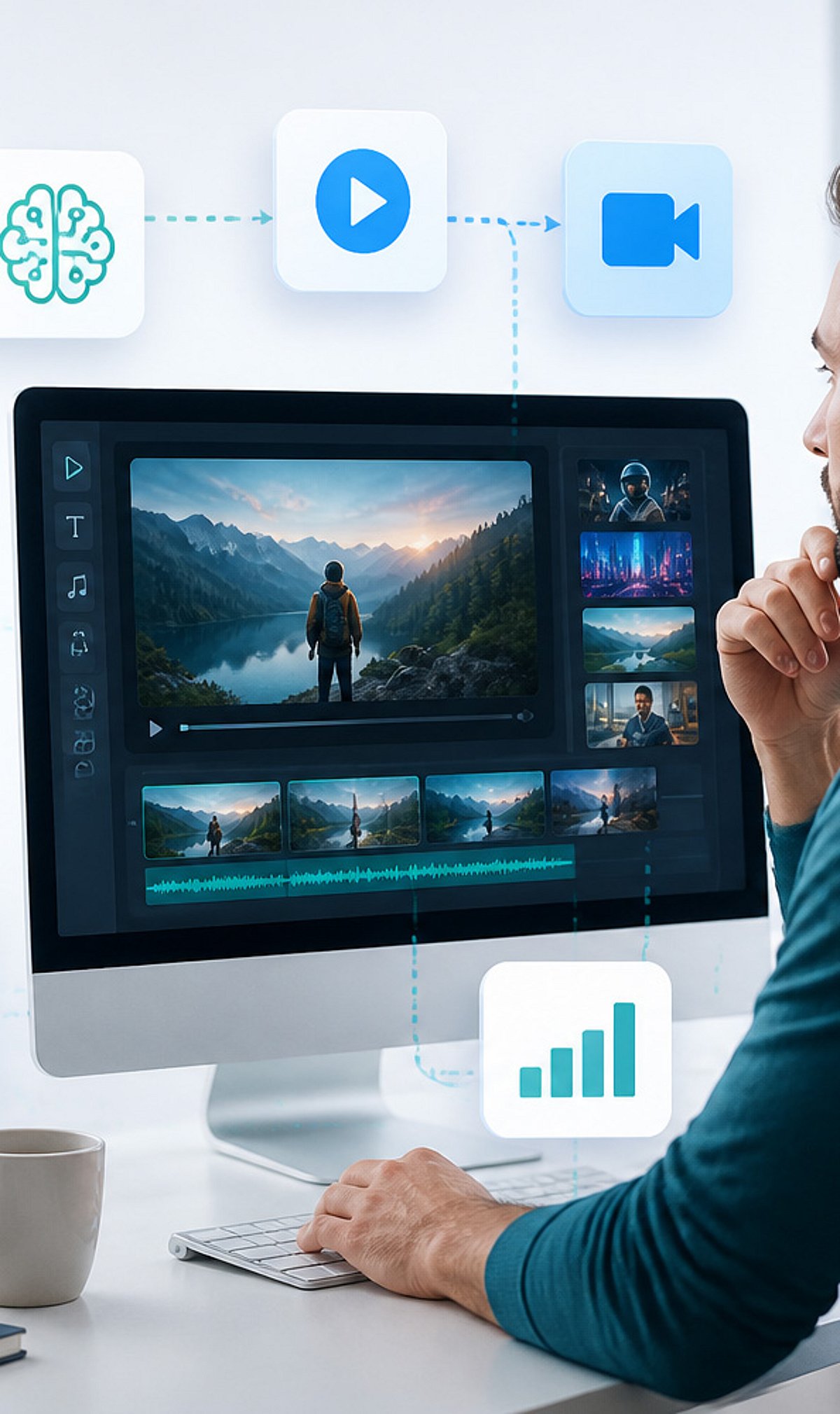
    The landscape of AI video generation is advancing rapidly, offering creators powerful tools to produce cinematic content from simple text prompts, images, or existing footage. Whether you’re a filmmaker, marketer, or social media creator, these platforms bring professional-grade video creation within reach. Here are the leading AI video generators to watch in 2026.

    Runway

    Runway enables users to create cinematic AI videos from text, images, and existing footage. Its advanced features include motion tracking, inpainting, and a suite of creative filmmaking tools that empower both beginners and professionals.

    Pika

    Pika transforms simple prompts into engaging short videos with realistic animations, creative visual effects, and smooth transitions. It is designed for rapid content generation, making it a favorite among creators who need quick, high-quality output.

    Google Veo

    Google’s advanced text-to-video model generates realistic, high-quality videos with natural motion, detailed environments, accurate physics, and cinematic storytelling capabilities. Veo is ideal for projects requiring fine-grained control over visual narratives.

    OpenAI Sora

    Sora produces highly realistic videos from detailed prompts, boasting impressive scene consistency, complex camera movements, realistic lighting, and dynamic visual storytelling. It represents a major leap in generative video quality.

    Synthesia

    Synthesia specializes in professional AI avatar videos featuring multilingual presenters, customizable templates, voiceovers, and branding options. It is widely used for training, marketing, and corporate communications.

    HeyGen

    HeyGen creates personalized AI spokesperson videos using realistic avatars, voice cloning, multilingual translations, and customizable scripts. It is built for global business communication and marketing campaigns.

    Luma Dream Machine

    Luma Dream Machine produces realistic AI-generated videos with natural camera movements, detailed environments, lifelike motion, and fast rendering. It is tailored for creative visual storytelling projects.

    Adobe Firefly Video

    Adobe Firefly Video integrates generative AI video creation directly into the Adobe Creative Cloud ecosystem. It enables commercial-safe content generation, editing, and seamless professional production workflows.

    Kling AI

    Kling AI delivers high-quality AI videos with realistic character movements, cinematic visuals, detailed environments, and advanced prompt understanding. It is designed for professional creative applications where quality is paramount.

    These tools represent the cutting edge of AI-driven video production. As the technology evolves, expect even more intuitive interfaces, faster rendering, and greater creative freedom. Explore them to stay ahead in the content creation game.
  • Apple Supercharges Creator Studio with AI Editing Tools for Video, Images, and Music

    Apple Supercharges Creator Studio with AI Editing Tools for Video, Images, and Music

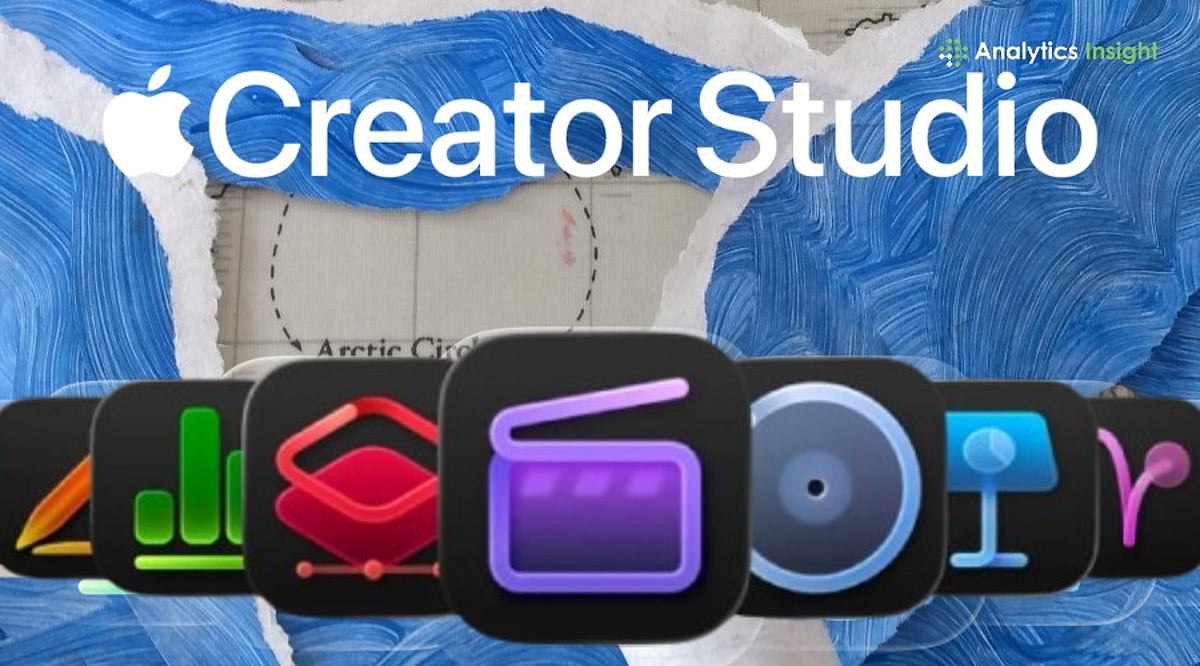
    Apple has rolled out a significant software upgrade to its Creator Studio platform, embedding machine learning capabilities across its creative applications. The update introduces automated tools for video editing, image generation, and audio production, streamlining workflows by tightening integration between Apple’s professional software and its standard productivity apps.

    Most of the AI processing runs on Apple silicon, allowing creators to work faster with on-device intelligence while maintaining user control and privacy.

    Final Cut Pro Gets Faster AI-Powered Editing

    As announced by Apple in an official blog post, “Updates bring new integrations with Pixelmator Pro across Final Cut Pro, Keynote, Pages, and Numbers; even more intelligent tools in Final Cut Pro; the ability to generate shapes to further customize a project; and a new Producer Project in Logic Pro.”

    Final Cut Pro receives the most substantial set of upgrades in this release. The new Generate Captions feature uses AI to create captions from spoken audio, and editors can edit captions directly in the timeline. Apple has also introduced the Auto Mask feature, which detects and masks subjects against their backgrounds, significantly reducing time spent on manual masking.

    Apple has expanded Pixelmator Pro’s integration across Creator Studio. Users can now open, edit, and customize images directly from apps such as Final Cut Pro, Keynote, Pages, and Numbers. The update also adds:

    • AI-assisted image editing tools
    • Background removal
    • Object cleanup
    • Detail enhancement
    • The ability to generate custom shapes

    These features are designed to reduce repetitive editing tasks while giving creators greater flexibility.

    Apple Focuses on Connected Creative Workflows

    The update enhances intelligent music tools and enables producers to create and arrange tracks more efficiently. Apple says the upgrade is designed for both professionals and first-time users.

    Experts suggest that Apple has strengthened connections across its creative ecosystem. Assets can now be transferred easily among Final Cut Pro, Pixelmator Pro, and other productivity apps, simplifying creative workflows.

    With this release, Apple continues to push the boundaries of on-device AI, making professional-grade editing more accessible while preserving the privacy and performance that Apple silicon provides.

  • Top Android Drawing Apps for 2026: Expert-Tested Picks for Digital Artists

    Top Android Drawing Apps for 2026: Expert-Tested Picks for Digital Artists

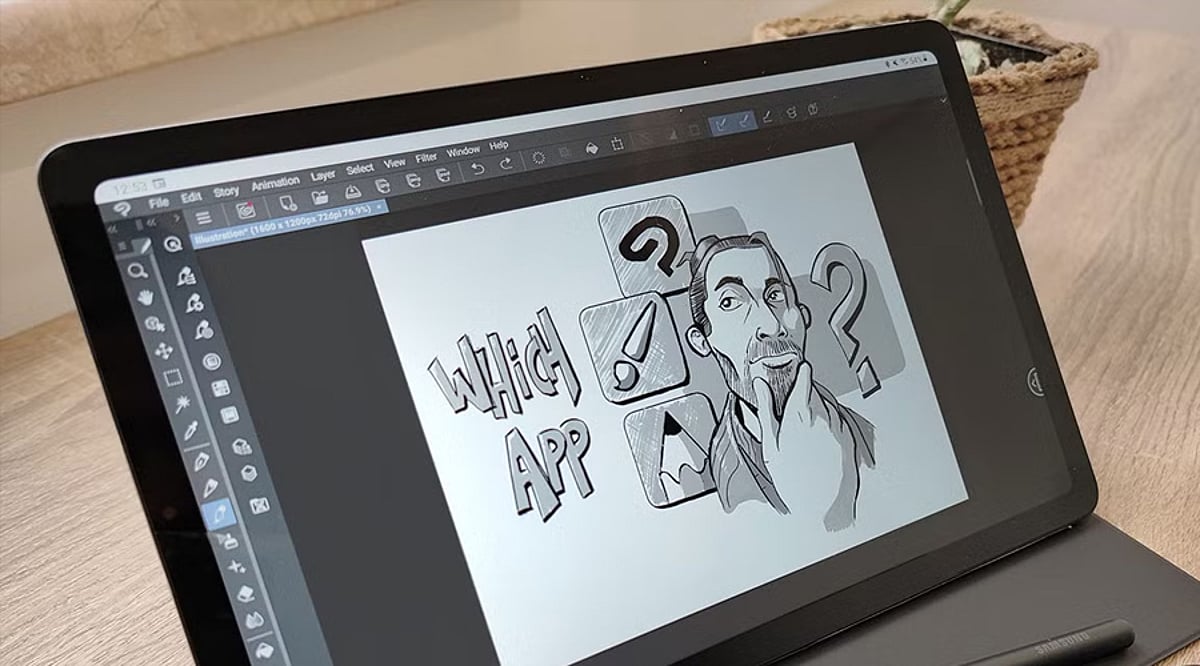
    Whether you’re sketching ideas, creating digital paintings, or designing illustrations, Android offers powerful drawing apps for every skill level. From hobbyists to professional artists, these apps provide versatile tools, responsive performance, and creative features to help turn ideas into impressive digital artwork. Below, our experts break down the best Android drawing apps available today.

    Infinite Painter

    A favorite among digital artists, Infinite Painter offers realistic brushes, advanced layers, perspective guides, and customizable tools. Its clean interface makes professional-grade illustration accessible to both beginners and experienced creators. Regular updates and a rich feature set ensure a smooth, professional drawing experience.

    ibis Paint X

    Packed with thousands of brushes, fonts, and effects, ibis Paint X is ideal for manga, comics, and digital art. Cloud syncing and drawing tutorials make it especially popular with aspiring artists. Its active community also offers inspiration and learning resources for every skill level.

    Sketchbook

    Sketchbook delivers a distraction-free workspace with responsive brushes and precision tools. Its intuitive design helps users focus entirely on drawing, making it perfect for quick sketches or detailed artwork. The app also supports high-resolution canvases for creating polished, print-ready illustrations.

    Adobe Fresco

    Adobe Fresco combines raster and vector brushes with impressive live watercolor and oil effects. Creative Cloud integration allows artists to move projects seamlessly between Android tablets and desktop applications. It’s an excellent choice for creatives already working within Adobe’s ecosystem.

    MediBang Paint

    Designed for comic creators and illustrators, MediBang Paint includes comic panels, cloud storage, and collaborative features. Lightweight yet feature-rich, it’s an excellent choice for storytelling through digital art. Cross-device syncing makes it easy to continue projects wherever inspiration strikes.

    Concepts

    Concepts uses a flexible infinite canvas and vector-based drawing tools for precise sketching. Architects, designers, and note-takers appreciate its scalable artwork and professional planning capabilities. Its precision tools make brainstorming, drafting, and technical illustration effortless.

    HiPaint

    HiPaint delivers premium-style features without a hefty learning curve. With customizable brushes, layer support, and smooth stylus performance, it’s a strong option for artists seeking an affordable, versatile drawing experience. Frequent improvements continue to enhance its performance and creative possibilities.