Tag: Apple Watch

  • Apple Explores Screenless Fitness Band as Potential Whoop Rival

    Apple Explores Screenless Fitness Band as Potential Whoop Rival

    Apple is reportedly working on a screenless fitness band that could directly compete with Whoop in the health wearable market. According to Bloomberg, the company has tested prototypes in California after exploring the category for several months.

    Early-Stage Development

    The device is described as a thin fabric strap with a compact computing module that contains multiple health sensors. Apple has not yet decided whether the product will reach consumers. The project is still in an internal phase referred to as a “technology investigation,” and even if approved, a commercial launch could be delayed until 2028 or later.

    Health-First Design Without a Display

    Unlike the Apple Watch, the reported band would omit a screen entirely. Instead, its design would prioritize health tracking over apps, alerts, and music controls. Sensors would continuously collect biometric data, while connected devices would handle most user interactions.

    Apple executive chairman Tim Cook and services chief Eddy Cue are said to support the initiative. Engineers from Apple’s Vision hardware group have also contributed to prototype development. Apple declined to comment on the project or its launch plans.

    Expanding Apple’s Wearable Health Strategy

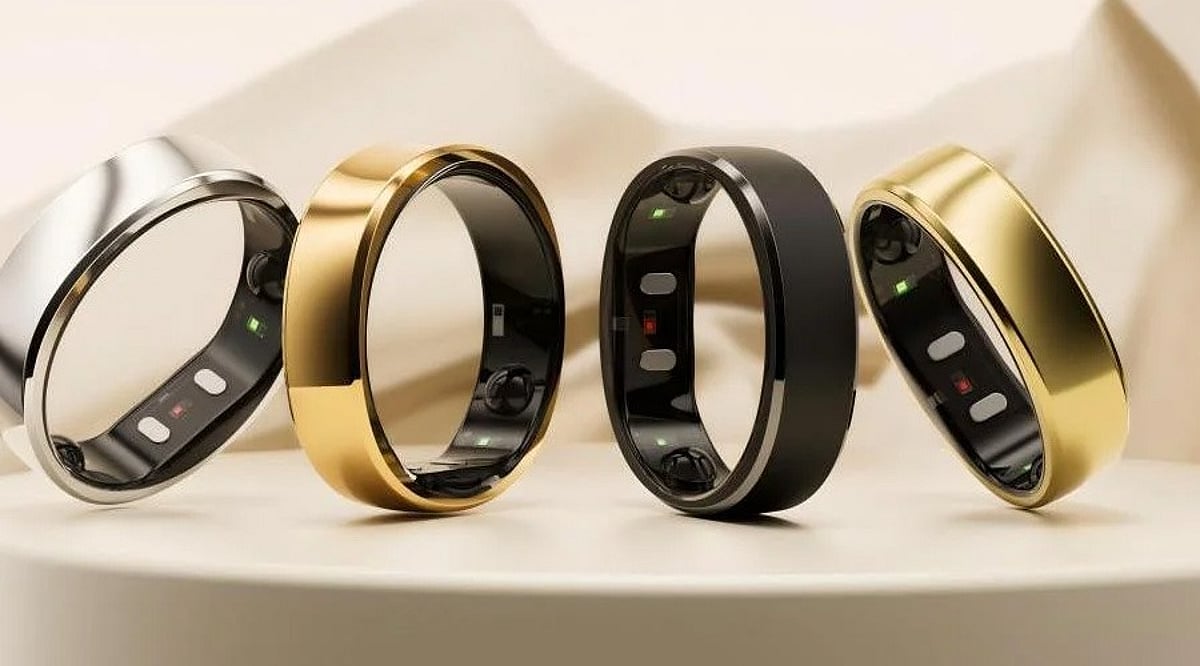
    A screenless tracker would put Apple in closer competition with Whoop, Oura, Garmin, and Google’s Fitbit Air. These products appeal to consumers who want continuous health monitoring without another bright display on their wrist.

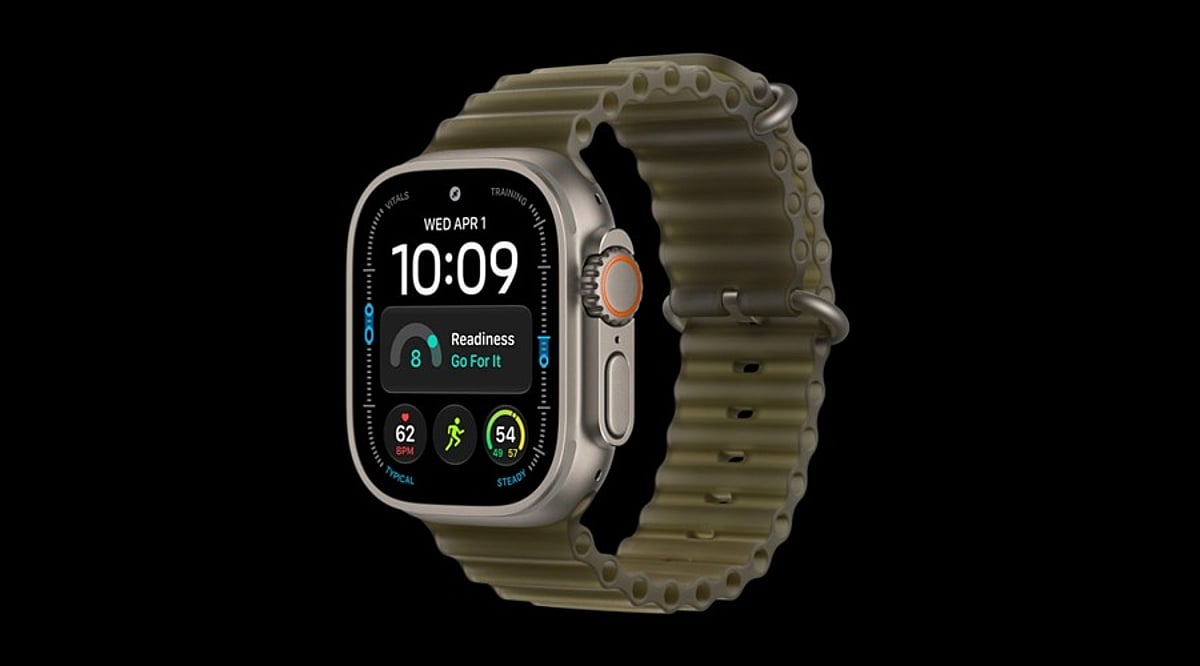
    Apple has already added health-focused features to its latest Apple Watch lineup, including readiness information, advanced heart tracking, and biological age estimates. A screenless band could extend these capabilities to people who avoid traditional smartwatches.

    The device could also complement the Apple Watch rather than replace it. A display-free tracker may attract athletes, wellness-focused users, and those who prefer mechanical watches.

    Market Reaction and Outlook

    Apple’s reported interest had an immediate market impact. Garmin shares reportedly fell as much as 2.5% after the news surfaced, while Apple shares gained roughly 1% during the same period.

    Apple has not confirmed the product, so final features and release timing remain uncertain. Still, the reported prototype signals a possible expansion of Apple’s wearable ecosystem and a more direct challenge to dedicated fitness-tracker brands.

  • Stop Your Apple Watch From Listening: A Simple Guide to Disabling Siri Recap

    Stop Your Apple Watch From Listening: A Simple Guide to Disabling Siri Recap

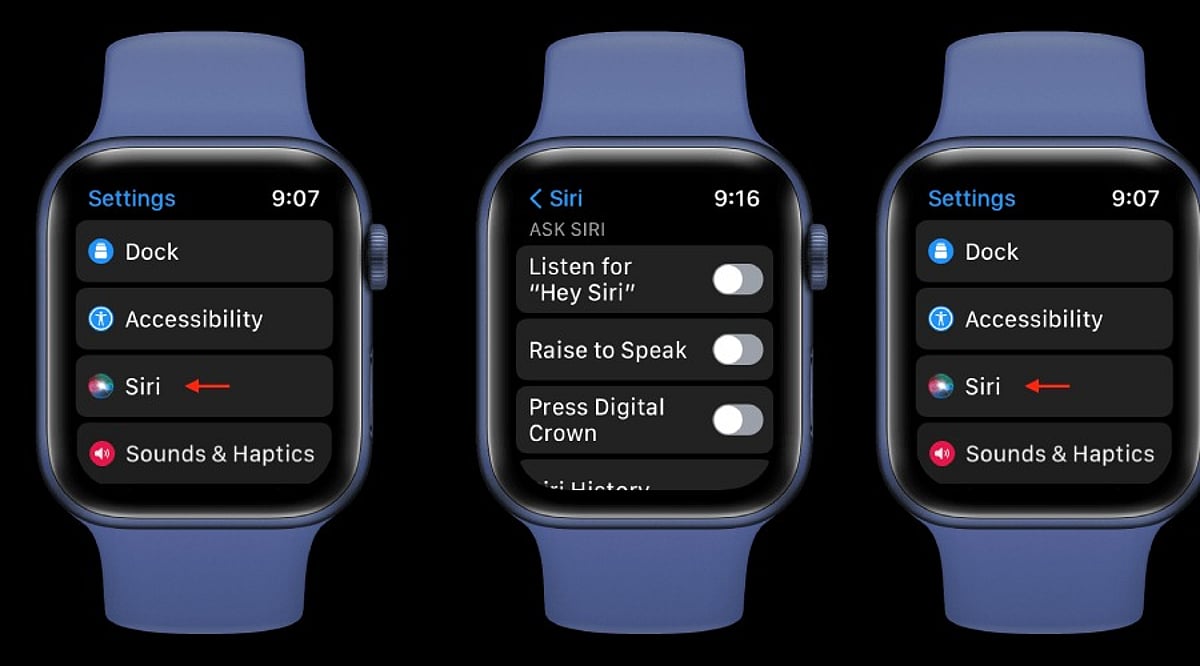
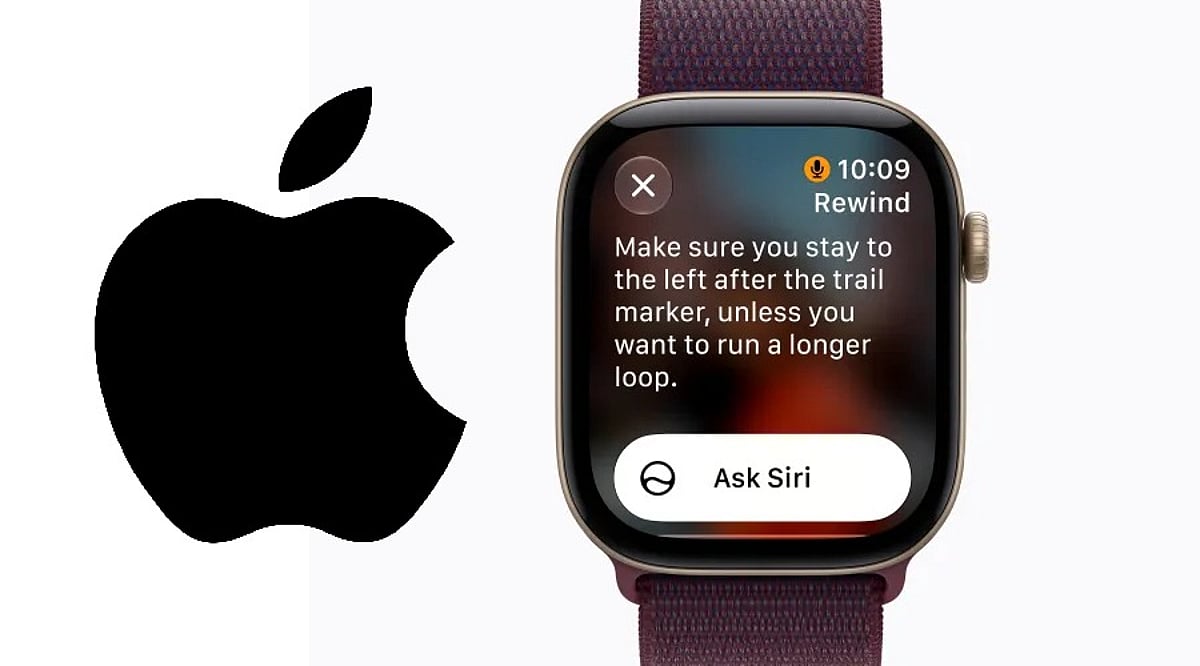
    Apple’s latest Apple Watch models introduce Audio Intelligence features, including Siri Recap, which can listen to conversations in the background and generate AI-powered summaries. While Apple emphasizes that Siri Recap is opt-in and does not store raw audio recordings, many users may prefer to disable it for privacy. Here’s how to turn off Siri Recap on your Apple Watch while keeping standard Siri features fully functional.

    What Is Siri Recap on Apple Watch?

    Siri Recap is part of Apple’s Audio Intelligence suite for Apple Watch. Unlike traditional Siri, which waits for an explicit activation command, Siri Recap works in the background. When enabled, it can listen to conversations throughout the day and create high-level summaries so you can recall important points later.

    Apple states that Siri Recap does not generate conventional audio recordings. Instead, audio is processed in a protected hardware environment that is inaccessible to the operating system, third-party apps, or Apple itself. The resulting recaps are summarized overviews, not full transcripts of your conversations.

    How to Turn Off Siri Recap

    Disabling Siri Recap takes just a few seconds. Use the Watch app on your paired iPhone:

    • Open the Watch app on your iPhone.
    • Tap the Siri section.
    • Locate Siri Recap.
    • Toggle the switch to turn it off.

    Once disabled, your Apple Watch will stop using the feature to take ambient notes or generate conversation summaries. You can also enable or disable Siri Recap directly from Control Center on the watch itself.

    Schedule Siri Recap Instead of Turning It Off Completely

    If you find Siri Recap useful in certain situations but want more control over when it listens, you don’t have to disable it entirely. Apple lets you set Siri Recap to operate on a schedule based on time of day, location, or specific scenarios. For example, you can keep it active during work hours and turn it off automatically at home or overnight.

    Siri Recap vs. Live Rewind

    It’s important not to confuse Siri Recap with Live Rewind, a separate feature. Live Rewind lets you retrieve a text snippet of what was said in the previous 15 seconds after double-pressing the Digital Crown. It does not continuously create a running transcript in the background like Siri Recap can.

    Both features come with the Apple Watch Series 12 and Apple Watch Ultra 4, subject to software and compatibility requirements.

    Disabling Siri Recap Doesn’t Disable Siri

    Turning off Siri Recap has no effect on regular Siri functionality. You can still use Siri for reminders, weather, timers, messages, smart-home controls, and other supported actions. This makes it easy to enjoy the convenience of Apple’s assistant without the concern of background listening.

    By following the steps above, you can take control of your Apple Watch’s privacy features and decide exactly when Audio Intelligence is allowed to listen.

  • Top Wearable Tech for Travelers: Smartwatches, Rings, and Earbuds That Make Trips Smoother

    Top Wearable Tech for Travelers: Smartwatches, Rings, and Earbuds That Make Trips Smoother

    Traveling often means juggling a phone for directions, messages, fitness stats, and entertainment. Wearable gadgets like smartwatches, smart rings, and wireless earbuds can handle many of these tasks hands-free, letting you stay focused on the journey. Here are seven standout options available through Amazon India that cater to different travel styles.

    Garmin Instinct Series

    For adventurers who love trekking or hiking, the Garmin Instinct series offers GPS navigation, activity tracking, heart-rate monitoring, and a rugged design. Its extended battery life is a major plus when outlets are scarce.

    Buy Now

    Apple Watch

    iPhone users will find the Apple Watch a seamless travel companion. It delivers notifications, activity tracking, navigation, and call handling without constant phone checks—ideal for exploring new cities while keeping your phone secure.

    Buy Now

    Samsung Galaxy Watch

    Android users can rely on the Samsung Galaxy Watch for GPS, fitness tracking, notifications, calls, and health features. It reduces the need to pull out your phone during sightseeing or daily walks.

    Buy Now

    Samsung Galaxy Ring

    If you prefer not to wear a smartwatch, especially while sleeping, the Samsung Galaxy Ring provides discreet health and activity tracking. Its small size makes it easy to wear throughout a trip without an extra screen.

    Buy Now

    Ultrahuman Ring Air

    This ring focuses on sleep, recovery, and activity—metrics that can be disrupted by travel. Its lightweight design ensures comfort during long days and nights away from home.

    Buy Now

    Sony Wireless Noise-Cancelling Earbuds

    Long flights become more bearable with Sony’s noise-cancelling earbuds. They’re compact, block ambient noise, and deliver clear audio for music, podcasts, movies, and calls during flights or train rides.

    Buy Now

    Amazon Basics Wireless Neckband

    For an affordable and straightforward option, the Amazon Basics wireless neckband keeps earphones around your neck when not in use. It’s perfect for music, podcasts, and calls without the premium price tag.

    Buy Now

    Final Takeaway

    The best wearable depends on your travel style. Adventure seekers may prefer the Garmin Instinct, while iPhone and Android users can choose Apple Watch or Galaxy Watch. Smart rings offer discreet health tracking, and quality earbuds improve long journeys. Always check current Amazon India listings, prices, seller ratings, and warranty details before purchasing.

    Frequently Asked Questions

    What are the best wearable gadgets for travel?

    Smartwatches, smart rings, and wireless earbuds are top choices. They assist with navigation, activity tracking, notifications, sleep monitoring, and entertainment while reducing smartphone dependence.

    Are smartwatches useful while traveling?

    Yes. GPS-enabled models help with directions, notifications, calls, and fitness data, especially when exploring unfamiliar areas or hiking.

    Are smart rings good for travel?

    Smart rings are excellent for discreet health and activity tracking without adding a screen. They monitor sleep, movement, and recovery, which can be disrupted by travel.

    Which earbuds are best for long flights?

    Noise-cancelling wireless earbuds with comfortable designs and reliable battery life are ideal. Sony’s models are a strong example.

    What should you check before buying travel wearables?

    Consider battery life, durability, water resistance, GPS availability, smartphone compatibility, charging needs, and warranty. For Amazon India purchases, compare prices, seller ratings, delivery options, and return policies.

  • Apple Watch Ultra 4 Review: S11 Chip, Enhanced Health Sensors, and Satellite Connectivity

    Apple Watch Ultra 4 Review: S11 Chip, Enhanced Health Sensors, and Satellite Connectivity

    The Apple Watch Ultra 4 is the latest flagship smartwatch from Apple, designed for fitness enthusiasts, outdoor adventurers, and users who prioritize safety features. Building on the rugged titanium construction of its predecessor, the Ultra 4 introduces the new S11 chip with a four-core Neural Engine, enabling advanced Siri AI and Audio Intelligence technology. Key highlights include an upgraded Health Sensing System, Readiness tracking, high-precision dual-frequency GPS, 5G connectivity, and satellite communication capabilities. With impressive battery life, WR100 water resistance, and recreational dive capability down to 40 meters, the Apple Watch Ultra 4 stands out as one of Apple’s best smartwatches.

    General Specifications

    • Processor: S11 chip with four-core Neural Engine
    • Connectivity: 5G, satellite communication, dual-frequency GPS
    • Water Resistance: WR100 (100 meters), dive-ready to 40 meters
    • Battery Life: Up to 50 hours
    • Health Sensors: Enhanced Health Sensing System, Readiness tracking
    • AI Features: Siri AI, Audio Intelligence

    Pros and Cons

    Pros

    • Powerful S11 chip with advanced AI capabilities
    • Improved health and fitness tracking
    • Excellent battery life (50 hours)
    • Rugged titanium build with 100m water resistance
    • Satellite connectivity for emergency situations
    • Precise GPS for outdoor activities

    Cons

    • High price point
    • Minor visual upgrades over Ultra 3
    • Not a must-upgrade for Ultra 3 owners

    Final Verdict

    The Apple Watch Ultra 4 is a highly sophisticated smartwatch that leverages Apple’s best wearable platform. Its standout features—the S11 chip, Siri AI, Audio Intelligence, upgraded health sensors, Readiness measurement, long battery life, and enhanced outdoor performance—make it ideal for sports enthusiasts and adventurers. The titanium body, 100-meter waterproofing, diving capabilities, satellite communications, and precise GPS positioning further solidify its appeal. However, the high price and subtle design changes mean that Ultra 3 owners may not find it an essential upgrade. For iPhone users seeking a top-tier smartwatch for fitness, health monitoring, safety, and outdoor activities, the Apple Watch Ultra 4 is an excellent choice.

  • Apple Watch Series 12 Review: Smarter Health Tracking, AI Audio Tools, and Faster Charging

    Apple Watch Series 12 Review: Smarter Health Tracking, AI Audio Tools, and Faster Charging

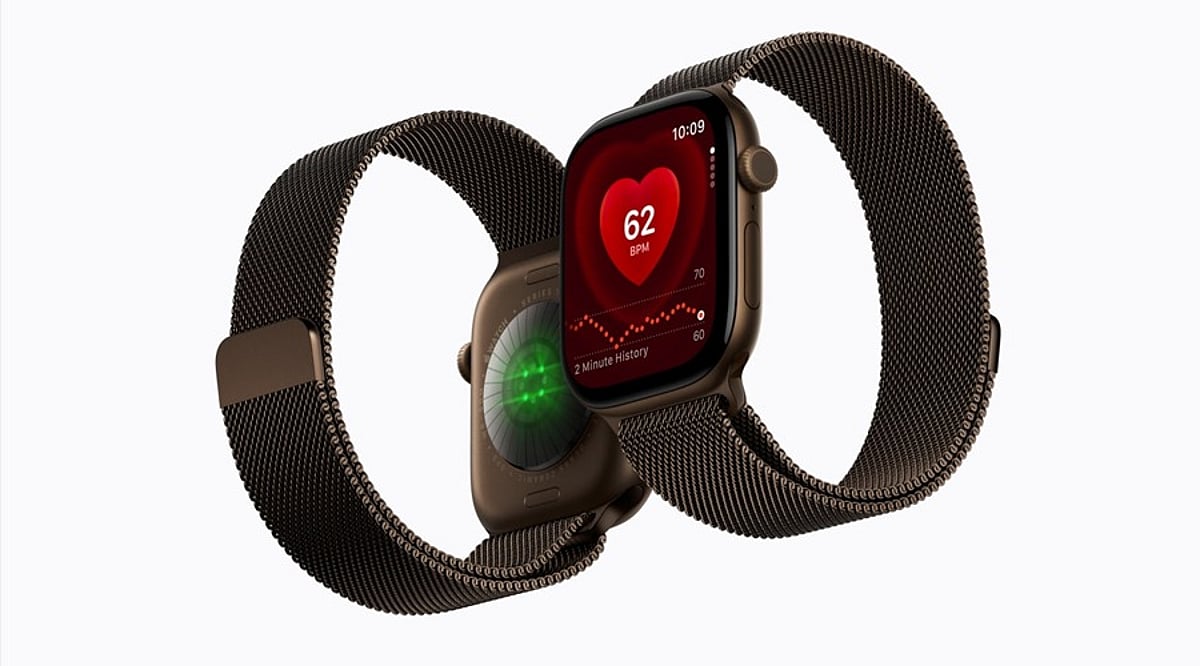
    The Apple Watch Series 12 builds on Apple’s smartwatch lineup with meaningful upgrades in health monitoring, AI-driven audio tools, and charging speed. Powered by the new S11 chip and an enhanced Health Sensing System, the wearable adds a background heart rate sensor, readiness score, and health age indicators to give iPhone users a more complete picture of their well-being.

    Key Features

    Beyond the refreshed internals, the Series 12 keeps the bright always-on display and elegant design users expect. Fitness tracking is more advanced, and the tight integration with the Apple ecosystem remains a major selling point. The watch also introduces several audio intelligence features, including sound recognition, Live Rewind, and Siri Recap.

    Pros and Cons

    Pros:

    • New S11 chip improves performance and efficiency
    • Enhanced Health Sensing System with background heart rate monitoring
    • Readiness score and health age indicators offer deeper wellness insights
    • Faster charging despite the same 24-hour battery life
    • Bright always-on display and premium design
    • Strong fitness tracking and Apple ecosystem integration

    Cons:

    • Battery capacity remains at 24 hours, so daily charging is still needed
    • Not a major upgrade for Apple Watch Series 11 owners

    Final Verdict

    The Apple Watch Series 12 is an excellent choice for iPhone users looking for a capable, polished smartwatch. Its combination of the S11 chip, upgraded health sensing, readiness score, and audio intelligence makes it a meaningful step forward. The faster charging adds convenience, while the display, fitness capabilities, safety features, and seamless iPhone integration remain strong. However, if you already own an Apple Watch Series 11, there may not be enough new features to justify an immediate upgrade.

  • Apple Watch Live Rewind Feature Sparks Privacy Concerns: How Apple Addresses Covert Recording Fears

    Apple Watch Live Rewind Feature Sparks Privacy Concerns: How Apple Addresses Covert Recording Fears

    Apple’s new Live Rewind feature for the Apple Watch has raised privacy questions after its debut alongside the Apple Watch Ultra 4 and Watch Series 12. The feature can recover the last 15 seconds of spoken conversation and transcribe it as text directly on the watch.

    How Live Rewind Works

    Apple designed Live Rewind for moments when users miss part of a conversation—for example, when someone speaks quickly or a sentence is hard to follow. By double-pressing the Digital Crown, the watch processes recent speech and displays the words as text. Apple says the watch stops listening and transcribing once Live Rewind has processed the audio, and the recent speech is then deleted from the device. The transcript disappears about 30 seconds after the display dims. Users can choose to save information to the Siri app if they want to retain it.

    Live Rewind also integrates with Siri, allowing users to connect the displayed text for additional help or to save relevant information. The feature can be enabled or disabled through the Watch app on an iPhone. It requires an Apple Watch Series 12 or Apple Watch Ultra 4 paired with an iPhone 16 or newer.

    Privacy Safeguards

    Concerns have focused on whether someone could use Live Rewind without others knowing. Apple says the feature is designed to be noticeable to people nearby. When activated, the watch plays an audible chime through its speaker—even when set to silent mode or connected to headphones. A full-screen animation appears on the display, and a microphone indicator shows while Live Rewind is active. Apple states these signals make it clear that the feature is activated.

    Live Rewind requires Apple Intelligence and will not be available to users under 13. Apple plans to introduce the feature later this year rather than with the initial versions of watchOS 27 and iOS 27.

  • watchOS 27 and iPadOS 27: Apple’s Health Tracking Gets Smarter with AI Coaching and Menopause Support

    watchOS 27 and iPadOS 27: Apple’s Health Tracking Gets Smarter with AI Coaching and Menopause Support

    Apple has announced that watchOS 27 and iPadOS 27 will be released on September 14, 2026, bringing a host of new health-tracking features to Apple Watch and iPad users. The updates leverage higher-frequency sensing and Apple Intelligence to transform health data into clearer daily guidance.

    New Health Sensing System

    The latest Apple Watch models, including the Series 12 and Ultra 4, introduce a new Health Sensing System that enables more frequent measurements. Heart rate readings can be taken every five seconds, while HRV measurements can occur every five minutes. Apple claims this system delivers the highest heart rate accuracy among comparable wearables.

    Readiness Score

    A new Readiness feature provides users with a daily score from 0 to 10, based on recent activity, vital signs, and sleep data. The score suggests whether to Recover, Pace Yourself, Ready, or Go For It, and can update throughout the day as new health information arrives.

    AI Fitness Coaching

    Workout Buddy receives a major upgrade, now supporting standalone Apple Watch operation without needing an iPhone nearby. The AI fitness coach uses more workout history for personalized motivation and adds Spanish language support alongside English.

    Cycle Tracking Expands

    Cycle Tracking now includes perimenopause and menopause monitoring, with symptom logging and cycle pattern notifications. Users aged 40 and above can receive alerts when patterns suggest possible perimenopause. Apple emphasizes these are wellness features, not medical diagnosis.

    Redesigned Health App on iPad

    iPadOS 27 brings a redesigned Health app that integrates Apple Intelligence. The Insights tab summarizes heart, sleep, fitness, readiness, and cycle data, while Longevity tracks broader health trends. Health Age compares selected Apple Watch metrics with chronological age. The app can also include movement assessments and imported lab data, measuring flexibility, strength, balance, movement mechanics, and VO2 max.

    GymKit and AirPods Pro 3

    Apple is expanding GymKit through iPhone and compatible gym equipment. AirPods Pro 3 can share heart rate data via iPhone, and machine learning improves treadmill distance calculations.

    watchOS 27 supports Apple Watch Series 9 or later, SE 3, and Ultra 2 or later. The redesigned Health app starts with U.S. English availability, with more languages planned.

    Apple Health and Fitness Vice President Sumbul Desai said, “Technology can empower everyone with actionable, science-based insights built with privacy at the core.”

  • Apple September 2026 Keynote Soundtrack: Full Playlist for iPhone 18 Pro, iPhone Duo, and More

    Apple September 2026 Keynote Soundtrack: Full Playlist for iPhone 18 Pro, iPhone Duo, and More

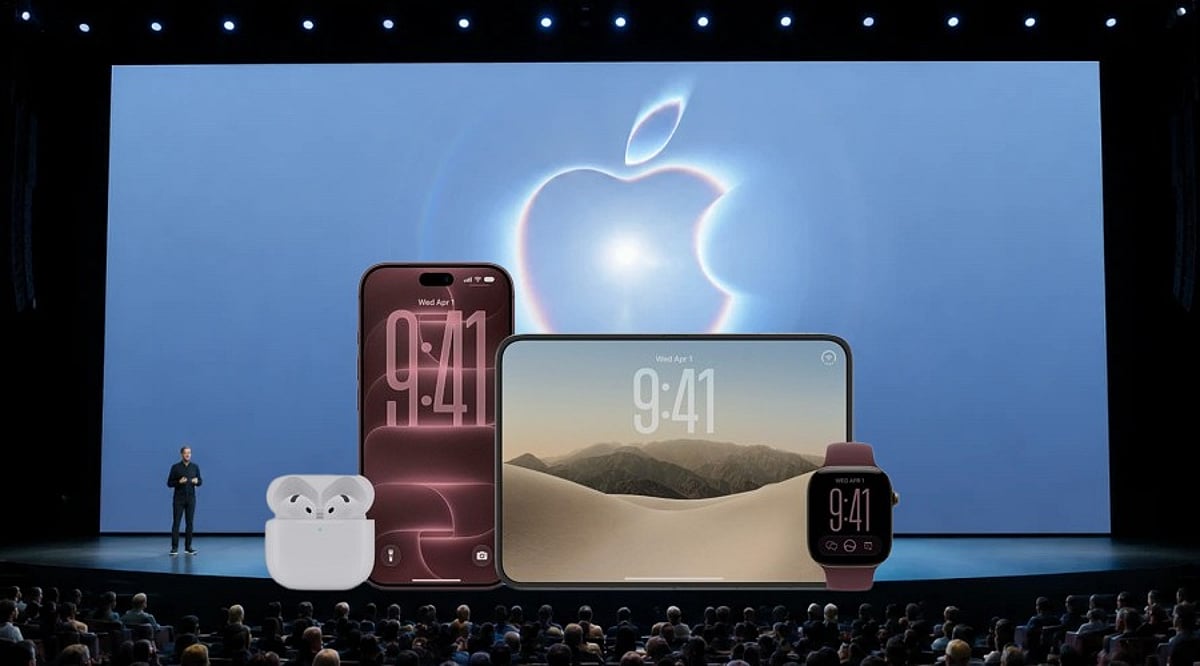
    Apple’s “Surprise and Shine” keynote on September 9, 2026, was not only a showcase of new hardware but also a carefully curated musical experience. Independent trackers reconstructed the full soundtrack, revealing 20 songs that played across every major product reveal — from the iPhone 18 Pro series to the first foldable iPhone, the iPhone Duo.

    The event marked John Ternus’s debut as Apple CEO, taking the stage at the Steve Jobs Theater just eight days after succeeding Tim Cook on September 1, 2026. The soundtrack added an emotional and energetic layer to an already momentous presentation.

    iPhone 18 Pro Reveal: Genesis Owusu’s ‘STAMPEDE’

    Genesis Owusu’s “STAMPEDE” accompanied the unveiling of the iPhone 18 Pro and iPhone 18 Pro Max. The track, released in February 2026, is the lead single from his album Redstar Wu & the Worldwide Scourge.

    The keynote’s opening film featured RUMTUM’s “Aspect of a Dream,” setting the tone for the iPhone as an “intelligent, personal hub.” SMH’s “Camera (data cluster Remix)” played during the A20 Pro chip segment, while “if I was a pony, this would be the last time” underscored the thermal management and battery life discussion. The gaming segment, showcasing Monster Hunter Outlanders, used Mike D’s “True Colors.”

    AirPods, Apple Watch, and Audio Intelligence

    The transition to AirPods 5 was accompanied by “DON’T LISTEN” from Scottish trombonist and producer corto.alto (Liam Shortall). Masego’s “Hello” then played during the AirPods 5 introduction.

    Apple Watch health and fitness features were paired with horsegiirL’s “rivers run free,” while Marina Herlop’s “Vas volant” (featuring Adri Goor) accompanied the new Audio Intelligence feature. The track was released in August 2026.

    iPhone Duo: Two Key Musical Moments

    Apple’s first foldable iPhone, the iPhone Duo, was revealed with Dylan Thom’s “SAS.” WILLOW’s “Talk On The Hill” played during the iOS 27 segment on the foldable, and Michigander’s “Taxi” closed the product film.

    The full running order also included tracks from Barry Can’t Swim, Overmono, ANOTR, TOMORA, Sam Ewing, CRi, Airmow, and Joy Anonymous. The official soundtrack spanned from the opening walk-in music through the closing credits.

    Apple’s music team has historically curated keynote soundtracks, including the annual WWDC playlist. This year’s playlist was reconstructed independently after the event — it remains an unofficial but accurate fan compilation.

  • Apple Cleans Up Lineup: Six Older iPhones, Watches, and AirPods Discontinued After iPhone 18 Pro Debut

    Apple Cleans Up Lineup: Six Older iPhones, Watches, and AirPods Discontinued After iPhone 18 Pro Debut

    Apple has officially trimmed its product lineup following the launch of the iPhone 18 Pro series on September 9. The company removed six older devices from its official roster, spanning iPhones, Apple Watch models, and AirPods, as part of its annual hardware refresh.

    Which Apple devices were discontinued?

    The newly discontinued products include:

    • iPhone 17 Pro
    • iPhone 17 Pro Max
    • Apple Watch Series 11
    • Apple Watch Ultra 3
    • Apple Watch SE 2
    • AirPods 4

    These models have been replaced by newer versions in Apple’s lineup: the Apple Watch Series 12, Apple Watch Ultra 4, Apple Watch SE 3, and AirPods 5. Apple’s strategy is to simplify its product range and give the latest hardware more prominence in stores.

    What this means for buyers

    While the discontinued devices are no longer listed on Apple’s official store, third-party retailers may still have remaining inventory. Shoppers looking for older Pro iPhones or Apple Watch models could see short-term discounts as sellers clear out stock ahead of the new generation’s dominance.

    iPhone 18 Pro pricing and features

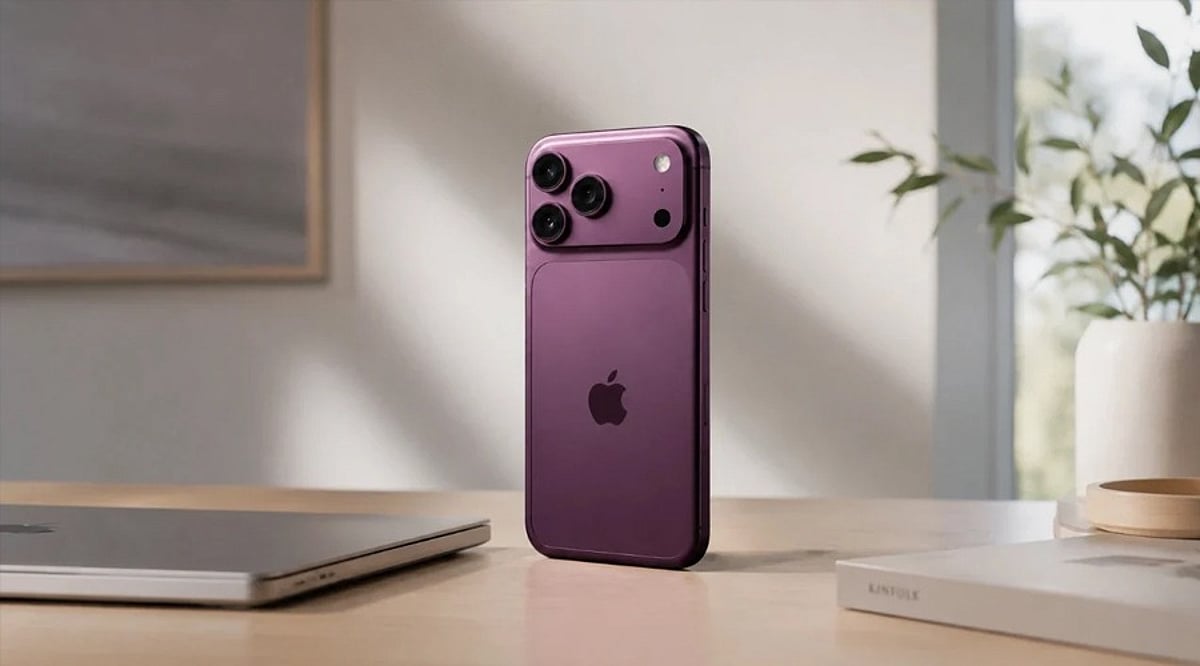
    In India, the iPhone 18 Pro starts at Rs. 1,64,900, while the iPhone 18 Pro Max starts at Rs. 1,79,900. Both models include the new A20 Pro chip, a variable aperture camera, and Apple’s C2 modem. The standard iPhone 17 remains available as a lower-priced flagship option, since Apple did not announce a regular iPhone 18 at the September event. Reports suggest it may arrive in spring 2027.

    AirPods 5 upgrades

    Alongside the hardware refresh, Apple’s new AirPods 5 bring improved noise cancellation, Live Translation support, and Siri AI features compared with the outgoing AirPods 4.

    Support continues for older devices

    Being discontinued does not mean these products are immediately obsolete. Existing units will continue to receive software updates and repair support from Apple even after leaving the sales lineup.