
Tag: brand consistency

  • Canva Business vs Canva Pro: Essential Features for Team Collaboration and Brand Management

    Canva Business vs Canva Pro: Essential Features for Team Collaboration and Brand Management

    Creative work slows down when teams spend more time chasing files than creating them. Brand assets sit in personal folders, feedback gets buried in chat threads, and approvals arrive through scattered emails. The result is delays, version confusion, and inconsistent branding. Canva’s business plan brings design, collaboration, brand assets, and approvals into one shared workspace, helping teams move from idea to publication with greater speed and control.

    Canva Pro vs Canva Business: What’s the Difference?

    The two plans solve different problems. Canva Pro sharpens individual output. Canva Business coordinates a group working toward the same brand standard. Canva Pro still exists for individual users, while Canva Business adds shared brand controls, admin permissions, and a structured review process on top of everything Pro already offers. The old flat-rate Teams plan has been retired for new customers and rebuilt around per-seat pricing. Costs and limits shift often enough that checking Canva’s own pricing page beats relying on older comparisons.

    Real-Time Editing for Seamless Collaboration

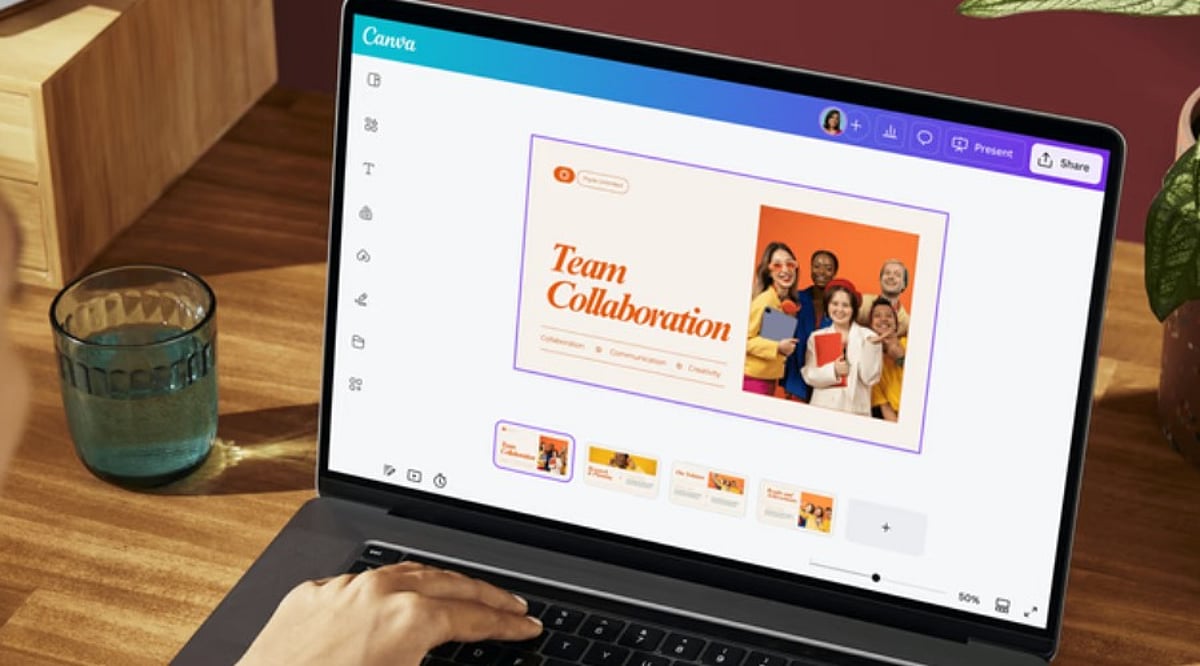
    Real-time editing removes the back-and-forth of exported files. A designer lays out a graphic, a copywriter edits the headline, and a manager leaves a comment, all inside the same file. Nobody waits for someone else to finish and send a new version. This works best when roles are clear from the start. A team that knows who owns creation, who reviews, and who approves moves through a design process far faster than one that relies on ad hoc requests.

    Brand Kits and Template Locking

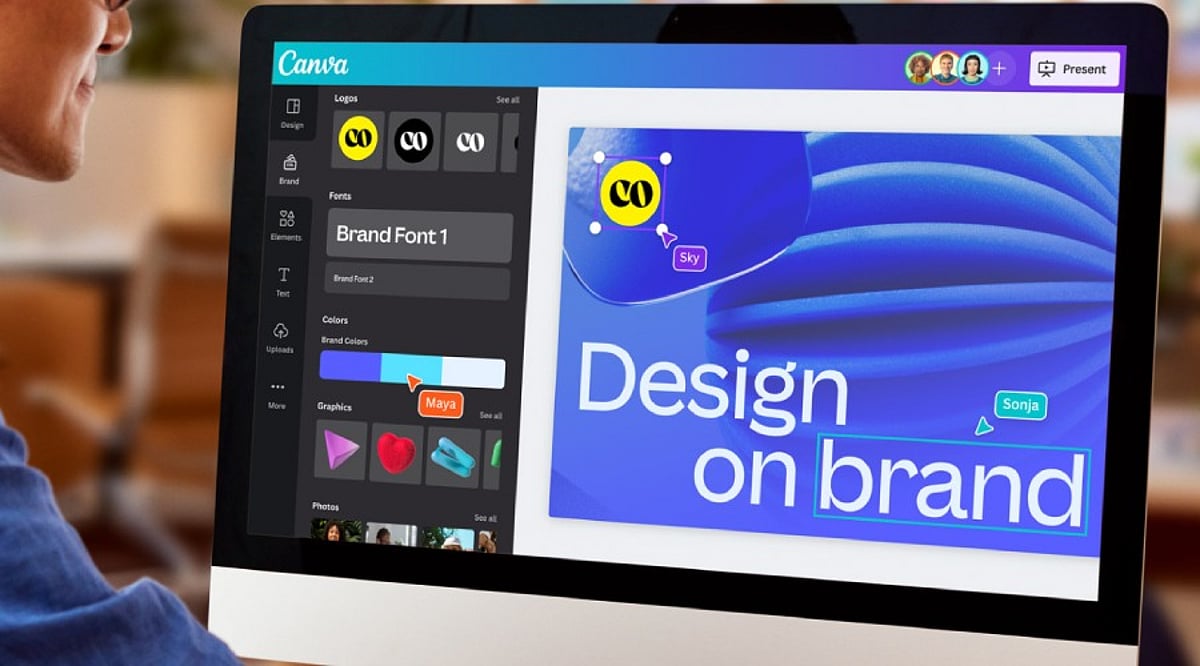
    Brand Kits store logos, color codes, fonts, and approved images in one place, so nobody has to guess which shade of blue is correct. Template locking goes a step further, keeping approved layouts intact even when several people can edit a file. The result is fewer off-brand designs slipping through review, since the right assets are simply the default option rather than something each contributor has to remember on their own.

    Separating Feedback from Approval

    These two steps get treated as one, but they are not. Comments handle the rough edges: a tag here, a suggested edit there, and a flag on something incomplete. Approval comes after, and it carries weight that comments do not. A file moves from creator to reviewer to a named approver, sometimes including legal, before it goes live. Keeping these stages apart means a comment never gets mistaken for final sign-off, and someone stays accountable for what gets published.

    Folders, Permissions, and Ownership

    Shared folders sort work by brand, client, or campaign, which matters once a workspace grows past a few people. Permissions decide who can touch brand assets, manage templates, or approve final work. Not everyone needs full access. Designs also live in the shared workspace rather than one person’s account, so a campaign stays reachable even after someone leaves the company or switches roles. That continuity rarely gets noticed until its absence causes a problem.

    A Campaign in Motion

    Picture a retail team building a seasonal push. Designers pull from approved templates. A copywriter edits copies directly in the file. A manager leaves notes during review. Legal checks the claims. An approver signs off. Every step happens inside one workspace, with no exported drafts floating through email.

    Where AI Adds Speed

    Canva’s business tools include AI features for drafting copy, building first-pass presentations, resizing assets, and adapting one design into several formats. These cut production time, though availability shifts by plan and region. Human review still matters most for tone, accuracy, and brand fit. AI speeds up the early draft. It does not replace the judgment applied during review and approval.

    Getting Started

    Teams adopting this setup tend to succeed faster with a short checklist: build one approved Brand Kit first, create templates for recurring content, assign clear roles, set folder conventions early, route feedback through comments instead of chat apps, and revisit permissions as the team changes.

    Final Thought

    The plan and pricing details will keep shifting, but the underlying shift will not: design work is moving away from individual files and toward shared, governed systems. Teams that build strong habits around brand control and approval now will adapt faster as these tools continue to expand.

    FAQs

    1. What is Canva Pro for teams?
    Many people search for Canva Pro for teams, but Canva’s collaborative business offering is now positioned as Canva Business. It builds on Canva Pro by adding shared workspaces, Brand Kits, role-based permissions, and collaboration features designed for teams.

    2. What is the difference between Canva Pro and Canva Business?
    Canva Pro is designed primarily for individual creators who need premium design tools and assets. Canva Business adds team-focused capabilities such as shared Brand Kits, approval workflows, administrative controls, shared folders, and centralized collaboration.

    3. Can multiple people edit the same Canva design at the same time?
    Yes. Canva supports real-time collaboration, allowing multiple team members to edit a design simultaneously, leave comments, mention colleagues, and review changes without creating multiple file versions.

    4. How does Canva Business help maintain brand consistency?
    Canva Business helps teams stay on brand by providing shared Brand Kits, reusable templates, approved design assets, and permissions that control who can edit brand elements. This reduces inconsistent designs across teams and campaigns.

    5. Does Canva Business support approval workflows?
    Yes. Canva Business includes approval workflows that allow designated reviewers or approvers to sign off on designs before they are published. This helps businesses improve accountability, streamline reviews, and reduce publishing errors.
  • Unlock Professional Branding: How Canva Pro Streamlines Logo Design, Presentations, and Brand Kits

    Unlock Professional Branding: How Canva Pro Streamlines Logo Design, Presentations, and Brand Kits

    Canva Pro helps businesses create professional logos, presentations, and consistent branding using Brand Kits, AI-powered design tools, and flexible collaboration features, making visual content creation faster, easier, and more professional.

    A Professional Logo Builds Brand Identity

    A logo gives a company a distinctive identity. Customers tend to recognize the logo before anything else related to the company. Canva Pro has thousands of tweakable templates for logos that can fit various business types. The different templates have features that make it easy to change the layout, color, font, etc. A company can have a logo ready very quickly while maintaining the right professional look.

    Besides that, Canva Pro enables you to export your logo in SVG file format, which means you get a high-quality logo regardless of the logo’s size. A logo looks perfect on a business card, mug, website, billboard, and product packaging. In addition to that, exporting in transparent PNG format allows the logo to be seamlessly integrated with various backgrounds and eliminates unwanted blank boxes. The editing tools powered by AI help create and tweak various shapes and colors easily.

    Brand Kit Keeps Every Design Consistent

    Brand consistency plays a major role in business success. Customers remember a brand more easily when every design shares the same colors, fonts, and logo style. Canva Pro solves this challenge through its Brand Kit feature.

    The Brand Kit stores logos, brand colors, heading fonts, body fonts, and other visual elements in one place. Every new project can use these saved assets with only a few clicks. This simple process saves valuable time and keeps every design uniform across presentations, social media graphics, brochures, reports, and advertisements.

    Canva Pro now allows up to 100 Brand Kits. This feature serves marketing agencies, design studios, and companies that manage several brands at the same time. Each brand keeps its own colors, fonts, and logo without confusion.

    Brand Kit Builder Saves Valuable Time

    Many businesses already have a website or a brand guideline document. Canva Pro offers another helpful feature called Brand Kit Builder. This tool collects logos, fonts, colors, and other visual details directly from a company website or a PDF brand guide.

    The entire setup takes far less time than manual entry. A business starts new design projects with a complete brand identity already in place. This process also reduces mistakes and keeps every team member on the same visual style from the first project onward.

    Canva Pro Creates Professional Presentations

    Business presentations need a clean layout, readable text, attractive charts, and strong visual balance. Canva Pro includes thousands of presentation templates for sales meetings, business proposals, company reports, educational sessions, and product launches.

    Built-in charts and infographic tools help present numbers in a clear format. Animation features add smooth movement that keeps audience attention from the first slide to the last. Presenter View displays speaker notes while the audience sees only the presentation. Video presentation tools allow recording and sharing without extra software. Team members can also edit the same presentation together, which supports faster project completion.

    AI Features Speed Up Creative Work

    Artificial intelligence is a vital part of modern-day design. Canva Pro’s expanding Visual Suite offers a variety of tools equipped with AI technology to help the designer make layouts, edit images, create texts, and improve the design further.

    The release of new products such as Magic Studio, Canva Sheets, Canva Code, and advanced photo editing opens a door for many different design possibilities through the platform itself, not just graphic design. Today, businesses create their presentations, documents, promotions, and other visual outputs in one workspace rather than jumping around from one application to another.

    Better Brand Control Creates Better Results

    Strong brands stay consistent across every customer touchpoint. A matching logo, color palette, font style, and presentation design help customers recognize a business quickly. Canva Pro supports this goal through one central location for every important brand asset.

    Every employee or designer works with the same approved colors, logos, and fonts. Marketing campaigns, presentations, reports, and digital content maintain the same professional appearance. This level of consistency strengthens brand recognition and builds customer confidence over time.

    Canva Pro Fits Businesses of Every Size

    Small businesses often need affordable design software, while larger companies need advanced brand management tools. Canva Pro serves both groups through flexible features. A startup can create its first logo and presentation within hours. A growing company can manage several brands through multiple Brand Kits. A design agency can organize client projects with clear separation between each brand identity.

    Simple tools remove technical barriers, yet professional export options support high-quality business materials. This balance makes Canva Pro suitable for beginners as well as experienced designers.

    Final Thoughts

    Canva Pro has developed into something more advanced than a basic design service. Over 220 million users, support for more than 100 languages, and powerful business tools speak of the service’s global applicability. The features of creating logos in a professional way, exporting SVG images, exporting transparent background images, the ability of having Brand Kit and Brand Kit Builder, AI design tools, presentation abilities, make it possible to create various visual content easily. Introduction of 100 Brand Kits allows various agencies and organizations to produce different brands within the same platform.

    Frequently Asked Questions

    What is Canva Pro used for?

    Canva Pro is a design platform that helps users create logos, presentations, marketing materials, social media graphics, and branded content with premium features.

    What is the benefit of Canva Pro Brand Kit?

    Brand Kit stores logos, colors, fonts, and other brand assets in one place to ensure consistent branding across all designs.

    Can Canva Pro create professional presentations?

    Yes. Canva Pro offers thousands of presentation templates, animations, charts, speaker notes, collaboration tools, and video presentation features.

    Does Canva Pro support AI-powered design?

    Yes. Canva Pro includes AI features such as Magic Studio, AI image editing, content generation, and layout suggestions to speed up design work.

    Who should use Canva Pro?

    Canva Pro is ideal for startups, small businesses, marketing teams, agencies, educators, and enterprises looking to create professional visual content efficiently.

  • Top Canva Pro Template Families for Social Media, Business, and Marketing Success

    Top Canva Pro Template Families for Social Media, Business, and Marketing Success

    Brand consistency often unravels once content production scales across multiple platforms and team members. Canva Pro templates solve this by turning individual designs into reusable systems. Features like Brand Kit, Magic Resize, and locked elements streamline content creation, helping businesses maintain a cohesive look without repetitive manual work.

    Key Features That Make Templates Work at Scale

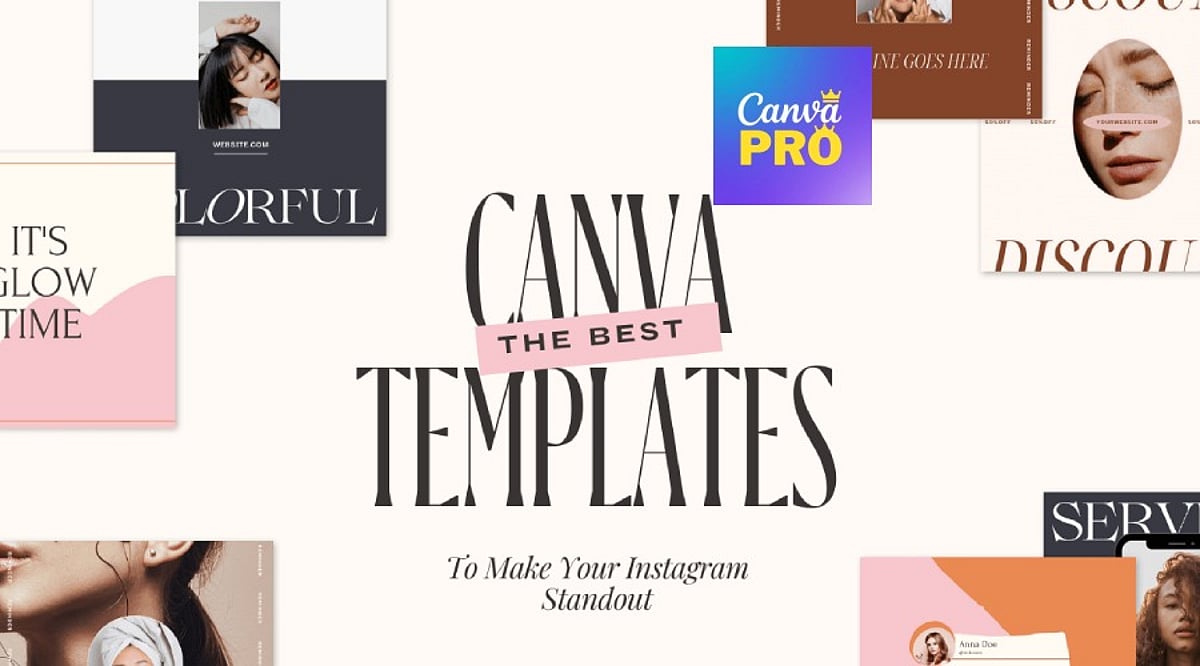
    Canva’s free plan offers a large template library, but Pro adds the machinery for true reusability. Brand Kit automatically applies your brand colors and fonts. Magic Resize adapts one design into multiple formats instantly. Locked elements prevent accidental layout shifts during team edits. These features don’t replace design judgment—they eliminate the repetitive tasks that slow down production.

    Essential Templates for Social Media, Business, and Marketing

    Social Media

    Instagram Carousel Posts lead in engagement. Metricool’s 2026 study of over 24 million posts found carousels generate nine times more saves than single images. Magic Resize converts one carousel into a Story and a Pin without extra design time. LinkedIn thought-leadership posts benefit from Brand Kit, keeping every post visually traceable to the same person.

    Business

    A Proposal Template with auto-applied brand kit reduces back-and-forth before client sign-off. A locked Brand Guidelines template prevents style drift as more team members create content. These templates ensure professional, on-brand communication every time.

    Marketing

    Lead Magnets with premium layout elements boost opt-in rates compared to plain PDFs. Resized Landing Page and Ad Banner sets keep the click and the page visually matched—a common reason paid traffic underperforms. Presentations, like locked Pitch Decks, keep founders focused on the argument instead of slide alignment.

    Building a Template Library, Not a File Pile

    A few rules separate an effective system from a folder of disconnected files:

    • Match templates to the platform before prioritizing aesthetics—a static post design often breaks as a Story.
    • Favor template families over single graphics; one carousel plus matching Story and Reel covers holds a brand together better than any isolated design.
    • Limit typography to two fonts through Brand Kit rather than choosing five for variety.
    • Treat heavy edits as a signal to pick a different template, not a reason to force one to fit.

    Smaller categories—newsletters, invoices, business cards, thumbnails—still deserve a spot in the same Brand Kit. Start with three template families: one for social, one for client communication, and one for marketing. Everything else becomes easier to standardize once that foundation is set.

    Final Thought

    The templates that earn a place in a real workflow are rarely the most decorative. They are the ones a team reaches for without thinking twice, resized in seconds, locked against accidental damage, and instantly recognizable as belonging to one brand.