
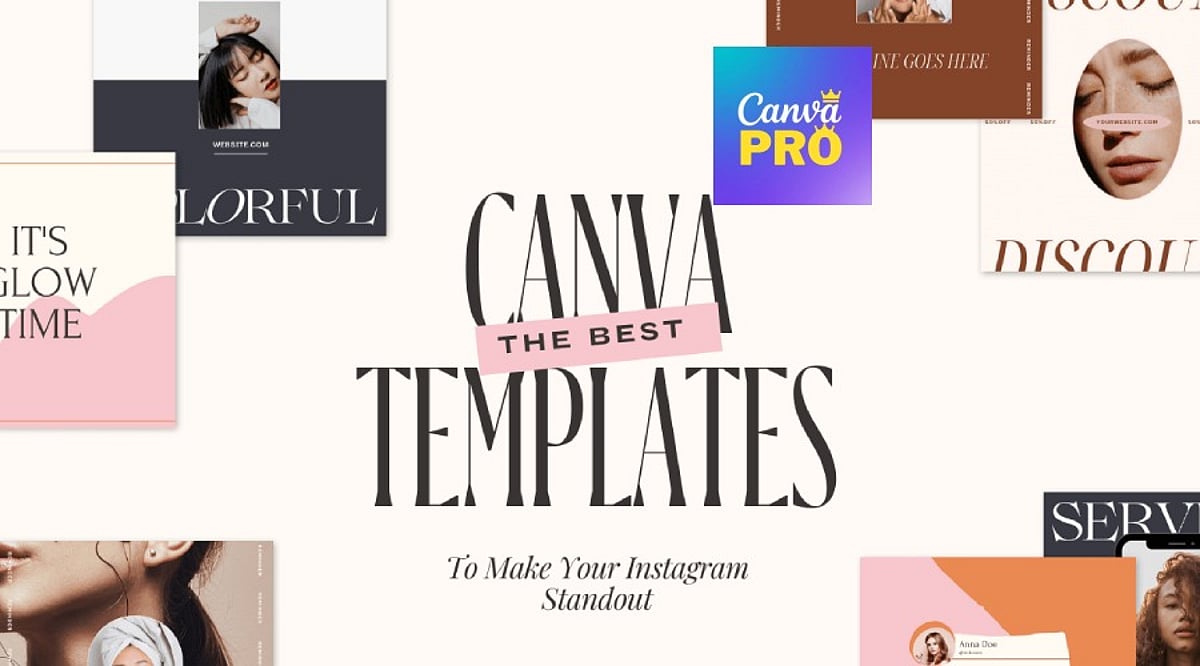
Brand consistency often unravels once content production scales across multiple platforms and team members. Canva Pro templates solve this by turning individual designs into reusable systems. Features like Brand Kit, Magic Resize, and locked elements streamline content creation, helping businesses maintain a cohesive look without repetitive manual work.
Key Features That Make Templates Work at Scale
Canva’s free plan offers a large template library, but Pro adds the machinery for true reusability. Brand Kit automatically applies your brand colors and fonts. Magic Resize adapts one design into multiple formats instantly. Locked elements prevent accidental layout shifts during team edits. These features don’t replace design judgment—they eliminate the repetitive tasks that slow down production.
Essential Templates for Social Media, Business, and Marketing
Social Media
Instagram Carousel Posts lead in engagement. Metricool’s 2026 study of over 24 million posts found carousels generate nine times more saves than single images. Magic Resize converts one carousel into a Story and a Pin without extra design time. LinkedIn thought-leadership posts benefit from Brand Kit, keeping every post visually traceable to the same person.
Business
A Proposal Template with auto-applied brand kit reduces back-and-forth before client sign-off. A locked Brand Guidelines template prevents style drift as more team members create content. These templates ensure professional, on-brand communication every time.
Marketing
Lead Magnets with premium layout elements boost opt-in rates compared to plain PDFs. Resized Landing Page and Ad Banner sets keep the click and the page visually matched—a common reason paid traffic underperforms. Presentations, like locked Pitch Decks, keep founders focused on the argument instead of slide alignment.
Building a Template Library, Not a File Pile
A few rules separate an effective system from a folder of disconnected files:
- Match templates to the platform before prioritizing aesthetics—a static post design often breaks as a Story.
- Favor template families over single graphics; one carousel plus matching Story and Reel covers holds a brand together better than any isolated design.
- Limit typography to two fonts through Brand Kit rather than choosing five for variety.
- Treat heavy edits as a signal to pick a different template, not a reason to force one to fit.
Smaller categories—newsletters, invoices, business cards, thumbnails—still deserve a spot in the same Brand Kit. Start with three template families: one for social, one for client communication, and one for marketing. Everything else becomes easier to standardize once that foundation is set.
Final Thought
The templates that earn a place in a real workflow are rarely the most decorative. They are the ones a team reaches for without thinking twice, resized in seconds, locked against accidental damage, and instantly recognizable as belonging to one brand.
Leave a Reply