Tag: Gemini

  • Google Maps Brings Hindi Support and Live Transit Updates to Ask Maps in India

    Google Maps Brings Hindi Support and Live Transit Updates to Ask Maps in India

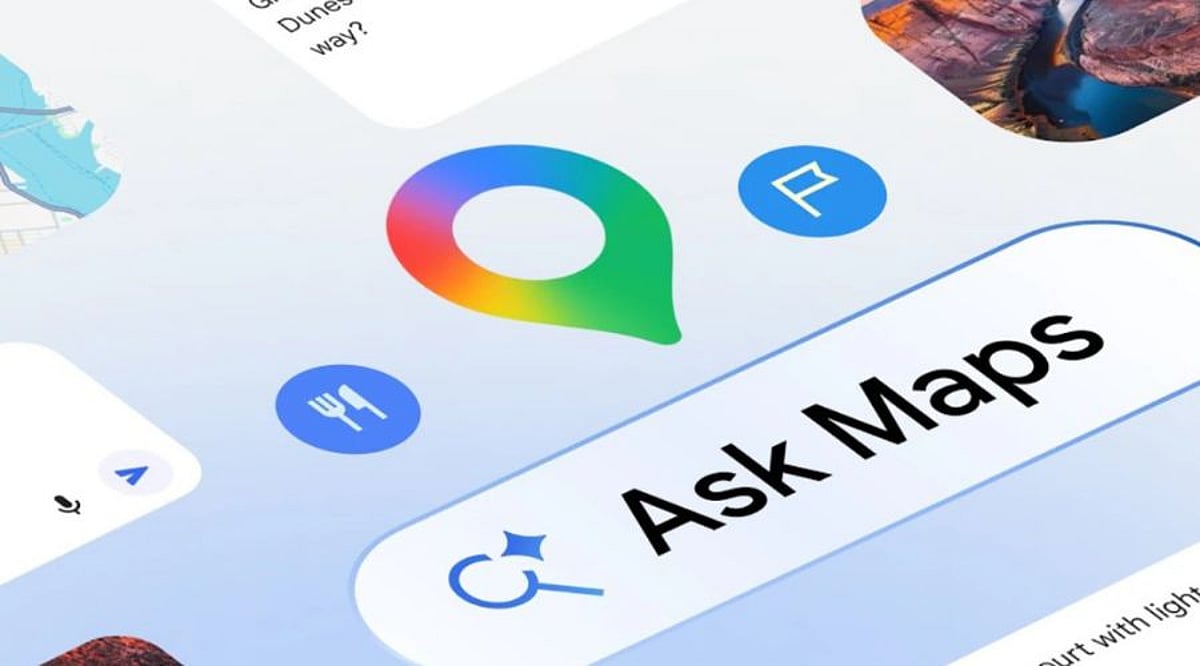
    Google has expanded its Ask Maps feature in India with Hindi language support, live transit updates, and a new Personal Intelligence layer powered by Gemini. The updates, announced on the company’s India blog, aim to transform Google Maps into a smarter daily assistant for commuting, local discovery, and travel planning.

    Hindi Support and Natural Language Queries

    With Hindi support, users can ask travel questions in a more familiar language, search for places, compare routes, and request local recommendations. Ask Maps uses Gemini to handle detailed natural language queries and can even remember earlier conversations when history settings are enabled, allowing travel plans to continue seamlessly.

    Real-Time Transit Information

    The update brings live bus, metro, and train schedules, including delay information, through a new widget. For example, searches around ISBT Kashmere Gate can show departure times, connecting routes, and changing wait times. This real-time data helps commuters make better decisions on the go.

    Personal Intelligence via Gmail Integration

    Personal Intelligence adds another layer of trip planning by optionally connecting to Gmail. With user permission, Ask Maps can access flight, hotel, or restaurant reservations to suggest nearby activities and suitable departure times. Google keeps Gmail access off by default, giving users full control over the connection.

    Beyond Navigation: Traffic, Weather, and Crowd Data

    Ask Maps also provides live traffic, weather, and crowd level information at restaurants or shops. These details help users choose better travel times and avoid crowded locations, making Maps more practical for everyday Indian commutes and short trips.

    Google first launched Ask Maps in India and the United States, positioning it as a conversational layer for Maps. The latest India updates combine language support, live mobility data, and personalized planning in one place, strengthening Maps as an everyday assistant beyond basic navigation.

  • Google Assistant to Be Retired Starting September, Gemini Takes Over as Default Assistant

    Google Assistant to Be Retired Starting September, Gemini Takes Over as Default Assistant

    Google has entered the final phase of retiring Google Assistant, with the company confirming that the voice assistant will begin disappearing from Android smartphones starting September 4. The transition will happen gradually over several weeks as Gemini becomes Google’s only supported voice assistant on eligible Android devices.

    Users who have already received notification emails from Google will no longer be able to switch back to Google Assistant after the migration is complete. The change also extends beyond smartphones to include paired Android tablets, Wear OS smartwatches, and compatible headphones and earphones.

    Gemini Becomes Default Assistant

    After the transition, users will continue to activate the assistant by saying ‘Hey Google’ or by long-pressing the power button. However, instead of Google Assistant, Gemini will respond on supported devices. Google stated that setting Gemini as the default assistant on an Android phone will automatically make it the assistant across paired devices, including compatible smartwatches and audio accessories.

    Gemini retains many of the core capabilities offered by Google Assistant, including setting alarms and timers, answering questions, controlling smart home devices, playing music, and performing tasks directly from the lock screen. It also introduces more advanced AI-powered features built around Google’s latest generative AI technology.

    End of a Decade-Long Service

    Google Assistant was introduced in May 2016 and has remained one of the company’s flagship services across Android phones and several connected devices for nearly a decade. Google first announced in 2025 that Gemini would eventually replace Assistant across Android phones, tablets, smartwatches, TVs, cars, and other supported products. The company had initially planned to complete the transition earlier, but the timeline was extended before the final rollout was confirmed this week.

    While Google Assistant is being retired from Android phones and several paired devices, the company has indicated that the change does not currently affect Google Home smart speakers, Google TV devices, or vehicles running Google built-in, where Assistant will remain available for now.

  • 10 Free Google AI Tools You Should Know About

    10 Free Google AI Tools You Should Know About

    Google’s AI Toolkit for Everyone

    Google offers a wide range of free artificial intelligence tools that can help with writing, coding, research, image generation, translation, and more. Here are ten of the best free AI-powered products from Google you can start using today.

    1. Gemini

    Gemini is Google’s versatile AI assistant. It helps with writing, coding, brainstorming, research, summarization, image generation, and everyday questions. It works seamlessly across multiple devices, making it a powerful productivity companion.

    2. NotebookLM

    NotebookLM transforms your uploaded documents into AI-powered summaries, study guides, FAQs, podcasts, and insights. It only uses your sources, so information stays relevant and doesn’t mix with unrelated data.

    3. Google AI Studio

    Google AI Studio lets developers and beginners experiment with Gemini models, build AI applications, test prompts, and prototype workflows—all through a free, user-friendly interface.

    4. Gemini Code Assist

    Gemini Code Assist offers free AI coding support with code generation, debugging, explanations, autocomplete, and programming assistance directly inside supported development environments.

    5. Google Translate

    Google Translate uses AI to translate text, speech, images, and conversations across numerous languages. It improves accuracy and context, delivering natural language understanding.

    6. Google Lens

    Google Lens identifies objects, translates text, solves homework, recognizes plants, and searches visually using AI through your smartphone camera in real time.

    7. Google Photos AI Editor

    Google Photos offers AI-powered photo editing features, including Magic Editor, object removal, background improvements, lighting adjustments, and automatic enhancement for eligible users.

    8. Learn About

    Learn About is Google’s experimental AI learning tool. It explains complex topics conversationally, encourages curiosity, answers follow-up questions, and supports deeper educational understanding naturally.

    9. Google Earth AI Features

    Google Earth uses AI-powered mapping and visualization tools to explore locations, analyze geographic information, and understand environmental changes through interactive satellite imagery.

    10. Google AI Search Features

    While not a standalone tool, Google’s AI-powered search features (like AI Overviews) enhance how you find and summarize information online. These are integrated into the main search experience.

    These tools demonstrate Google’s commitment to making AI accessible to everyone, from students and hobbyists to developers and professionals.

  • Google AI Pro Setup Guide: Getting Started in 2026

    Google AI Pro Setup Guide: Getting Started in 2026

    Google AI Pro delivers a powerful suite of advanced artificial intelligence tools through a single subscription. Designed for writing, research, coding, image creation, file analysis, and more, it helps students, professionals, business owners, creators, and developers save time and achieve better results. Integration with Google Workspace—including Gmail, Google Docs, Google Drive, and Google Meet—makes everyday tasks significantly easier.

    The setup process is quick. A Google account, a supported device, and an internet connection are all you need. Once activated, all features become accessible through a simple dashboard. Understanding the initial steps ensures a smooth experience without confusion.

    What Google AI Pro Includes

    Google AI Pro brings several AI capabilities together. Gemini, the core of the experience, handles conversations, research, summaries, creative tasks, and technical work. The plan also supports document review, spreadsheet analysis, presentation ideas, image generation, and coding assistance.

    Many features connect directly with Workspace services. Gmail helps with email drafts and replies, Google Docs aids content creation and editing, Google Sheets handles data analysis and formulas, and Google Drive provides quick file access for AI-powered review. This tight integration creates a seamless workflow across applications.

    Account Requirements

    A valid Google account is essential. Users without one need to create it before subscribing. Enable two-factor authentication for added security. A stable internet connection improves response speed, and modern browsers like Chrome, Firefox, Edge, or Safari provide the best experience. Keep your browser updated for optimal performance.

    How to Subscribe

    Go to the Google AI website or the Gemini platform. Sign in to your Google account and review the available plans. Monthly and yearly payment options are typically offered. Choose the one that fits your budget—feature access remains active during the subscription period. Complete payment with a credit or debit card or another supported method. Access to Google AI Pro features activates immediately in most cases.

    Using the Gemini Dashboard

    After subscription, the Gemini dashboard becomes your main workspace. Its clean interface is easy to navigate. Use the text box to ask questions, make requests, or describe tasks. Previous conversations are saved for later reference, helping with ongoing projects. Spend a few minutes adjusting settings like language preferences, privacy controls, and connected Google services for a more comfortable experience.

    Connecting Google Workspace

    For the best results, connect Google AI Pro to your Workspace apps. Gmail support helps with email drafts and organization. Google Docs improves content and grammar. Google Sheets suggests formulas and reviews data. Google Drive gives Gemini access to selected files for summaries and quick answers. Google Meet can also generate meeting notes and conversation summaries in supported regions. These connections reduce manual work across tasks.

    Writing Effective Prompts

    Prompt quality directly affects the output. Clear instructions produce more accurate answers. Provide details such as topic, style, length, audience, and purpose. Vague requests often yield broad responses; detailed requests lead to stronger, more structured results. Small wording changes can improve outcomes without extra effort.

    Exploring Advanced Features

    Google AI Pro offers capabilities beyond simple conversations. Upload files for detailed document analysis and summaries. Review spreadsheets to quickly understand complex data. Describe images for generation. Developers can get coding help—explanations, debugging, sample code, and project ideas. Research tasks become easier with organized summaries. Creative writers can use the tool for stories, scripts, product descriptions, and marketing content.

    Keeping Data Secure

    Privacy matters. Avoid sharing sensitive personal details, financial records, passwords, or confidential business information in conversations unless necessary. Regularly review your account: update passwords, perform security checks, and monitor activity. Use trusted devices and secure networks to strengthen protection.

    Staying Updated

    Google regularly expands AI Pro with new tools, performance improvements, interface updates, and additional integrations. Feature availability may vary by country and account type. Visit the update section often to discover fresh capabilities soon after release.

    Final Thoughts

    Google AI Pro provides a practical collection of AI tools for work, study, creativity, and daily tasks. Simple setup, smooth Workspace integration, and an intuitive Gemini dashboard give new subscribers a strong start. Clear prompts, secure practices, and regular exploration help you get the most value from the subscription. With these first steps, Google AI Pro becomes a reliable digital assistant for personal and professional activities.

  • Microsoft Unveils MAI-Cyber-1-Flash AI Model for Cybersecurity, Claims Superiority Over Gemini and ChatGPT

    Microsoft Unveils MAI-Cyber-1-Flash AI Model for Cybersecurity, Claims Superiority Over Gemini and ChatGPT

    Microsoft has announced two new AI-powered cybersecurity offerings: Project Perception, an agent-based security platform, and MAI-Cyber-1-Flash, its first dedicated AI model for security. The company claims that the new system outperforms competing models from Google and OpenAI on vulnerability detection benchmarks while cutting operating costs by nearly 50%.

    Project Perception: A Multi-Agent Security Framework

    At the core of the announcement is Project Perception, an agent-based platform that orchestrates multiple specialized AI agents to identify risks, prioritize threats, and automate remediation. Rather than relying on a single large model, the platform uses three categories of agents:

    • Red Team agents proactively search for vulnerabilities before attackers can exploit them.
    • Blue Team agents analyze alerts and determine which risks require immediate attention.
    • Green Team agents recommend or implement fixes after customer approval.

    This collaborative approach is designed to provide continuous protection across applications, cloud services, endpoints, and AI systems.

    MAI-Cyber-1-Flash: Specialized for Software Vulnerabilities

    Alongside the platform, Microsoft introduced MAI-Cyber-1-Flash, its first in-house AI model built specifically for cybersecurity. Unlike general-purpose language models, this system has been trained to identify software vulnerabilities, analyze complex codebases, and assist with remediation. Microsoft stated that the combined system outperformed Gemini and GPT-based cybersecurity solutions on industry benchmarks while reducing infrastructure costs by nearly half through its specialized, multi-model design.

    Availability and Future Plans

    Project Perception is scheduled to enter public preview on August 3, while MAI-Cyber-1-Flash will be available through Azure AI Foundry. Initially, the platform will focus on software vulnerability management before expanding to additional cybersecurity workflows. According to Microsoft, “As part of this multi-model strategy, we are committed to bringing customers the best models for each security task, including innovating with our own specialized models. The first scenario is software vulnerability management, bringing MAI-Cyber-1-Flash inside MDASH, our software vulnerability multi-model team of agents. MDASH with MAI-Cyber-1-Flash delivers 96% on CyberGym, an industry leading benchmark, +12 points above Mythos. And this same configuration delivers almost 50% of cost savings vs. the current MDASH configuration in market today.”

    With these launches, Microsoft is positioning itself to compete more aggressively in the growing AI cybersecurity market, where efficiency, automation, and lower operating costs are becoming as important as raw model capability.

  • The Essential 2026 Crypto App Guide: What to Know Before You Download

    The Essential 2026 Crypto App Guide: What to Know Before You Download

    Choosing the right crypto app can make or break your investment experience. Before you download any app in 2026, take a moment to understand what each platform offers and the common pitfalls to avoid. This guide breaks down the top crypto exchanges and key security practices every investor should follow.

    Top Crypto Apps for 2026

    Coinbase – Ideal for beginners with a simple interface, strong security, and support for hundreds of cryptocurrencies.

    Binance – Perfect for experienced traders offering advanced tools, low fees, and an extensive selection of coins.

    Kraken – One of the most secure crypto exchanges, combining advanced trading features with regulatory compliance.

    Crypto.com – An all-in-one ecosystem for crypto trading, rewards, and Visa cards, designed for comprehensive digital asset management.

    Bybit – Popular among derivatives traders thanks to high liquidity and advanced charting tools.

    Gemini – A security-focused exchange known for regulatory compliance and institutional-grade protection.

    Key Features to Check

    Always compare security protocols, supported coins, transaction fees, customer support quality, and withdrawal options before committing to any app.

    Common Mistakes to Avoid

    Ignoring security settings, using weak passwords, and skipping two-factor authentication are the most frequent errors that lead to serious losses. Take the time to set up proper protections from day one.

    By following this guide, you can avoid costly mistakes and choose the crypto app that best fits your needs in 2026.

  • Daily Tech Digest: Google’s Gemini AI Chip, Xiaomi 18 Early Launch, Anthropic Rare Disease Research, and X Phishing Scams

    Daily Tech Digest: Google’s Gemini AI Chip, Xiaomi 18 Early Launch, Anthropic Rare Disease Research, and X Phishing Scams

    Today’s tech landscape is buzzing with major developments. Google’s upcoming Frozen v2 AI chip is designed to boost the efficiency of its Gemini model, with deployment potentially starting in 2028. Meanwhile, Xiaomi’s next flagship, the Xiaomi 18, may launch earlier than expected in India, signaling a strategic push in the competitive smartphone market. In healthcare AI, Anthropic is funding research into rare diseases, leveraging its AI capabilities to address underserved medical areas. On the security front, X (formerly Twitter) is facing a wave of phishing scams targeting users, raising concerns about platform safety. Additionally, the broader conversation around AI governance in healthcare continues to evolve, as regulators and companies work to balance innovation with patient privacy and ethical standards.

  • Google’s ‘Frozen v2’ Chip Targets Gemini AI Efficiency Gains, Deployment Targeted for 2028

    Google’s ‘Frozen v2’ Chip Targets Gemini AI Efficiency Gains, Deployment Targeted for 2028

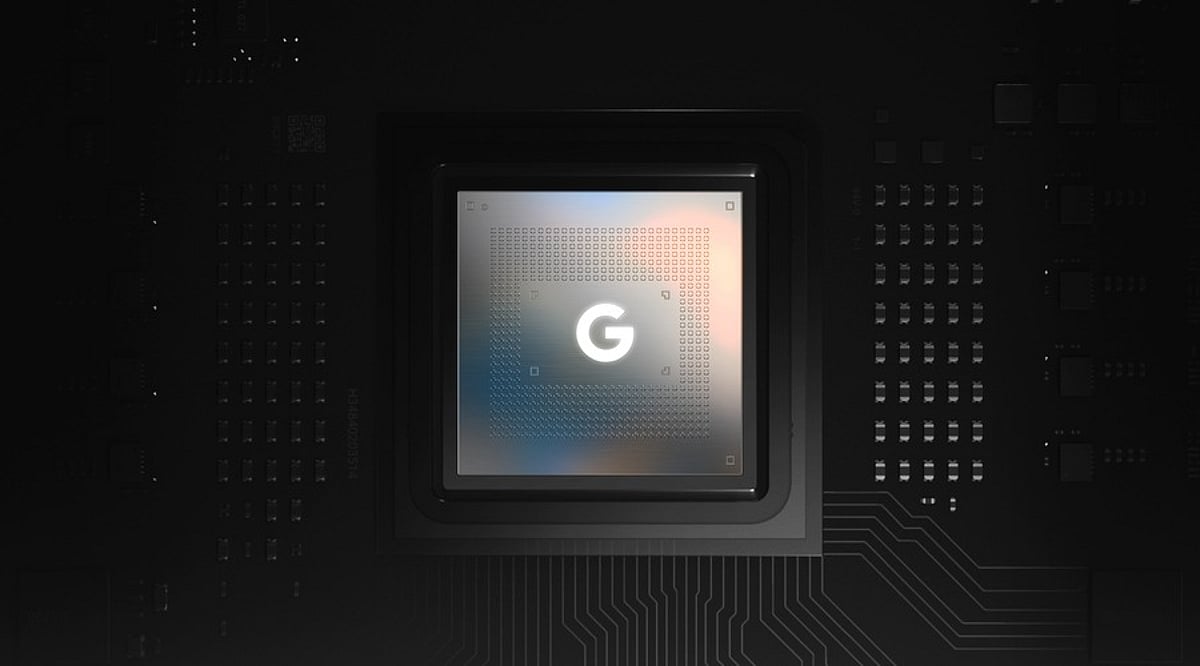
    Google is reportedly developing a new server chip optimized specifically for its Gemini artificial intelligence models. Internally referred to as ‘Frozen v2’, the chip is designed to integrate core elements of Gemini’s architecture directly into the hardware, according to a report from The Information.

    This initiative underscores Google’s strategy to build bespoke infrastructure for its AI services. As demand for Gemini accelerates, the company aims to increase AI output while reducing computing power and electricity consumption.

    Frozen v2 Could Deliver Major Efficiency Gains

    The proposed chip is expected to minimize data movement and processing decisions during AI inference. These improvements would enhance the efficiency of serving Gemini models to users.

    According to the report, “Frozen v2 could deliver six to 10 times greater efficiency than Google’s latest custom AI chips when measured by the number of AI tokens generated per unit of power. Engineers are still working on the final design and deciding how much of the Gemini model architecture should be hardwired into the chip.”

    Google may deploy the new chip as early as 2028, though the timeline could shift as development continues. The company has not made any official statement. Notably, the Frozen project is intended to complement Google’s existing Tensor Processing Units (TPUs) rather than replace them, potentially creating a family of chips for AI processing.

    AI Computing Shortage Drives Infrastructure Push

    The chip development comes amid mounting pressure on Google’s AI computing capacity. Surging demand for Gemini services has reportedly caused internal strain and forced Google Cloud to turn down some external deals.

    A semiconductor chip based on Gemini would allow Google to perform more AI tasks with fewer computing resources, and also reduce the energy costs associated with generating AI tokens.

    Google’s overall strategy involves custom TPUs and other in-house semiconductors. The Frozen v2 version would be even more specialized by embedding architectural elements into the chip.

  • Today’s Tech Roundup: Google’s New AI Chip, Transition VC Fund, IT Hiring Shifts & Crypto Funding

    Today’s Tech Roundup: Google’s New AI Chip, Transition VC Fund, IT Hiring Shifts & Crypto Funding

    Good morning, tech fam! Here are the biggest headlines making waves today, from artificial intelligence and startup funding to hiring trends, global AI competition, and cryptocurrency.

    Google’s New AI Chip Could Make Gemini Faster and Smarter

    Google is reportedly building a new AI chip called Frozen v2 to run Gemini more efficiently. The chip promises better performance while using less power, potentially reducing Google’s reliance on external hardware and strengthening its AI infrastructure in the coming years.

    Transition VC Expands Support for Energy Startups

    Transition VC has launched its Rs. 1,500 crore Fund II to invest in energy technology startups across India. The fund aims to help early-stage companies grow, build clean energy solutions, and accelerate innovation in the country’s energy sector.

    IT Firms Change Hiring Plans as Freshers Face Longer Waits

    India’s IT hiring landscape is shifting: companies are slowing campus recruitment, delaying joining dates, and linking offers to business demand. Firms now prioritize graduates with AI and deep tech skills, leaving many freshers with longer waits and fewer entry-level opportunities.

    Countries Driving the Global AI Race in 2026

    The global AI race in 2026 is led by nations investing in research, chips, talent, and robust digital systems. The United States and China remain ahead, while the UK, Singapore, Canada, and India continue to grow through innovation, skilled workers, and government support.

    Luxxfolio Raises $1.55 Million for Crypto Expansion

    Luxxfolio has completed a $1.55 million private placement by issuing 7.77 million units. The company plans to use the funds to grow its crypto projects, support Litecoin mining, and meet general business needs while offering warrants to investors.

  • ChatGPT vs Gemini vs Claude: Which AI Tool Is Best for Research in 2026?

    ChatGPT vs Gemini vs Claude: Which AI Tool Is Best for Research in 2026?

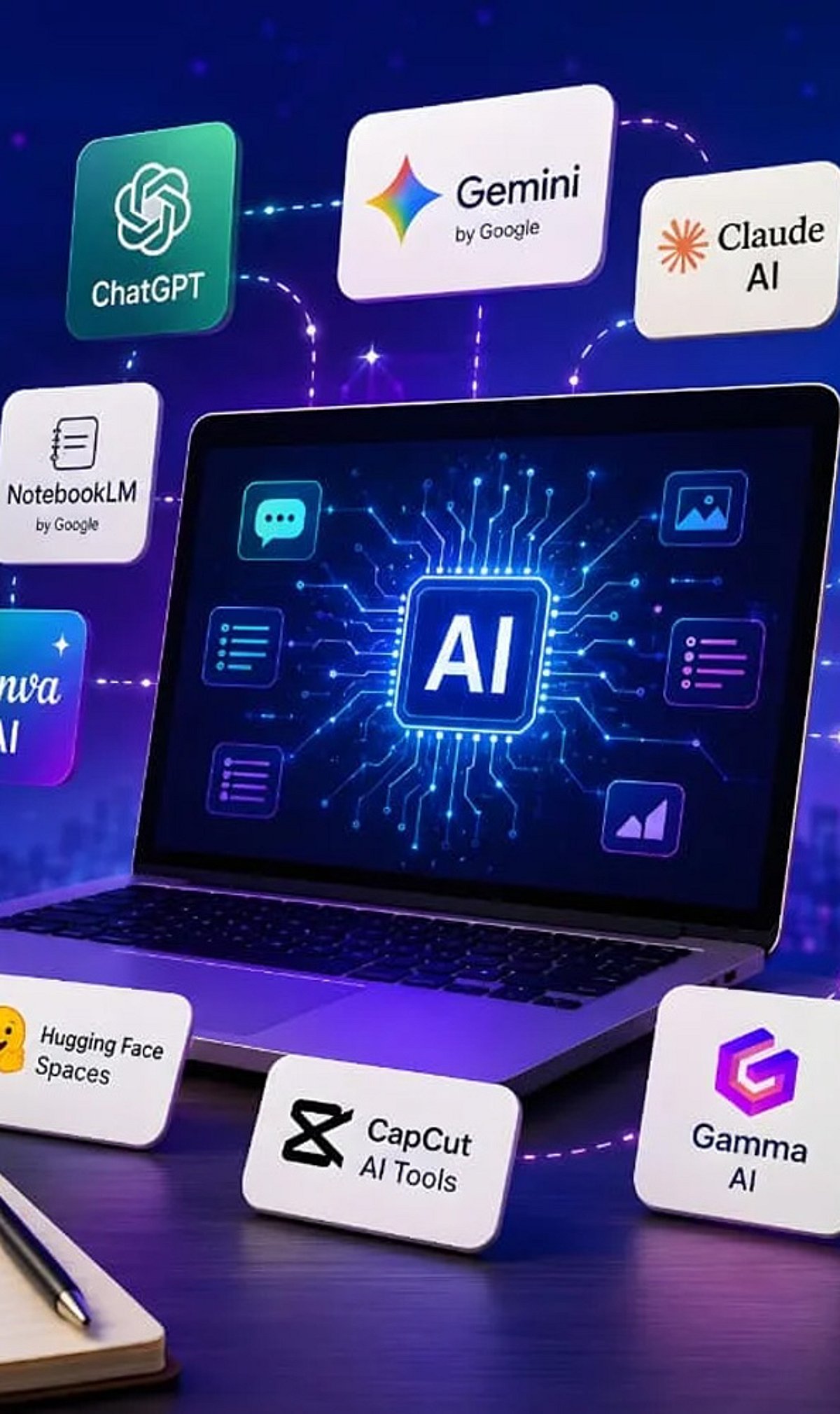
    AI tools have transformed how people research, analyze information, and create reports. ChatGPT, Gemini, and Claude are among the most capable options available today. However, each platform has different strengths. The best choice depends on whether you prioritize current web information, structured analysis, long documents, or an all-round research workflow.

    ChatGPT for Structured Research

    ChatGPT is a strong all-rounder for complex research. It can help users define questions, build research plans, analyze sources, and produce structured reports. Its research workflow is particularly useful for multi-step investigations involving web sources, uploaded documents, and connected tools. It suits professionals, students, and researchers seeking an organized end-to-end process.

    Gemini for Current Information

    Gemini has a strong advantage when research depends on recent information. Its deep research capabilities are closely connected to Google Search and can work with files and Google Workspace content. This makes Gemini particularly useful for market research, current affairs, industry developments, and other topics where fresh web information plays a central role.

    Claude for Long Documents

    Claude is especially effective when researchers already have substantial material to analyze. It can process lengthy reports, academic papers, and other documents while identifying themes and synthesizing complex information. Its strength lies in nuanced reasoning and clear writing, making it a compelling option for qualitative research and document-heavy analytical work.

    Comparing Their Strengths

    Each AI tool performs best in different research situations. Gemini is well suited to current web research, ChatGPT offers a balanced research workflow, and Claude excels at long-document analysis. For academic and technical work, ChatGPT and Claude can both be valuable. The right choice ultimately depends on the researcher’s specific workflow.

    Which AI Should You Choose?

    • Choose Gemini when your research requires the latest online information.
    • Choose Claude when you need to understand lengthy or complex documents.
    • Choose ChatGPT when you want a versatile tool that combines research, reasoning, analysis, and writing.

    For many users, ChatGPT offers the most balanced experience across different research requirements.

    The Final Verdict

    There is no single AI winner for every research task. ChatGPT is the strongest all-rounder, Gemini leads in web-first research, and Claude stands out for long-form analysis. The most effective workflow may combine all three: discover with Gemini, analyze with Claude, and structure the final research with ChatGPT.