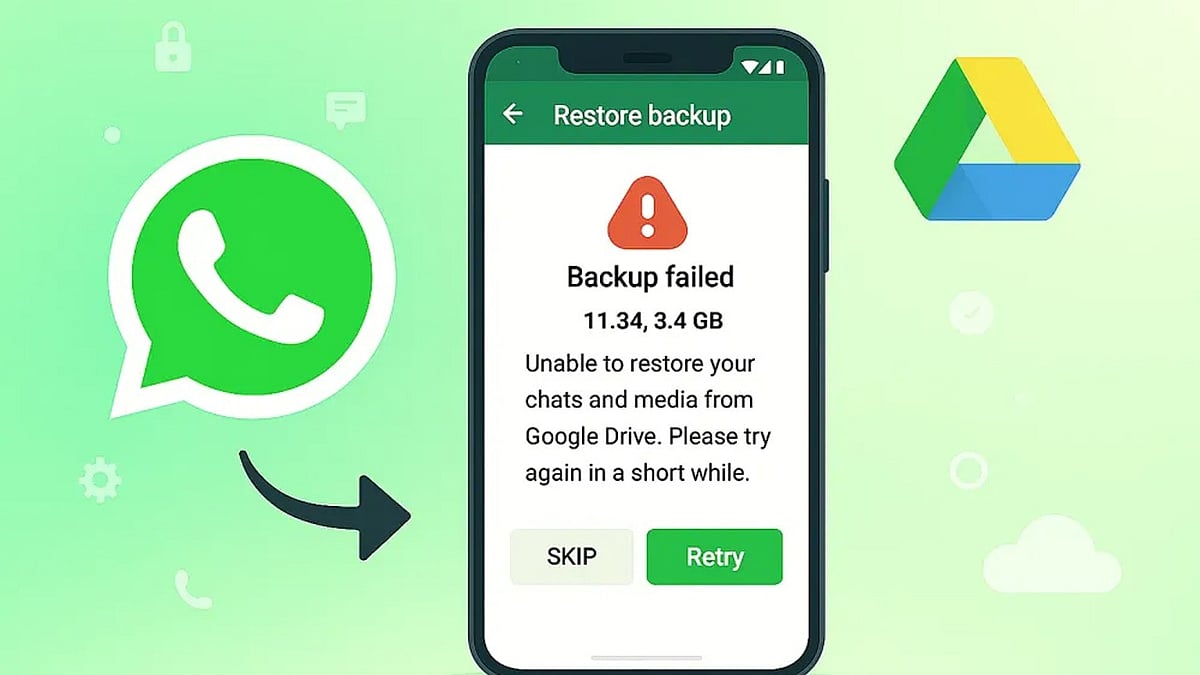
Android users who rely on Google Drive to back up WhatsApp chats could lose years of conversations if their backup has not been updated in five months. Google may automatically remove inactive WhatsApp backups, and once they are gone, neither Google nor WhatsApp support can restore them.
What Is Changing?
According to guidance in the Google Drive Help Community, “WhatsApp backups that haven’t been updated in 5 months may automatically be deleted by Google.” The policy mainly affects Android users who use Google Account backups for WhatsApp and stop refreshing those backups for an extended period.
The risk becomes more serious during phone upgrades or reinstallations because users often discover the missing backup only after WhatsApp has been installed on a new device. Without a recent backup, restoring old chats can be impossible.
Why WhatsApp Backups Disappear
Several factors can trigger the five-month deletion window, including:
- Google Drive storage filling up and blocking new uploads
- Changes to backup settings that stop scheduled backups
- Repeated upload failures that are not checked over time
Google Drive also keeps only the newest WhatsApp backup. Each successful upload replaces the previous copy, and older versions are not sent to a trash folder. This makes accidental chat loss much harder to reverse later.
In addition, WhatsApp backups on Google Drive are encrypted. Users cannot browse or restore them through regular Google apps or websites, which means the cloud copy is not a simple backup file you can open independently.
How to Keep Your WhatsApp Chats Safe
Taking a few minutes to review your backup setup can prevent an unpleasant surprise. Android users should open WhatsApp Settings > Chats > Chat Backup regularly and follow these steps:
- Set backup frequency to Daily or Weekly so Google Drive sees recent activity.
- Confirm you have enough available Google Drive storage for new backups.
- Make sure the Google Account listed in WhatsApp matches the account you use for regular backups.
- Check the date of your last backup before switching phones or reinstalling WhatsApp.
For important conversations, WhatsApp’s Export Chat feature creates a separate copy outside the backup system and can serve as extra protection. Local Android backups may also offer another recovery option if recent chats disappear from Google Drive.
A Quick Check Can Save Years of Messages
The risk of losing WhatsApp history is highest when users switch devices, because missing backups are usually discovered after the old phone is no longer available. Checking the last backup date today can reveal potential problems early and prevent a failed restore. With a simple review of your backup schedule and storage, you can protect years of conversations from automatic deletion.