
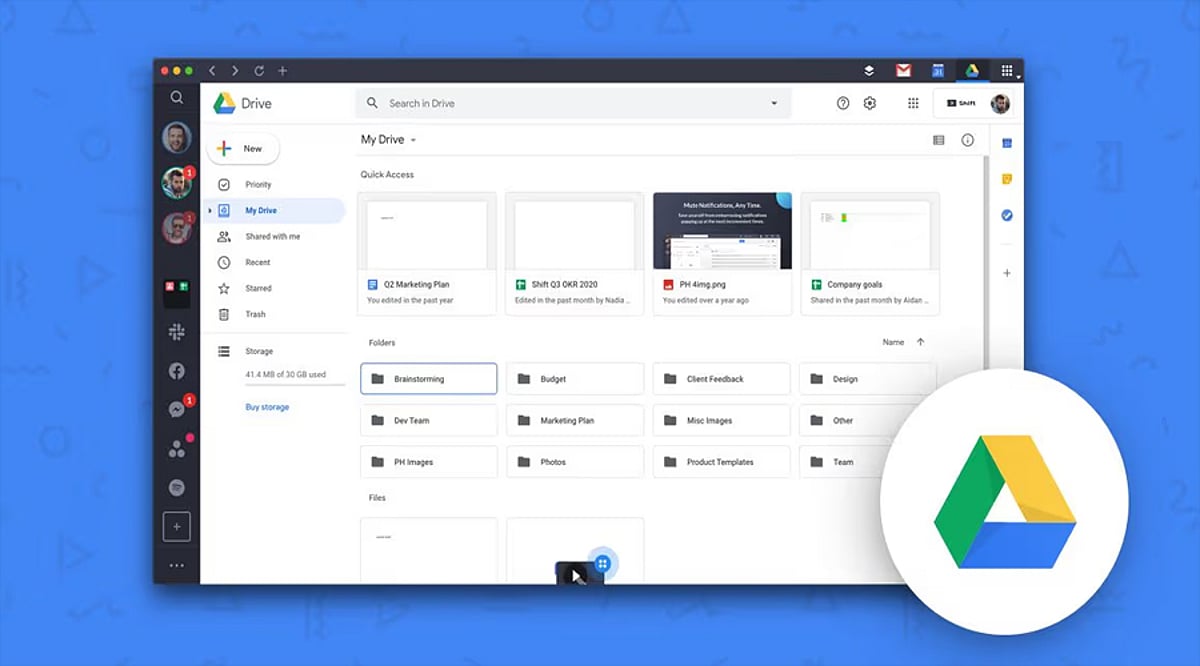
Google Drive is a powerful cloud storage tool, but without a solid organization system, files can quickly become a mess. Here are proven hacks to keep your Drive tidy, boost productivity, and find any document in seconds.
1. Create a Clear Folder Structure
Start by building main folders for work, personal, school, or specific projects. Add subfolders only when necessary to avoid clutter. Use consistent, descriptive names so every file has a logical home. A simple hierarchy speeds up file retrieval and helps maintain order from day one.
2. Use Color-Coded Folders
Google Drive allows you to assign colors to folders for instant visual recognition. Give distinct colors to work, personal, finance, or shared folders. This makes important folders stand out and reduces time spent scanning long lists. A splash of color transforms navigation.
3. Star Frequently Used Files
Use the Star feature for files you access daily. Starred items appear in a dedicated section for one-click access. Perfect for ongoing projects, key reports, or essential spreadsheets. No more digging through folders—just star and go.
4. Search Like a Pro
Google Drive’s search is more powerful than most users realize. Filter by file type, owner, keywords, or last modified date. Combine multiple filters to zero in on any file, even in massive storage libraries. Smart searching beats manual browsing every time.
5. Clean Up Shared Access
Regularly review who has access to your shared files and folders. Remove people who no longer need permissions. Update access levels to keep sensitive data secure. This prevents accidental edits and ensures collaboration stays safe and organized.
6. Delete Unused Files Regularly
Set aside a few minutes each month to purge duplicates, outdated documents, and unnecessary files. Check for large files consuming storage. Empty the Trash after confirming deletion. Routine cleanup keeps Drive lean, fast, and easy to manage.
By implementing these hacks, you’ll transform Google Drive from a chaotic storage dump into a streamlined productivity hub. Start today and enjoy a clutter-free digital workspace.
Leave a Reply