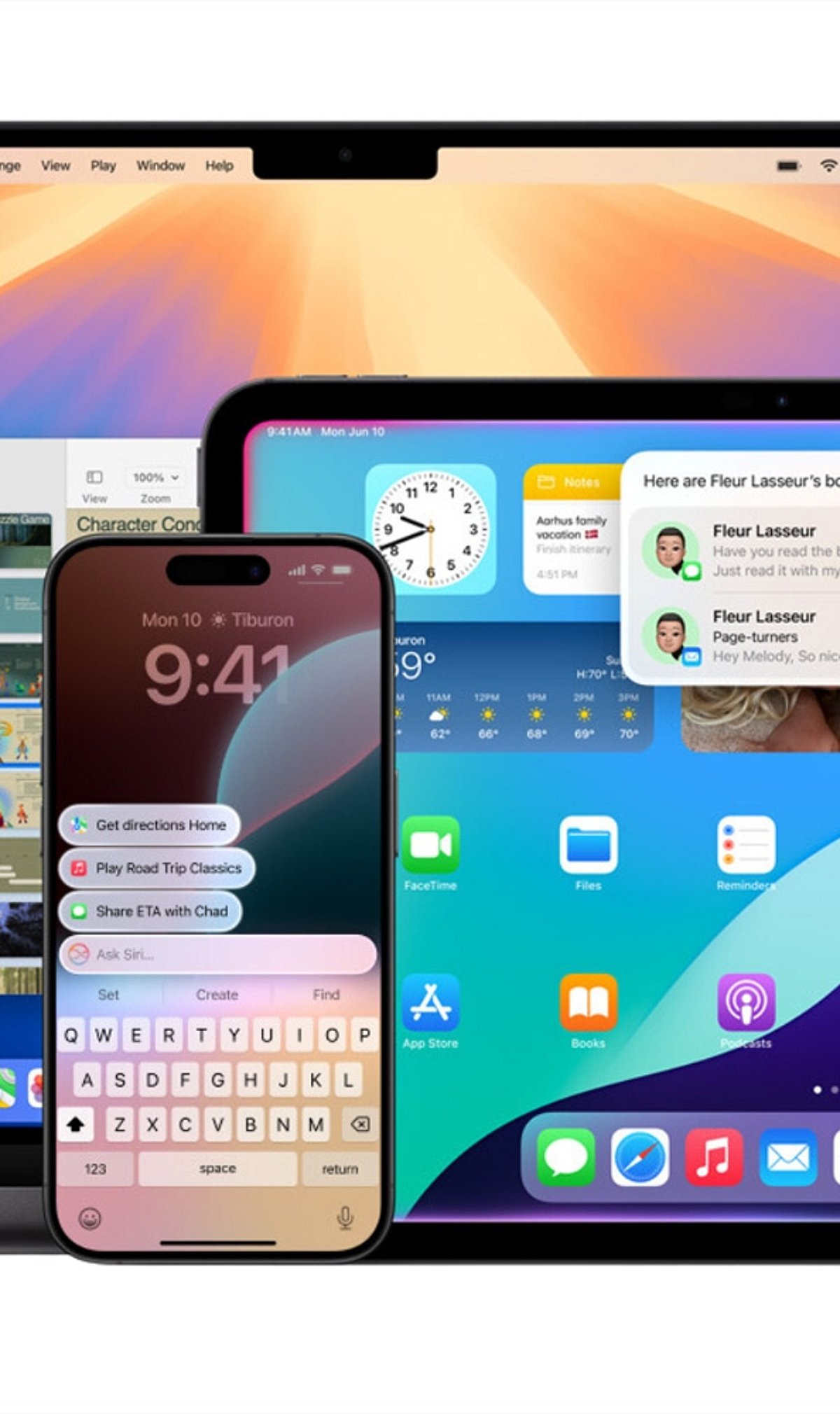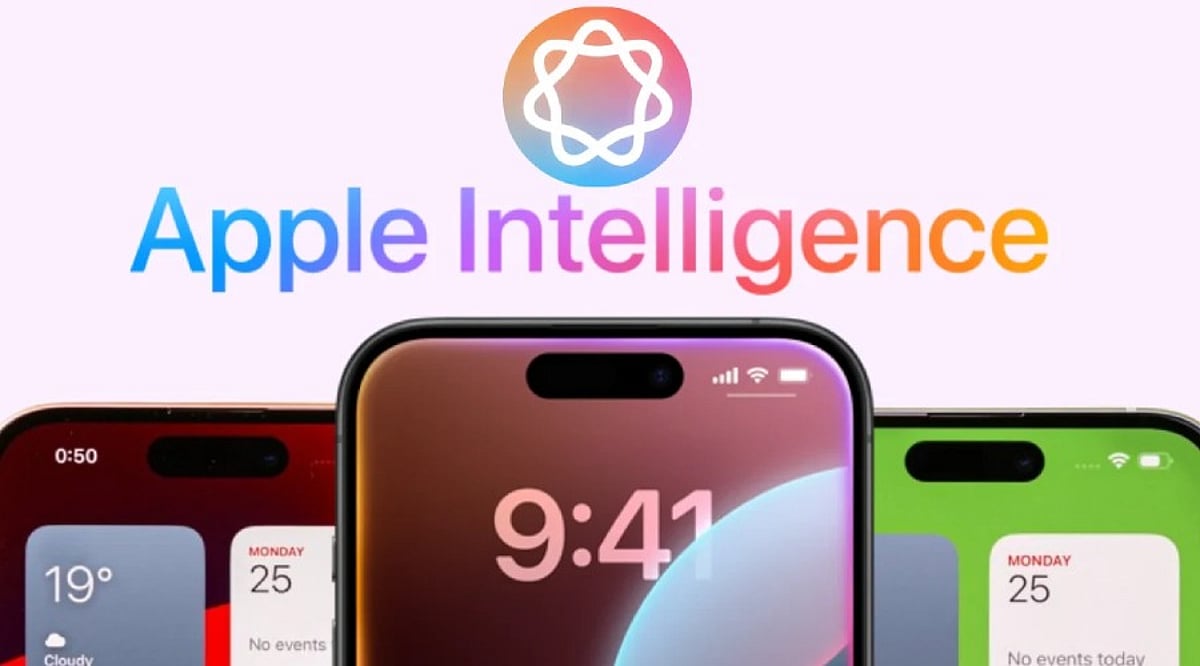
Apple Intelligence is Apple’s personal artificial intelligence system that works across iPhone, iPad, Mac, Apple Watch, and Apple Vision Pro. Unlike traditional AI chatbots that exist as separate apps, Apple built this system directly into the operating system, embedding it into everyday apps like Messages, Mail, Photos, Notes, Safari, and Phone. This design creates a seamless experience without the need to switch between different applications.
Key Takeaways
- Apple Intelligence integrates AI directly into iPhone apps for a seamless everyday experience.
- Most AI processing happens on-device, with Private Cloud Compute protecting user privacy.
- Advanced features are available only on iPhone 15 Pro, iPhone 15 Pro Max, iPhone 16 models, and newer devices.
Which iPhones Support Apple Intelligence?
Apple Intelligence only works on iPhones with enough processing power to handle advanced AI models. The supported devices include the iPhone 15 Pro, iPhone 15 Pro Max, every iPhone 16 model, and newer iPhones. Regular iPhone 15 models do not support Apple Intelligence. Apple says the advanced Neural Engine, higher memory, and powerful Apple Silicon inside supported devices make these AI features possible. Older iPhones cannot meet these hardware requirements.
Writing Tools Make Everyday Work Easier
The very basic function of Apple Intelligence is offered by the automatic Writing Tools included in the programming. These features are extensively used by most applications of Apple and by many external programs. You can rewrite texts, correct grammar, make short summaries, and change the tone of messages. Safari, Mail, Notes, and Messages all support these capabilities, turning long emails into short summaries and rough drafts into polished texts.
Siri Understands Conversations Better
Apple Intelligence gives Siri a major upgrade. Siri now understands natural conversations more accurately and follows context across multiple questions. Instead of repeating the same information, Siri remembers earlier parts of the conversation and provides smoother replies. Apple also added optional ChatGPT integration. Siri asks for permission before sending a request to ChatGPT, balancing advanced functionality with privacy.
Creative Tools Add Fun to Everyday Tasks
Apple Intelligence includes Image Playground, a feature that creates images from simple text descriptions. Apple offers styles such as Animation, Illustration, and Sketch. Messages, Notes, and Freeform all support this feature. Genmoji adds another creative option: a simple description like “golden retriever wearing sunglasses” turns into a unique emoji within seconds.
Visual Intelligence Understands the World Around It
Visual Intelligence uses the iPhone camera to recognize objects, places, products, signs, and text. After recognition, Apple Intelligence can explain what appears on the screen, translate foreign languages, search for products online, or create calendar events from posters and invitations. Apple continues to improve this feature with every software update.
Photos, Notifications, and Mail Become Smarter
The Photos app now includes the Clean Up tool, which removes unwanted objects from pictures while keeping lighting, shadows, and important details as natural as possible. Notifications also become easier to manage with short summaries for long alerts and priority placement. Mail receives email summaries, suggested quick replies, highlighted important messages, and short previews that help readers understand content before opening each email.
Notes and Phone Receive Helpful AI Features
The Notes app gains intelligent tools for summarization, writing improvement, grammar correction, and organization. The Phone app supports call transcripts and call summaries in supported regions and languages, helping users review important conversations without relying on memory alone.
Privacy Stays at the Center of Apple Intelligence
Privacy remains one of the biggest differences between Apple Intelligence and many other AI systems. Most AI tasks run directly on the iPhone. Only complex requests move to Private Cloud Compute, which Apple says never stores personal data after processing finishes. This balance between local processing and secure cloud support allows Apple Intelligence to deliver advanced AI features while protecting personal information.
Why This Matters
Apple Intelligence changes the way people use an iPhone every day. Built-in AI saves time, improves communication, helps with creative tasks, and makes everyday apps more useful. Strong privacy protection also sets Apple apart from many AI platforms, making Apple Intelligence an important feature for anyone planning to buy or upgrade an iPhone.
FAQs
- What is Apple Intelligence? Apple Intelligence is Apple’s built-in AI system that enhances apps like Messages, Mail, Photos, Notes, Safari, and Siri with smart, privacy-focused features.
- Which iPhones support Apple Intelligence? It is supported on iPhone 15 Pro, iPhone 15 Pro Max, all iPhone 16 models, and newer compatible iPhones.
- Does Apple Intelligence use ChatGPT? Yes. Siri can optionally use ChatGPT for more complex requests, but only after asking for your permission.
- Is Apple Intelligence private and secure? Yes. Most AI tasks run directly on your device, while complex requests use Apple’s Private Cloud Compute, which is designed to avoid storing personal data after processing.
- What are the main features of Apple Intelligence? Key features include Writing Tools, smarter Siri, Image Playground, Genmoji, Visual Intelligence, Photos Clean Up, notification summaries, Mail enhancements, and call transcripts.