
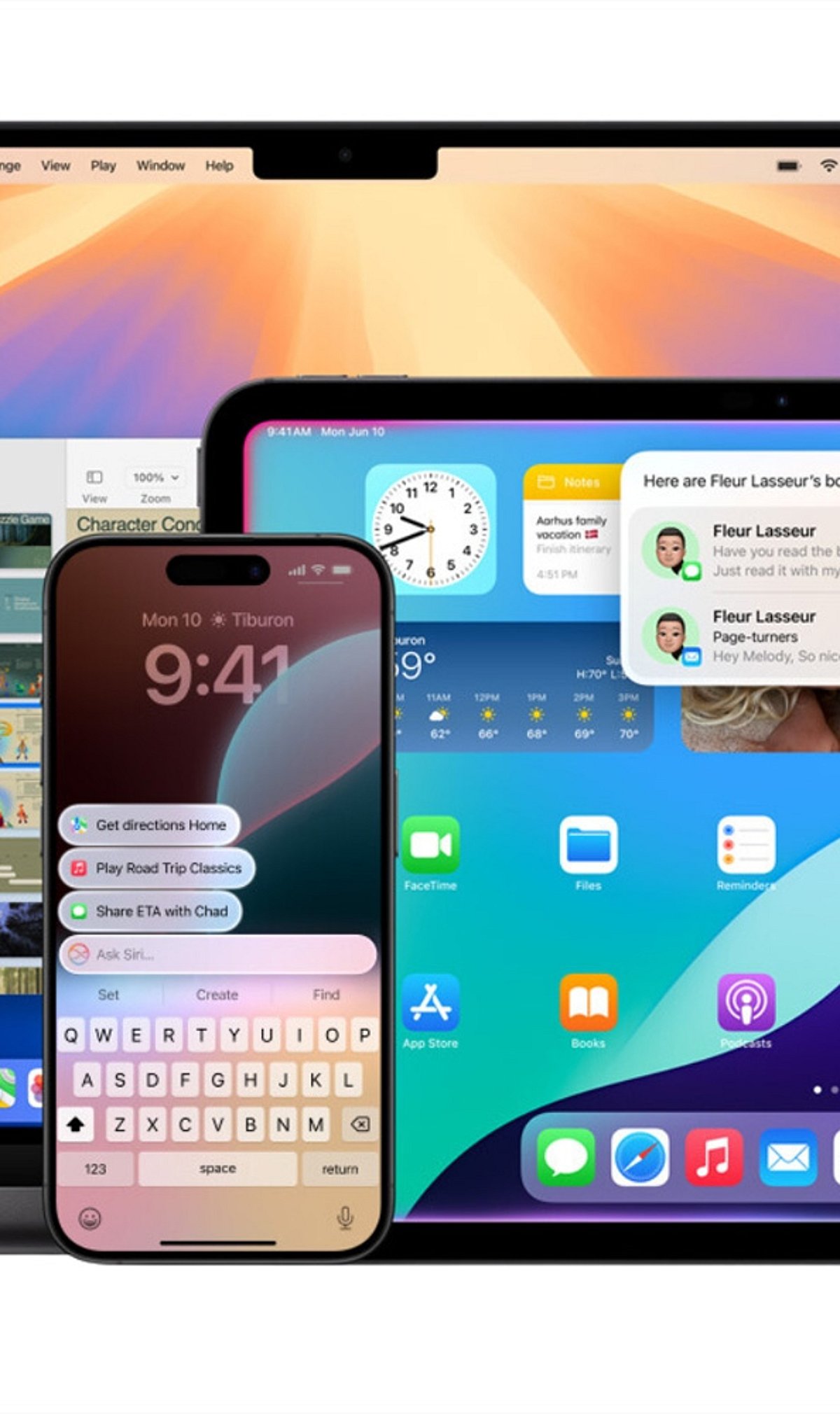
Apple Intelligence brings powerful AI capabilities directly to your iPhone and Mac. This guide shows you how to enable it and make the most of its smartest features every day.
Check Device Compatibility
Apple Intelligence works on supported iPhone, iPad, and Mac models powered by Apple Silicon or the latest A-series chips. Make sure your device is compatible before proceeding.
Update to the Latest Software
Install the most recent version of iOS, iPadOS, or macOS to access all Apple Intelligence features. Updates often include new AI tools and improvements.
Turn On Apple Intelligence
Open Settings, go to Apple Intelligence, and enable AI-powered features after completing the setup process. Once activated, the system will start learning your preferences.
Use Smarter Writing Tools
Rewrite emails, summarize notes, proofread documents, and generate text directly inside supported apps. These tools help you communicate more effectively and save time.
Experience the New Siri
The upgraded Siri offers more natural conversations, deeper app control, and contextual assistance across your devices. Ask complex questions or perform multi-step tasks effortlessly.
Create Images With Image Playground
Generate fun illustrations, custom visuals, and creative artwork using Apple’s built-in AI tools. Perfect for adding a personal touch to messages, documents, and projects.
Organize Notifications
Apple Intelligence automatically prioritizes important alerts, summarizes messages, and reduces notification clutter. Stay focused on what matters most.
Boost Productivity
Summarize webpages, organize notes, create reminders, and speed up daily tasks with AI assistance. Let Apple Intelligence handle routine work so you can focus on what’s important.
Leave a Reply