
Tag: laptops

  • 2026 Laptop Reviews: The Best Models for Performance, Battery Life, and AI Capabilities

    2026 Laptop Reviews: The Best Models for Performance, Battery Life, and AI Capabilities

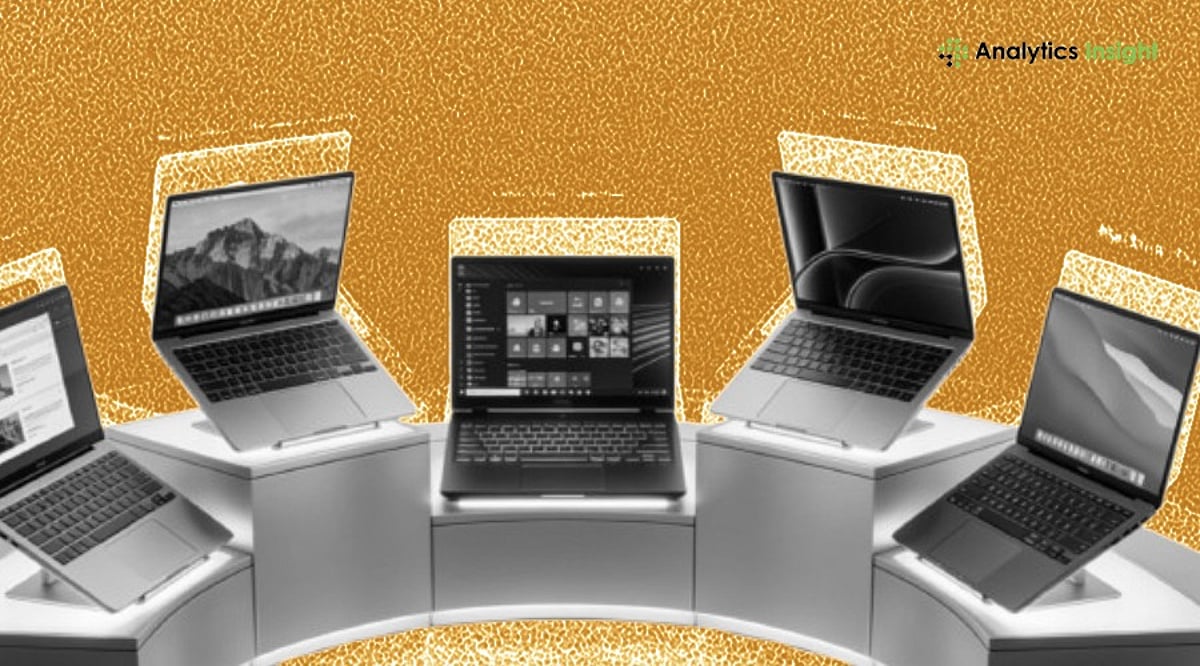
    The laptop industry is undergoing major changes as a global memory shortage known as ‘RAMageddon’ continues. This issue has increased component costs and driven up overall laptop prices by $50 to $680 in some cases. Despite these pressures, brands keep releasing improved models with better processing power, more efficient batteries, and advanced AI features. After evaluating twenty laptops this year, several models stand out for their value and performance across different budgets.

    Market Overview

    Current conditions include constrained RAM supply, rising manufacturing costs, and soaring demand for AI-capable devices. These factors have reduced the availability of high-end yet affordable laptops. However, technological advances in power efficiency, compactness, and built-in AI processing have made many new models more future-ready than ever.

    Top Laptops of 2026 So Far

    Apple MacBook Neo – Entry-Level Premium Choice

    Apple’s MacBook Neo introduces a more affordable premium laptop at around $599. It features an elegant aluminum design, Liquid Retina display, quality speakers, and a comfortable keyboard. Powered by the A18 Pro processor, it handles routine tasks like web browsing and video playback seamlessly. Battery life reaches 15 hours, though it’s not suited for professional workloads.

    Apple MacBook Air (M5) – Balanced Mid-Range Performer

    The MacBook Air with the M5 chip remains one of the most balanced laptops available. It offers enhanced wireless functionality and improved memory options compared to previous models, all in a fanless design. The high-resolution display, webcam, and speakers outperform many competitors. Performance is strong for both work and entertainment, battery life is solid, and the new internal components make it more future-proof. The main downside is higher pricing due to market conditions.

    Asus Zenbook A16 – High-Performance Lightweight Device

    The Asus Zenbook A16 is one of the best Windows laptops of 2026. It runs on the Snapdragon X2 Elite Extreme processor, delivering excellent single-core and multi-core performance. The 2.8K OLED display with a 120Hz refresh rate makes it ideal for work and entertainment. A standout feature is 48GB of RAM, which greatly improves multitasking. Despite its 16-inch screen, the laptop weighs under 3 pounds. It’s priced higher than mid-range models but offers outstanding value for the performance.

    MSI Prestige 14 Flip AI+ – Convertible Productivity Machine

    The MSI Prestige 14 Flip AI+ is a versatile convertible. It uses an Intel Core Ultra Series 3 CPU with AI-enhanced performance, an OLED display, and a stylus. Designed for creatives, it packs 32GB of RAM for multitasking and fast storage. Battery life exceeds 25 hours with moderate use—far above average. However, this model is no longer widely available, and future versions may cost more.

    Notable Mentions

    Two other laptops deserve recognition. The HP OmniBook 3 16 set an all-time battery record by playing video for over 40 hours, making it one of the most power-efficient notebooks ever tested. The MSI Stealth 16 AI+ achieved over 11 hours of battery life, outstanding for a gaming laptop.

    Key Considerations for Buyers

    Choosing a laptop depends on individual needs. Users requiring high performance should prioritize high RAM and processor speeds, while most users may value battery longevity. Future compatibility is also critical, as AI applications become more integrated into everyday computing.

    Final Thoughts

    Rising costs and rapid technological advances are reshaping the competitive laptop market. Despite the RAM shortage pushing prices up, many devices still deliver excellent value. The MacBook Neo offers an entry point to premium laptops; the MacBook Air (M5) is the most balanced all-rounder; the Asus Zenbook A16 is a top performer; and the MSI Prestige 14 Flip AI+ excels in convertibility and productivity. Your choice will depend on your personal needs, but these are among the best models on the market today.

    Frequently Asked Questions

    1. Why are laptop prices higher in 2026?

    Laptop prices have increased due to elevated memory component costs, higher manufacturing expenses, and growing demand for AI-capable hardware. These factors have made many premium and mid-range laptops more expensive.

    2. Which laptop offers the best overall value?

    The Apple MacBook Air (M5) is widely regarded as a top all-around laptop, combining strong performance, excellent battery life, a premium display, improved memory options, and reliable everyday productivity in a lightweight design.

    3. Are AI-powered laptops worth buying?

    Yes. AI-powered laptops include dedicated processors that boost productivity, video conferencing, content creation, and power efficiency. They are also better prepared for upcoming AI-based features in Windows and macOS.

    4. Which laptop is best for multitasking and professional workloads?

    The Asus Zenbook A16 stands out with its Snapdragon X2 Elite processor, up to 48GB of RAM, a 2.8K OLED display, and a lightweight design, making it an excellent choice for demanding multitasking and professional workflows.

    5. What should buyers prioritize when choosing a laptop?

    Buyers should compare processor performance, RAM capacity, battery life, display quality, AI capabilities, portability, software compatibility, and long-term value rather than focusing solely on price, to ensure the laptop meets future computing needs.
  • Revive Your Slow Laptop Without Spending a Dime: 7 Simple Fixes That Work

    Revive Your Slow Laptop Without Spending a Dime: 7 Simple Fixes That Work

    If your laptop has been crawling through everyday tasks—taking forever to open apps, freezing during simple work, or just feeling sluggish—you don’t need to buy a new machine or expensive software. I was in the same boat, but after trying these seven completely free tweaks, my old laptop felt brand new. Here’s exactly what I did.

    1. Manage Background Programs

    Too many apps running simultaneously can drain your system’s resources. I opened Task Manager (Ctrl+Shift+Esc on Windows), identified programs I wasn’t actively using, and closed them. I also disabled unnecessary startup apps that launch automatically. The result was immediate: apps opened faster, multitasking became smoother, and the constant freezing stopped.

    2. Free Up Storage Space

    A nearly full hard drive can seriously slow down performance. I deleted old downloads, cleared temporary files, uninstalled software I no longer used, and emptied the recycle bin. This gave my laptop more breathing room. After the cleanup, file searches were quicker and programs loaded noticeably faster.

    3. Keep Your Operating System Updated

    I had been ignoring system updates for months. Installing the latest updates fixed bugs, patched security holes, and often included performance improvements that optimize memory and power usage. After a restart, my laptop ran more stably with fewer slowdowns during regular use.

    4. Disable Unnecessary Startup Apps

    Many programs set themselves to launch at boot without asking. I went into Task Manager’s Startup tab and disabled everything I didn’t need daily. This cut boot time in half and freed up system resources. Now my laptop reaches the desktop quickly, letting me start work without waiting.

    5. Clean Your Browser

    My web browser was overloaded with old extensions, cookies, and cached files. I removed extensions I never used and cleared browsing data. Web pages started loading faster, the browser used less memory, and even video streaming and tab switching became much smoother.

    6. Scan for Malware and Unwanted Software

    Hidden malware or adware can quietly eat up system resources. I ran a full security scan using Windows Defender (built-in and free) and removed suspicious files. After the scan, my laptop felt more responsive. Regular scans now help maintain steady performance and protect my personal data.

    7. Restart Regularly

    I used to leave my laptop on for days without restarting. A simple restart clears temporary memory, stops stuck background tasks, and refreshes the system. It takes just a few minutes but makes a noticeable difference. Now I restart at least once a week to keep everything running smoothly.

    These seven steps cost nothing and can breathe new life into an aging laptop. Try them yourself—you might be surprised how much faster your machine can feel without spending a penny.

  • Top Laptops for Music Production in 2026: Power, Portability, and Performance

    Top Laptops for Music Production in 2026: Power, Portability, and Performance

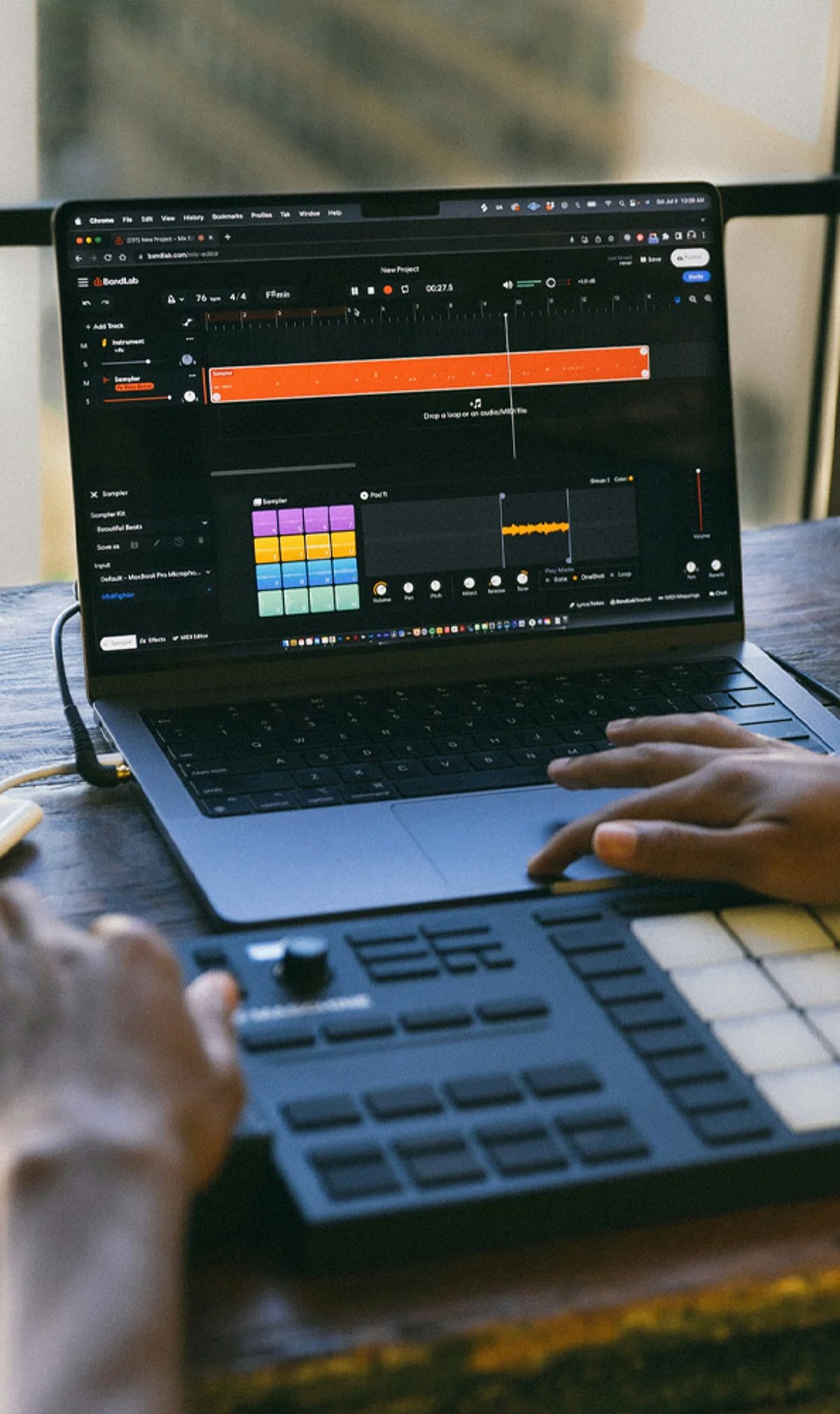
    Whether you are a seasoned audio engineer or an aspiring music producer, having the right laptop can make or break your creative workflow. In 2026, the market offers a range of powerful machines designed to handle demanding digital audio workstations (DAWs), virtual instruments, and large sample libraries. Below, we explore the best music production laptops for creators and producers this year.

    Apple MacBook Pro 16 (M4 Pro)

    Apple’s flagship laptop delivers industry-leading audio performance with its M4 Pro chip, silent operation, exceptional battery life, and seamless compatibility with professional music production software like Logic Pro, Ableton Live, and Pro Tools. It remains the gold standard for studio work.

    ASUS ProArt P16

    This creator-focused machine combines powerful AMD processors, dedicated graphics, a color-accurate display, and features tailored for demanding music production workflows. Ideal for producers who also work with video or graphic content.

    Dell XPS 16

    With premium build quality, Intel Core Ultra performance, fast SSD storage, and excellent multitasking capabilities, the XPS 16 excels in recording, mixing, and mastering projects. Its sleek design and vibrant display make it a versatile choice.

    Lenovo ThinkPad P16 Gen 3

    A workstation-grade laptop that offers robust cooling, upgradeable memory, and rock-solid stability for professional producers handling large audio sessions. It’s built for reliability under heavy loads.

    HP ZBook Studio G11

    Enterprise-grade reliability meets high-end Intel processors and NVIDIA graphics in this machine. It delivers outstanding performance for advanced music creation and editing, making it a favorite for audio professionals.

    Razer Blade 16

    Packing premium hardware, a powerful cooling system, and a fast refresh display, the Razer Blade 16 handles complex production environments with ease. Its sleek design also makes it a portable powerhouse.

    MSI Creator Z17 HX Studio

    Desktop-class performance, an accurate touchscreen display, and efficient multitasking define this laptop. It’s designed for audio production specialists who need professional-grade reliability and speed.

    Acer Swift X 16

    Balancing affordability, dedicated graphics, strong processor performance, and lightweight portability, this laptop is perfect for beginner and intermediate music producers looking for a budget-friendly option without sacrificing power.

    Microsoft Surface Laptop Studio 2

    With its versatile form factor, premium display, creative flexibility, and powerful hardware, this laptop supports recording, composing, and editing applications. Its unique design adapts to various studio setups.

    Choosing the right music production laptop depends on your specific needs, budget, and workflow. All models listed above provide the performance and reliability necessary to bring your musical ideas to life in 2026.