Tag: Mac

  • Meta’s Muse AI Agent Expands to Mac: Hands-Free Task Automation Goes Desktop

    Meta’s Muse AI Agent Expands to Mac: Hands-Free Task Automation Goes Desktop

    Meta has expanded its personal AI agent, Muse, to the Mac platform with a dedicated desktop application. This move significantly broadens Muse’s role in users’ daily workflows, allowing it to interact directly with files, messages, and applications stored on the computer, not just through a phone or web browser.

    Muse originally launched on September 8th in the United States across iOS, Android, the web, and WhatsApp. The Mac app is the latest step in Meta’s push into the agentic AI space, emphasizing AI that performs multi-step tasks rather than just responding to queries.

    More Than a Chatbot

    Muse is designed to handle real-world tasks. On the Mac, users can ask it to organize files, retrieve information from Messages, Calendar, or Notes, and fill out forms using saved documents. The agent works across a user’s entire digital routine, reducing the manual effort of moving data between applications.

    A standout feature is Muse’s ability to continue working even after the app is closed. It resumes when it needs user input or when a task is complete. This background operation distinguishes it from most current AI tools, which typically stop when the conversation ends.

    Built With Privacy in Mind

    Meta has granted users clear control over Muse’s access. Computer access is opt-in, and Full Disk Access is optional. Users can adjust permissions at any time through Mac settings.

    On the technical side, Muse operates within a dedicated virtual space called Muse Secure VM. This private environment gives the agent its own browser, storage, and computing resources. Meta states this setup keeps the agent away from sensitive login credentials and manages actions involving connected services.

    Also Read: Meta Launches Muse AI Agent, Can Send Emails, Book Travel: How It Works

    A Bigger Play for Agentic AI

    The Mac launch is part of Meta’s broader strategy toward AI that performs actions rather than just generating text. Muse is intended to execute multi-step tasks such as sending emails or booking travel with minimal user intervention.

    Currently, Muse is available only in the US. Meta has announced plans to expand the service to additional regions in the coming months.

    Join our WhatsApp Channel to get the latest news, exclusives and videos on WhatsApp.
  • Apple Upgrade Leasing Program Arrives in the US: Flexible Payments for iPhones, Macs, and More

    Apple Upgrade Leasing Program Arrives in the US: Flexible Payments for iPhones, Macs, and More

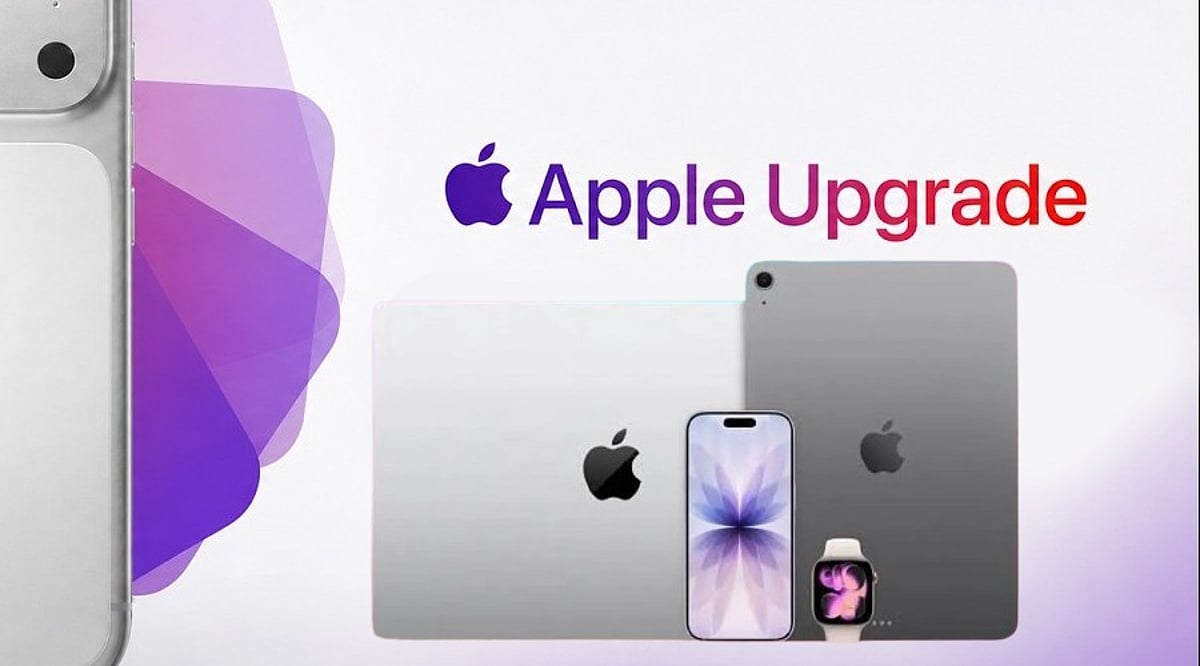
    Apple has officially launched a new device leasing program called Apple Upgrade in the United States, offering customers a flexible way to access iPhones, Apple Watches, Macs, and iPads through monthly payments. The program is powered by Klarna and is available through the Apple online store, Apple Store app, and retail Apple Stores nationwide.

    The move comes as rising component and memory costs put upward pressure on device prices, prompting Apple to provide a lower monthly entry point rather than relying solely on upfront purchases.

    Monthly Leases Starting at $11.99

    Apple Upgrade offers two lease durations for most devices:

    • Apple Watch and iPhone: 12-month or 24-month options
    • Mac and iPad: 24-month or 36-month options

    Monthly payments start at:

    • iPhone: $17.99
    • Apple Watch: $11.99
    • Mac: $24.99
    • iPad: $11.99

    Exact charges depend on the specific model and lease duration. For example, an unlocked iPhone 17 Pro is reportedly $31.99 per month for 24 months, or $45.99 per month for a 12-month lease.

    Customers can also save by trading in their previous device through the Apple Trade In program. In addition, lease payments made with an Apple Card earn 3% daily cash rewards.

    “At Apple, we put the customer at the center of everything we do,” said Karen Rasmussen, Vice President of the online Apple Store. “We’re thrilled that Apple Upgrade offers our customers, both online and in-store, a more flexible way to pay for the products they love.”

    How Apple Upgrade Works

    Customers can apply online or in-store. Klarna performs a soft credit inquiry that does not affect credit scores. Once approved, users can receive their devices via delivery, store pickup, or immediate in-store collection.

    At the end of the lease, customers have three options:

    • Return the device
    • Upgrade to a newer model
    • Purchase the device outright with a one-time payment

    Lease details, including billing schedules and outstanding payments, are managed through the Klarna app. According to program terms, no security deposit is required, and Klarna will not charge late fees—though leases may be terminated after three consecutive missed payments.

    Existing iPhone Programs Replaced

    With the launch of Apple Upgrade, Apple is discontinuing the older iPhone Upgrade Program and iPhone Payments in the US. Existing customers may switch to Apple Upgrade, Apple Card Monthly Installments, carrier financing, or outright purchases.

    The move could also shorten Apple’s device replacement cycle. According to Bernstein estimates, the average iPhone upgrade period has stretched to nearly four years.

    Apple is now competing more directly with carriers like AT&T, Verizon, and T-Mobile, which use installment plans and trade-in incentives to retain customers. The leasing model may help Apple mitigate the impact of potential price increases while creating more predictable upgrade demand across its product ecosystem.

  • 5 Essential Apple Intelligence Features to Master in 2026

    5 Essential Apple Intelligence Features to Master in 2026

    Apple Intelligence has evolved significantly in 2026, bringing smarter writing tools, live translation, AI-powered shortcuts, advanced photo editing, and an upgraded Siri that makes everyday tasks on iPhone, iPad, and Mac faster and easier. Here are the top five features you should start using today.

    1. Writing Tools Help You Finish Faster

    Built into apps like Mail, Notes, and Messages, Apple’s Writing Tools now offer spelling checks, sentence restructuring, tone adjustments, and email summarization. Whether you’re a student or a professional, these tools eliminate the need for third-party editing apps.

    2. Live Translation Works Across Calls and Messages

    Live Translation simplifies communication in multiple languages. It works in text messages, FaceTime calls, and even regular phone calls, translating conversations in real time. This is invaluable for travel, client meetings, or keeping in touch with international friends and family—all while maintaining Apple’s privacy standards.

    3. Shortcuts Get an AI Upgrade

    The Shortcuts app now integrates Apple Intelligence, allowing you to create automations that summarize articles, organize notes, draft messages, and perform multiple actions with a single tap. For example, you can set a shortcut to collect all meeting notes, summarize them, and email them automatically.

    4. Edit Photos Without Third-Party Apps

    The Photos app now includes AI-powered editing features such as removing background distractions, recomposing images, and erasing unwanted objects. These tools are designed for everyday use—perfect for travel photos, family portraits, and social media posts.

    5. Siri Understands Context Better

    Siri’s improved context awareness allows it to answer follow-up questions, understand what’s on your screen, and take actions across multiple apps. You no longer need to repeat yourself; Siri maintains a natural conversation flow.

    Apple Intelligence Features at a Glance

    All these features are designed to enhance everyday tasks without changing how you use your iPhone, iPad, or Mac. They integrate seamlessly into Apple’s existing apps, saving you time and reducing repetitive manual work.

    As Apple continues to expand its AI capabilities in 2026, these five features are the most practical to explore first. Whether you’re writing, translating, editing, or automating, Apple Intelligence makes your devices smarter without demanding a new learning curve.

  • Getting Started with Apple Intelligence on iPhone and Mac: A Step-by-Step Guide

    Getting Started with Apple Intelligence on iPhone and Mac: A Step-by-Step Guide

    Apple Intelligence brings powerful AI capabilities directly to your iPhone and Mac. This guide shows you how to enable it and make the most of its smartest features every day.

    Check Device Compatibility

    Apple Intelligence works on supported iPhone, iPad, and Mac models powered by Apple Silicon or the latest A-series chips. Make sure your device is compatible before proceeding.

    Update to the Latest Software

    Install the most recent version of iOS, iPadOS, or macOS to access all Apple Intelligence features. Updates often include new AI tools and improvements.

    Turn On Apple Intelligence

    Open Settings, go to Apple Intelligence, and enable AI-powered features after completing the setup process. Once activated, the system will start learning your preferences.

    Use Smarter Writing Tools

    Rewrite emails, summarize notes, proofread documents, and generate text directly inside supported apps. These tools help you communicate more effectively and save time.

    Experience the New Siri

    The upgraded Siri offers more natural conversations, deeper app control, and contextual assistance across your devices. Ask complex questions or perform multi-step tasks effortlessly.

    Create Images With Image Playground

    Generate fun illustrations, custom visuals, and creative artwork using Apple’s built-in AI tools. Perfect for adding a personal touch to messages, documents, and projects.

    Organize Notifications

    Apple Intelligence automatically prioritizes important alerts, summarizes messages, and reduces notification clutter. Stay focused on what matters most.

    Boost Productivity

    Summarize webpages, organize notes, create reminders, and speed up daily tasks with AI assistance. Let Apple Intelligence handle routine work so you can focus on what’s important.