
Tag: One UI

  • Galaxy S26 Ultra: 8 Pro Tips for Smoother Lens Switching in 2026

    Galaxy S26 Ultra: 8 Pro Tips for Smoother Lens Switching in 2026

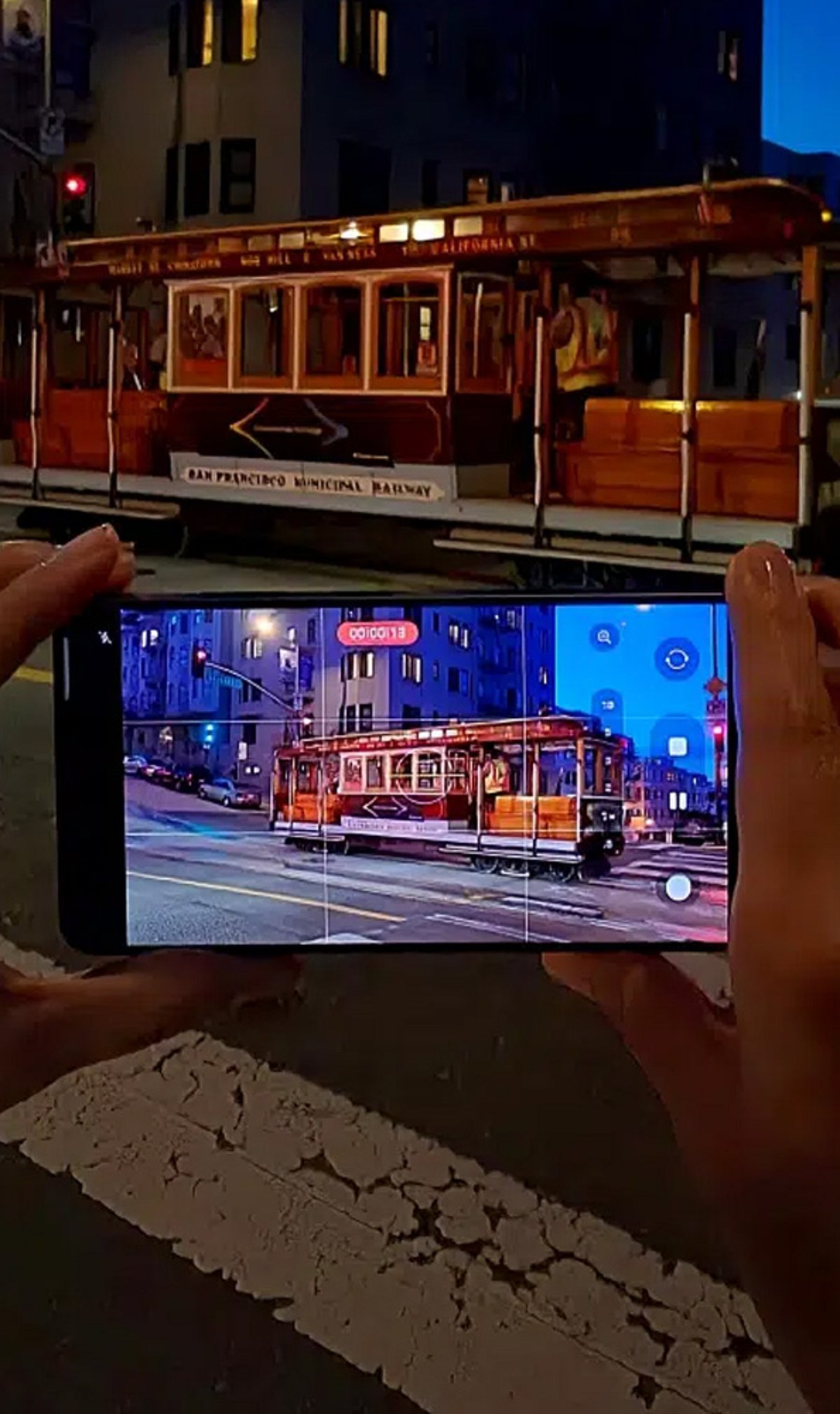
    Capturing professional-quality video on the Samsung Galaxy S26 Ultra requires smooth transitions between its multiple lenses. If you’ve experienced lag or hesitation when switching between the ultra-wide, wide, and telephoto cameras, these practical tweaks will help you achieve fluid, cinematic results. Follow this guide to optimize your camera performance.

    1. Enable Camera Assistant

    Samsung’s Camera Assistant app gives you advanced controls to fine-tune lens switching behavior. Download it from the Galaxy Store, then enable options like “Auto Lens Switching” and adjust transition speed for a smoother experience.

    2. Update to the Latest Software

    Always install the newest One UI update. Samsung regularly releases camera optimizations that improve lens switching logic and reduce latency. Check for updates in Settings > Software Update.

    3. Use Auto Lens Switching

    Let the camera automatically select the best lens for each scene. This feature intelligently balances focal length and lighting conditions, reducing manual switching errors and making transitions seamless.

    4. Disable Unnecessary Camera Features

    Turn off features like Scene Optimizer, Super Steady, or HDR Auto when you don’t need them. These add processing overhead that can delay lens changes. Keep your camera app lean for faster performance.

    5. Record in the Right Resolution

    Choosing the appropriate video resolution helps the phone switch lenses more efficiently. For general use, 4K at 30fps offers a good balance of quality and smooth transitions. Avoid 8K unless necessary, as it can tax the processor.

    6. Avoid Extreme Low Light

    Lens switching performs best in well-lit environments. In low light, the camera may struggle to focus and switch quickly. Ensure adequate lighting for accurate focusing and smoother transitions.

    7. Keep Camera Lenses Clean

    Dust, smudges, or fingerprints on the lenses can slow autofocus and degrade image quality, making lens transitions feel sluggish. Wipe the lenses gently with a microfiber cloth before recording.

    8. Restart the Camera App

    If you experience temporary glitches, a quick restart of the camera app often resolves them. Close the app from the recent apps menu and relaunch it. If problems persist, restart your phone.

    By following these steps, you can make your Galaxy S26 Ultra’s lens switching faster and more professional. Experiment with different settings to find what works best for your shooting style.

  • Essential Samsung Galaxy Battery Settings to Extend Charging Life

    Essential Samsung Galaxy Battery Settings to Extend Charging Life

    Samsung Galaxy users can optimize battery performance with a few key settings that reduce power consumption and extend battery health. Here are the most effective adjustments you can make right now.

    Adaptive Battery

    Samsung’s Adaptive Battery uses AI to learn your daily usage patterns and limits power consumption for apps you rarely open. By automatically prioritizing frequently used applications while restricting background activity for others, it helps reduce unnecessary battery drain. Keeping this feature enabled is one of the easiest ways to improve battery life throughout the day without affecting normal smartphone performance.

    Enable Light Performance Mode

    Light Performance Mode reduces processor power during everyday tasks such as messaging, browsing, and streaming while maintaining a smooth user experience. The setting lowers energy consumption without noticeably impacting daily performance. It is especially useful for users who want longer battery life and don’t regularly run demanding games or heavy productivity applications on their Galaxy smartphone.

    Turn On Adaptive Power Saving

    Adaptive Power Saving intelligently switches Battery Saver on or off depending on your phone’s usage and remaining battery level. Instead of staying active all the time, it adjusts automatically to maximize efficiency when needed. This smart automation helps extend battery life while minimizing interruptions, making it one of the most practical battery-saving features available in One UI.

    Optimize Display Settings

    The display is one of the biggest battery consumers on any smartphone. Reducing screen brightness, enabling Adaptive Brightness, using Dark Mode, and selecting a lower refresh rate when high refresh isn’t necessary can noticeably improve battery life. Samsung’s AMOLED displays are especially efficient in Dark Mode, making these adjustments effective without compromising the overall viewing experience.

    Manage Background Apps

    Many applications continue running in the background even after being closed, consuming battery and system resources. Samsung’s battery settings allow users to place unused apps into Sleep or Deep Sleep mode, preventing unnecessary background activity. Reviewing these settings regularly helps improve battery performance while ensuring essential apps continue functioning normally when required.

    Use Battery Protection Features

    Samsung’s Battery Protection feature limits charging to around 80–85% (depending on the device and One UI version) to reduce long-term battery wear. Combined with optimized overnight charging, this helps maintain battery health over several years. While it may slightly reduce a single charge’s maximum capacity, it can significantly extend the overall lifespan of the battery.

    Keep Software Updated

    Samsung frequently releases One UI and security updates that include battery optimization improvements, performance enhancements, and bug fixes. Installing the latest software ensures your Galaxy device benefits from the newest power management features and efficiency improvements. Keeping both the operating system and installed apps updated helps deliver better battery life, smoother performance, and improved overall device stability.

  • Samsung Galaxy Unpacked 2026: What to Expect from the July 22 London Event

    Samsung Galaxy Unpacked 2026: What to Expect from the July 22 London Event

    Samsung is gearing up for one of its biggest technology showcases of the year with Galaxy Unpacked 2026, scheduled for July 22 in London. The event is expected to highlight the company’s next-generation foldable smartphones, AI-powered software features, and an expanded lineup of wearable devices. While Samsung has kept official details under wraps, teasers, industry leaks, and analyst reports suggest that the company is preparing one of its most comprehensive product launches in recent years.

    Next-Generation Foldables Expected to Lead the Showcase

    It seems that the foldable phones will continue to serve as the highlight of the Galaxy Unpacked event for the year. It is believed that Samsung will be unveiling its Galaxy Z Fold 8, Galaxy Z Flip 8, and the new flagship foldable phone which some sources claim to be named the Galaxy Z Fold 8 Ultra. There have been rumors about the launch of an additional foldable phone which will come with a book-fold design similar to that of a tablet.

    The upcoming foldables will feature slimmer designs, better hinges, minimized display creases, increased battery capacity, and the latest generation of the Snapdragon processor by Qualcomm. Samsung has also announced the development of its new foldable display technology called the Flex Titanium.

    Galaxy AI and Wearables Could Receive Major Upgrades

    Artificial intelligence is projected to feature prominently in various parts of the event. Samsung has dropped subtle hints that its upcoming Galaxy products will offer improved AI experiences compared to those seen previously in the form of Galaxy AI which was unveiled in early 2023. The advancements are expected to boost productivity, communication, photography, and on-device intelligence.

    Apart from smartphones, Samsung will reveal the Galaxy Watch 9 and Galaxy Watch Ultra 2 along with advanced health tracking features thanks to wearable processors. Speculations abound of new AI-driven products being announced at the event, including Samsung’s much-talked-about smart glasses and potentially, new open-ear wireless earbuds that could increase situational awareness for users.

    AI Ecosystem and Software Experience in Focus

    In contrast to just concentrating on hardware, it seems that Samsung plans to turn Galaxy Unpacked 2026 into an event that will demonstrate its comprehensive approach to the AI ecosystem. Samsung has been stressing its vision of the intelligent software that is coupled with innovative forms of devices that would help to have better experiences while using different products.

    Software-related improvements may come from a new edition of One UI, additional AI features, health tracking enhancements, better multitasking experience on foldable devices, and improved connectivity between devices. All these developments may be helpful for Samsung to compete better, as smartphones are currently becoming more about AI than about hardware specifications.

    Also Read: Samsung Drops Biggest Galaxy Watch 9 Tease Yet Ahead of Unpacked 2026

    A Pivotal Event for Samsung’s Mobile Strategy

    Galaxy Unpacked has always been Samsung’s stage for unveiling its most innovative products in the mobile category, and the Galaxy Unpacked event in 2026 is not an exception. With the introduction of new foldables, smartwatches with new capabilities, and even possibly the launch of some other product lines, Galaxy Unpacked 2026 can define Samsung’s mobile strategy in the rest of the year.

    The increasing competition in the premium smartphones and AI devices market means that Galaxy Unpacked 2026 will provide insight into how Samsung intends to preserve its leading position in foldable devices while building up its ecosystem. It is anticipated that Samsung will officially reveal the details of the products in its lineup during its event on July 22.