
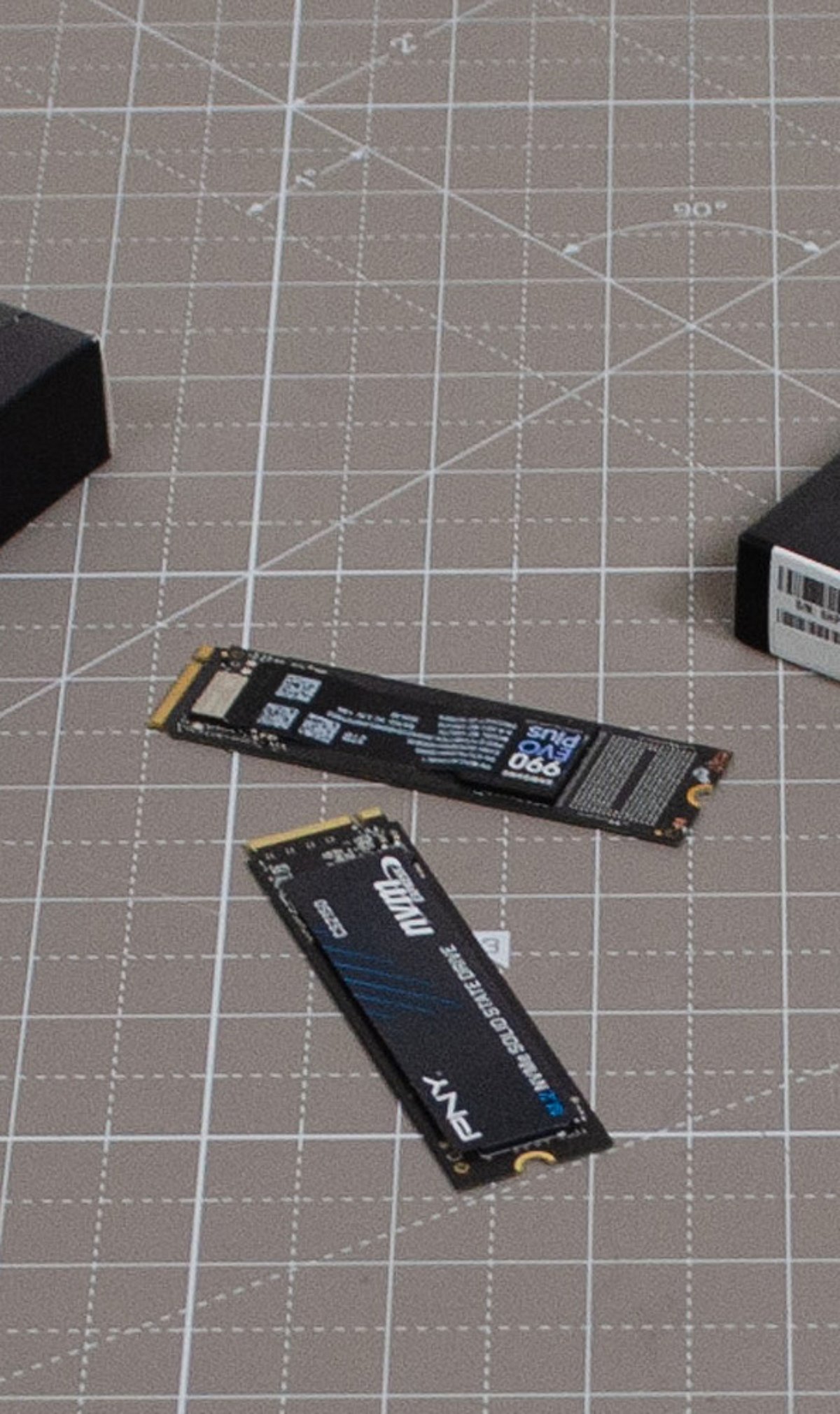
Is your old PC feeling sluggish? One of the most impactful upgrades you can make is swapping out that aging hard disk drive (HDD) for a solid-state drive (SSD). Not only does it slash boot times and accelerate file access, but it also makes everyday computing feel snappy again. Below, we break down the best SSD upgrades that can transform your machine without breaking the bank.
Replace Slow Hard Drives
Replacing an old HDD with an SSD dramatically reduces boot times, accelerates file access, and makes everyday computing noticeably faster. It’s the single most effective performance upgrade for older systems.
Choose SATA SSDs for Maximum Compatibility
SATA SSDs fit most older desktops and laptops, offering excellent speed improvements without requiring expensive hardware upgrades or motherboard replacements. They are a drop-in solution for nearly any system with a standard SATA port.
Upgrade to NVMe Where Supported
If your PC has an M.2 NVMe slot, upgrading to an NVMe SSD unlocks significantly faster read and write speeds. This enhances multitasking, gaming, and productivity workloads, making your system feel modern again.
Increase Storage Capacity
Modern SSDs come in larger capacities than ever before. You can store more applications, media files, and games without sacrificing system performance or reliability. A high-capacity SSD means fewer worries about running out of space.
Improve Boot and Shutdown Speeds
SSDs enable operating systems to boot within seconds while reducing shutdown times. This creates a smoother and more efficient user experience, saving you precious time every day.
Enhance Gaming Performance
Faster storage decreases game loading times, speeds up level transitions, and minimizes texture-loading delays. Gamers will enjoy a more immersive experience with fewer interruptions.
Boost Productivity Applications
SSDs improve responsiveness in office software, creative applications, browsers, and multitasking. Completing tasks becomes more efficient, helping you get more done in less time.
Reduce Power Consumption
SSDs consume less energy than traditional hard drives, extending laptop battery life while producing less heat and operating almost silently. This is especially beneficial for mobile users.
Extend the Life of Older PCs
Installing a quality SSD is one of the most cost-effective upgrades you can make. It delays the need for expensive hardware replacements while delivering near-new system responsiveness. A simple upgrade can keep your trusted PC running for years to come.