
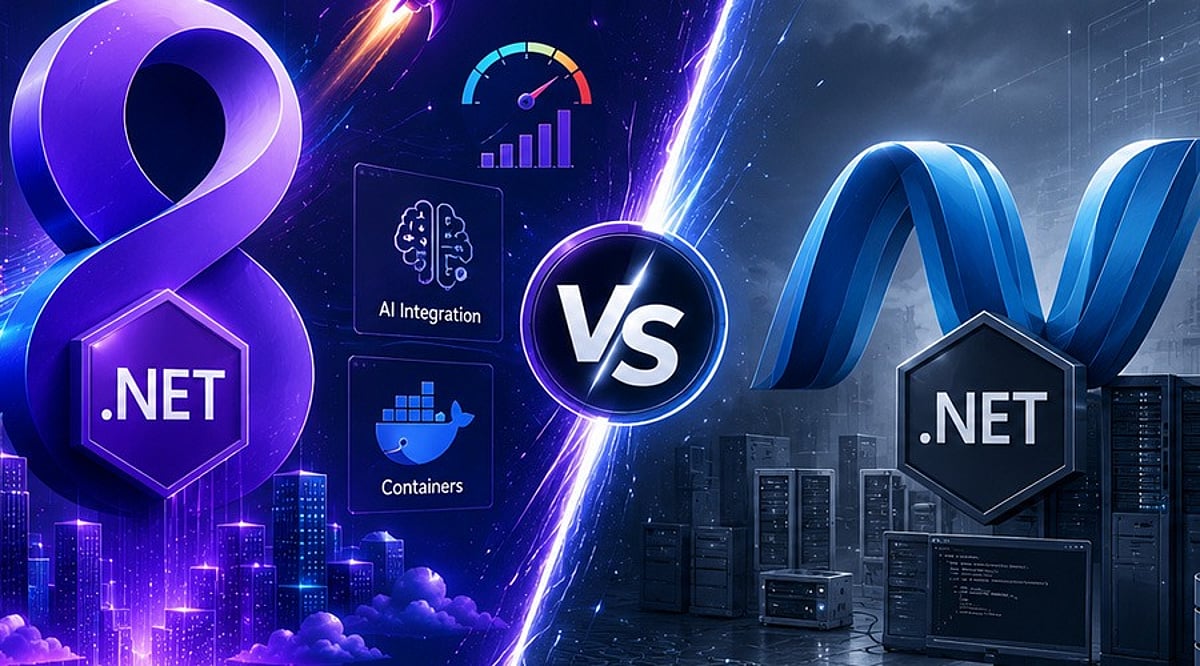
.NET 8 builds upon the strong foundation of .NET 6 by introducing major improvements in performance, cloud-native development, developer productivity, and security. This comparison guide explores the key differences between the two LTS releases, highlights new features in .NET 8, and outlines important considerations for organizations planning an upgrade.
Overview
Both .NET 6 and .NET 8 are Long-Term Support (LTS) releases, but .NET 8 introduces significant improvements in runtime performance, cloud-native development, and developer productivity. From C# 12 and Native AOT to enhanced ASP.NET Core performance and better container support, .NET 8 is designed for modern enterprise application development. This guide compares .NET 6 and .NET 8 across performance, features, and migration considerations to help developers and organizations plan a successful upgrade.
.NET 6 vs .NET 8: Key Differences at a Glance
Both versions are production-ready, but .NET 8 delivers meaningful improvements across runtime efficiency, scalability, and modern development workflows.
Performance Improvements Make .NET 8 a Clear Winner
The foremost driver of organizational modernization is performance. Microsoft has incorporated thousands of runtime optimizations into .NET 8, including JIT optimizations, Dynamic Profile-Guided Optimizations (Dynamic PGO), Garbage Collection (GC) optimizations, SIMD optimizations, and ARM64 enhancements. These optimizations help minimize startup time, increase throughput, and reduce infrastructure costs for high-traffic applications. .NET 8 offers greater processing capacity for requests in ASP.NET Core, making it more desirable for APIs, microservices, and cloud-native deployments than .NET 6.
Developer Experience Has Improved Significantly
Beyond performance, .NET 8 introduces features that make application development easier. C# 12 includes more expressive language features to help developers create clean and manageable code. Native AOT support has reached maturity, enabling faster startup times and smaller footprints. Minimal APIs in ASP.NET Core have been extended to support lightweight services while retaining enterprise-level features.
What to Consider Before Upgrading
Although migrating from .NET 6 to .NET 8 is relatively easy, businesses should conduct a compatibility check before upgrading. Steps include:
- Upgrade the application to the latest target framework and install the .NET SDK.
- Verify all NuGet packages are compatible with .NET 8, replacing any deprecated packages.
- Check for breaking changes, verify third-party integrations, and run unit, integration, and performance tests before going live.
Modern ASP.NET Core applications typically require only minor code modifications when migrating to .NET 8.
Is Upgrading to .NET 8 Worth It?
For most enterprises, yes. Applications requiring greater scalability, cloud readiness, security improvements, and maintainability will benefit from upgrading to .NET 8. Enterprises that have adopted containerization, microservices, AI solutions, and fast APIs can maximize the benefits of the latest platform version. However, migration efforts should be undertaken after thorough dependency checks and testing procedures, following Microsoft’s upgrade guidelines. A gradual adoption process reduces risks and allows developers to test the improvements offered by .NET 8.
In the evolving Microsoft development ecosystem, .NET 8 represents an important milestone over previous versions like .NET 6. Its better performance, new tools, cloud-native characteristics, and productivity gains make it a strong choice for upgrading applications to gain more speed and scalability. Migrating to .NET 8 also simplifies future upgrades to newer .NET versions.
Why This Matters
Choosing the right .NET version directly affects application performance, maintainability, security, and long-term support. As organizations modernize their technology stacks and increasingly adopt cloud-native architectures, containerized deployments, and AI-powered applications, newer framework capabilities deliver measurable improvements in scalability and operational efficiency.
FAQs
What is the biggest difference between .NET 6 and .NET 8?
The biggest difference is that .NET 8 introduces substantial improvements in runtime performance, cloud-native development, Native AOT, C# 12 language features, ASP.NET Core enhancements, and developer productivity. Both are LTS releases, but .NET 8 is optimized for modern, high-performance applications.
Is .NET 8 faster than .NET 6?
Yes. .NET 8 delivers significant performance improvements through Dynamic PGO, JIT compiler enhancements, garbage collection optimizations, SIMD improvements, and better ARM64 support, reducing startup times and improving throughput.
Should I upgrade from .NET 6 to .NET 8?
For most applications, upgrading is recommended. Benefits include better performance, enhanced security, improved developer tools, stronger cloud-native capabilities, and continued LTS support. Compatibility testing and dependency validation should be completed before migrating production workloads.
Is upgrading from .NET 6 to .NET 8 difficult?
In most cases, the upgrade process is straightforward. Developers update the target framework, install the latest .NET SDK, upgrade compatible NuGet packages, review breaking changes, and thoroughly test the application. Modern ASP.NET Core applications usually require only minor code modifications.
What new features does .NET 8 introduce?
.NET 8 includes C# 12 support, enhanced Native AOT, improved Minimal APIs, better container support, runtime optimizations, enhanced diagnostics, cloud-native improvements, performance enhancements, and expanded tooling that simplifies development and deployment.
Leave a Reply