Tag: productivity apps

  • Top Digital Whiteboard Apps for Seamless Remote Collaboration

    Top Digital Whiteboard Apps for Seamless Remote Collaboration

    Remote teams need powerful tools to brainstorm, collaborate, and innovate together. Digital whiteboard apps replicate the physical whiteboard experience online, enabling real-time idea sharing, visual planning, and structured workflows. Here are the best virtual whiteboard applications for distributed teams in 2025.

    • Miro – Offers an infinite canvas with templates, sticky notes, diagrams, and real-time collaboration for distributed teams.
    • Mural – Simplifies brainstorming with interactive workshops, visual planning, and team collaboration features.
    • Microsoft Whiteboard – Perfect for Microsoft 365 users, it enables live collaboration with ink, notes, and integrated Teams support.
    • FigJam – Figma’s collaborative whiteboard is ideal for product teams, designers, and agile brainstorming sessions.
    • Lucidspark – Visualize ideas using mind maps, sticky notes, voting tools, and collaborative workflows.
    • Conceptboard – A secure whiteboard platform designed for remote teams needing visual project collaboration.
    • Stormboard – Transforms brainstorming into structured action plans with task management and reporting tools.
    • Explain Everything – Ideal for educators and businesses creating interactive presentations and collaborative lessons.

    These tools empower remote teams to work together effectively, no matter where they are located.

  • The 7 Productivity Apps That Actually Earned a Spot in My Daily Workflow

    The 7 Productivity Apps That Actually Earned a Spot in My Daily Workflow

    Productivity apps promise better organization, smarter planning, and improved focus. To separate marketing claims from real value, I tested the most popular apps over several months. I evaluated them based on ease of use, reliability, collaboration features, customization, and how well they fit into my daily workflow across work and personal tasks.

    Notion – My All-in-One Workspace

    Notion became the backbone of my productivity system. It combines notes, databases, task tracking, project management, and document creation in one place. Although it requires time to master, its flexibility makes it ideal for managing content calendars, meeting notes, research, and long-term projects without switching between multiple applications.

    Todoist and Google Calendar

    Todoist stood out for its clean interface and efficient task management. Quick task entry, recurring reminders, and priority labels kept my workload organized. Google Calendar complemented it perfectly by managing schedules, meetings, and deadlines. Together, they created a simple yet effective system for planning every day with minimal effort.

    Obsidian for Knowledge Management

    Obsidian proved invaluable for storing research and connecting ideas. Its linking feature creates a network of related notes, making information easier to retrieve. Since it works offline, I always had access to my knowledge base. It became my preferred tool for writing, brainstorming, and building long-term reference material.

    Slack and Forest

    Slack remained my preferred communication platform for team collaboration. Organized channels, direct messaging, and integrations reduced email overload and improved coordination. Forest complemented it by helping me stay focused. The app rewards uninterrupted work sessions by growing virtual trees, making it surprisingly effective at reducing phone distractions.

    OneNote and Lessons Learned

    Microsoft OneNote earned a place for freeform note-taking, handwritten ideas, and brainstorming sessions. During testing, I realized that feature-rich apps are not always the most productive. The best tools simplify workflows instead of adding complexity. Choosing fewer, purpose-driven apps resulted in a more efficient and sustainable productivity system.

    Final Verdict

    After trying nearly every popular productivity app, I kept only those that consistently improved my workflow. Notion, Todoist, Google Calendar, Obsidian, Slack, Forest, and OneNote each solved a specific problem effectively. Together, they formed a balanced productivity stack that helped me stay organized, focused, and productive every day.

  • Top AI Productivity Apps to Boost Work and Study Efficiency in 2025

    Top AI Productivity Apps to Boost Work and Study Efficiency in 2025

    Artificial intelligence is transforming the way students and professionals approach their daily tasks. From automating routine work to enhancing creativity, AI-powered productivity apps can save time, reduce stress, and help you achieve more. Here are the best AI productivity apps for students and professionals in 2025.

    ChatGPT

    ChatGPT is a versatile assistant that can generate ideas, summarize documents, write emails, and solve problems in seconds. Its conversational interface makes it easy to get quick answers and drafts, making it a go-to tool for anyone needing instant help with text-based tasks.

    Claude AI

    Claude AI excels at long-form writing, research, document analysis, and brainstorming. It is particularly useful for professionals who need deep analytical capabilities and students who require help with complex assignments.

    Notion AI

    Notion AI integrates seamlessly with the Notion workspace, enabling users to manage notes, create summaries, organize projects, and automate documentation. It is ideal for project management and knowledge management, helping teams and individuals stay organized.

    Grammarly

    Grammarly improves grammar, rewrites sentences, and makes professional writing effortless. Its AI-powered suggestions ensure your emails, reports, and papers are clear, concise, and error-free. It works across multiple platforms and browsers.

    Perplexity AI

    Perplexity AI helps you research faster with AI-powered answers backed by reliable web sources. It is perfect for students and professionals who need accurate, cited information without sifting through endless search results.

    Otter.ai

    Otter.ai automatically records, transcribes, and summarizes meetings and lectures. This tool is invaluable for capturing key points from discussions, ensuring nothing is missed, and making it easy to review content later.

    Motion

    Motion uses AI to automatically plan your daily schedule and prioritize tasks. It adapts to your workload and deadlines, helping you manage your time more effectively and reduce decision fatigue.

    Gamma

    Gamma allows you to create presentations, reports, and visual documents with AI assistance. It speeds up the design process by generating layouts and content, so you can focus on the message rather than formatting.

    These AI productivity apps are changing how we study and work, making it easier to stay organized, creative, and efficient. Whether you are a student juggling assignments or a professional managing multiple projects, these tools can help you get more done every day.

  • Top 8 Document Scanner Apps for iPhone – 2025 Edition

    Top 8 Document Scanner Apps for iPhone – 2025 Edition

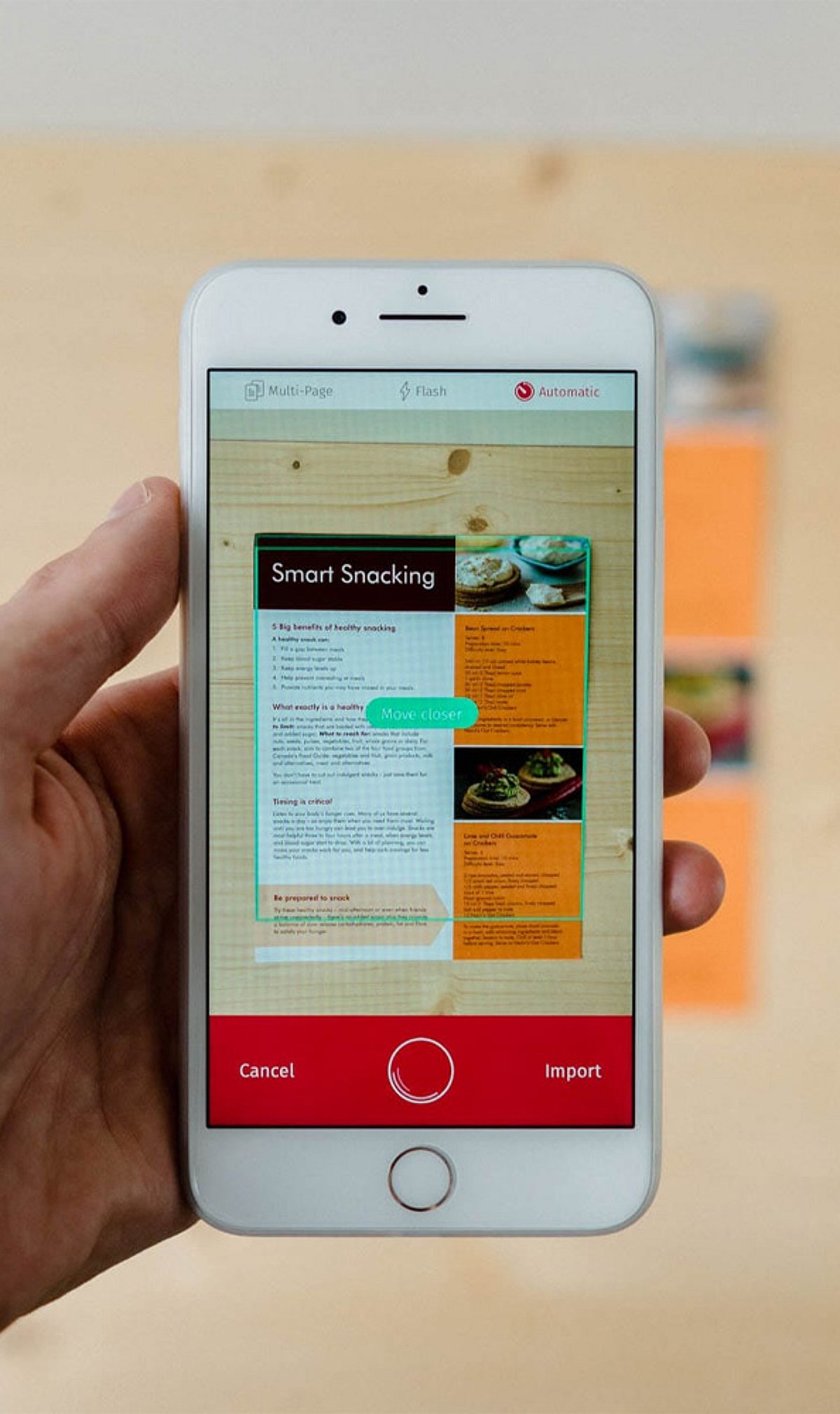
    Gone are the days when you needed a bulky scanner to digitize paperwork. With the latest iPhone models, a simple app can turn your device into a powerful document scanner. In this guide, we review eight of the best iPhone document scanner apps, highlighting their key features, from OCR to cloud syncing, to help you stay productive on the go.

    1. Adobe Scan

    Adobe Scan converts physical documents into high-quality PDFs with Optical Character Recognition (OCR), automatic edge detection, and seamless cloud synchronization. It integrates directly with Adobe Acrobat services, making it an excellent choice for professionals who need reliable PDF editing and sharing.

    2. Microsoft Lens

    Formerly known as Office Lens, Microsoft Lens captures documents, whiteboards, receipts, and business cards with ease. It exports directly to Word, Excel, OneNote, PDF, and cloud storage, streamlining the transition from analog to digital in any workflow.

    3. CamScanner

    CamScanner offers intelligent document scanning with OCR text recognition, annotation tools, password protection, and cloud backup. Its multi-platform sharing capabilities make it a favorite for both personal and business users who need secure, accessible document management.

    4. Apple Notes Scanner

    Built directly into the iPhone’s Notes app, the document scanner provides quick scanning with automatic cropping and PDF creation. It syncs seamlessly via iCloud, requiring no extra downloads—ideal for Apple users who want a simple, built-in solution.

    5. SwiftScan

    SwiftScan delivers premium-quality scans with OCR, automatic image enhancement, and cloud integration. It supports PDF editing and uses secure encryption, making it suitable for both personal and business documents that require confidentiality.

    6. Genius Scan

    Genius Scan features smart document capture with perspective correction, batch scanning, PDF generation, and secure cloud backups. Its efficient organizational tools help users keep paperwork tidy directly from their iPhone.

    7. Scanner Pro

    Scanner Pro boasts advanced scanning technology, OCR support, document editing, and automatic uploads. Integration with popular cloud storage services makes it a strong contender for professional workflows that need speed and reliability.

    8. Tiny Scanner

    Tiny Scanner creates crisp PDF scans from documents, receipts, notes, and photos. It includes batch scanning, password protection, and easy sharing via email or cloud services, all in a lightweight package.

    9. iScanner

    iScanner combines document scanning, OCR, PDF editing, e-signatures, and file management into one comprehensive productivity app. It’s designed for everyday personal and business use, offering a wide array of tools in a single interface.

    Whether you need basic scanning or advanced OCR features, these apps can transform your iPhone into a powerful document management tool. Download the one that fits your workflow and say goodbye to paper clutter.