
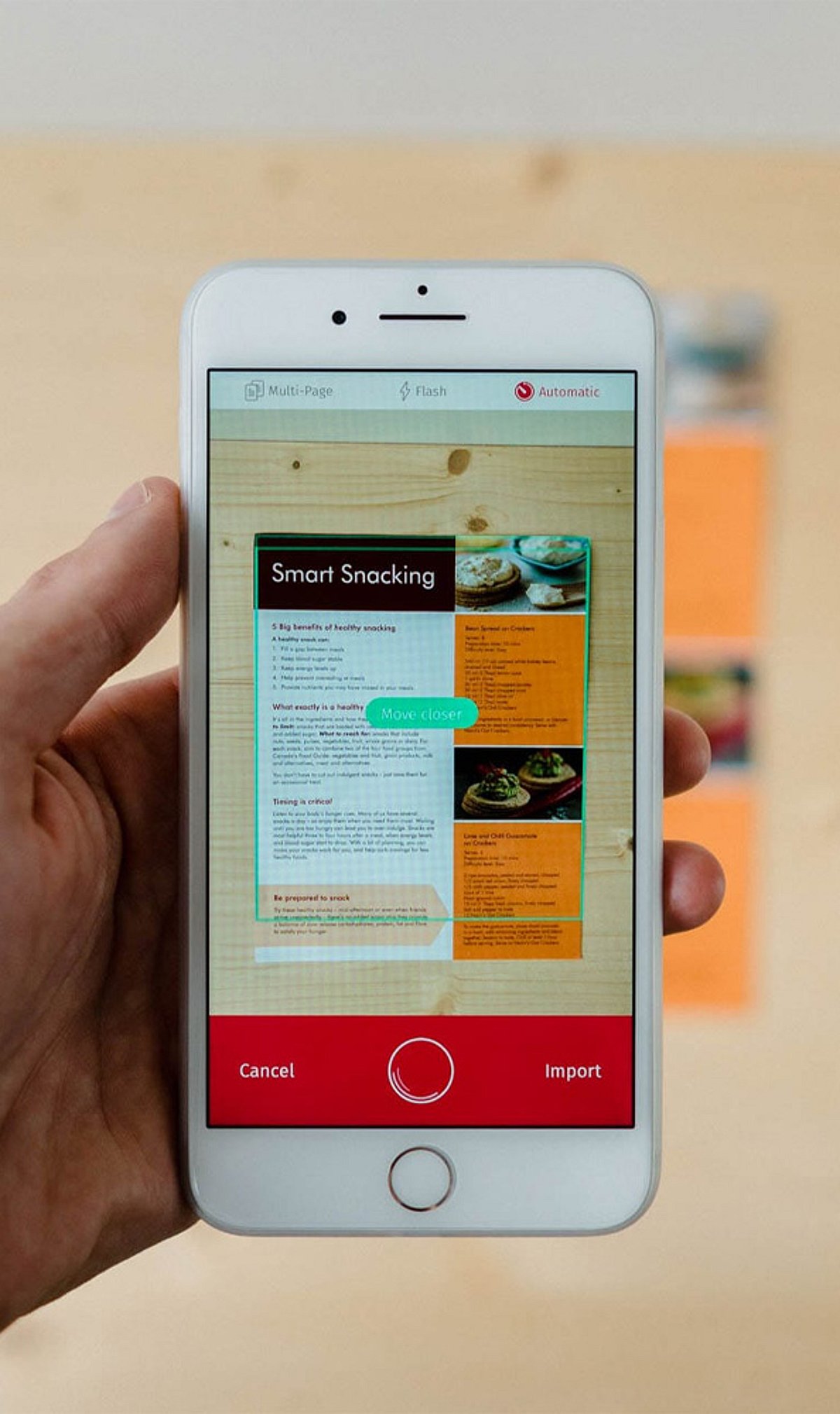
Gone are the days when you needed a bulky scanner to digitize paperwork. With the latest iPhone models, a simple app can turn your device into a powerful document scanner. In this guide, we review eight of the best iPhone document scanner apps, highlighting their key features, from OCR to cloud syncing, to help you stay productive on the go.
1. Adobe Scan
Adobe Scan converts physical documents into high-quality PDFs with Optical Character Recognition (OCR), automatic edge detection, and seamless cloud synchronization. It integrates directly with Adobe Acrobat services, making it an excellent choice for professionals who need reliable PDF editing and sharing.
2. Microsoft Lens
Formerly known as Office Lens, Microsoft Lens captures documents, whiteboards, receipts, and business cards with ease. It exports directly to Word, Excel, OneNote, PDF, and cloud storage, streamlining the transition from analog to digital in any workflow.
3. CamScanner
CamScanner offers intelligent document scanning with OCR text recognition, annotation tools, password protection, and cloud backup. Its multi-platform sharing capabilities make it a favorite for both personal and business users who need secure, accessible document management.
4. Apple Notes Scanner
Built directly into the iPhone’s Notes app, the document scanner provides quick scanning with automatic cropping and PDF creation. It syncs seamlessly via iCloud, requiring no extra downloads—ideal for Apple users who want a simple, built-in solution.
5. SwiftScan
SwiftScan delivers premium-quality scans with OCR, automatic image enhancement, and cloud integration. It supports PDF editing and uses secure encryption, making it suitable for both personal and business documents that require confidentiality.
6. Genius Scan
Genius Scan features smart document capture with perspective correction, batch scanning, PDF generation, and secure cloud backups. Its efficient organizational tools help users keep paperwork tidy directly from their iPhone.
7. Scanner Pro
Scanner Pro boasts advanced scanning technology, OCR support, document editing, and automatic uploads. Integration with popular cloud storage services makes it a strong contender for professional workflows that need speed and reliability.
8. Tiny Scanner
Tiny Scanner creates crisp PDF scans from documents, receipts, notes, and photos. It includes batch scanning, password protection, and easy sharing via email or cloud services, all in a lightweight package.
9. iScanner
iScanner combines document scanning, OCR, PDF editing, e-signatures, and file management into one comprehensive productivity app. It’s designed for everyday personal and business use, offering a wide array of tools in a single interface.
Whether you need basic scanning or advanced OCR features, these apps can transform your iPhone into a powerful document management tool. Download the one that fits your workflow and say goodbye to paper clutter.
Leave a Reply