Tag: smartphone photography

  • Xiaomi 18 Pro Launching September 23: Dual 200MP Leica Cameras and 12.8x Lossless Zoom Revealed

    Xiaomi 18 Pro Launching September 23: Dual 200MP Leica Cameras and 12.8x Lossless Zoom Revealed

    Xiaomi 18 Pro Camera System Confirmed with Dual 200MP Leica Sensors

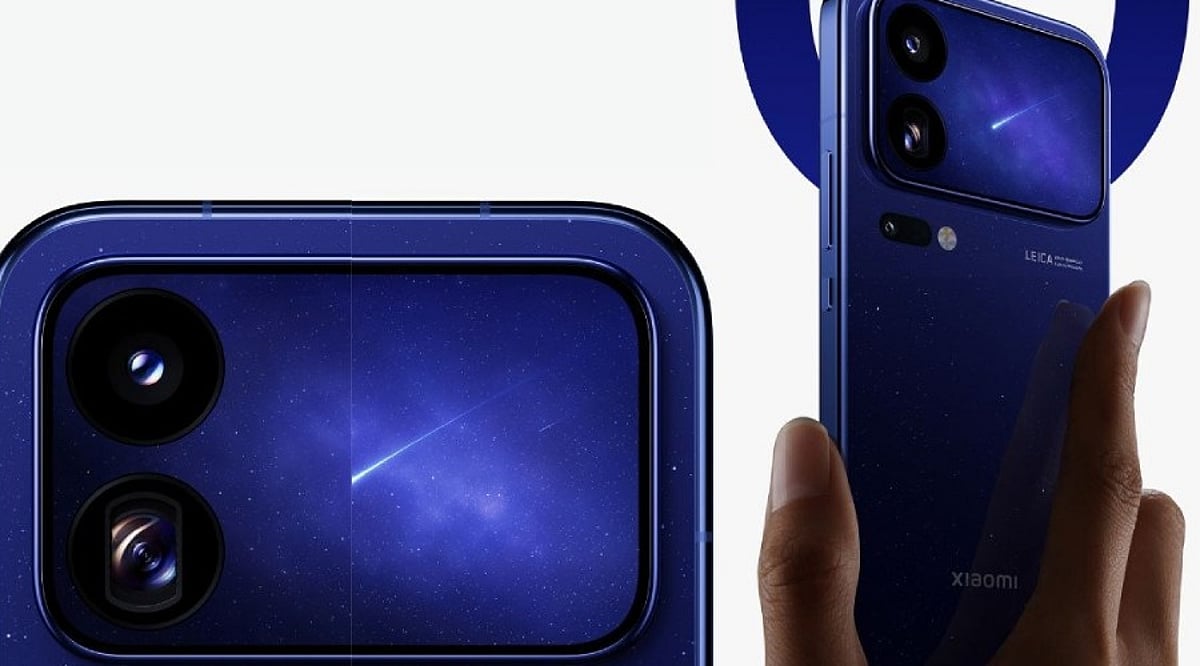
    Xiaomi is set to unveil the Xiaomi 18 Pro series in China on September 23. Ahead of the launch, the company has confirmed key details about the flagship smartphone’s camera system. The Xiaomi 18 Pro will introduce a dual 200MP Leica camera setup, combining a large primary sensor with a high-resolution periscope telephoto camera.

    Dual 200MP Leica Cameras

    The Xiaomi 18 Pro will feature two 200MP Leica cameras at the rear. The primary camera uses a large 1/1.28-inch sensor, focusing on light capture and image detail. The second 200MP sensor serves as the periscope telephoto camera with a 1/1.56-inch sensor, considerably larger than conventional smartphone telephoto sensors, and comes with an f/2.4 aperture.

    Zoom and Macro Capabilities

    Xiaomi confirmed support for up to 12.8x lossless zoom, offering flexibility for distant subjects without relying solely on digital zoom. The camera uses a dual-lens floating focus structure that can focus as close as 12cm, enabling telephoto macro photography. Xiaomi states that the telephoto camera on the Xiaomi 18 Pro increases light intake by 280% compared with its predecessor, while the Pro Max delivers an 83% improvement.

    What Remains Unconfirmed

    Xiaomi confirmed the primary and telephoto cameras, but some specifications remain unclear before the launch. Earlier reports indicated a three-camera system covering roughly 17mm to 75mm, with an ultrawide camera completing the setup, but those details have not received official confirmation. Video recording specifications and complete front-camera details are also expected to emerge during the launch event.

  • 7 Smartphone Camera Settings That Improve Night Photography

    7 Smartphone Camera Settings That Improve Night Photography

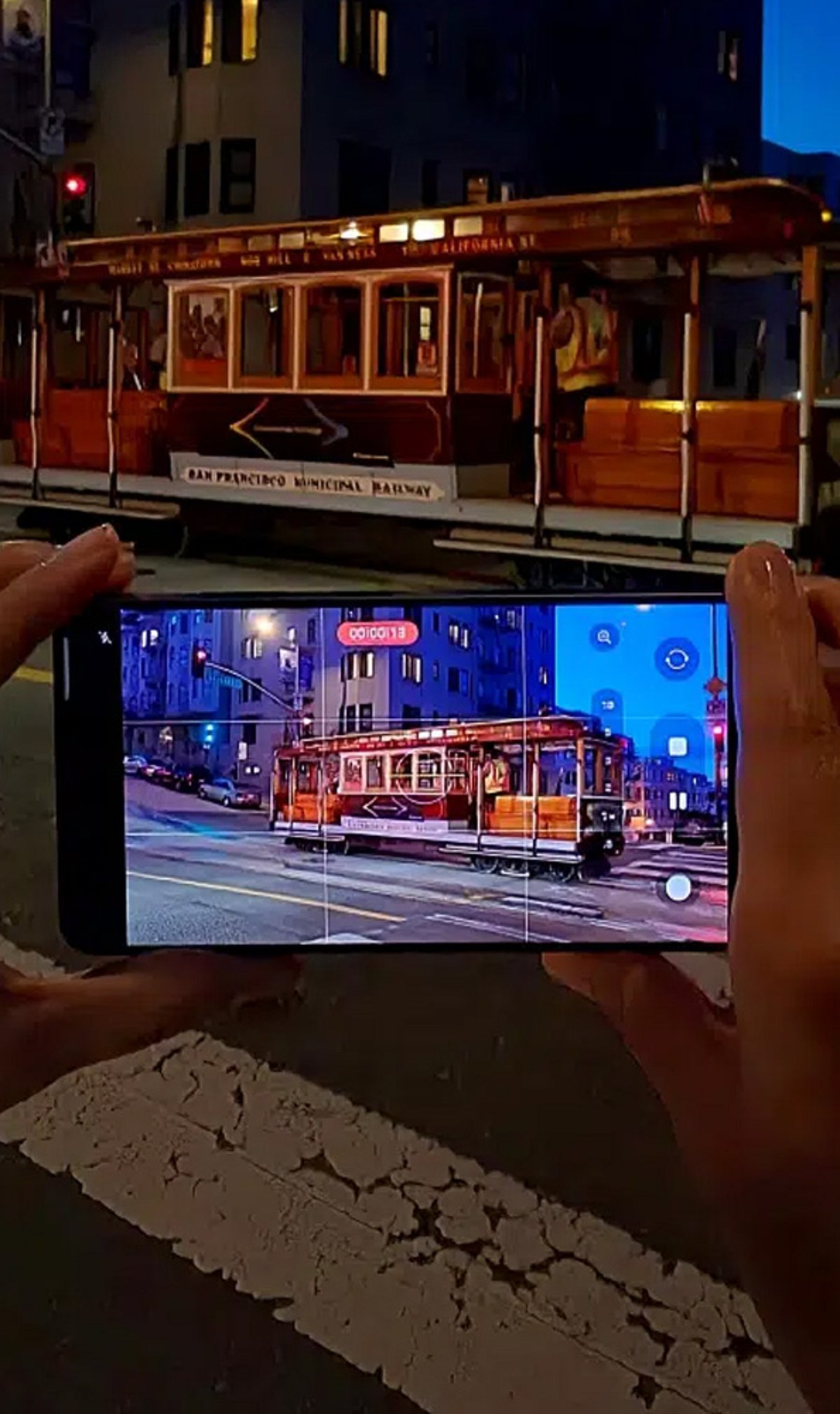
    Night photography exposes the limits of even the best smartphone cameras. Dark scenes provide much less light for the sensor, often resulting in grainy images, motion blur, weak colors, and lost detail. However, the problem isn’t always the hardware. A few key settings can make a noticeable difference after sunset. Many phones also use computational photography to improve low-light results automatically. Before blaming your device, try these seven adjustments.

    1. Turn On Night Mode

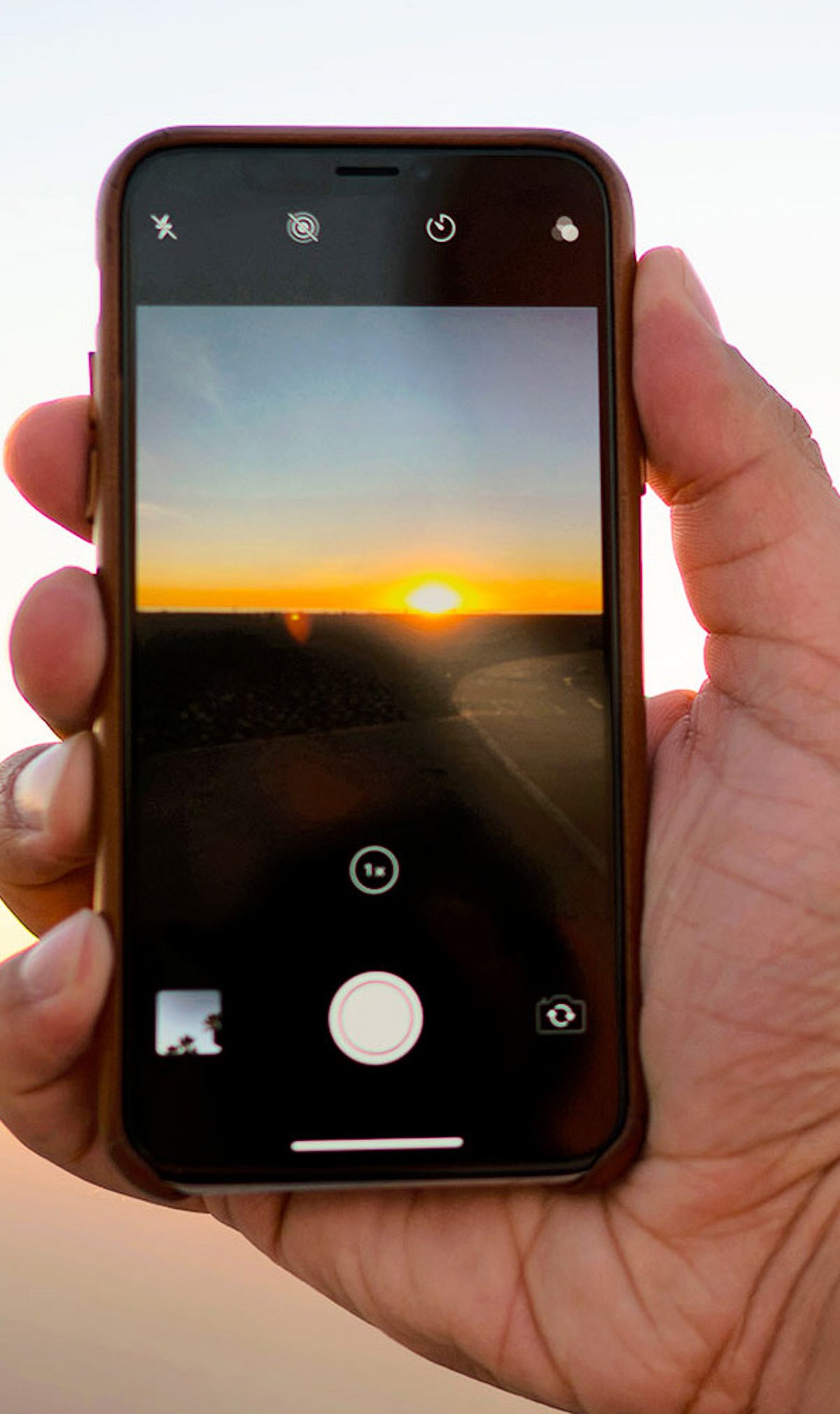
    Night mode should be your first check in low light. It captures more light over a longer period, combining multiple frames for a brighter, cleaner image. On iPhones, Night mode activates automatically in dark environments, and you can adjust the capture time. Samsung Galaxy phones offer a dedicated Night mode, while Google Pixel devices use Night Sight. Keep the phone still during the exposure to avoid ghosting and blur.

    2. Adjust Exposure

    A dark image isn’t always fixed by increasing brightness. Too much exposure can wash out signs, lights, and buildings. Tap the main subject and adjust the exposure slider if your phone allows it. Small tweaks preserve natural darkness, especially around streetlights and illuminated structures.

    3. Control ISO Sensitivity

    ISO controls the camera’s sensitivity to light. Higher ISO brightens dark scenes but adds noise. Phones usually manage ISO automatically, but some Android devices offer manual controls. In Samsung’s Pro mode, you can set ISO manually — use the lowest practical value for stationary night scenes to keep the image clean.

    4. Manage Shutter Speed

    Shutter speed determines how long the sensor collects light. A slower shutter produces brighter photos but is more sensitive to movement. Samsung Pro mode provides manual shutter controls. Use a tripod for very long exposures, and consider a timer or remote shutter to avoid camera shake.

    5. Check Focus Manually

    Autofocus can struggle in extremely dark scenes. Tap the subject manually before shooting. Some phones offer manual focus in Pro modes. Google Pixel cameras include a Far focus option for distant subjects like night skies. Focus carefully when photographing buildings, landscapes, or distant lights.

    6. Avoid Excessive Digital Zoom

    Zoom makes nighttime image quality worse by amplifying noise and softening details. Use the phone’s main camera whenever possible — it usually has the best low-light performance. Some newer phones combine frames to improve zoom clarity, but extreme zoom still reduces detail. Move closer when safe and practical.

    7. Try Pro or RAW Modes

    Advanced users can gain more control with Pro or RAW photography. Samsung Pro mode lets you adjust ISO, shutter speed, exposure, white balance, and focus. Apple ProRAW preserves more editing information on supported models, giving greater control over exposure and color. RAW files require more storage and editing, so for casual shots, computational Night mode may be easier.

    Why Night Photos Still Go Wrong

    Even perfect settings can’t overcome every limitation. Small sensors have less light available than larger dedicated cameras. Bright signs create difficult exposure differences, and moving people or vehicles introduce blur during long exposures. Clean lenses matter too — fingerprints and dust can create haze around lights. Before changing every setting, wipe the lens, then try Night mode with steady hands and modest adjustments.

    Frequently Asked Questions

    Why do smartphone photos look worse at night?

    Smartphone cameras receive much less light after sunset. The camera may use higher sensitivity or longer exposures, introducing noise, motion blur, reduced detail, and inaccurate colors.

    What is the best camera setting for night photography?

    Night mode is usually the simplest starting point. It’s designed for low-light scenes and often combines multiple frames. Results depend on the phone model, lighting, and subject movement.

    Should I always use Night mode?

    Not necessarily. Night mode works best in genuinely dark scenes. In moderately bright environments, regular Photo mode may produce a more natural result. Some phones activate low-light processing automatically when needed.

    Does increasing ISO improve night photos?

    Higher ISO can brighten a darker image but introduces more visible noise. On phones with manual controls, a lower practical ISO can produce cleaner results when enough light is available.

    How can I reduce blurry night photos?

    Keep the phone as still as possible during capture. Use a tripod or stable surface for longer exposures. Avoid moving subjects when the camera needs more time to collect light.

  • Top Camera Phones Offering DSLR-Quality Photography in 2026

    Top Camera Phones Offering DSLR-Quality Photography in 2026

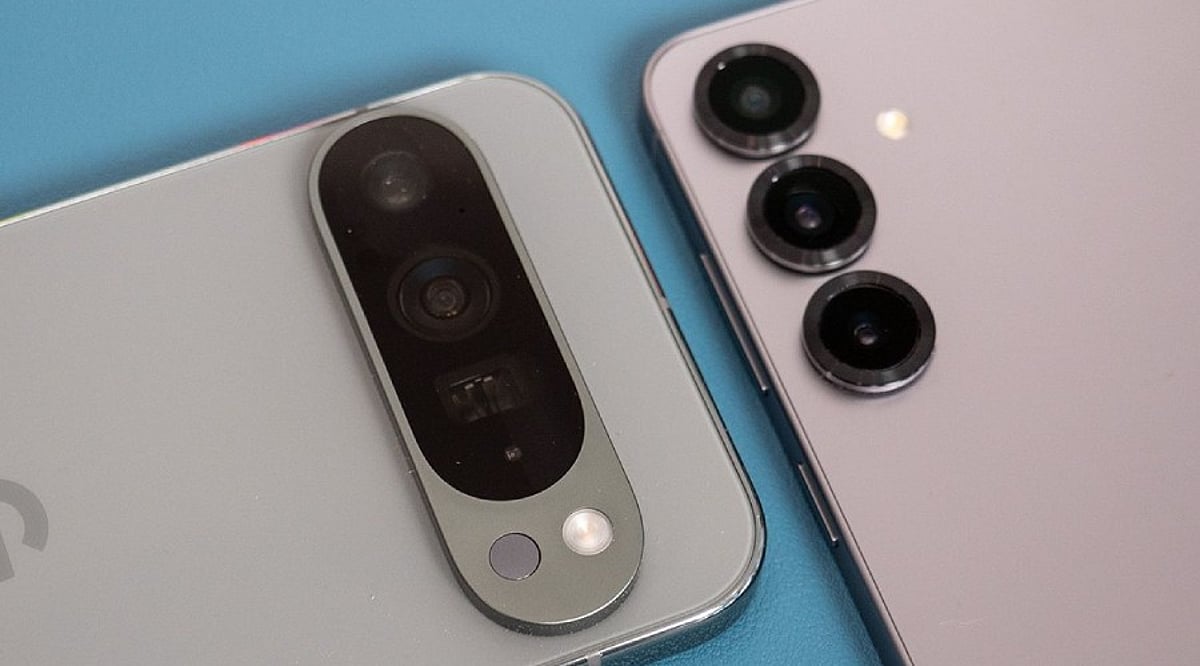
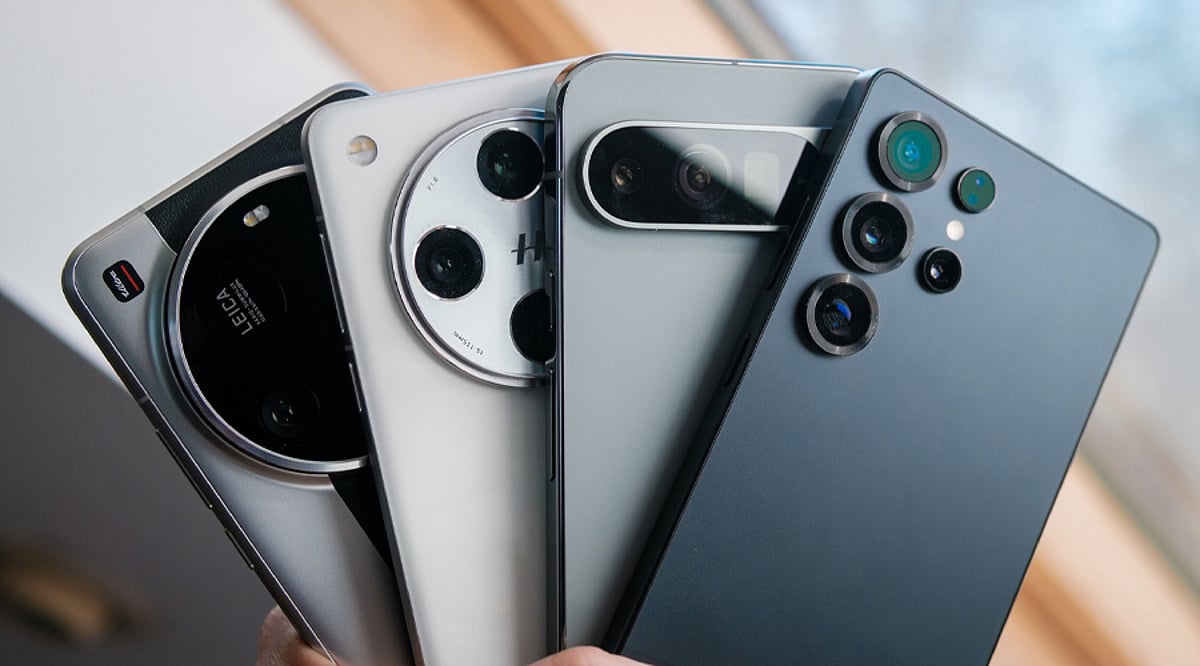
    Smartphone cameras have evolved to the point where they can rival traditional DSLRs in many scenarios. Here are the best camera phones for DSLR-like photography, each offering unique strengths for enthusiasts and professionals alike.

    iPhone 17 Pro Max

    The iPhone 17 Pro Max delivers a versatile camera setup with three 48MP rear cameras. Its 4x telephoto and 8x optical-quality zoom help capture detailed portraits and distant subjects. Strong low-light performance, natural colors, ProRAW support, and advanced video tools make it a strong DSLR-like choice.

    Samsung Galaxy S26 Ultra

    The Galaxy S26 Ultra combines a 200MP main camera with 50MP ultra-wide and telephoto cameras. Its powerful zoom system makes it useful for wildlife, travel, portraits, and distant subjects. Samsung’s ProVisual Engine also helps improve detail and night photography, giving users plenty of creative control.

    Google Pixel 11 Pro XL

    The Pixel 11 Pro XL focuses on computational photography to produce detailed and balanced images. Its triple-camera system includes a 50MP main camera, 48MP ultra-wide, and 48MP 5x telephoto. Features such as Night Sight, Pro controls, portrait tools, and AI-powered editing make photography easier for everyday users.

    Vivo X300 Pro

    The Vivo X300 Pro is designed for photography lovers who enjoy portraits and telephoto shots. Its 50MP camera system delivers strong detail, while the dedicated telephoto camera helps create better subject separation. It is also known for sharp daylight images and impressive low-light performance, making it suitable for varied shooting conditions.

    OPPO Find X9 Pro

    The OPPO Find X9 Pro offers a camera setup aimed at users who want sharp photos with strong portrait results. Its telephoto camera helps capture distant subjects while creating natural-looking background separation. Strong low-light performance and a high-capacity battery also make it a practical option for travel photography.

    Xiaomi 17 Ultra

    The Xiaomi 17 Ultra takes smartphone photography closer to traditional camera hardware with its large 1-inch main sensor. Its continuous-zoom telephoto camera is designed to maintain detail across different focal lengths. The combination makes it particularly interesting for photographers who want strong daylight shots, accurate colors, and flexible zoom.

    Samsung Galaxy Z Fold 8 Ultra

    The Galaxy Z Fold 8 Ultra brings high-end photography to a foldable design. Its improved camera hardware makes it a flexible option for users who also want a large screen for editing images. The combination of a big display and capable cameras makes it useful for creators working on photos while traveling.

  • iPhone 18 Pro Camera Adds Mechanical Iris for Truer Aperture Control

    iPhone 18 Pro Camera Adds Mechanical Iris for Truer Aperture Control

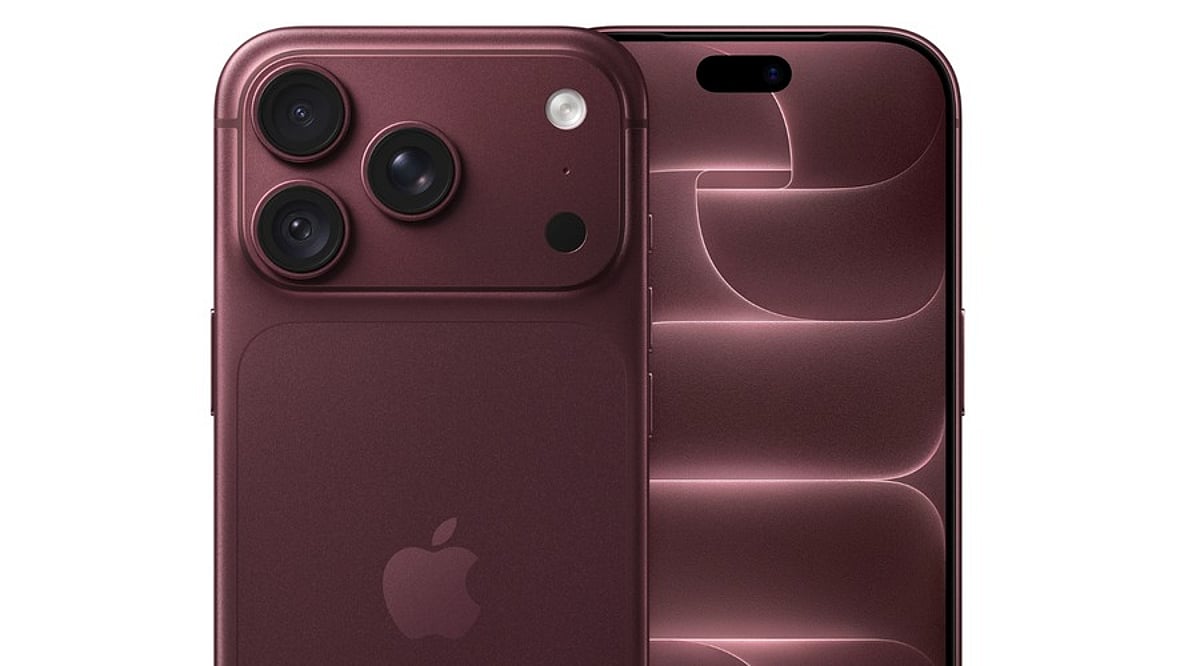
    Apple is bringing a significant change to the iPhone 18 Pro camera. After nine years, the Cupertino-based company has redesigned the lens of the 48MP Fusion main camera with a mechanical iris made of six laser-cut blades. This iris adjusts the lens opening, giving users control over how much light enters the camera and how depth of field appears in their shots.

    Four Aperture Settings for More Flexibility

    The new mechanical iris supports four aperture settings: f/1.48, f/1.8, f/2.8, and f/4. At the widest setting, the lens lets in about 50% more light than f/1.8, which is a meaningful advantage in low-light scenes. Users can also close the aperture when they want deeper focus or a different cinematic look, giving the camera more creative flexibility.

    How the Aperture System Works

    Aperture controls both exposure and depth of field. Light gathering depends on the ratio between f-numbers: dividing the smaller opening by the larger one and squaring the result gives the light multiplier. Depth of field is also influenced by sensor size, so the f-number can be multiplied by the crop factor to find the full-frame equivalent look.

    A Focus on Lens Design, Not a Bigger Sensor

    Apple appears to be focusing on optical engineering rather than sensor size. The 1/1.28-inch main sensor reportedly remains the same one used since the iPhone 14 Pro. Instead, the redesigned lens unit is said to cost about 50% more than the seven-element lens in the iPhone 17 Pro, according to supply chain analysis.

    More Camera and Video Upgrades

    The iPhone 18 Pro also brings several video improvements. Cinematic effects can now be applied to standard footage after the shot at up to 4K Dolby Vision 60 frames per second. Time-lapse recording supports 4K Dolby Vision HDR as well. In addition, Smart Focus Tracking will hold a subject on the device and automatically reacquire it after the subject leaves the frame and returns. The combination gives both casual users and photographers more control over their mobile photography.

  • How to Photograph a Solar Eclipse with Your Smartphone: 9 Expert Tips

    How to Photograph a Solar Eclipse with Your Smartphone: 9 Expert Tips

    Capture the Next Solar Eclipse Like a Pro

    Solar eclipses are rare, breathtaking events that demand preparation—especially if you want to document them with just your smartphone. While phone cameras aren’t built for astrophotography, a few smart techniques can help you capture stunning shots without damaging your device. Here are nine essential tips to get you ready.

    1. Use a Certified Solar Filter

    Never point your phone directly at the sun without a certified solar filter. These filters protect your camera sensor from intense light and heat, preventing permanent damage. Attach one that fits your lens securely before you start shooting.

    2. Stabilize Your Phone

    Use a tripod or rest your phone on a stable surface to eliminate camera shake. This is especially important when using longer exposures, which help capture the eclipse’s subtle details. Even a small tremor can blur the shot.

    3. Clean the Camera Lens

    Dust, fingerprints, and smudges can ruin an otherwise perfect photo. Wipe your lens with a microfiber cloth before the eclipse begins to ensure maximum clarity and sharpness.

    4. Turn Off Flash

    Flash is useless during an eclipse—it won’t illuminate the sun and can interfere with your camera’s exposure settings. Disable it completely to avoid unexpected lighting issues.

    5. Use Manual Controls

    Most smartphone camera apps allow manual adjustments. Set focus to infinity, lower ISO to reduce noise, and experiment with exposure to adapt to the changing light as the moon crosses the sun. This gives you far more control than auto mode.

    6. Shoot in High Resolution

    Capture images at the highest resolution your phone supports. This preserves fine details and gives you more flexibility to crop and edit later without losing quality.

    7. Avoid Digital Zoom

    Digital zoom simply enlarges pixels, resulting in blurry, low-quality images. Instead, move closer only if it’s safe (e.g., during totality with proper eye protection) or crop the photo in post-processing.

    8. Capture the Surroundings

    Don’t focus only on the sun. Photograph the changing sky, landscape silhouettes, and the reactions of people around you. These contextual shots tell a richer story of the eclipse experience.

    9. Practice Before Eclipse Day

    Test your camera settings, tripod setup, and solar filter in advance. Practice focusing and adjusting exposure on a bright day so you’re ready to act quickly when the eclipse begins. Timing is everything.

    With these tips, you’ll be well-prepared to document the next solar eclipse safely and beautifully. Happy shooting!

  • Galaxy S26 Ultra: 8 Pro Tips for Smoother Lens Switching in 2026

    Galaxy S26 Ultra: 8 Pro Tips for Smoother Lens Switching in 2026

    Capturing professional-quality video on the Samsung Galaxy S26 Ultra requires smooth transitions between its multiple lenses. If you’ve experienced lag or hesitation when switching between the ultra-wide, wide, and telephoto cameras, these practical tweaks will help you achieve fluid, cinematic results. Follow this guide to optimize your camera performance.

    1. Enable Camera Assistant

    Samsung’s Camera Assistant app gives you advanced controls to fine-tune lens switching behavior. Download it from the Galaxy Store, then enable options like “Auto Lens Switching” and adjust transition speed for a smoother experience.

    2. Update to the Latest Software

    Always install the newest One UI update. Samsung regularly releases camera optimizations that improve lens switching logic and reduce latency. Check for updates in Settings > Software Update.

    3. Use Auto Lens Switching

    Let the camera automatically select the best lens for each scene. This feature intelligently balances focal length and lighting conditions, reducing manual switching errors and making transitions seamless.

    4. Disable Unnecessary Camera Features

    Turn off features like Scene Optimizer, Super Steady, or HDR Auto when you don’t need them. These add processing overhead that can delay lens changes. Keep your camera app lean for faster performance.

    5. Record in the Right Resolution

    Choosing the appropriate video resolution helps the phone switch lenses more efficiently. For general use, 4K at 30fps offers a good balance of quality and smooth transitions. Avoid 8K unless necessary, as it can tax the processor.

    6. Avoid Extreme Low Light

    Lens switching performs best in well-lit environments. In low light, the camera may struggle to focus and switch quickly. Ensure adequate lighting for accurate focusing and smoother transitions.

    7. Keep Camera Lenses Clean

    Dust, smudges, or fingerprints on the lenses can slow autofocus and degrade image quality, making lens transitions feel sluggish. Wipe the lenses gently with a microfiber cloth before recording.

    8. Restart the Camera App

    If you experience temporary glitches, a quick restart of the camera app often resolves them. Close the app from the recent apps menu and relaunch it. If problems persist, restart your phone.

    By following these steps, you can make your Galaxy S26 Ultra’s lens switching faster and more professional. Experiment with different settings to find what works best for your shooting style.

  • Top Camera Phones in India (2026): Expert Picks for Portraits, Low-Light, and All-Round Photography

    Top Camera Phones in India (2026): Expert Picks for Portraits, Low-Light, and All-Round Photography

    The smartphone camera market in India continues to evolve rapidly, and 2026 brings a fresh lineup of devices that push the boundaries of mobile photography. From flagship models with professional-grade features to AI-enhanced shooters that make every shot look stunning, here are the best camera phones available in India this year.

    Apple iPhone 18 Pro Max

    Apple’s latest flagship delivers outstanding overall photography with excellent video recording, natural colors, and reliable autofocus. Its strong low-light performance and premium consistency make it a top choice for users who want a dependable camera in every situation.

    Samsung Galaxy S26 Ultra

    Samsung’s flagship features versatile cameras with exceptional zoom capabilities, detailed images, and powerful AI enhancements. Bright night photography and professional-level shooting flexibility make it a daily workhorse for photography enthusiasts.

    Google Pixel 11 Pro XL

    Google continues to lead in computational photography with the Pixel 11 Pro XL. It produces stunning images with accurate skin tones, balanced HDR, impressive low-light shots, and an effortless point-and-shoot experience that consistently delivers great results.

    Xiaomi 16 Ultra

    Leica-tuned cameras on the Xiaomi 16 Ultra deliver rich colors, excellent dynamic range, and detailed portraits. Powerful zoom performance and impressive manual photography controls cater to enthusiasts who want full creative control.

    vivo X300 Pro

    The vivo X300 Pro excels in portrait photography with premium optics, natural background blur, and realistic facial details. Vibrant colors and dependable performance across various lighting conditions make it a strong contender for portrait lovers.

    OPPO Find X9 Pro

    OPPO’s flagship offers balanced imaging with excellent stabilization, crisp daylight photos, an improved night mode, fast autofocus, and strong video recording capabilities. It is a well-rounded performer for everyday photography.

    HONOR Magic 9 Pro

    HONOR impresses with AI-powered camera processing that delivers sharp image quality, vibrant colors, and dependable low-light performance. Consistent results across multiple photography modes make it a reliable choice.

    OnePlus 15 Pro

    Hasselblad-tuned cameras on the OnePlus 15 Pro capture detailed landscapes, attractive portraits, and natural color science. Reliable autofocus and smooth 4K video recording make it a great companion for everyday creators.

    Sony Xperia 1 VIII

    Perfect for photography enthusiasts, the Sony Xperia 1 VIII offers manual controls, professional shooting features, excellent color accuracy, fast autofocus, and creator-focused customization options. It is designed for those who demand precision and flexibility in their mobile photography.

    These top camera phones in India for 2026 represent the best in mobile imaging, covering everything from portraits and low-light performance to all-round flagship excellence. Whether you are a casual shooter or a dedicated photographer, there is a device here to elevate your photography game.

  • Best AI Camera Phones of 2026: Top 5 Smartphones Redefining Mobile Photography

    Best AI Camera Phones of 2026: Top 5 Smartphones Redefining Mobile Photography

    Artificial intelligence has become a cornerstone of modern smartphone photography. Leading manufacturers are integrating advanced AI into their flagship devices to enhance image processing, noise reduction, zoom capabilities, and scene recognition. The following five smartphones represent the cutting edge of AI-driven camera technology in 2026.

    1. Apple iPhone 17 Pro Max

    The iPhone 17 Pro Max features three 48MP Fusion rear cameras powered by an upgraded Photonic Engine. This system applies machine learning throughout the image pipeline, preserving detail, controlling noise, and adjusting color—especially in low light. It offers 4x and 8x optical-quality telephoto options, digital zoom up to 40x, and an 18MP Center Stage front camera that uses AI to widen frames for group shots and switch between portrait and landscape orientations while the phone remains vertical.

    2. Samsung Galaxy S26 Ultra

    Samsung’s Galaxy S26 Ultra boasts a 200MP main camera, a 50MP ultrawide, and two telephoto cameras. The ProVisual Engine processes image data in real time, while Galaxy AI’s Photo Assist provides generative editing tools such as object removal and adjustment. Wider apertures on the main and 5x telephoto lenses collect more light for improved low-light performance.

    3. Vivo X300 Pro

    The Vivo X300 Pro combines a 200MP ZEISS APO telephoto camera with 50MP main and ultrawide sensors. Its VS1 imaging chip handles pre-processing before the V3+ chip completes post-processing, optimizing portrait, motion, and zoom shots. AI Image Studio includes Erase, Landscape Master, and One-Shot Multi-Crop features, while AI telephoto tracking captures distant moving subjects. Stage Mode 2.0 records dual views in 4K Dolby Vision.

    4. Google Pixel 10

    Powered by the Tensor G5 chip, the Pixel 10 series offers Gemini-based camera features. Camera Coach analyzes scenes and suggests framing, angles, lighting, and modes. Ask Photos enables spoken or written image editing commands. Auto Best Take combines similar group shots for optimal results. The standard model includes a 5x telephoto with 20x Super Res Zoom, while Pro models extend the zoom range further.

    5. OPPO Find X9 Pro

    The OPPO Find X9 Pro features a 200MP Hasselblad telephoto camera, 50MP main and ultrawide sensors, and a True Color Camera. Multi-frame processing retains detail and balances colors in changing light. AI-powered zoom reaches 120x, and AI Portrait Glow adjusts lighting. Computational processing supports motion capture, burst shooting, long-range photos, and low-light portraits. It records 4K video at 120fps with Dolby Vision.