
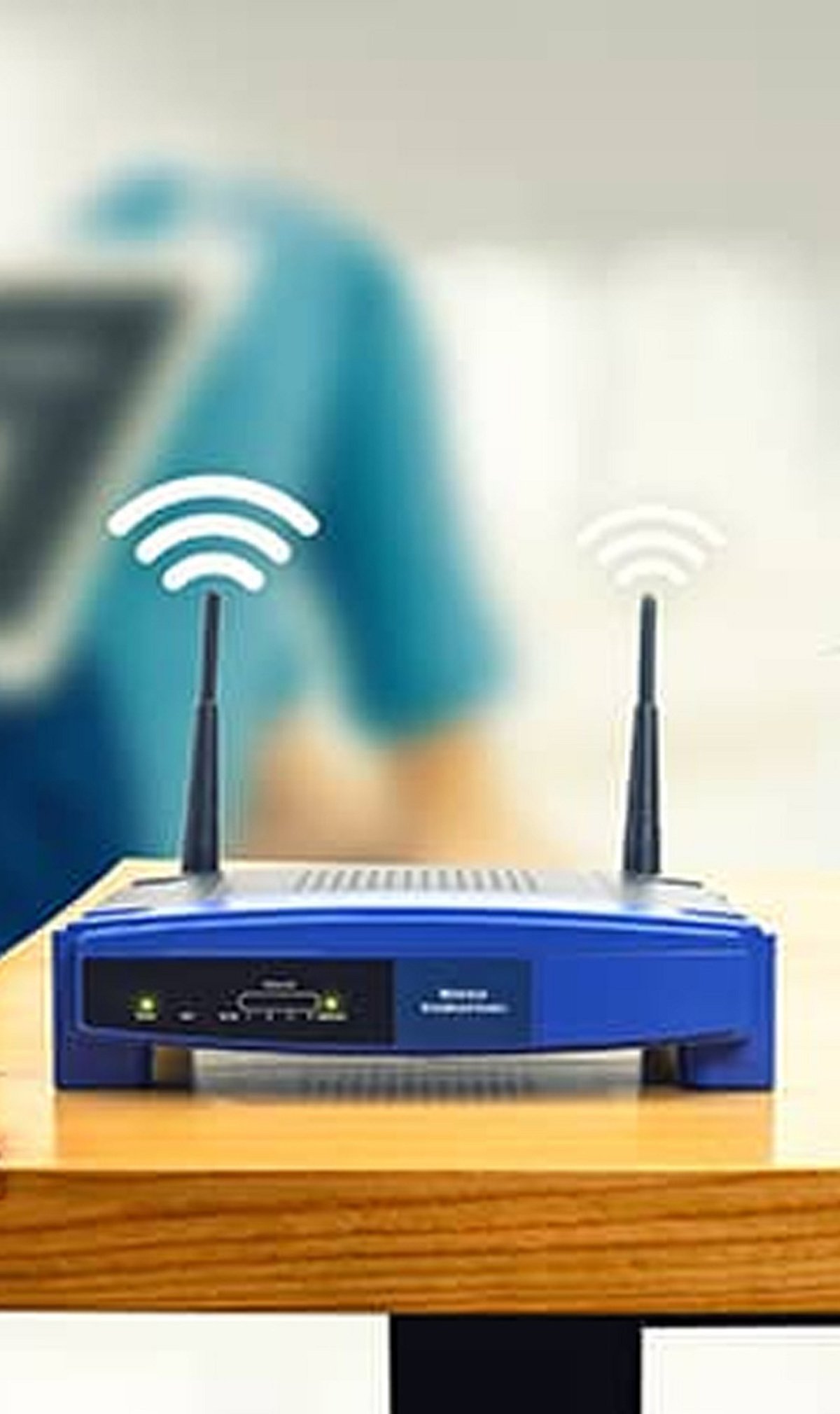
With more devices than ever connecting to home networks in 2026, securing your Wi-Fi is crucial to safeguarding your data and privacy. Below are key steps to strengthen your network against evolving threats.
- Change default router credentials – Immediately replace the router’s default username and password to prevent unauthorized access.
- Use WPA3 encryption – If your router supports it, enable WPA3 for stronger protection than older WPA2 standards.
- Create a strong, unique Wi-Fi password – Use a combination of letters, numbers, and special characters to make it difficult to guess.
- Keep router firmware updated – Regular updates ensure you receive the latest security patches and performance improvements.
- Enable a guest network – Isolate visitors’ devices from your primary network to protect personal files and connected devices.
- Review connected devices regularly – Check the list of devices on your network and remove any that are unfamiliar or no longer in use.
- Disable unnecessary features – Turn off WPS and remote router management if you don’t need them, as they can introduce security risks.
With AI-powered cyber threats becoming more common, strong Wi-Fi security is one of the simplest and most effective ways to protect your digital life.
Leave a Reply