Tag: automation

  • Top-Paying Tech Skills Employers Will Hire for in 2026

    Top-Paying Tech Skills Employers Will Hire for in 2026

    The demand for AI and machine learning professionals continues to grow across industries, making these skills among the most lucrative in 2026. Cybersecurity experts remain at the top of the pay scale as threats evolve and companies prioritize data protection.

    Cloud computing expertise on platforms like AWS, Azure, and Google Cloud is highly valued, with organizations migrating more operations to the cloud. Data engineers are earning competitive salaries as companies expand their AI initiatives and need robust data pipelines.

    Generative AI application development is creating new career opportunities worldwide, from content generation to automated workflows. DevOps and platform engineering roles continue to offer strong earning potential as businesses seek to streamline software delivery and infrastructure management.

    Blockchain and Web3 expertise remain valuable in specialized technology sectors, particularly in finance and supply chain. AI prompt engineering and automation consulting are emerging as fast-growing skill sets, with companies looking to optimize their use of large language models and robotic process automation.

    Continuous learning and certifications can help professionals stay competitive in the evolving tech market. Investing in these high-demand skills now can position you for top salaries and career growth in 2026.

  • Top AI-Powered Side Hustles to Boost Your Income in 2026

    Top AI-Powered Side Hustles to Boost Your Income in 2026

    As artificial intelligence continues to reshape the way we work, a new wave of side hustles has emerged for those looking to supplement their income in 2026. From content creation to automation, AI tools are enabling freelancers and entrepreneurs to work smarter, not harder. Here are the most promising AI-driven side hustles gaining traction this year.

    AI-Powered Writing & Content Creation
    AI writing assistants help freelancers produce blogs, email campaigns, and marketing copy at unprecedented speed, allowing them to take on more clients and increase earnings.

    Graphic Design with AI Generators
    AI image generators like DALL·E and Midjourney are making professional-quality design accessible to everyone. Creators can offer custom visuals for social media, branding, and advertising on a freelance basis.

    AI-Assisted Video Editing
    Video content is in high demand, and AI tools now simplify tasks like cutting, color correction, and transcription. Creators can produce polished videos faster and manage multiple projects simultaneously.

    Coding with AI Assistants
    Developers are using AI copilots to write code faster, debug efficiently, and build websites or apps for freelance clients. This lowers the barrier for non-experts while boosting productivity for seasoned coders.

    AI Automation Specialists
    Businesses seek experts to streamline repetitive tasks using AI-powered workflows, from email sorting to data entry. This niche is rapidly growing as companies adopt automation.

    Digital Products & Templates
    Creating AI-generated templates, e-books, and online courses allows entrepreneurs to sell scalable digital assets with minimal ongoing effort.

    Social Media Management
    AI scheduling, content curation, and analytics tools enable managers to handle multiple client accounts efficiently, making it a lucrative side gig.

    Voice Generation & Podcast Production
    AI voice cloning and text-to-speech tools open doors for voiceover work, audio books, and podcasting—perfect for side hustlers looking to tap into the audio market.

    Success in any of these side hustles hinges on combining AI efficiency with genuine human expertise. As the technology evolves, those who adapt early will find the greatest opportunities.

  • Continuous Compliance Automation: Transforming Enterprise Infrastructure from Reactive Audits to Real-Time Governance

    Continuous Compliance Automation: Transforming Enterprise Infrastructure from Reactive Audits to Real-Time Governance

    From manual audit sprints to always-on monitoring, enterprises are rethinking how they handle compliance across complex, hybrid infrastructures. The transformation toward continuous compliance is being driven by experts like Nadeem Siddiqui, whose work in large-scale enterprise environments has contributed to advancing how organizations operationalize governance across hybrid infrastructure.

    As enterprise infrastructure becomes increasingly distributed across hybrid and cloud-native environments, organizations are re-evaluating how they manage compliance at scale. Traditional audit-driven models, often reliant on periodic reviews and manual validation, are proving insufficient in environments where configuration changes occur continuously. Industry trends indicate a growing shift toward embedded, automated compliance frameworks that operate in real time.

    Among the professionals contributing to this transition is Nadeem Siddiqui, a senior software engineer and subject-matter expert in configuration management and infrastructure automation. Siddiqui’s work focuses on designing scalable systems that integrate compliance directly into operational workflows, enabling organizations to move from reactive audit cycles to continuous governance.

    Operating within a large enterprise environment comprising approximately 15,000 to 20,000 endpoints, with a majority of systems deployed in the cloud, Siddiqui has played a central role in the design and architectural advancement of a compliance and configuration intelligence platform known internally as Compass. The platform enables real-time monitoring of configuration states, policy enforcement, and automated remediation across both cloud-native and on-premises systems.

    Rather than relying on fragmented tools and manual data collection, the system consolidates compliance insights into centralized dashboards that provide visibility into drift events, policy violations, and remediation activities. This approach has significantly reduced operational friction associated with audit preparation, allowing teams to access structured compliance evidence on demand while maintaining continuous oversight of infrastructure changes.

    The platform’s adoption across U.S. member firms within the organization reflects its role in standardizing compliance practices at scale, enabling consistent policy enforcement and improving visibility across thousands of systems in production environments.

    Siddiqui’s contributions to the design and architectural evolution of this platform reflect a broader shift in how compliance is operationalized in large organizations. By translating regulatory and security control requirements into enforceable technical policies, he has enabled consistent compliance enforcement across diverse environments.

    In addition to system design, Siddiqui has worked closely with cross-functional teams, including cybersecurity, audit, DevOps, and site reliability engineering, to align compliance objectives with engineering practices. This integration ensures that compliance checks are embedded within delivery pipelines rather than introduced as late-stage controls, reducing risk while improving deployment efficiency.

    Beyond his engineering contributions, Siddiqui has also engaged in research and thought leadership in the field of intelligent infrastructure. He is the author of the peer-reviewed research paper, AI-Driven Compliance and Configuration Intelligence at Scale: An Explainable, Human-Centered Framework for Enterprise Infrastructure, which was presented at an academic conference. The work explores how artificial intelligence can enhance compliance systems by enabling predictive insights, explainability, and adaptive governance models.

    His research emphasizes the importance of human-centered design in automated compliance systems, highlighting the need for transparency and interpretability in AI-driven decision-making. This perspective aligns with broader industry discussions on responsible AI adoption within enterprise infrastructure.

    Siddiqui also contributes to the advancement of the field through his involvement in academic and technical review processes. He serves on editorial boards and actively evaluates scholarly work, helping in the development and distribution of research across automation, compliance engineering, and infrastructure systems.

    As organizations continue to expand their reliance on distributed architectures, continuous compliance is expected to evolve even more, especially with the integration of predictive analytics and AI-driven risk detection. In this sense, Siddiqui’s work demonstrates how embedding governance rights into infrastructure and operational pipelines can boost resilience, scalability, and real-time visibility—all of which matter greatly for enterprises facing increasingly complex regulatory and security landscapes.

    Industry trends suggest that methods mixing automation with data-driven insights and cross-functional alignment will shape the next generation of enterprise compliance frameworks. In this context, contributions like those by Nadeem Siddiqui show how compliance continues to transform from a periodic obligation into a continuous, integrated capability.

  • Best AI-Powered Chrome Extensions for Maximum Productivity in 2026

    Best AI-Powered Chrome Extensions for Maximum Productivity in 2026

    Professionals spend most of their working hours inside a browser, yet many still rely on manual workflows for writing, research, and communication. AI Chrome extensions in 2026 change that by embedding intelligent automation directly into everyday browser sessions. Tools like Sider AI, Perplexity, Grammarly, Bardeen, and Tactiq lead the category with distinct strengths across research, writing, automation, and meeting management. Selecting the right extension requires matching tool capability to specific workflow pain points rather than installing every available option.

    What Are AI Chrome Extensions?

    AI Chrome extensions are add-ons that activate on web pages, email platforms, documents, and video calls without requiring separate software. Unlike earlier browser tools, the current generation offers contextual intelligence—they read what’s on the screen, understand the task, and respond accordingly. Capabilities now include real-time grammar correction, cited research summaries, multi-step workflow automation, meeting transcription without bots, and email drafting from brief inputs. Most operate on a freemium model, letting professionals evaluate core features before subscribing.

    Top 10 AI Chrome Extensions in 2026

    1. Sider AI

    Sider AI runs as a persistent sidebar inside Chrome, accessible on any webpage without interrupting the current tab. It connects to GPT-4, Claude, and Gemini within a single interface, allowing users to switch models based on the task. Highlight any text to explain, rewrite, translate, or summarize it instantly. PDF reading and image analysis are built in, making it a versatile all-in-one tool for everyday needs.

    2. Perplexity AI

    Perplexity sets itself apart by providing cited sources for every answer, crucial for accuracy-dependent environments. A dedicated focus mode interrogates the specific article or PDF you’re reading. The free tier handles most daily research, while the Pro plan ($20/month) adds GPT-4 and Claude for more demanding work.

    3. Grammarly

    The long-standing default writing assistant now includes a tone detector that flags overly formal, dismissive, or passive-aggressive phrasing before sending. Generative features suggest full rewrites and real-time alternatives. It works across Gmail, Outlook, Google Docs, and most text fields, making it essential for professional communication.

    4. Monica

    Monica packs composing, translation (50+ languages), DALL-E 3 image generation, and voice input into one extension. It adapts to individual writing patterns over time, making it ideal for content teams and marketers who need consistent output.

    5. Bardeen

    Bardeen automates cross-platform data movement, connecting Chrome to over 100 apps like Notion, Slack, Google Sheets, HubSpot, and Gmail. Describe a workflow in plain language, and Bardeen builds the automation—for instance, extracting LinkedIn data and populating a CRM row with one click. Sales and operations teams benefit heavily from the time saved.

    6. Tactiq

    Tactiq transcribes meetings in real time without placing a bot in the call—it captures audio from the Chrome tab invisibly. After the meeting, it generates a structured summary with action items and speaker attribution, pushing notes directly to Salesforce and HubSpot. This is a huge advantage for sensitive discussions.

    7. Compose AI

    Compose AI focuses on email drafting speed with sentence-level autocomplete across Gmail and Outlook. Suggestions appear as you type and are accepted or dismissed with a keystroke. It learns your writing habits, producing outputs that match your personal tone. Professionals handling high email volumes report significant time savings within a week.

    8. Merlin AI

    Merlin provides an AI chat overlay via keyboard shortcut on any active page. It includes native compose buttons for Gmail and LinkedIn, and generates YouTube video summaries with timestamps. Its speed and minimal disruption suit professionals who need AI assistance across many contexts daily.

    9. Glasp

    Glasp focuses on knowledge retention: highlight passages on any webpage, and it builds them into a searchable personal knowledge base. An AI layer converts accumulated highlights into structured notes automatically. YouTube transcripts get full highlighting support, and exports go to Notion, Readwise, and Markdown. Ideal for analysts and researchers who read heavily.

    10. AIPRM

    AIPRM adds a prompt library to ChatGPT with thousands of community-tested templates organized by category (SEO, marketing, coding, etc.). User ratings help identify high-performing prompts. Teams can build and share internal prompt libraries, bringing consistency to AI-generated outputs.

    How to Choose the Best AI Chrome Extension

    Start by identifying your single most time-consuming manual task. Research-heavy roles benefit from Perplexity and Glasp; communication roles from Grammarly, Compose AI, and Monica; automation needs point to Bardeen; meeting-intensive roles to Tactiq. Budget is practical: Grammarly, Perplexity, Monica, and Sider AI offer free tiers; paid plans typically range $9–$20/month. Running more than two or three active extensions slows Chrome, so build a focused stack instead of an exhaustive one.

    Final Thoughts

    Browser productivity in 2026 is markedly different from even two years ago. The extensions listed target specific operational gaps: slow research, inconsistent writing, manual data entry, meeting transcription, and email fatigue. The professionals gaining the most are those who identified where their time was going and chose tools that align precisely with their work.

  • The Hardest IT Roles to Fill in 2026: AI, Cybersecurity, and the Rise of Hybrid Professionals

    The Hardest IT Roles to Fill in 2026: AI, Cybersecurity, and the Rise of Hybrid Professionals

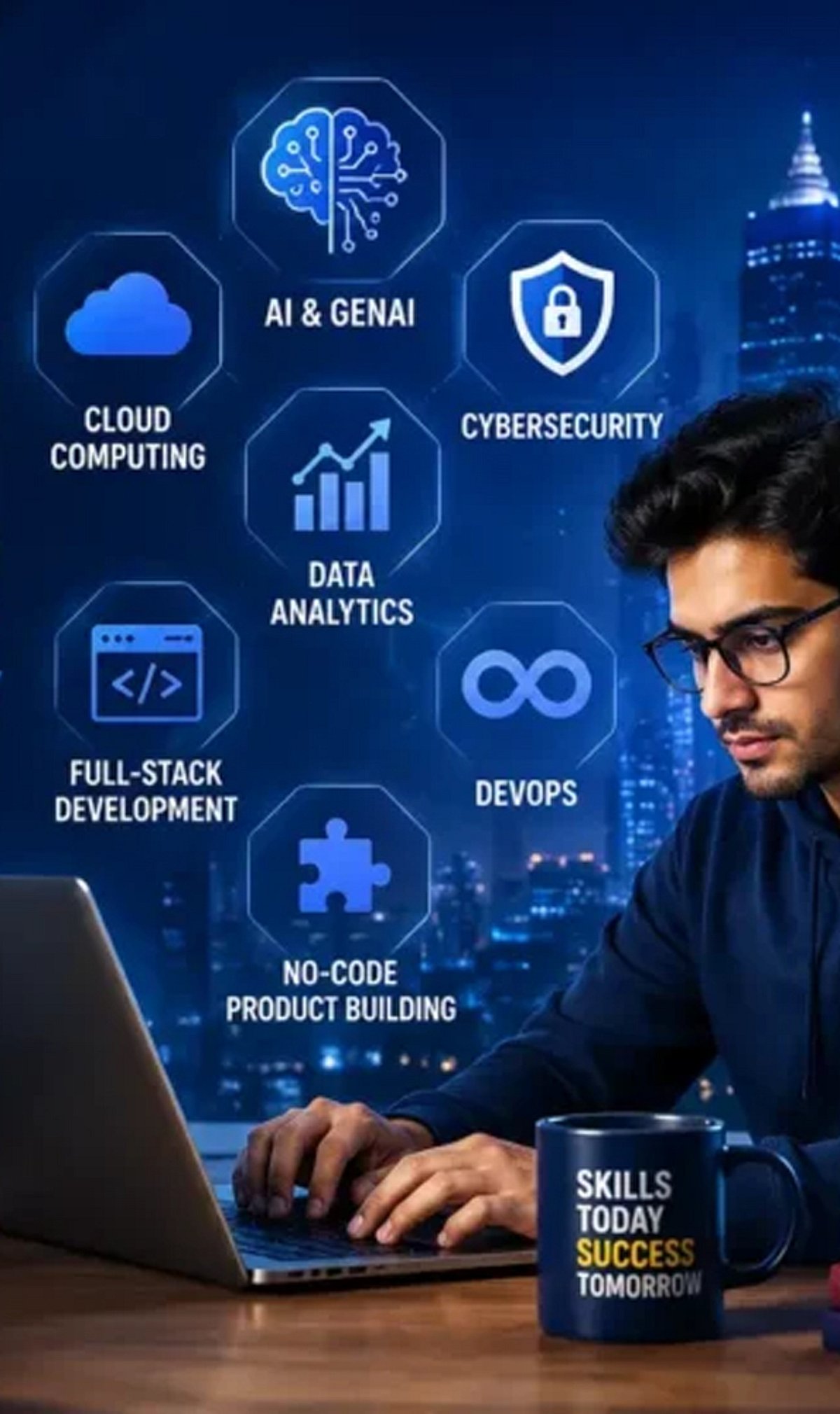
    The IT hiring landscape has shifted dramatically. Open requisitions are no longer for generalists or entry-level specialists. Instead, positions that remain unfilled for six to nine months demand a rare combination: an engineer who writes strong code, navigates AI platforms, assesses risk exposure, and aligns technical decisions with business priorities. Three skills, one person, a small pool. This is the core talent challenge organizations face as they head into the second half of this decade.

    The 2026 State of the CIO survey from Foundry confirms the shift. AI and machine learning, along with cybersecurity, now share the top position as the hardest IT skills to hire for, with data science and analytics ranked third. What stands out is not the ranking itself but the nature of the shortage. Hiring teams are no longer struggling to find specialists—they are struggling to find professionals who operate across disciplines simultaneously, at speed, and with sound judgment under real constraints.

    AI and Machine Learning: From Prompt Engineers to Agentic Builders

    The role of the AI professional has evolved significantly over the past two years. Prompt engineering as a standalone function has largely faded. Organizations today need AI product engineers who can deploy agents, build testing frameworks, manage cost-latency-quality trade-offs, and govern model risk. They also need professionals filling governance and red-team roles that did not appear on org charts three years ago. The center of gravity has moved from people who build models to people who wield them. That is a very different resume, and the candidate pool remains thin.

    Approximately 50% of US employers report difficulty finding qualified AI candidates, and Gartner research consistently identifies this shortage as the single largest roadblock for data and analytics teams. The challenge compounds with the pace of change: skills acquired at one organization may not transfer to another, and knowledge from six months ago can already be obsolete.

    Cybersecurity: A Skills Crisis, Not a Headcount Problem

    Six in ten organizations now report that skills gaps outweigh staffing shortages as their primary workforce challenge—a 20-point shift from just a year ago. The consequences are measurable: 27% of cybersecurity leaders report breaches directly tied to capability gaps, while 61% say team stress has increased over the past two years. The shortage is concentrated at the senior architect level. Professionals who can make sound security trade-offs under real constraints, rather than just read a dashboard, are exceptionally difficult to find. Attack surfaces have expanded with every SaaS addition, API, and AI agent deployed. Security teams manage a faster-moving threat landscape with the same AI tools that adversaries now use to build and revise attacks in under an hour.

    74% of organizations say AI is already impacting the size of their cybersecurity teams and the roles within them. Entry-level SOC analyst positions—the traditional training ground for future security architects—are among the most likely to be displaced as AI reshapes security operations.

    Risk Management and Automation: The Rising Tier

    Both risk management and business/IT automation have climbed into the top five hardest-to-fill roles for the first time. The reason is the same for both: AI has expanded the surface area of risk and the complexity of process automation simultaneously. GRC functions built for SOX and PCI compliance are not well positioned to address model risk, prompt injection, or third-party AI exposure. Organizations are now hiring for a discipline that is roughly five years old against a job description that is twenty years old. That gap defines the problem.

    On the automation side, there is no need for additional robotic process automation developers—that work has become a commodity. What organizations need are professionals who can assess a workflow and decide what to automate, what to retire, and what to redesign entirely. That combination—business analyst, process engineer, and technologist in a single professional—is rare and commands a significant salary premium.

    Software Engineering, DevOps, and the Midlevel Squeeze

    AI coding tools have not reduced demand for software engineers; they have changed its shape. A strong engineer with solid AI tooling now produces roughly what three engineers accomplished just a few years ago. Hiring is bifurcating toward experienced leaders who bring judgment and ownership, and toward junior talent that is AI-native from day one. The professionals in the middle—those whose primary value was execution rather than architecture—are finding demand for their profile contracting. For DevOps specifically, platform engineering is emerging as the growth function. The generic DevOps title is being absorbed into platform or site reliability engineering, with consolidation likely to continue over the next two to three years.

    Why This Matters

    The talent shortage in these roles is not resolving through traditional hiring. The professionals who can bridge AI fluency with domain expertise, risk literacy, and system-level thinking are naming their price, and organizations competing for the same small candidate pool are losing ground. The more productive response, as several technology leaders have confirmed, is internal upskilling. Strong engineers trained deliberately on AI platforms and governance frameworks have outperformed externally hired AI specialists in productivity and retention at multiple large enterprises.

    The organizations closing this gap are not doing so primarily through external hiring. They are investing in internal capability development, redesigning job descriptions around skills rather than credentials, and building structured pathways for engineers to grow into hybrid roles. The gap between organizations that act with that kind of intention now and those that continue chasing the same external candidates will only widen from here.

  • How AI-Powered Slide Generators Are Automating Presentation Creation — Inside HIX AI’s Agent Workspace

    How AI-Powered Slide Generators Are Automating Presentation Creation — Inside HIX AI’s Agent Workspace

    Modern work environments often feel more fragmented than necessary. Most professionals juggle multiple tools—one for research, another for writing, a third for data organization, and yet another for presentations. This constant switching between applications not only slows productivity but also breaks concentration, making tasks feel longer and more burdensome.

    A more efficient approach is emerging: the Smart AI Agent Workspace. Instead of executing each step manually, users can issue a single command, and a team of AI agents handles the rest. These agents research, write, organize ideas, and even generate presentations within a unified environment.

    HIX AI is one platform that brings this vision to life. It integrates multiple AI capabilities into a single workspace, including its HIX AI Slides tool, which can transform raw ideas or documents into complete, ready-to-use presentations. The goal is to shift from manual, step-by-step workflows to automated, streamlined processes.

    The Hidden Cost of Digital Busywork

    Most people underestimate how much time is lost to routine digital tasks. It’s not the big projects that slow things down—it’s the small, repetitive actions: switching between apps, copying and pasting content, formatting documents, and recreating the same material in different tools. This so-called “digital glue work” consumes hours without adding real value.

    The problem intensifies with complex assignments that involve multiple sources, spreadsheet data, written explanations, and a final presentation. Each step requires a separate tool, forcing users to constantly switch platforms instead of focusing on critical thinking and decision-making.

    Modern AI-driven systems aim to solve this by consolidating everything into one environment. They treat work not as a sequence of isolated steps but as a single process, eliminating manual busywork and letting users concentrate on outcomes.

    How an AI Agent Workspace Actually Operates

    Understanding the User’s Goal

    An AI presentation maker starts by comprehending what the user truly wants to achieve. Instead of treating input as a simple command, the system reads the intent behind it and identifies the final deliverable—whether a report, article, or slide deck.

    Breaking Down the Task

    Once the objective is clear, the system automatically decomposes the work into smaller sub-tasks. Different AI agents are assigned to research, content creation, structuring, and formatting. Each agent focuses on its piece, making the overall process more efficient and organized.

    Delivering the Final Output

    After all steps are completed, the results are assembled into a cohesive final output within the same workspace. No manual linking or app switching is required. This approach is exactly how HIX AI and its HIX AI Slides module convert raw data into polished presentations or articles.

    HIX AI’s Implementation of the Agent Workspace

    A Unified AI Workspace

    HIX AI is designed as a single environment where various AI functions work together seamlessly, rather than as a collection of separate tools. The goal is to eliminate the need to jump between applications and centralize everything in one place.

    Multi-Agent Coordination

    Behind the scenes, several AI agents handle different parts of the workflow. One agent may focus on research, another on writing, and another on organizing or formatting the final product. These agents cooperate without user intervention—the user simply issues one command.

    End-to-End Automation

    When a task is assigned, the system processes it from start to finish. Whether generating content or building a presentation with HIX AI Slides, the result is a complete, well-structured output ready for use in the same workspace.

    AI Slides: Fully Automated Presentation Generation

    HIX AI Slides is built to dramatically simplify presentation creation. Users can just type a topic, upload a document, or provide raw ideas, and the system automatically produces a full slide deck with structured content and layout.

    The tool handles various input types like PDFs, reports, or notes. It breaks the content into logical segments and arranges them into a coherent sequence, ensuring no important information is lost and the presentation flows smoothly.

    Design is also automated. The platform adjusts layouts, spacing, and visual placement to create clean, professional slides without manual tweaking. The output is ready to use, though users can refine or edit it directly within the workspace.

    Conclusion

    The way we work is shifting from manual, step-by-step processes to interconnected, intelligent systems. Instead of using separate tools for each stage, professionals can now rely on AI-driven environments that handle the heavy lifting in one place.

    This transformation is embodied by the AI Agent Workspace. It unites research, writing, structuring, and presentation creation into a single flow, reducing effort and time. Ultimately, it’s not about working faster—it’s about working smarter, letting users focus on thinking and decision-making while the system executes the details.

  • AI as a Coworker: How Intelligent Systems Are Redefining Workplace Productivity in 2026

    AI as a Coworker: How Intelligent Systems Are Redefining Workplace Productivity in 2026

    AI is evolving from a simple tool into a proactive coworker that retains context, automates workflows, and helps employees work more efficiently while improving decision-making. Organizations using AI effectively are reporting major productivity gains, with task completion times reduced by up to 56% and overall productivity improvements reaching 30%–40%. The biggest advantage comes from combining AI-driven execution with human judgment, allowing professionals to focus on strategy, relationships, and high-value decisions while AI handles routine work.

    The Shift from Tool to Teammate

    The modern workplace is no longer structured around what a single employee can accomplish. It is being restructured around what a human and an AI system can accomplish together. This distinction matters. AI is not a search engine. It is not an autocomplete tool. Currently, AI systems carry context, anticipate needs, flag inconsistencies, and execute tasks across entire workflows without waiting for instruction at each step.

    The scale of adoption reflects this shift. 91% of businesses now use AI in some capacity, marking a significant acceleration from 78% in 2024 and 55% in 2023. Organizations that have moved beyond experimentation are reporting structural changes in how their teams operate, what roles look like, and where human judgment adds the most value.

    Delegate Execution, Retain Judgment

    The clearest productivity gain comes from matching the right category of work to the right intelligence. Harvard Business Review research found that task completion times can drop by up to 56% when employees use AI tools effectively. Dropping a task into an AI system without framing the context produces mediocre output. Treating AI like a junior colleague with strong recall and fast execution produces measurably better results.

    The tasks best suited to AI delegation include research synthesis, first-draft generation, scheduling, data summarization, and quality checks. The tasks that remain firmly human are stakeholder negotiation, strategic trade-off decisions, relationship management, and judgment calls where organizational context and political awareness determine the outcome.

    Build Context into Every Interaction

    AI performs best when it understands the full picture. Professionals who treat each AI interaction as a standalone prompt get transactional results. Those who supply context, reference earlier work, and iterate on output get something closer to a genuine collaborative output. The difference is not the AI. The difference is the working relationship.

    ADP Research data from more than 30,000 survey respondents found that people who use AI on a daily or near-daily basis report the highest levels of engagement, motivation, and commitment to their work. The implication is clear: consistent, intentional integration outperforms occasional use by a considerable margin.

    How AI Improves Workplace Productivity

    The productivity case for AI rests on three compounding mechanisms: time reclaimed, cognitive load reduced, and output quality elevated. AI users save an average of 2.2 hours per week at the individual level, and AI-exposed industries are showing strong productivity growth overall. At scale, across hundreds of knowledge workers in a single organization, that figure becomes a structural advantage.

    Beyond hours saved, the quality of output improves when AI handles the preparatory and administrative layer of knowledge work. Professionals spend less time formatting reports and more time interpreting findings. They spend less time drafting routine communication and more time on the conversations that require human nuance.

    The benefits extend across departments:

    • Marketing teams use AI to generate content briefs, draft copy, and analyze campaign data across channels simultaneously.
    • Operations professionals use AI agents to monitor supply chain signals and surface deviations before they escalate.
    • HR leaders are deploying AI to screen applications, coordinate interview scheduling, and personalize onboarding workflows.
    • Finance teams use AI to reconcile data, flag anomalies, and generate variance commentary at reporting speed.

    Accenture reports that AI can increase productivity by up to 30%, based on real workplace tests. PwC shows that industries adopting AI see productivity growth reach 27%, compared to 7% before AI adoption. The pattern across every function is consistent: AI removes the friction between having information and being able to act on it.

    What This Means for the Workforce

    The workforce transformation driven by AI is no longer a projected outcome. It is an observable reality across sectors, geographies, and organizational scales. Workers who learn with AI will gain a distinct advantage, and the gap between early and late adopters will continue to widen. For organizations still treating AI as an experiment, that window is narrowing.

    What remains constant amid this shift is the importance of human judgment. AI handles execution at speed and scale. It does not replace the professional who knows which direction to set, which relationships to protect, and which trade-offs align with long-term strategy. The most productive version of AI in the workplace is not one that replaces the worker. It allows the worker to operate at the level their expertise actually warrants. The machines are ready. The infrastructure is in place. The organizations that move with intention now are the ones that will define the standard others follow.

  • How AI Is Reshaping Key Careers: From Customer Support to Healthcare

    How AI Is Reshaping Key Careers: From Customer Support to Healthcare

    As artificial intelligence continues to evolve, its impact on the workforce is undeniable. While some fear job displacement, AI is actually transforming roles rather than eliminating them entirely. Here’s a look at ten careers experiencing the most significant changes as AI becomes a workplace collaborator.

    Customer Support

    AI chatbots now handle routine inquiries, freeing up human agents to tackle complex, high-emotion issues that require empathy and nuanced judgment.

    Content Writing

    AI accelerates content creation by generating drafts and data-driven pieces, but human creativity, storytelling, and brand voice remain irreplaceable.

    Software Development

    Developers leverage AI-powered coding assistants (like GitHub Copilot) to write code faster, debug efficiently, and automate repetitive tasks, boosting overall productivity.

    Graphic Design

    AI tools can generate visuals in seconds, allowing designers to focus on strategy, concept development, and creative direction rather than manual execution.

    Accounting

    Automation handles data entry, invoicing, and reconciliation, shifting accountants’ work toward analysis, advisory, and strategic financial planning.

    Marketing

    AI enhances targeting by analyzing consumer behavior, yet human marketers still drive campaigns with creative intuition and ethical decision-making.

    Healthcare

    AI assists in diagnosing diseases, analyzing medical images, and managing patient data, while physicians retain final authority and patient interaction.

    Human Resources

    Recruiters use AI screening tools to filter resumes and identify candidates, but human evaluation ensures cultural fit and fair assessment.

    AI isn’t replacing humans—it’s augmenting our abilities. The careers that adapt will see workers focus on higher-value tasks that demand emotional intelligence, creativity, and strategic thinking.

  • Google’s Gemini 3.5 Flash Gains Computer Control: AI Agents Can Click, Type, and Fill Forms

    Google’s Gemini 3.5 Flash Gains Computer Control: AI Agents Can Click, Type, and Fill Forms

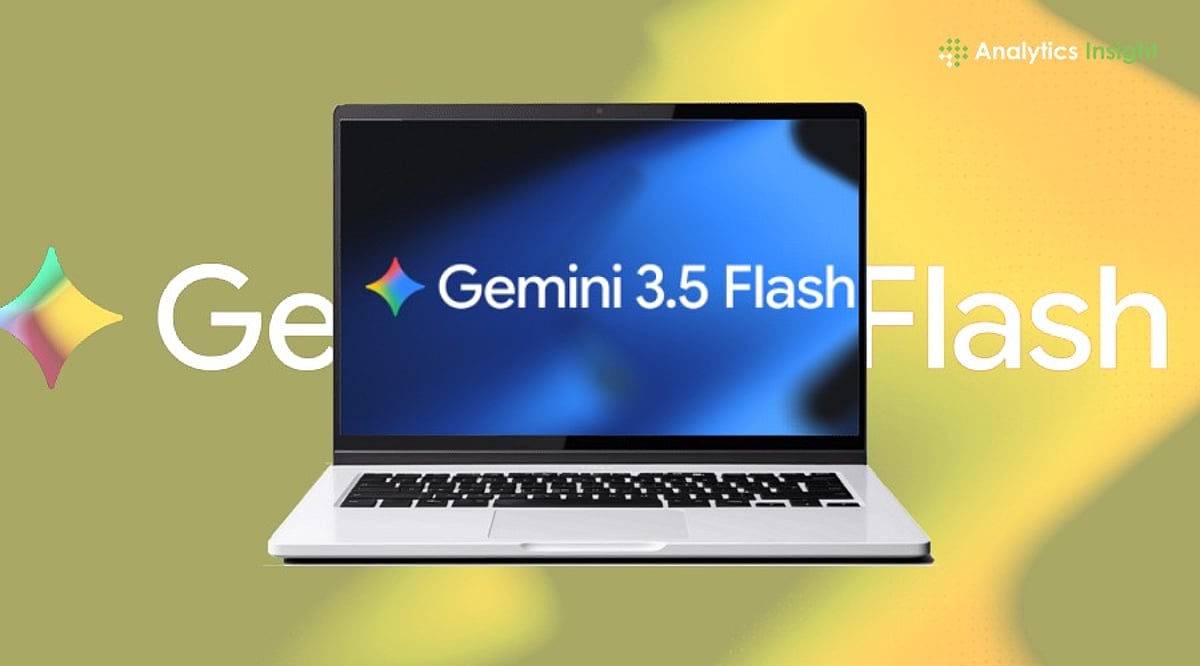
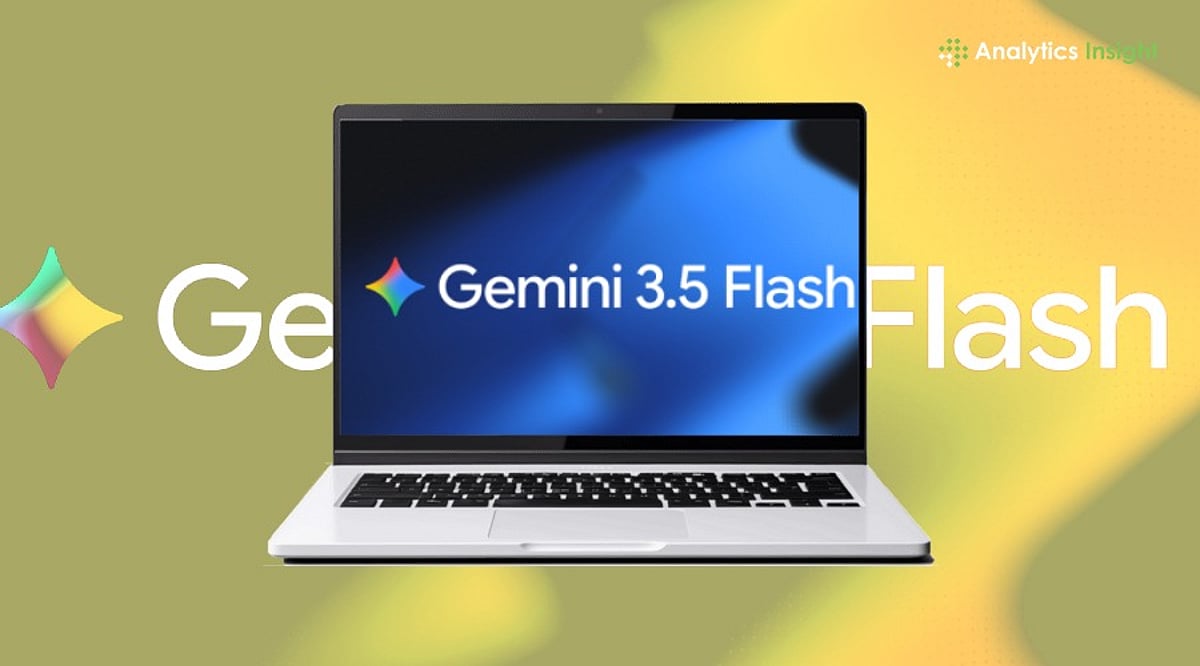
    Google has introduced a more advanced ‘Computer Use’ capability for Gemini 3.5 Flash, enabling developers to build AI agents that can interact with apps and perform tasks on a computer. This update moves Gemini beyond simple chat and text generation, allowing AI agents to click buttons, fill forms, and complete complex tasks instead of just answering questions.

    Announced on June 24, the Computer Use feature is now accessible via the Gemini API and the Gemini Enterprise Agent Platform. According to Google’s official blog post, ‘developers can now use 3.5 Flash to reliably build custom agents that can see, reason, and take action across browser, mobile and desktop environments.’

    Unlike traditional chatbots that rely on rigid, pre-coded prompts, Gemini 3.5 Flash can understand what is happening on a screen and respond accordingly. The AI takes time to consider before clicking an option, mimicking human behavior. This marks a significant shift for large language models, which previously could only explain how to complete a task but not perform it themselves.

    AI agents built on Gemini can now assist with repetitive office work, software testing, scheduling, data entry, and other routine jobs. For businesses, this could save time and reduce manual effort. The rise of AI agents is already changing how digital assistants are perceived, as they can carry out entire workflows rather than just respond to commands.

    However, the ability for software to control a computer raises security and privacy concerns. AI agents may gain access to sensitive files or personal information, and if permissions are not handled carefully, mistakes could lead to serious consequences. There is also the risk of cybercriminals exploiting similar technology for harmful purposes.

    Google’s latest move demonstrates the direction of the AI industry, with capabilities advancing rapidly. The challenge now is ensuring these new abilities are used safely and responsibly.

  • Google’s Gemini 3.5 Flash Gains Computer Control: AI Agents Can Click, Fill Forms, and Execute Tasks

    Google’s Gemini 3.5 Flash Gains Computer Control: AI Agents Can Click, Fill Forms, and Execute Tasks

    Google has unveiled a significant upgrade to its Gemini 3.5 Flash model, introducing a new ‘Computer Use’ capability that allows developers to build AI agents capable of interacting with applications and performing tasks on a computer. This move positions Gemini beyond a simple chat and text-generation platform, enabling AI agents to click buttons, fill out forms, and complete complex workflows autonomously.

    The feature, announced on June 24 via Google’s official blog, is now accessible through the Gemini API and the Gemini Enterprise Agent Platform. Previously, Gemini 3.5 Flash was available only as a standalone model. With the built-in Computer Use, developers can create custom agents that ‘see, reason, and take action across browser, mobile, and desktop environments.’ The AI mimics human decision-making by pausing to consider before clicking an option, rather than relying on rigid pre-coded prompts.

    This development marks a shift from traditional language models, which primarily handle text-based tasks. While earlier AI tools could explain how to complete a process, they could not execute it. Now, Gemini-powered agents can help with repetitive office work, software testing, scheduling, data entry, and other routine jobs, potentially saving businesses time and reducing manual effort.

    The rise of such AI agents may begin to blur the lines between chatbots and digital assistants. Virtual assistants have long followed commands; AI agents now carry out entire workflows. This could benefit workplace productivity, customer support, and individual users for scheduling and online bookings. However, experts caution that human workers will still be needed for judgment, creativity, and decision-making.

    With greater autonomy come new risks. Allowing software to control a computer raises security and privacy concerns, such as unauthorized access to sensitive files or personal data. Poorly managed permissions could lead to serious consequences, and there is also the potential for misuse by cybercriminals. Google’s latest step indicates where the industry is heading, but ensuring safe and responsible use remains a key challenge.