
Tag: phishing prevention

  • How to Verify a Website’s Safety Before Sharing Personal Data

    How to Verify a Website’s Safety Before Sharing Personal Data

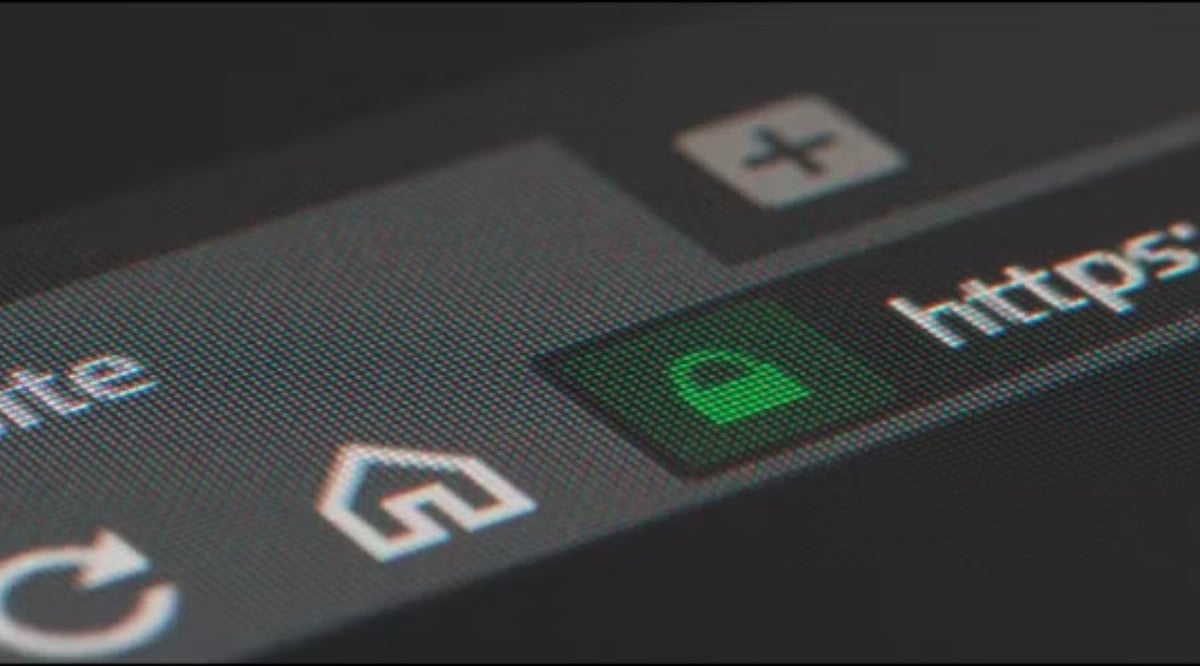
    A website can look legitimate but still pose a serious threat. A clean design, familiar logo, or a padlock icon does not guarantee that a site belongs to a trustworthy company. Fake pages often mimic trusted brands to steal passwords, credit card numbers, phone numbers, or other private information. Performing a few simple checks can reveal warning signs before you submit sensitive details.

    Check the Website Address First

    The web address is the first thing to examine. A legitimate company should have the correct main domain, with no misspellings, extra words, or unusual characters. A minor alteration can indicate a fraudulent page. For example, paypa1.com is not paypal.com, and paypal.com.example.com does not belong to PayPal. The real domain appears near the end of the URL, just before the first slash.

    HTTPS also matters, but it alone does not confirm trust. While a secure connection encrypts data between your browser and the site, fake websites can also obtain HTTPS certificates. Google Chrome still advises caution on secure pages and recommends checking the site name in the address bar.

    Take Browser Warnings Seriously

    A browser warning is a strong signal to stop. Chrome uses Google Safe Browsing to detect phishing, malware, harmful downloads, deceptive sites, and social engineering attacks. When Safe Browsing flags a site as dangerous, Chrome may display a full-page warning. Google advises against visiting such pages.

    A warning that says “Dangerous site” deserves immediate attention. Such a page may attempt to steal passwords or personal information, or install harmful software on your device. Chrome also warns about sites that resemble trusted websites but use a slightly altered address.

    Safe Browsing’s Enhanced mode offers extra protection by warning about risky sites that Google has not yet identified through standard lists. This feature can also check suspicious downloads and browser extensions.

    Check Where the Link Came From

    Even a safe-looking page can originate from an unsafe link. Unexpected emails, text messages, social media messages, pop-ups, or QR codes require extra caution. A better approach is to navigate directly to the official website by typing the known address into your browser or using a trusted bookmark.

    QR codes now deserve special attention. The Federal Trade Commission reported a September 2026 alert about scam QR codes placed over legitimate codes at parking meters. These codes can direct visitors to fake websites that ask for money or personal information.

    The same risk applies to emails and text messages. A message may claim that an account needs urgent action, a payment failed, or a package needs confirmation. Such pressure can push you toward a fake login page. Google advises against clicking links from suspicious messages and recommends visiting the expected website directly.

    Look at What the Site Requests

    A trusted website should have a clear reason for each piece of personal data it asks for. A sudden request for a password, credit card number, government ID, or other sensitive details should raise a red flag. A page that demands far more information than necessary is also suspicious.

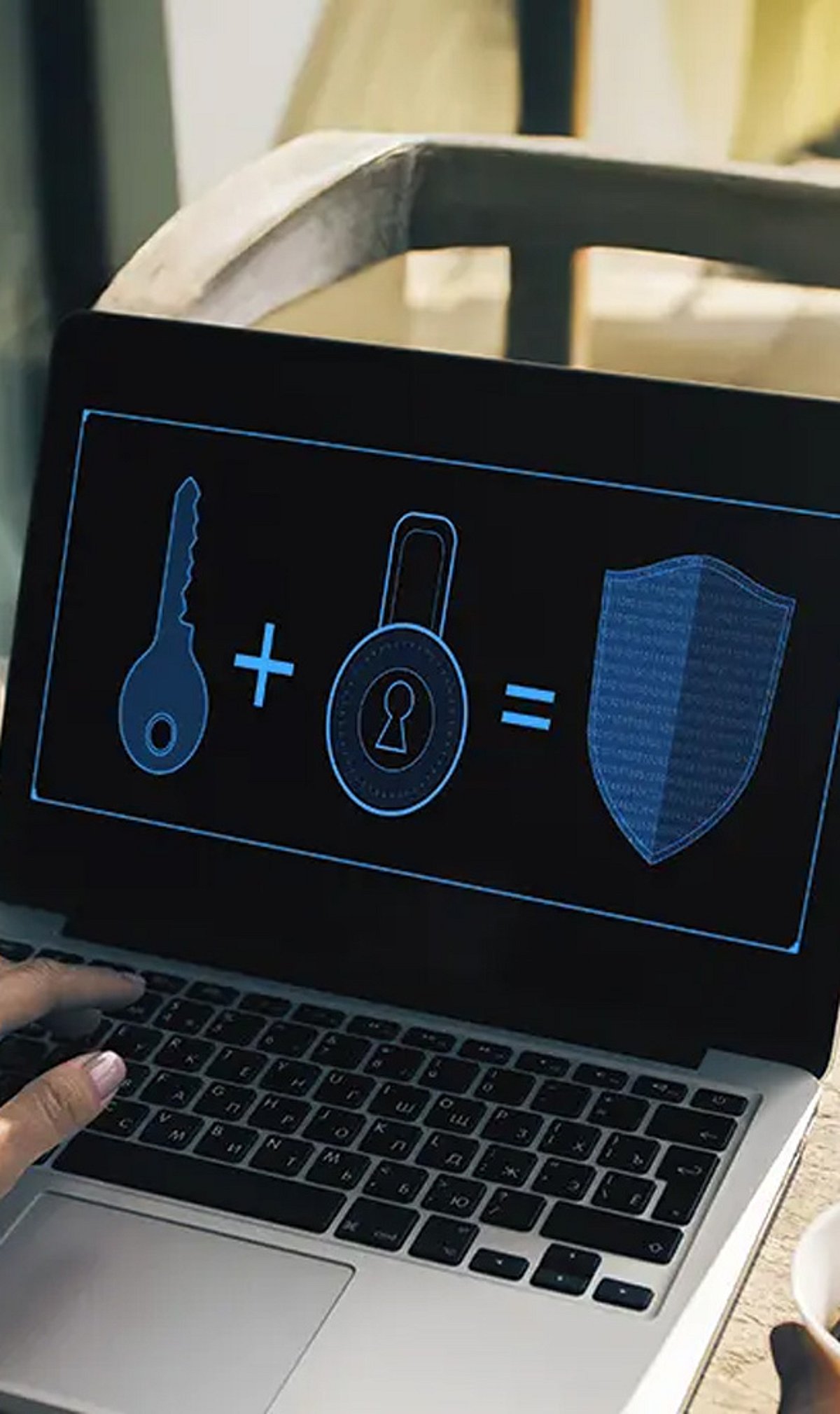
    Strong account protection adds another layer of safety. Passkeys offer an alternative to passwords and can resist common phishing attacks. Two-step verification can also reduce risk after password theft, especially when using stronger methods such as security keys or account prompts.

    A safe website check does not rely on a single sign. HTTPS, the correct domain, browser alerts, the source of a link, and the type of data requested all matter. The goal is not to prove that a site looks professional—it is to confirm that the address belongs to the expected service before your private information leaves your device.

  • Crafting Trustworthy Emails That Bypass Phishing Filters in 2026

    Crafting Trustworthy Emails That Bypass Phishing Filters in 2026

    Email providers now rely heavily on AI-powered filters to detect phishing attempts and suspicious messages. Legitimate emails can also be flagged if they contain misleading language or poor formatting. Writing clear, professional, and transparent emails helps improve deliverability, builds recipient confidence, and reduces the chances of your message being mistaken for a phishing attempt.

    Write Honest Subject Lines and Personal Greetings

    Your subject line should accurately describe the purpose of the email without creating unnecessary urgency or using sensational words. Personalizing greetings with the recipient’s name also improves credibility. Avoid generic openings and vague language, as these are commonly associated with phishing emails and may reduce trust in your communication.

    Use Safe Links and Trusted Attachments

    Include only links that direct recipients to official websites, and explain what they can expect after clicking them. If attachments are necessary, use common file formats and mention them in the email body. Unexpected downloads, shortened URLs, or unfamiliar file types often trigger security concerns and reduce recipient confidence.

    Keep the Content Clear and Professional

    Simple language, correct grammar, and proper formatting make emails easier to understand and more trustworthy. Avoid spelling mistakes, excessive capitalization, or unnecessary promotional language. A well-structured email with a logical flow demonstrates professionalism and helps recipients quickly recognize the communication as genuine rather than suspicious.

    Explain Requests With Complete Context

    Whenever you request documents, payments, account verification, or personal information, clearly explain why the request is necessary. Legitimate businesses provide relevant details, identify the sender properly, and allow recipients enough time to verify information instead of creating pressure through urgent or alarming messages.

    Include Verified Contact Information

    Every professional email should end with a complete signature that includes your name, organization, official website, and verified contact details. Providing multiple ways for recipients to confirm your identity strengthens credibility and reassures them that the communication comes from a genuine and trusted source.

    Build Long-Term Trust Through Better Email Habits

    Writing trustworthy emails is not only about avoiding phishing warnings. Consistent communication, strong security practices, and transparency help establish lasting trust with customers, colleagues, and partners. As cyber threats continue evolving in 2026, responsible email writing remains one of the simplest ways to improve digital communication and online safety.

  • Why Passwordless Authentication is a Game-Changer for Security

    Why Passwordless Authentication is a Game-Changer for Security

    Passwordless authentication is rapidly transforming how organizations protect digital identities. By eliminating traditional passwords, this approach addresses a wide range of security vulnerabilities while improving user experience. Below are the key benefits of adopting passwordless authentication.

    Eliminates Password Theft

    Traditional passwords are a prime target for cybercriminals. Passwordless authentication removes the risk of credential theft through phishing, brute-force attacks, password reuse, and database breaches. Without a password to steal, attackers lose a major entry point.

    Strengthens User Authentication

    Instead of relying on easily guessed or stolen passwords, passwordless methods use biometrics (fingerprint, facial recognition), security keys, or trusted devices. These factors provide a much higher level of assurance than conventional password-based systems.

    Reduces Phishing Attacks

    Phishing attacks often trick users into entering their passwords on fake websites. With passwordless authentication, users never enter a password, so attackers cannot steal credentials through deceptive login pages. This dramatically reduces the effectiveness of phishing campaigns.

    Improves User Experience

    Passwordless login simplifies access through fingerprint scans, facial recognition, passkeys, or device-based authentication. Users enjoy faster, frictionless logins without sacrificing security, leading to higher satisfaction and productivity.

    Minimizes Credential Reuse

    Many users reuse passwords across multiple accounts, increasing the risk of credential stuffing attacks. Passwordless authentication eliminates the practice of password reuse, reducing exposure when one service is compromised.

    Supports Multi-Factor Security

    Passwordless solutions can be combined with device verification, biometrics, or hardware tokens to create robust multi-factor authentication. This layered approach provides stronger protection against unauthorized access, even if one factor is compromised.

    Lowers IT Support Costs

    Organizations spend significant time and resources on password resets and account recovery. Passwordless authentication reduces help desk tickets related to forgotten passwords, freeing IT teams to focus on higher-value security initiatives.

    Enhances Regulatory Compliance

    Many regulations require strong authentication controls. Passwordless authentication helps organizations meet compliance standards for data protection and privacy, safeguarding sensitive business and customer information.

    Secures Remote Workforces

    As remote work becomes permanent, secure access to business applications is critical. Passwordless authentication allows employees to use trusted devices to log in from any location, maintaining security without compromising convenience.

    By adopting passwordless authentication, organizations can significantly improve their security posture while delivering a better user experience. The trend is clear: passwords are becoming obsolete, and passwordless authentication is the future of secure access.