
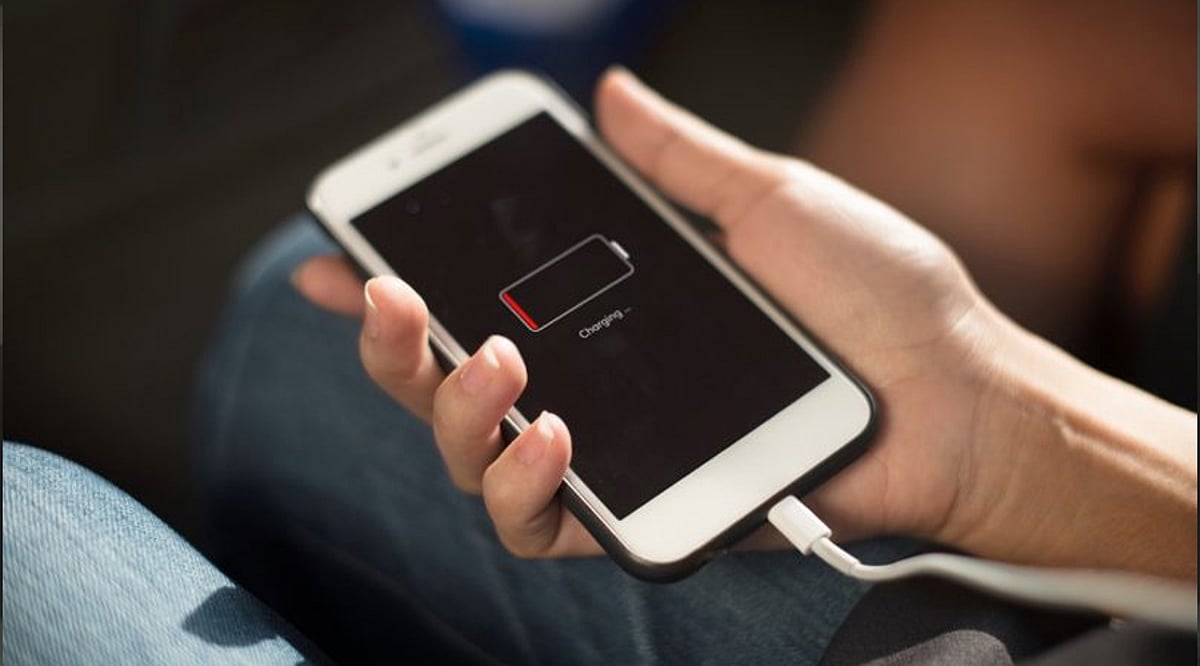
Your smartphone battery is built to last for years, but everyday charging habits can dramatically shorten its lifespan. Many users unknowingly expose their batteries to excessive heat, voltage stress, and unnecessary wear. By steering clear of these common mistakes, you can keep your phone running efficiently and preserve its battery health well into the future.
1. Charging Overnight Every Night
Plugging in your phone before bed may be convenient, but keeping the battery at 100% for hours on end creates long-term stress. While modern phones include smart charging features that slow the top-up near full, making overnight charging a daily routine still contributes to gradual capacity loss.
2. Letting the Battery Drain to Zero
Old nickel-based battery advice led many to believe a full discharge was necessary. Lithium-ion batteries, however, suffer under deep discharges. Frequently hitting 0% strains the cells. For optimal health, charge when the level drops to around 20% and unplug before it reaches 100%.
3. Using Cheap or Uncertified Chargers
Not all chargers meet safety standards. Low-quality or counterfeit adapters can deliver unstable voltage, causing overheating and slower charging. Over time, they can permanently damage the battery. Always stick with the original charger or a certified replacement from a trusted brand.
4. Gaming or Streaming While Fast Charging
Playing graphics-intensive games, watching videos, or multitasking during a charge generates extra heat. Combined with fast charging, the temperature spike accelerates battery degradation. Let your phone rest while it charges to keep temperatures in check.
5. Charging in Hot Environments
Heat is a battery’s worst enemy. Charging your device in direct sunlight, inside a parked car, or under a pillow traps heat and raises the risk of overheating. Place your phone on a hard, cool surface with good airflow while it charges.
6. Keeping the Battery at 100% All the Time
Topping up to full repeatedly during the day may seem harmless, but lithium-ion cells experience stress at high charge levels. If your routine allows, maintaining a charge between 20% and 80% can significantly slow aging and preserve long-term performance.
7. Ignoring Software and Battery Health Updates
Software updates often include improvements to battery optimization, charging efficiency, and thermal management. Skipping them can prevent your device from performing its best. Regularly check your phone’s battery health settings to catch early signs of wear.
Adopting these simple changes can help your smartphone battery stay healthy for years, saving you the cost and hassle of an early replacement.
Leave a Reply