
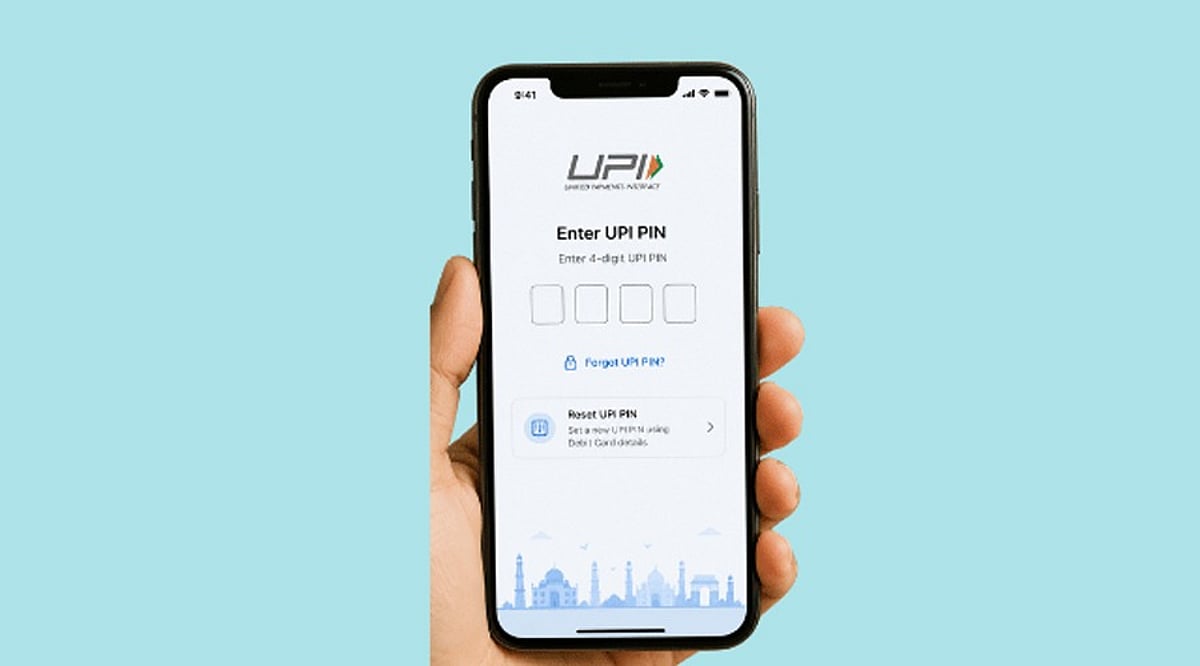
Learn the safe methods to change or reset your UPI PIN, including debit card verification and Aadhaar face authentication, plus crucial safety tips to protect your account.
What a UPI PIN Does
A UPI PIN is a 4-6 digit passcode that authorizes bank transactions through UPI. According to NPCI, it is different from a bank-issued MPIN. Customer support staff will never ask for your UPI PIN. Entering the wrong PIN causes transaction failure, and multiple wrong attempts can temporarily block UPI payments. A PIN reset is for forgotten codes, while a change is for known codes that need replacement, such as after a suspected disclosure.
How to Change a Known UPI PIN
Open your UPI app and select the linked bank account. Look for the “Change UPI PIN” option. Enter your current PIN, then create a new 4-6 digit code and confirm it. Avoid using simple patterns, dates, or easily guessable numbers. The app does not store your PIN, and bank support never asks for it.
How to Reset a Forgotten UPI PIN
If you forget your PIN, use the “Reset UPI PIN” option. The standard method requires the last six digits of your debit card and its expiry date, followed by an OTP. After verification, you can set a new PIN. Some apps may also offer Aadhaar-based Face Authentication as an alternative.
Aadhaar Face Authentication Option
NPCI has introduced UIDAI Face Authentication as an additional method for PIN set and reset. In supported apps, select “Aadhaar-based Face Authentication” after choosing the reset option. Your Aadhaar must be linked to your bank account. You will be directed to the UIDAI Face RD app for a face scan, followed by a bank OTP on your registered mobile number. Then you can set a new PIN.
Safety Checks Before a PIN Reset
Never share your UPI PIN with anyone, including bank employees or support agents. Debit card details should only be entered in the trusted UPI or banking app, never via links or forms. A request for your PIN to receive money is a red flag. Always verify recipient details and amounts before approving payments.
What to Do After Suspected Exposure
If you suspect your PIN has been compromised, change or reset it immediately through the official app. If your phone is lost, contact your bank and mobile operator right away. NPCI also provides a complaint route for transaction disputes through your UPI app or bank.
FAQs
- Can a forgotten UPI PIN be reset?
- Yes, using the reset option in your UPI app.
- Is a debit card required for every reset?
- No, supported apps may offer Aadhaar-based face authentication.
- Can I change my PIN without forgetting it?
- Yes, use the “Change UPI PIN” option.
- Should I share my UPI PIN with bank support?
- No, bank staff will never ask for it.
- What should I do after a suspected PIN leak?
- Change or reset your PIN immediately and review recent transactions.
Leave a Reply