
If your phone feels sluggish in 2026, you don’t need to upgrade to a new model. Simple software and usage tweaks can restore its speed. Follow these easy steps to make your device run faster every day.
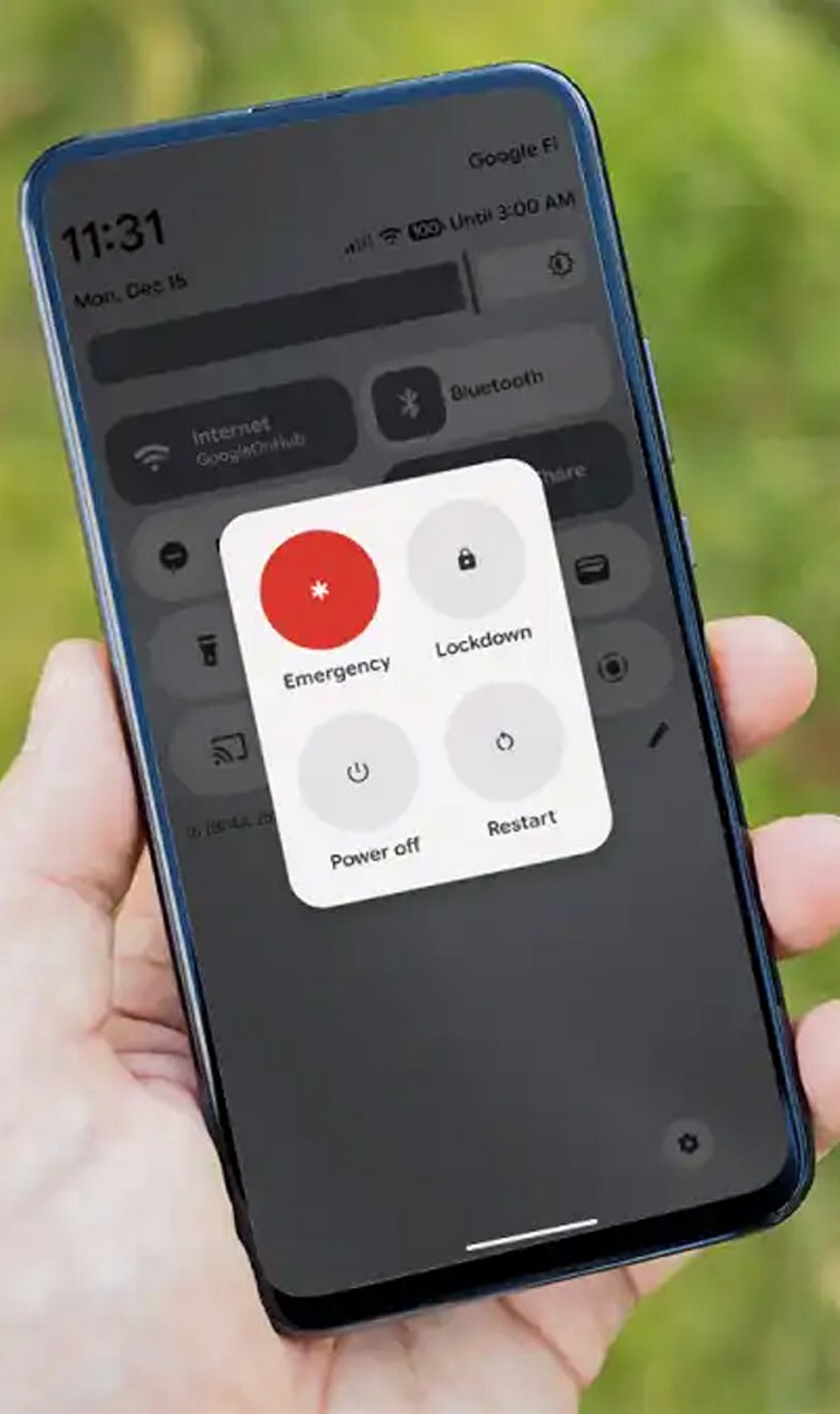
Restart Regularly
Restarting your phone every few days clears temporary memory, refreshes background processes, and improves overall responsiveness without affecting your personal data.
Remove Unused Apps
Uninstall apps you no longer need to free storage, reduce background activity, lower resource consumption, and significantly improve system performance.
Clear App Cache
Clearing cached files removes unnecessary temporary data, frees up storage space, and helps apps open faster while reducing occasional glitches.
Update Software
Installing the latest operating system and app updates improves stability, fixes performance issues, enhances security, and optimizes device efficiency.
Free Storage Space
Keep at least 20% of your storage free. Crowded internal memory slows file access, app loading, and overall system responsiveness.
Limit Background Apps
Restrict unnecessary background activity to reduce memory usage, conserve battery life, minimize processor workload, and keep everyday performance smooth.
Reduce Animations
Lowering animation effects through accessibility or developer settings makes menus, transitions, and app switching feel quicker without changing hardware.
Disable Auto Downloads
Turn off automatic media downloads and unnecessary syncing to save storage, reduce background processing, and improve device responsiveness during daily use.
Check Battery Health
Aging batteries may trigger performance throttling. Replacing a worn battery can restore smoother operation and extend your smartphone’s usable lifespan.
Leave a Reply