Tag: ChatGPT

  • OpenAI Rolls Out GPT-Live Voice Model for Real-Time, Interruption-Free ChatGPT Conversations

    OpenAI Rolls Out GPT-Live Voice Model for Real-Time, Interruption-Free ChatGPT Conversations

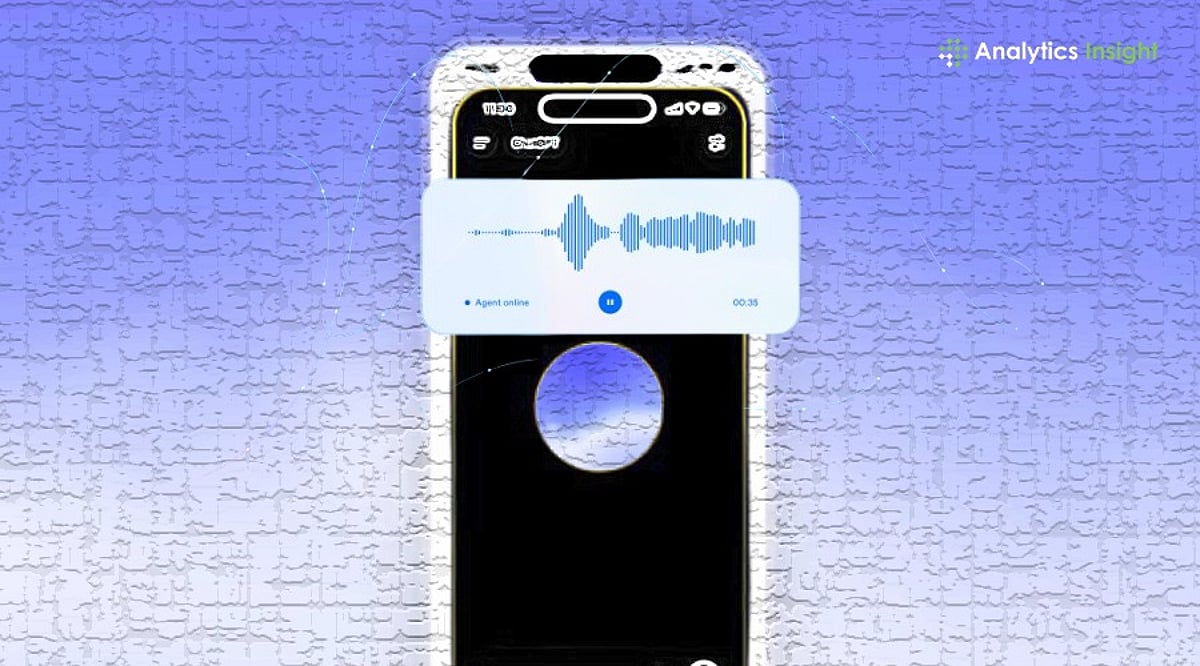
    OpenAI has launched GPT-Live, a next-generation voice model for ChatGPT that enables real-time, interruption-free conversations, background reasoning, and faster responses across web, Android, and iOS for both free and paid users.

    Unlike earlier voice experiences that relied on turn-based interactions, GPT-Live supports simultaneous listening and speaking. Users can interrupt ChatGPT mid-sentence, change topics naturally, or continue talking without waiting for the AI to finish its response. The system also uses conversational cues, such as brief acknowledgments while listening, to make interactions feel more like a real discussion than a question-and-answer session. OpenAI says the technology is designed to reduce awkward pauses and improve the overall flow of conversations.

    A key addition is GPT-Live’s ability to continue speaking while handling complex tasks in the background. Whether it is conducting a web search, performing deeper reasoning, or processing multiple requests, the AI can keep the conversation going instead of asking users to wait. The company also highlighted improvements to live translation and richer responses through visual cards for topics such as weather, sports, and financial information when relevant.

    OpenAI has started rolling out GPT-Live globally from today. Paid subscribers on Go, Plus, and Pro plans will receive GPT-Live-1 as the default voice model. Free-tier users will get the GPT-Live-1 mini, a lighter version designed to deliver the same conversational experience while using fewer computing resources. The feature is available on ChatGPT for iOS, Android, and web users.

    The launch signals OpenAI’s push to make voice interaction a primary way of using AI assistants. Instead of treating speech as a simple input method, GPT-Live aims to replicate the rhythm of human conversation with fewer interruptions, faster responses, and real-time task handling. The release also comes as competition in voice AI intensifies, with major technology companies racing to build assistants that can communicate more naturally.

  • 10 Innovative ChatGPT Uses in 2026 Beyond Simple Conversations

    10 Innovative ChatGPT Uses in 2026 Beyond Simple Conversations

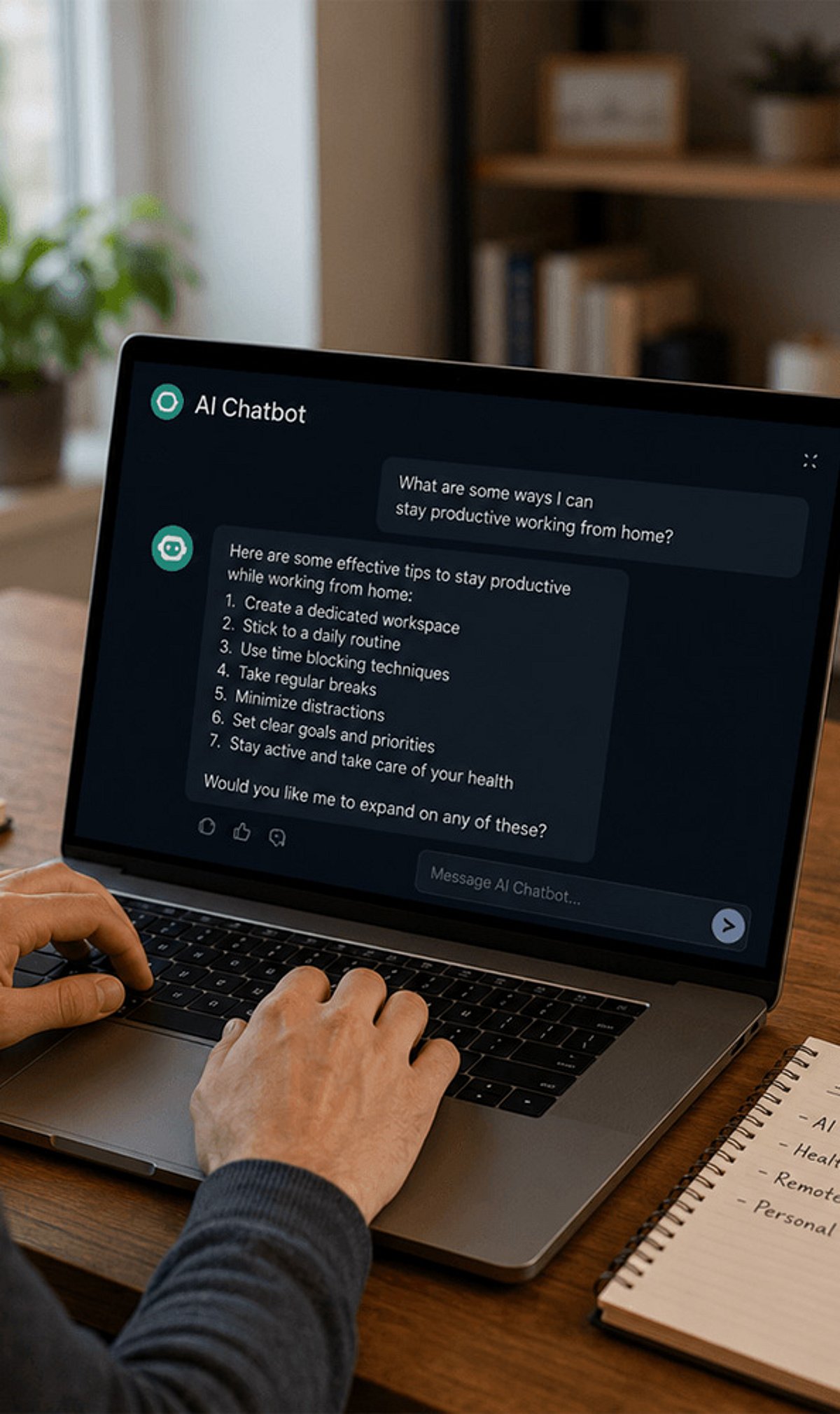
    ChatGPT has evolved into a powerful AI assistant in 2026, helping users with much more than answering questions. Here are ten amazing ways to leverage ChatGPT beyond its basic chatbot function.

    1. Summarize Long Documents: Turn lengthy reports, PDFs, and meeting notes into concise summaries within seconds to save valuable time.
    2. Brainstorm and Create Content: Use ChatGPT to brainstorm business ideas, create marketing content, and generate social media posts for different platforms.
    3. Personalized Learning: Students can use ChatGPT for personalized learning, exam preparation, language practice, and step-by-step explanations of complex topics.
    4. Assist in Software Development: Developers rely on ChatGPT to write code, debug programs, explain errors, and accelerate software development workflows.
    5. Plan Schedules and Itineraries: Create travel itineraries, meal plans, fitness routines, and personalized schedules tailored to your preferences and goals.
    6. Generate Images and Analyze Data: ChatGPT now supports advanced image generation, document analysis, voice interactions, and workflow automation for eligible users.
    7. Enhance Customer Support: Businesses are using AI assistants to improve customer support, automate repetitive tasks, and increase team productivity.
    8. Automate Workflows: Integrate ChatGPT to streamline repetitive processes and boost efficiency across teams.
    9. Verify Information Carefully: As AI becomes more capable, users should always verify important information and avoid sharing sensitive personal data.
    10. Stay Updated: Join our WhatsApp Channel to get the latest news, exclusives, and videos on WhatsApp.
  • 5 Underused ChatGPT Features That Can Transform Your Workflow

    5 Underused ChatGPT Features That Can Transform Your Workflow

    Memory – Personalized Conversations

    ChatGPT’s Memory feature remembers your preferences across conversations. You can ask it to remember your writing style, favorite topics, or preferred response format. This eliminates the need to repeat instructions every time. You also remain in complete control, with the ability to review, update, or delete saved memories whenever you choose.

    Projects – Stay Organized

    Projects allow you to group related chats, files, and instructions into one workspace. Whether you’re writing a book, managing research, or creating content, Projects maintain context across multiple conversations. This keeps information organized, reduces repetition, and makes long-term work more efficient by preserving continuity throughout your workflow.

    Analyze Files Instantly

    ChatGPT can process uploaded PDFs, Word documents, Excel sheets, CSV files, and presentations. Instead of manually reviewing lengthy documents, you can ask it to summarize reports, identify trends, compare files, extract insights, or explain complex data. This feature makes document analysis faster, easier, and more accurate for professionals and students alike.

    Voice Mode for Natural Conversations

    Voice Mode enables hands-free conversations with ChatGPT, making interactions feel more natural. You can brainstorm ideas, practice interviews, learn languages, or ask questions while multitasking. Speaking instead of typing creates a smoother experience and allows users to engage with AI more conversationally and efficiently.

    Generate and Edit Images

    ChatGPT can create high-quality images from simple text prompts. It also edits existing images by changing styles, removing backgrounds, improving quality, or adding new elements. Whether you’re designing social media graphics, marketing visuals, presentations, or creative artwork, this feature expands ChatGPT beyond text into visual content creation.

    Bonus Tip – Refine Every Response

    The first answer isn’t always the final one. Ask ChatGPT to make responses shorter, more detailed, professional, beginner-friendly, or more creative. Request alternatives, challenge assumptions, or improve clarity through follow-up prompts. Treat ChatGPT as a collaborative assistant, and you’ll consistently receive more useful, polished, and personalized results.

  • Maximize Your Daily Productivity with These 9 Free AI Apps

    Maximize Your Daily Productivity with These 9 Free AI Apps

    Artificial intelligence is no longer a futuristic luxury—it’s a practical tool that can save you hours every day. From writing emails to editing videos, free AI apps are transforming how we work, learn, and create. Here are nine powerful, no-cost AI applications that can streamline your routine and boost efficiency.

    ChatGPT

    A versatile AI assistant that writes emails, generates content, answers questions, summarizes documents, and helps with coding, brainstorming, and everyday productivity.

    Google Gemini

    Google’s AI assistant streamlines research, drafts emails, summarizes information, analyzes images, and integrates seamlessly with Google Workspace for faster workflows.

    Microsoft Copilot

    Boosts workplace efficiency by generating documents, summarizing webpages, answering queries, creating presentations, and integrating AI across Microsoft Office applications.

    Perplexity AI

    Delivers accurate, source-backed answers for research, fact-checking, and learning, helping users find reliable information without browsing multiple websites manually.

    Canva

    Uses AI to create presentations, social media posts, graphics, and marketing materials quickly, eliminating hours of manual design work for creators.

    Grammarly

    Improves writing by correcting grammar, refining tone, enhancing clarity, and suggesting better phrasing, making professional communication faster and more effective.

    Notion AI

    Organizes notes, summarizes meetings, generates content, and manages projects efficiently, allowing teams and individuals to stay productive with minimal effort.

    Otter.ai

    Automatically records, transcribes, and summarizes meetings and lectures, ensuring important discussions are captured without manual note-taking or missed details.

    CapCut

    Speeds up video creation with AI-powered captions, background removal, voice enhancement, and editing tools, making content production faster for creators.

  • 2026’s Best AI Agents for Full-Funnel Ad Campaign Management

    2026’s Best AI Agents for Full-Funnel Ad Campaign Management

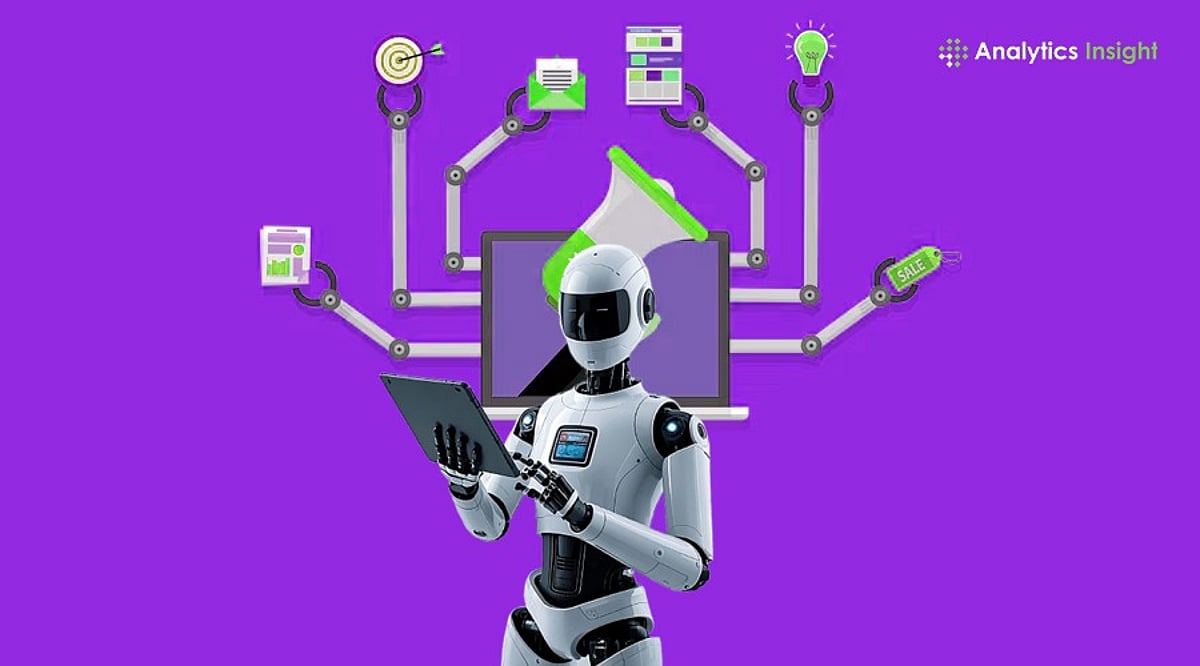
    AI agents have evolved from simple chatbots into autonomous marketing assistants that can manage nearly every aspect of modern advertising. In 2026, these tools are revolutionizing ad campaign management by automating end-to-end marketing processes and optimizing campaigns through data-driven insights. From content creation and audience targeting to budget allocation and performance reporting, AI agents help advertisers work more effectively across digital advertising spaces.

    Top AI Agents for Ad Campaign Management

    The following AI agents empower businesses to handle campaign planning, creative production, audience segmentation, A/B testing, and performance monitoring across social media and other channels. By combining generative AI with marketing automation and analytics, they enable marketers to focus on strategy rather than repetitive tasks.

    OpenAI ChatGPT Agent

    ChatGPT by OpenAI serves as a versatile tool for ad campaign management, excelling in audience research, campaign planning, and content generation. Marketers use it to produce ad copy, brainstorm campaign ideas, analyze performance metrics, summarize reports, and integrate business processes.

    Google Gemini for Marketing

    Google Gemini for Marketing integrates with Google Ads to enhance search campaigns and Performance Max projects. It supports keyword research, audience insights, creative suggestions, bid optimization, and campaign analysis. By combining Google Ads with generative AI, Gemini helps marketers boost campaign optimization and respond quickly to shifting customer behavior.

    Salesforce Agentforce

    Salesforce Agentforce merges CRM data with AI advertising, allowing for personalized customer experiences, automated lead nurturing, audience segment identification, and seamless coordination between sales and marketing teams. It improves lead conversion through deep insights into customer interactions.

    Microsoft Copilot for Advertising

    Microsoft Copilot for Advertising simplifies campaign management within Microsoft Advertising and integrates with Microsoft 365 productivity tools. It assists in creating campaigns, analyzing reports, identifying audience trends, and generating advertising recommendations. Automated reporting and workflow support reduce manual effort, letting teams focus on strategy and optimization.

    Adobe Experience Platform Agent

    The Adobe Experience Platform Agent unifies customer data, content creation, and omnichannel marketing into a single AI system. It enables creative asset generation, customer segmentation, real-time personalization, and campaign management. By continuously analyzing customer behavior, it helps companies make their advertisements more relevant.

    HubSpot Breeze AI

    HubSpot Breeze AI enhances marketing automation by integrating CRM functionality with AI-driven campaign management. It automates email marketing, social publishing, lead nurturing, content creation, and campaign analysis within a single platform. Customer insights allow marketers to personalize engagement and assess performance without switching tools.

    Jasper AI Marketing Agent

    Jasper AI Marketing Agent focuses on creating high-quality marketing content while maintaining brand tone. It generates ad creatives, campaign copy, landing page content, email campaigns, and social media posts across different platforms. Collaboration tools let teams edit and approve AI-created content while preserving brand voice.

    How to Choose the Right AI Advertising Agent

    Marketers should evaluate compatibility with platforms such as Google Ads, Meta Ads, LinkedIn, TikTok, and X, as well as CRM and analytics integrations. Pricing, scalability, automation capabilities, reporting quality, and data privacy policies also deserve close attention. Enterprise-level agents can be beneficial for firms with limited advertising budgets. Experienced organizations may prefer user-friendly agents that require no advanced technical background. Ultimately, effective campaigns will always depend on human creativity, ethics, and strategy to maintain authenticity and message relevance.

    Frequently Asked Questions

    1. What is an AI agent in digital advertising? An AI agent is an intelligent software assistant that automates campaign planning, audience targeting, content generation, bid optimization, performance analysis, and reporting, helping marketers execute advertising campaigns more efficiently.
    2. Which AI agent is best for Google Ads campaigns? Google Gemini for Marketing is well-suited for Google Ads, supporting keyword research, Performance Max optimization, campaign recommendations, analytics, and creative suggestions within Google’s ecosystem.
    3. Can AI agents manage campaigns across multiple platforms? Yes. Many AI agents support multi-platform campaign management by integrating with advertising, CRM, analytics, and productivity tools to streamline workflows across several digital marketing channels.
    4. How do AI agents improve campaign performance? They continuously analyze campaign data, recommend optimizations, automate repetitive tasks, personalize customer experiences, improve audience targeting, and generate reports that help marketers make better decisions.
    5. What should businesses consider before adopting an AI agent? Businesses should evaluate platform compatibility, integrations, pricing, scalability, automation features, reporting capabilities, data privacy practices, implementation complexity, and the level of human oversight required.

  • Top AI Productivity Apps to Boost Work and Study Efficiency in 2025

    Top AI Productivity Apps to Boost Work and Study Efficiency in 2025

    Artificial intelligence is transforming the way students and professionals approach their daily tasks. From automating routine work to enhancing creativity, AI-powered productivity apps can save time, reduce stress, and help you achieve more. Here are the best AI productivity apps for students and professionals in 2025.

    ChatGPT

    ChatGPT is a versatile assistant that can generate ideas, summarize documents, write emails, and solve problems in seconds. Its conversational interface makes it easy to get quick answers and drafts, making it a go-to tool for anyone needing instant help with text-based tasks.

    Claude AI

    Claude AI excels at long-form writing, research, document analysis, and brainstorming. It is particularly useful for professionals who need deep analytical capabilities and students who require help with complex assignments.

    Notion AI

    Notion AI integrates seamlessly with the Notion workspace, enabling users to manage notes, create summaries, organize projects, and automate documentation. It is ideal for project management and knowledge management, helping teams and individuals stay organized.

    Grammarly

    Grammarly improves grammar, rewrites sentences, and makes professional writing effortless. Its AI-powered suggestions ensure your emails, reports, and papers are clear, concise, and error-free. It works across multiple platforms and browsers.

    Perplexity AI

    Perplexity AI helps you research faster with AI-powered answers backed by reliable web sources. It is perfect for students and professionals who need accurate, cited information without sifting through endless search results.

    Otter.ai

    Otter.ai automatically records, transcribes, and summarizes meetings and lectures. This tool is invaluable for capturing key points from discussions, ensuring nothing is missed, and making it easy to review content later.

    Motion

    Motion uses AI to automatically plan your daily schedule and prioritize tasks. It adapts to your workload and deadlines, helping you manage your time more effectively and reduce decision fatigue.

    Gamma

    Gamma allows you to create presentations, reports, and visual documents with AI assistance. It speeds up the design process by generating layouts and content, so you can focus on the message rather than formatting.

    These AI productivity apps are changing how we study and work, making it easier to stay organized, creative, and efficient. Whether you are a student juggling assignments or a professional managing multiple projects, these tools can help you get more done every day.

  • Proven Ways to Make Your LinkedIn Content Stand Out and Get Cited by ChatGPT

    Proven Ways to Make Your LinkedIn Content Stand Out and Get Cited by ChatGPT

    Want your LinkedIn posts to be discovered and referenced by AI-powered tools like ChatGPT? Follow these actionable tips to create content that both people and AI search engines find valuable and trustworthy.

    • Publish Original Insights: Share first-hand experiences, research, or unique analysis instead of repeating trending topics.
    • Write Clear Headlines: Use descriptive titles with relevant keywords so your content is easier to discover.
    • Support Claims With Sources: Reference reliable reports, studies, or official announcements to build credibility.
    • Keep Posts Well Structured: Use short paragraphs, bullet points, and clear formatting for better readability.
    • Focus on Expertise: Publish consistently within your niche to strengthen your authority over time.
    • Add Useful Visuals: Charts, infographics, and screenshots make your content more engaging and informative.
    • Encourage Meaningful Engagement: Ask thoughtful questions and respond to comments to keep discussions active.
    • Update Evergreen Content: Refresh older posts with new data and insights to keep them relevant and valuable.
  • OpenAI Dominates in Users, but Anthropic Surpasses in Enterprise Revenue Growth, IDC Data Shows

    OpenAI Dominates in Users, but Anthropic Surpasses in Enterprise Revenue Growth, IDC Data Shows

    OpenAI’s ChatGPT remains the world’s most widely used artificial intelligence chatbot by user numbers. However, new estimates from IDC suggest Anthropic may generate more annual revenue despite serving a much smaller audience. The findings highlight contrasting business models within the fast-growing AI industry.

    ChatGPT Maintains Largest Global User Base

    IDC Research Vice President Arnal Dayaratna estimated that ChatGPT has more than 900 million weekly active users worldwide, placing OpenAI well ahead of other consumer AI chatbot providers. IDC also estimated that Google Gemini serves between 200 million and 250 million weekly active users, while Anthropic’s Claude has between 40 million and 60 million weekly active users. These figures show that OpenAI remains the largest consumer-facing AI platform by a wide margin.

    Dayaratna noted that OpenAI has built multiple revenue streams across consumer subscriptions, workplace seats, APIs, and platform services. IDC estimates OpenAI generates between $30 billion and $40 billion in annualized revenue, with consumer subscriptions accounting for about $10 billion to $13 billion, and API and platform services contributing as much as $20 billion. Reports published earlier this month also stated that OpenAI generated $5.7 billion in revenue during the first quarter of 2026 while spending about $3.7 billion, with a net loss reaching approximately $39 billion in 2025.

    Anthropic Builds Revenue Through Enterprise Customers

    Although Anthropic serves far fewer users, IDC estimates its annualized revenue stands between $40 billion and $50 billion. Consumer subscriptions contribute less than $2 billion, according to the research firm. Most of Anthropic’s revenue comes from enterprise subscriptions, Claude Code seats, API usage, and other developer-focused workloads. This business mix differs significantly from OpenAI’s larger consumer-focused platform.

    Dayaratna commented, “Usage scale tells a different story from revenue mix,” adding that Claude’s business is more focused on enterprise and developer customers than consumer adoption. Anthropic also referenced its May 2026 company blog, which announced its annualized revenue run rate exceeded $47 billion, supporting IDC’s broader revenue estimates.

    Research Firms Report Different Strengths for Both Companies

    Counterpoint Research reported similar findings in its April 2026 analysis, estimating Anthropic captured 31.4% of global large language model revenue during the first quarter of 2026, with OpenAI following at an estimated 29% market share. Counterpoint also estimated Anthropic generated average monthly revenue of $33.30 per user, compared to OpenAI’s $2.20 per user. During the same period, Counterpoint estimated OpenAI had approximately 900 million monthly active users versus about 65 million for Anthropic.

    Both OpenAI and Anthropic have reportedly started confidential preparations for possible future public offerings. In May, Anthropic completed a $65 billion Series H funding round that valued the company at $965 billion. The latest estimates present two different measures of success in the AI industry: OpenAI continues to lead by user reach, while IDC estimates suggest Anthropic currently earns more revenue through enterprise customers and developer services. As Dayaratna summarized, “Usage scale tells a different story from revenue mix,” reflecting the divergent strategies followed by both companies.