
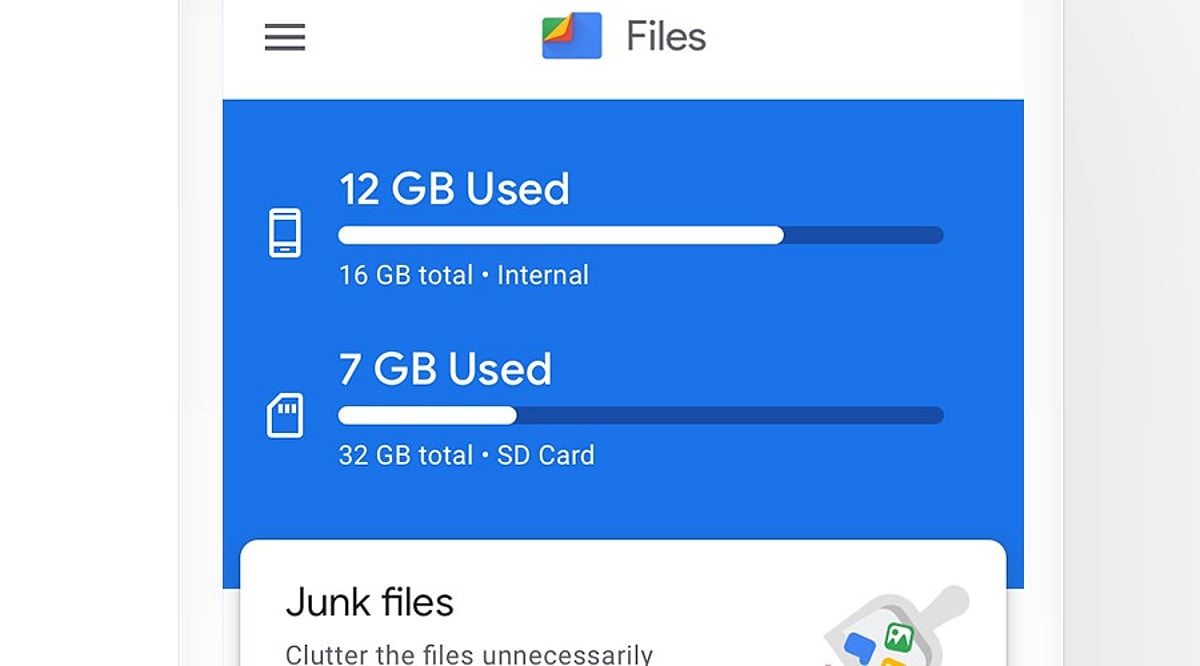
Files by Google is a free Android file manager that simplifies file organization, storage cleanup, content sharing, and privacy protection. With over 5 billion downloads on the Google Play Store and a 4.3-star rating, it has become one of the most popular tools for managing phone storage.
What Is Files by Google?
Developed by Google, this app helps Android users find, move, copy, share, and delete files quickly. Files are neatly categorized into sections like Images, Videos, Documents, and Downloads, making navigation intuitive. A powerful search option lets you locate specific files instantly.
Key Features
- Storage Cleanup: Identifies junk files, duplicate content, old screenshots, and large unused files. Users can review suggestions before deleting.
- Safe Folder: Protects private files with a PIN or pattern, keeping them hidden from the main file list.
- SD Card Support: Move files to external storage on compatible devices.
- Quick Share: Send files to nearby devices without email or messaging apps.
- ZIP Support: Compress files or folders into ZIP archives.
- Cloud Backup: Back up important files to the cloud.
- Media Playback: Play stored videos and music directly within the app.
Where to Download
Download Files by Google exclusively from the Google Play Store. The app is free, ad-free, and uses less than 20 MB of storage. Official downloads ensure timely updates and security patches.
Pros and Cons
Pros
- Free and ad-free
- Simple, user-friendly interface
- Lightweight (under 20 MB)
- Effective storage cleanup and duplicate file detection
- Quick Share and Safe Folder features
- SD card and ZIP file support
- Cloud backup and media playback
Cons
- Limited advanced file controls
- Some features depend on Android version
- Users must manually review cleanup suggestions
- Safe Folder security relies on user-set PIN/pattern
- Not ideal for users seeking a highly advanced file manager
How to Use Files by Google
- Open the app and browse categories like Images, Videos, Documents, or Downloads.
- Use the search bar to find a specific file by name or type.
- Go to the Clean section to review and remove junk or duplicate files.
- Select a file, tap the menu, and choose Move or Copy to relocate it.
- Use Quick Share to send files to nearby compatible devices.
- Move private files to the Safe Folder and set a PIN or pattern.
- Select files or folders and use Compress to create a ZIP archive.
Always double-check files before deleting—old photos or documents may still be important.
Why It Stands Out
Files by Google focuses on solving everyday storage and file management problems without unnecessary complexity. Its popularity—over 5 billion downloads—reflects its reliability and ease of use. For Android users who want a clean, straightforward tool to keep their phone organized, this app is a practical choice.
Leave a Reply