
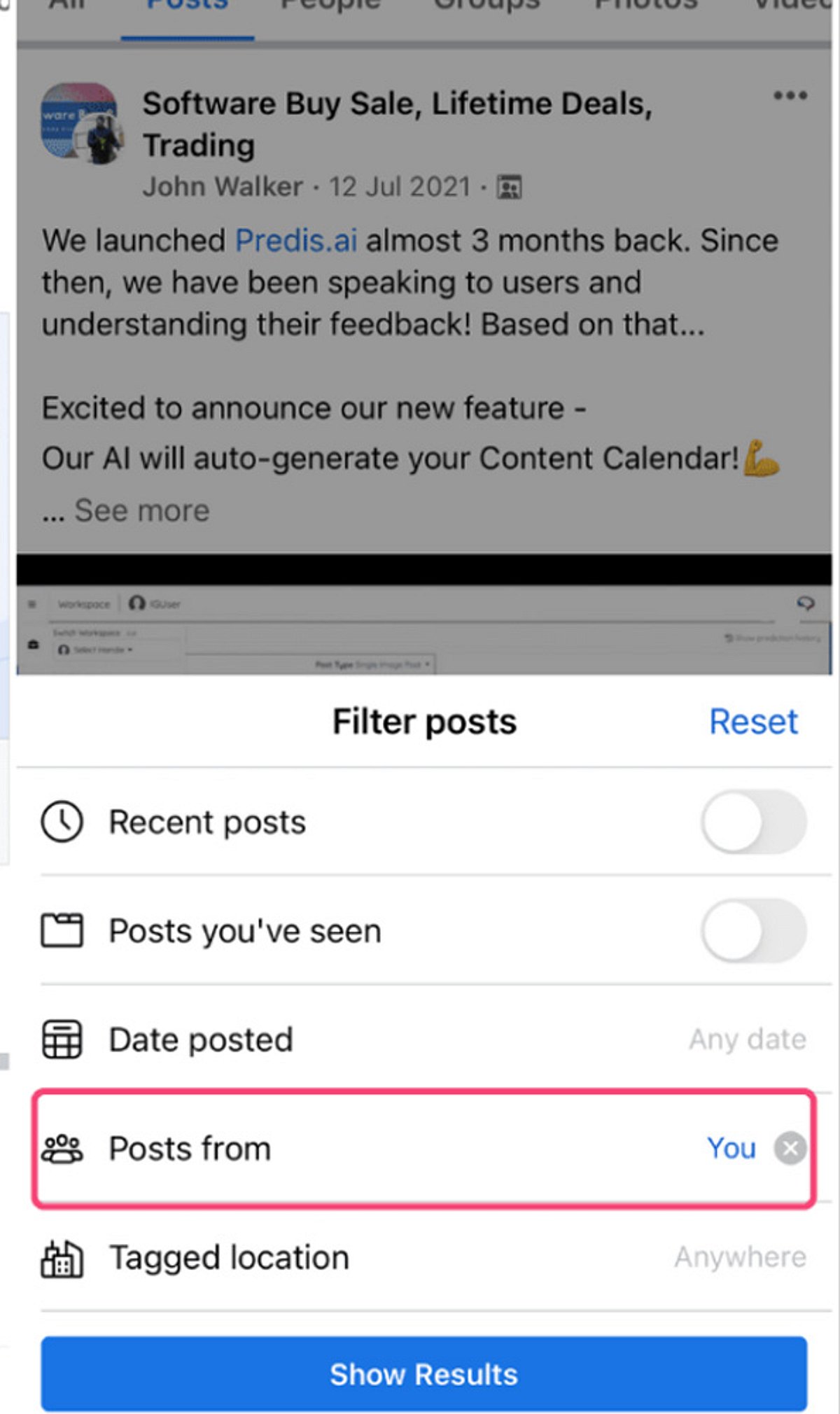
Ever wondered who shared your Facebook post? While Facebook doesn’t offer a direct “see all shares” button for every post, there are several ways to find out. Here’s how to check who shared your content while respecting user privacy settings.
Check Public Shares
Open your post and tap or click the share count displayed beneath it. Facebook will show you public shares that you can access directly. This is the quickest way to see visible shares.
Understand Privacy Limits
Facebook only displays shares you have permission to view. Private posts or shares restricted to specific audiences remain hidden from you. This is by design to protect user privacy.
Open the Original Post
Visit the original post on your timeline. The share count and any available public shares are displayed there clearly, making it easy to review.
Click the Share Count
Selecting the share number beneath your post opens a list of visible shares. What you see depends on each user’s privacy settings.
Review Public Profiles
You can view shares made by public profiles or pages. Personal accounts with private settings will always remain inaccessible.
Check Facebook Notifications
Notifications may occasionally show when someone shares your content, especially if the share generates interactions later. Keep an eye on your notification feed.
Search Your Post
Copy a unique sentence from your post and search Facebook. Public reposts that appear in search results can be found this way.
View Insights for Pages
If you manage a Facebook Page, Meta Business tools provide additional sharing insights and engagement statistics for published posts. This is the most powerful option for page owners.
Respect User Privacy
Facebook intentionally restricts access to private shares, ensuring users maintain control over who can view their shared content. Always respect these boundaries.
Leave a Reply