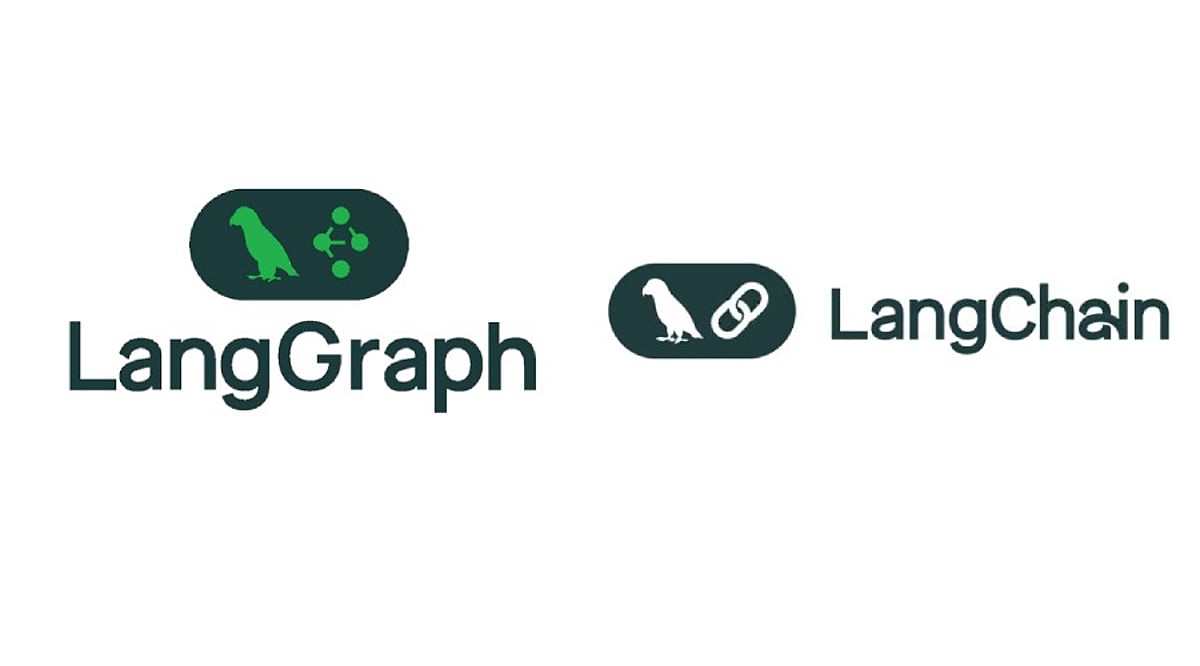
The debate between LangChain and LangGraph has evolved from a simple comparison of two competing tools into a strategic decision about the right level of abstraction for your AI agent project. LangChain provides a streamlined, high-level API for building standard agents, while LangGraph offers granular control over state, workflows, persistence, and human-in-the-loop oversight. Understanding when to use each—and how they complement each other—is essential for delivering scalable, production-ready AI systems.
Key Takeaways
- LangChain is designed for rapidly building common AI agents with a higher-level API and fewer lines of code.
- LangGraph delivers detailed control over state transitions, multi-step workflows, data persistence, approval gates, and long-running agents.
- The two frameworks can work together: start with LangChain and migrate to custom LangGraph workflows as complexity grows.
LangChain: Ideal for Standard AI Agent Projects
LangChain centers on the core agent loop: a model receives a task, invokes tools, processes results, and returns an answer. Its create_agent API gives developers a direct path to this pattern. The framework also offers model abstractions, tool integrations, middleware support, and connections across multiple providers. This structure can significantly reduce the amount of boilerplate code needed for a typical agent.
The 1.0 release streamlined the project: LangChain reduced its package surface and moved older features into langchain-classic. The current 1.x lineage emphasizes the agent loop and middleware. Note that LangChain 1.0 requires Python 3.10 or newer. Recent releases—such as LangChain Core 1.4.6—show active development including updates to create_agent, middleware types, structured output fallbacks, provider tools, and human-in-the-loop capabilities.
LangGraph: Richer Control for Complex Workflows
LangGraph takes a lower-level, graph-based approach. Developers define an agent workflow as a directed graph with nodes, state, and explicit transitions. This model fits systems where an agent must follow a fixed sequence, pause for human approval, resume after a long wait, or interleave deterministic code with model-driven decisions. LangChain officially describes LangGraph as a framework and runtime for highly customized agents and long-running production systems.
State management is central to LangGraph. Workflows can retain data across steps, use persistence for extended tasks, and incorporate human review checkpoints. This becomes critical in domains like finance, customer support, and research, where autonomous decisions must be gated. Recent releases—LangGraph 1.2.11, for example—introduced updates to trace policies, checkpoint packages, SQLite and PostgreSQL support, and related SDK improvements.
Main Difference Comes Down to Control vs. Simplicity
LangChain shortens the common path; LangGraph makes the full path explicit. A straightforward support agent with a model and a few tools may only need LangChain. But a system requiring multiple decision points, stored state, retries, approval steps, and conditional routing benefits from LangGraph’s structure—at the cost of additional design effort.
Critically, the two frameworks are not competitors. LangChain 1.0 runs its agents on LangGraph. Teams can start with create_agent and later embed that agent inside a custom LangGraph workflow when more control is needed. LangChain encourages this migration path as a way to evolve from a high-level agent to a custom graph without a full framework swap.
Production Needs Determine the Right Framework
Production requirements often tip the scale. A short, stateless agent task fits LangChain. A long-running business process demands stronger workflow orchestration. LangGraph targets long-running agents, stateful tasks, human reviews, multi-agent scenarios, and cases where teams need fine-grained control over latency or cost. The deployment story has also matured: the LangGraph Platform (now called LangSmith Deployment) supports running and managing LangGraph applications in production.
Practical Guidance for New Projects
For a standard agent with a clear model-tool-response cycle, choose LangChain. It offers a higher-level API and keeps the initial architecture simple. For systems where workflow state, persistence, approvals, custom routing, or long tasks matter from day one, start with LangGraph.
The strongest aspect of the current ecosystem is the synergy between the two frameworks. LangChain does not lock agents into a separate runtime; its agents use LangGraph underneath. This gives every project a natural upgrade path—from a simple agent to a fully controlled workflow—without requiring a complete rewrite. Ultimately, the decision is about choosing the right level of control, not about picking a winner.
Frequently Asked Questions
1. What is the main difference between LangChain and LangGraph?
LangChain provides a higher-level API for building common AI agents quickly, while LangGraph focuses on explicit workflow orchestration with state, persistence, and complex agent behaviors.
2. Is LangGraph built on LangChain?
Not exactly. LangChain agents run on LangGraph, meaning LangChain offers a high-level agent experience while LangGraph handles the underlying runtime and workflow capabilities.
3. When should I use LangChain?
Use LangChain when you need a straightforward model-tool-response agent and want to minimize custom workflow code.
4. When should I use LangGraph?
LangGraph is ideal when your application requires persistent state, multi-step workflows, human approval, retries, custom routing, or long-running processes.
5. Can LangChain and LangGraph be used together?
Yes. You can build an agent with LangChain and later integrate it into a custom LangGraph workflow as your application needs greater control and orchestration.