
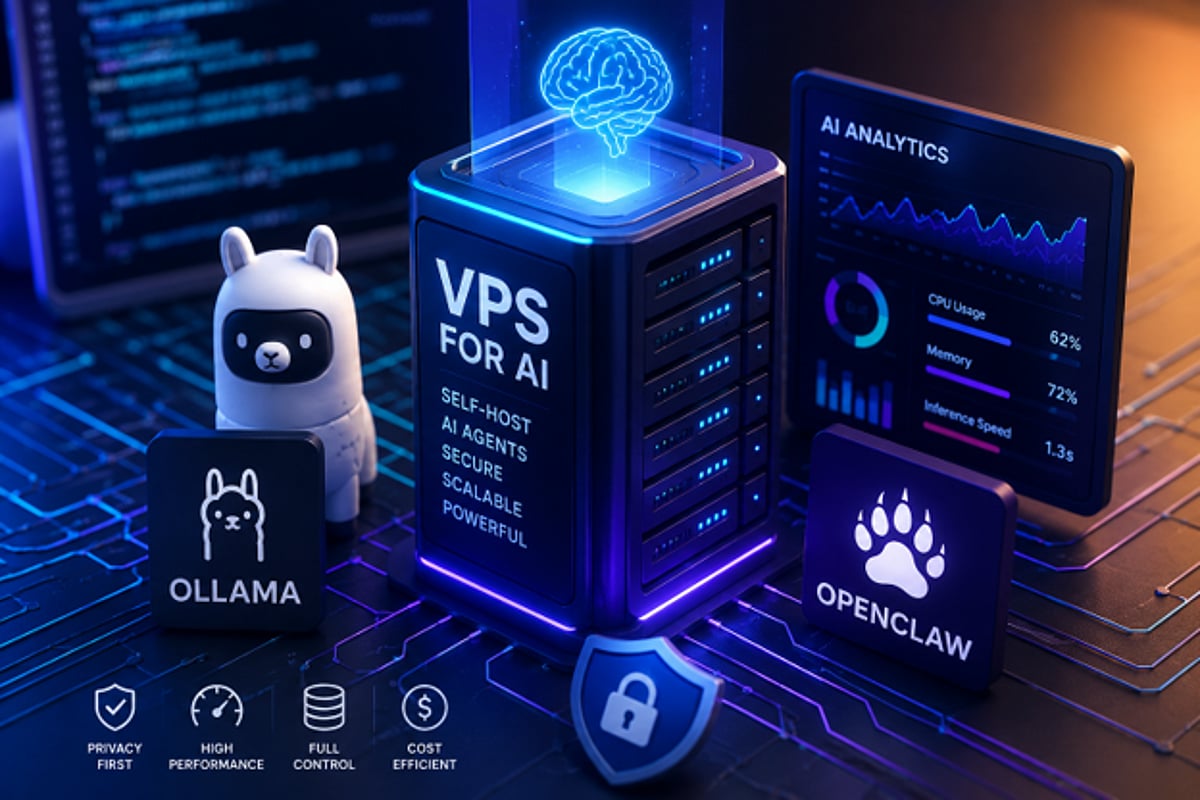
As artificial intelligence continues to evolve, concerns around privacy, performance limitations, and recurring subscription fees have driven many developers and businesses to seek alternatives. Self-hosting AI agents on a virtual private server (VPS) offers greater control over data and infrastructure compared to cloud-based AI services. Tools like Ollama and OpenClaw make it possible to run AI workloads in a flexible, scalable manner directly on your own VPS.
By using a VPS for AI, developers, researchers, and companies can create a dedicated environment to test, automate, analyze, and generate AI workflows without relying on third-party cloud providers. This approach ensures data sovereignty, customizable configurations, and predictable resource availability.
Why Choose Self-Hosted AI Agents?
AI agents can handle tasks such as automation, internal process management, and private data analysis. Hosting your own AI agents on a VPS puts you in full control of your data, system configuration, and security policies. Unlike public AI services, self-hosting allows you to tailor how your agent operates, manage resources efficiently, and reduce dependency on external platforms.
With a dedicated VPS, you also avoid resource contention. CPU, RAM, and disk space are consistently available for your AI applications, leading to predictable performance—critical for production environments.
Understanding Ollama and OpenClaw
Ollama simplifies deploying and managing large language models (LLMs). You can set up AI models on your local machine or VPS with just a few commands. It provides a command-line interface for downloading, launching, and interacting with AI models.
OpenClaw works alongside Ollama as an open-source platform for building and operating AI agents. These agents can generate content, conduct research, automate tasks, and analyze data. Together, Ollama and OpenClaw form an ideal toolkit for creating personalized, locally-hosted AI solutions.
Choosing the Right VPS
AI workloads are more resource-intensive than typical web applications. Before installing Ollama and OpenClaw, evaluate your VPS hardware based on the model size and expected demand. Key considerations include:
- Memory (RAM): The most critical resource; larger models require more RAM.
- CPU cores: More cores improve processing speed, especially for concurrent tasks.
- GPU: Optional but beneficial for heavy LLM workloads.
- Storage speed: High-speed SSD storage significantly reduces model load times.
Many users start with a low-cost VPS for testing, but scale up resources as needs grow.
Setting Up Ollama and OpenClaw on Your VPS
The installation process is straightforward:
- Create a Linux VPS and connect via SSH or console.
- Update all software packages on the system.
- Install Ollama following the official installation guide. Download the models you need from Ollama’s model repository and import them.
- Install OpenClaw and configure it to use Ollama’s APIs. OpenClaw enables your AI agent to perform tasks locally through the VPS.
- Both applications run on their own server, allowing you to control security settings and access permissions for each model independently.
Analytics and Performance Benefits
Self-hosted environments provide full visibility into AI performance metrics, including CPU usage, memory consumption, response times, and workload trends in real time. Administrators can use these insights to optimize infrastructure costs and ensure reliable operation. Performance data helps identify resource-intensive processes and potential bottlenecks—insights that are often unavailable in fully managed AI services.
Privacy Advantages of Self-Hosted AI
Running Ollama and OpenClaw on your own VPS gives you unmatched control over AI infrastructure, data privacy, and flexibility. This approach is ideal for internal automation services, language model testing, and AI workload analysis. As interest in AI grows, self-hosted solutions offer a path for those who want full ownership of their data, compute environment, and future AI strategy.
Leave a Reply