
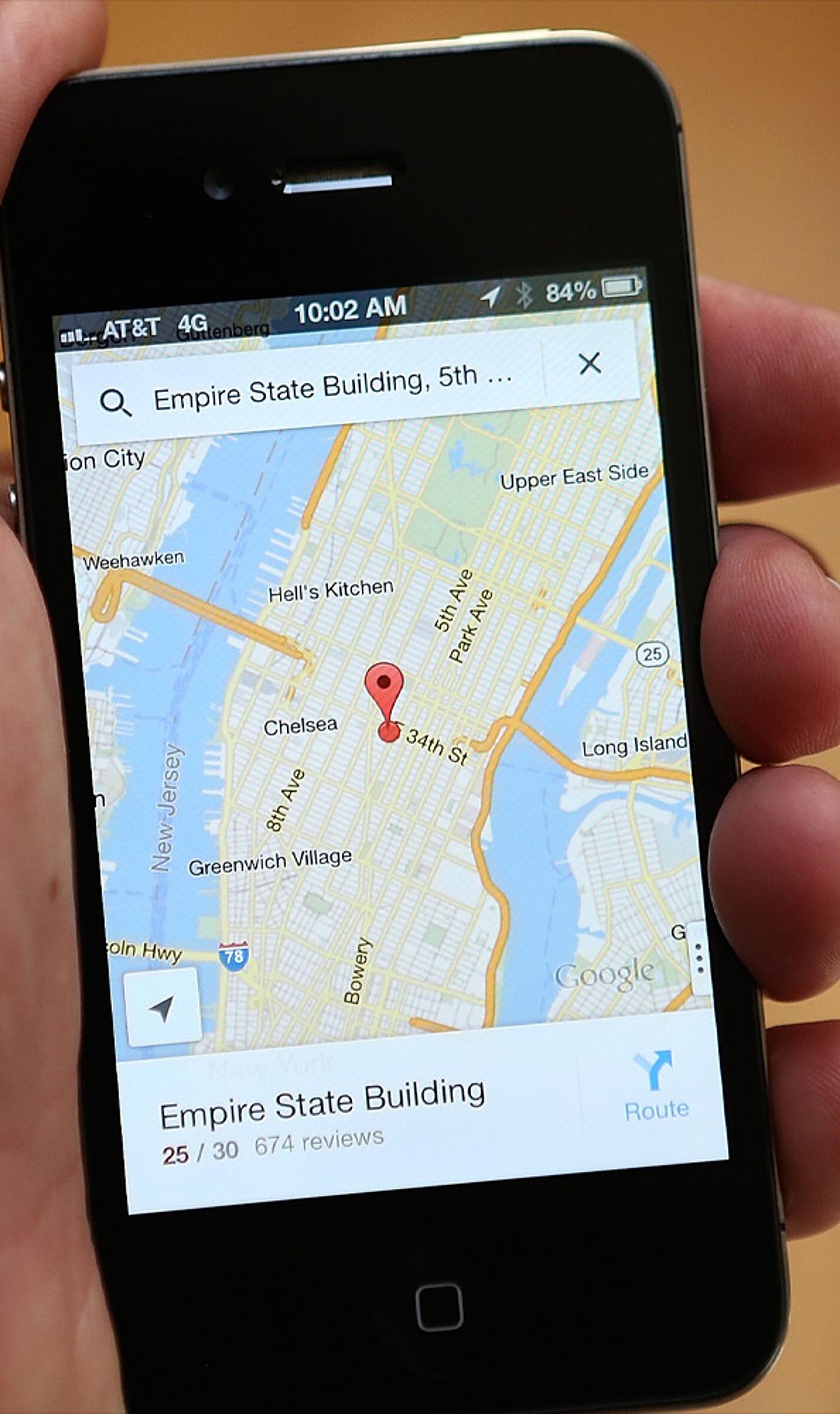
Google Maps is more than just a navigation tool—it’s packed with features that can streamline your daily commute, road trips, and errands. Here are nine time-saving tricks you may not be using.
1. Save Home & Work for One-Tap Directions
Add your home and work addresses to Google Maps for instant directions and live ETA updates. No more typing the same locations every day—just tap and go.
2. Beat Traffic with Smart Navigation
Enable live traffic updates to compare travel times and avoid congestion. Set your departure or arrival time to plan the fastest route before you even start driving.
3. Download Offline Maps Before You Travel
Save maps for cities or regions in advance. This lets you navigate even without mobile data or in areas with weak network coverage—perfect for travel abroad or remote areas.
4. Plan Better with Multiple Stops & Parking Saver
Add up to nine stops on a single route for errands or road trips. After parking, save your location to quickly find your car later—no more wandering around.
5. Find What You Need Along the Way
Search your route for petrol pumps, cafés, restaurants, ATMs, or EV chargers without ending navigation. You can also avoid tolls, highways, or ferries to suit your preference.
6. Use Hidden Features for Faster Travel
Share your live location with friends, use one-finger zoom to quickly scan the map, explore indoor maps for large buildings, and check popular times at businesses to avoid crowds. These small tricks add up to big time savings.
Start using these tips today to make your travel smoother and more efficient. For more productivity tips, stay tuned.
Leave a Reply