
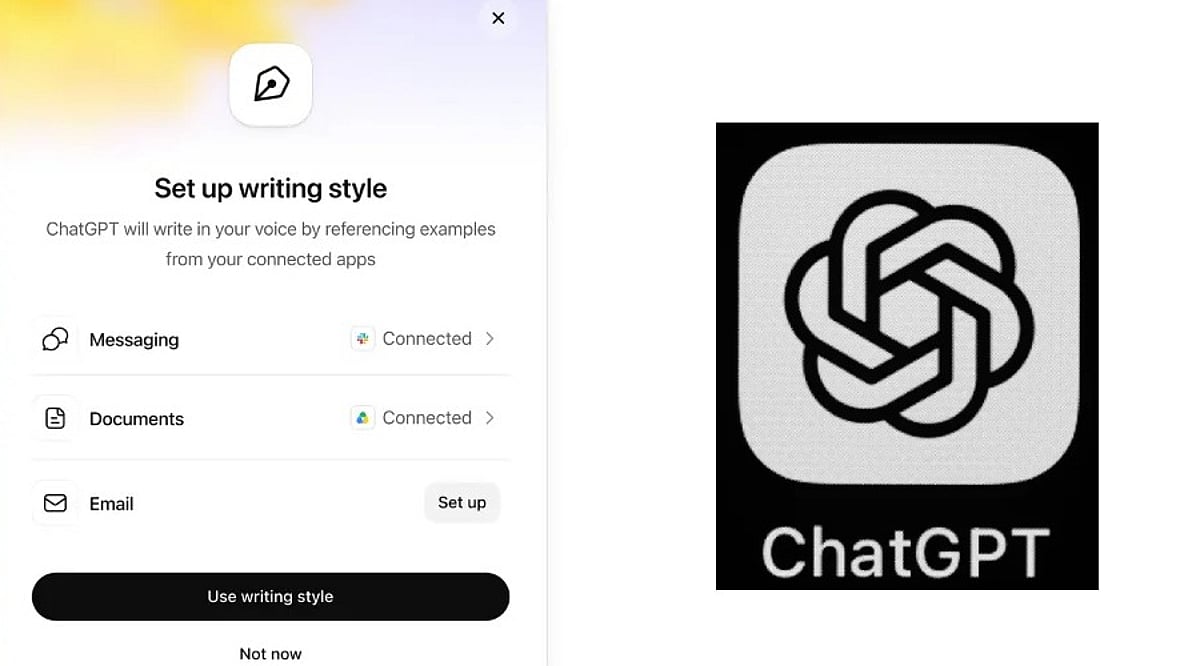
OpenAI has rolled out a new capability for ChatGPT Work that lets the AI learn a user’s personal writing style and apply it in future interactions. This means less time spent explaining how you want your emails or documents to sound.
Previously, users had to provide explicit instructions about tone and style. Now, ChatGPT can analyze your past writing—including frequently used phrases, email sign-offs, and subtle habits—to generate drafts that feel more like you.
The feature can tap into connected applications such as Gmail, Google Drive, Slack, and SharePoint to better understand your writing patterns.
How to Set It Up
Enabling this is straightforward. Go to Settings > Personalization > Writing style. From there, you can link your work apps and allow ChatGPT to study your old messages and documents. Once activated, it works across both the web version and mobile apps, but only for ChatGPT Work subscribers on paid plans.
The more ChatGPT sees of your writing, the more natural its drafts will become. Over time, you might not need to provide detailed instructions at all.
Higher Productivity Meets Corporate Data Privacy
This update is particularly useful for professionals who draft many work emails, messages, or reports with the help of AI. However, there’s a catch: because the tool reads through emails and files, it also processes sensitive business information. Companies should weigh the benefits against potential privacy risks, especially regarding who can access or use that data.
Overall, this change signals where AI writing tools are headed—moving from simple instruction-following to truly understanding individual users. The ultimate goal is fewer edits and drafts that already sound like you.
Leave a Reply