
Telegram offers robust privacy settings that let you control who can see your phone number. Follow this straightforward guide to keep your number private and communicate securely.
Open Telegram Settings
Launch the Telegram app and tap the menu icon (three lines) or the Settings gear icon to access your account preferences.
Navigate to Privacy and Security
In Settings, select Privacy and Security. This section contains all controls for your personal information, including your phone number.
Select Phone Number
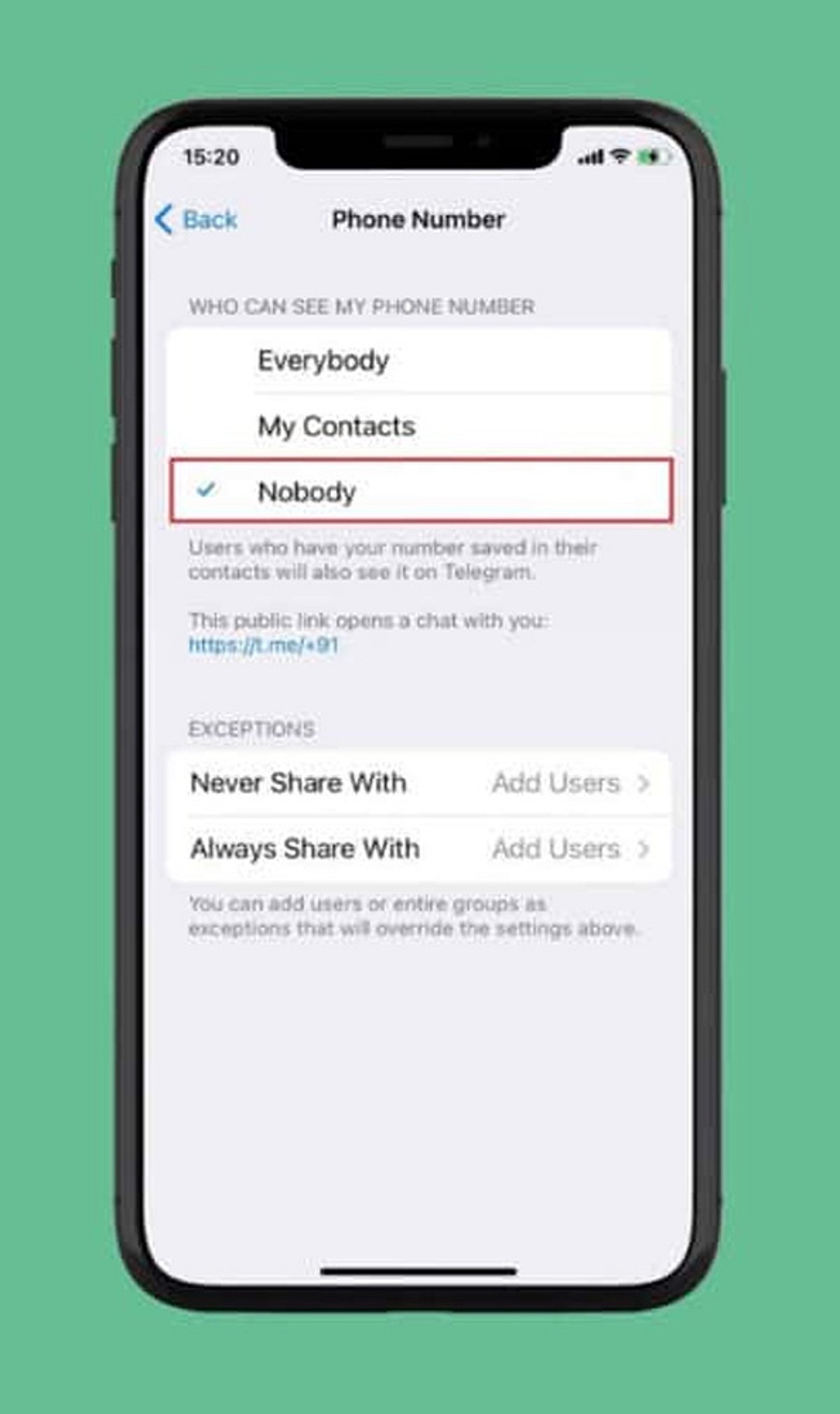
Under the Privacy section, tap Phone Number. Here you can manage who can view your registered mobile number and who can find you by it.
Choose Visibility: Nobody
Set Who can see my phone number to Nobody. This prevents most Telegram users from viewing your number.
Restrict Number Discovery
Under Who can find me by my number, select My Contacts. This limits discoverability to people already in your address book, reducing unwanted contact.
Create a Telegram Username
Set up a unique username (e.g., @YourName) so others can reach you without needing your phone number. Go to Settings > Username to create one.
Review Contact-Based Visibility
People who already have your number saved may still see your account via contact synchronization. Review your contact sync settings and consider deleting synced contacts for tighter control.
Check Privacy Settings Regularly
Telegram updates may introduce new privacy options or change existing ones. Periodically revisit your Privacy and Security settings to ensure your preferences remain intact.
By following these steps, you can significantly enhance your privacy on Telegram and communicate with confidence.
Leave a Reply