
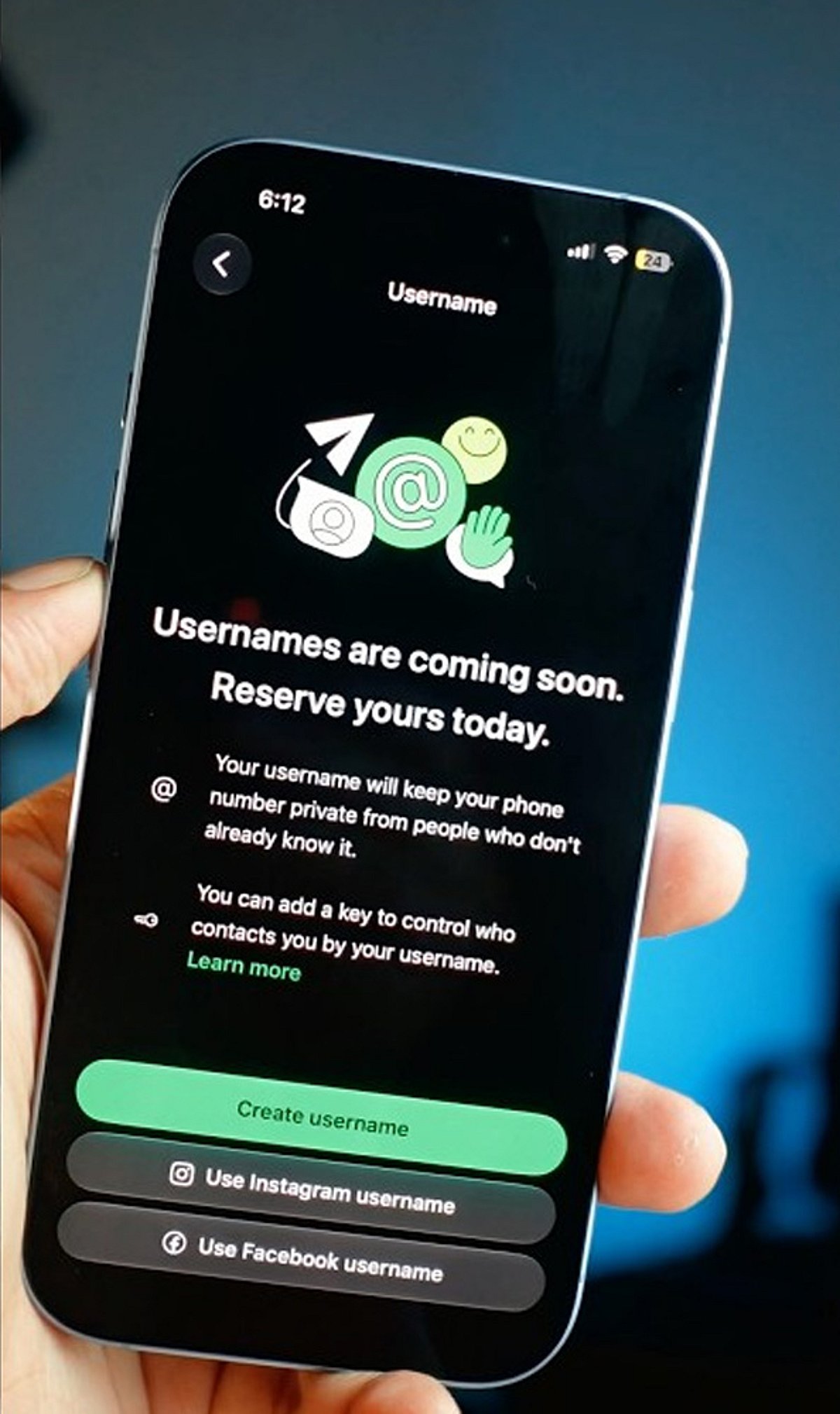
WhatsApp is rolling out a new feature that allows users to reserve a unique username, giving you a more personalized way to be found on the platform. With demand likely high, acting quickly can help you secure the name you want. Follow these steps to reserve your WhatsApp username before everyone else.
Update WhatsApp
Install the latest WhatsApp version from your app store to ensure you have access to new features as soon as username support becomes available.
Open Settings
Launch WhatsApp and tap the Settings menu. Once the feature reaches your account, a username option will appear here.
Find the Username Option
Look for the Username section below your profile information. It appears only after Meta enables the feature for your account, so keep checking regularly.
Choose a Unique Name
Pick a memorable username using letters, numbers, and permitted symbols that reflects your identity without revealing personal information publicly.
Check Availability
WhatsApp instantly verifies whether your preferred username is available. If your first choice is already taken, try alternative spellings or variations.
Follow Username Rules
Avoid restricted words, special characters, or usernames that violate WhatsApp guidelines to ensure successful registration without unnecessary delays or errors.
Save Immediately
Once your preferred username is accepted, save it immediately to prevent someone else from claiming the same username first.
Join the Beta Program
Beta users often receive new WhatsApp features before the public release, increasing your chances of securing a preferred username early.
Keep Checking Updates
If the feature is unavailable today, regularly update WhatsApp and check Settings because the rollout may happen in phases worldwide.
Leave a Reply